AI Slide Generator — From Text to Finished Slides in Seconds
Every presentation starts the same way: a blank slide and no time. Volnyn's AI slide generator skips that part. Type your topic or paste your text, and it generates a complete set of designed slides — structured, written, and styled — in seconds. You just review, tweak, and present.
Generate Slides Free →
How the AI Slide Generator Works
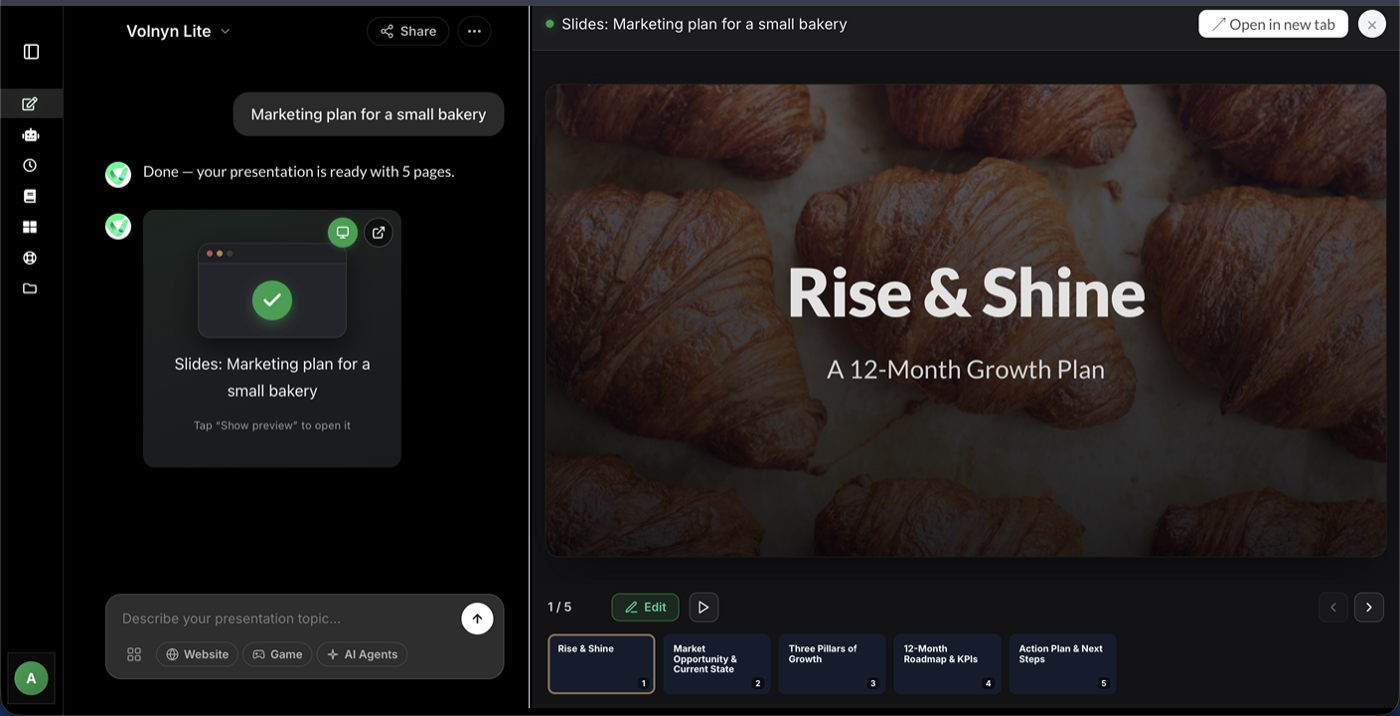
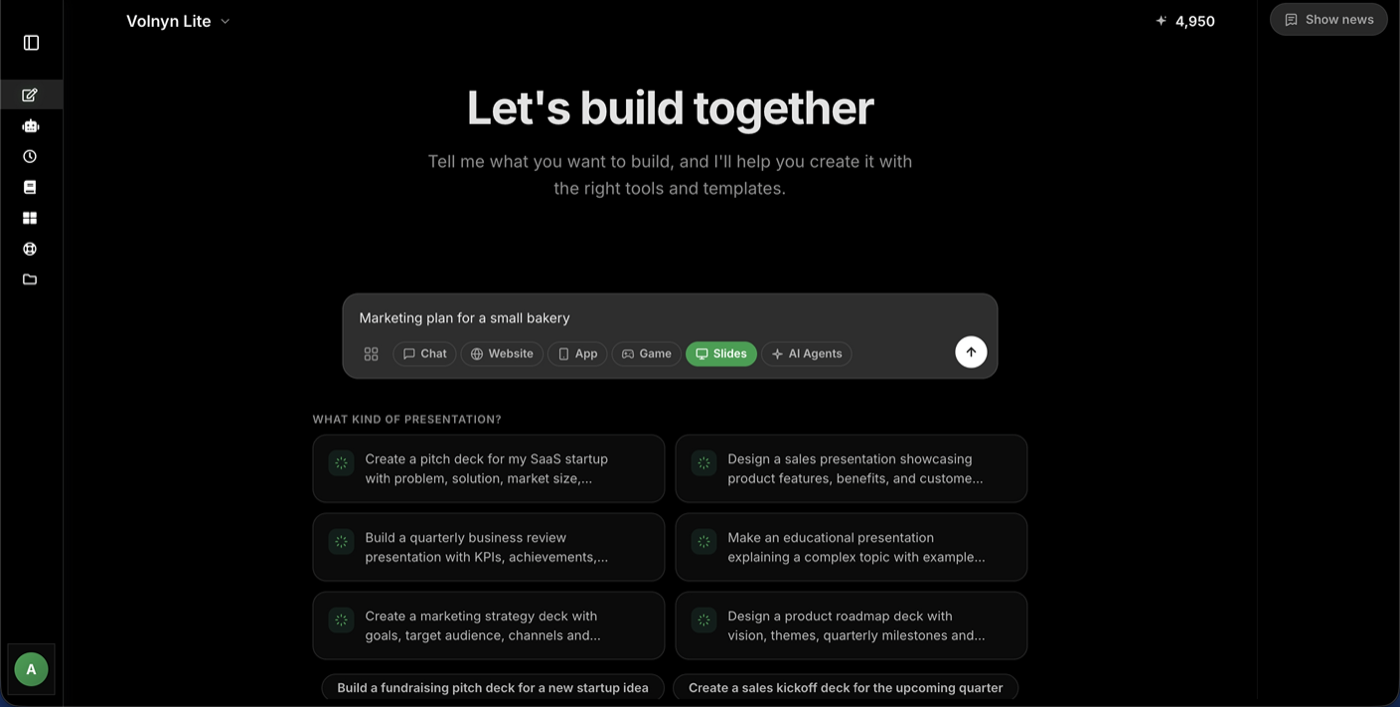
- Enter your topic or text. A sentence works: "Onboarding presentation for new sales hires." Or paste your notes, outline, or a full document — the AI slide maker handles both.
- AI generates your slides. In under a minute you get a full deck: slide titles, tight bullet points, logical flow from intro to close, and a clean consistent design on every slide.
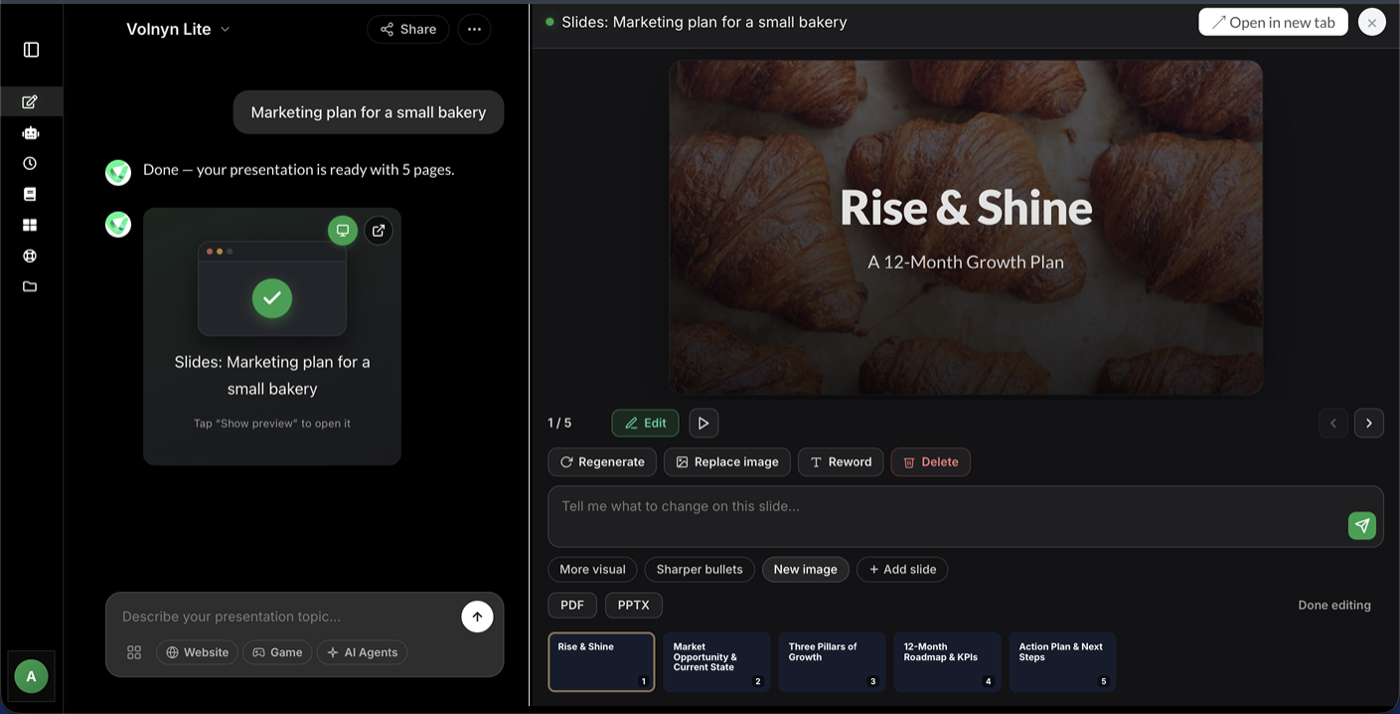
- Edit anything. Open the built-in editor to change text, swap layouts, adjust colors, or add images. Every AI-generated slide is fully editable.
What Makes a Good AI Slide Maker
Not all slide generators are equal. Here's what Volnyn's slide generator gets right:
- Real structure, not just pretty slides — the AI organizes your content with a beginning, middle, and end, so the deck makes sense to an audience
- Text to slides from any source — a one-line prompt, bullet notes, or pasted documents all work
- Design handled automatically — fonts, spacing, and colors stay consistent across every slide
- Editable output — you're never locked in; refine any slide in the editor
- Free to start — generate your first decks without a credit card
Slides for Every Purpose
- Business decks — pitches, sales presentations, project updates, quarterly reviews
- Teaching slides — lectures, course modules, training sessions
- Marketing slides — product launches, campaign summaries, client reports
- Event slideshows — conferences, workshops, community talks
Volnyn's slide creator is part of a full presentation toolkit — the same account includes our AI presentation maker and AI PPT maker for every slide workflow.
Start Free — No Credit Card Needed →
Tips for Better AI-Generated Slides
- Lead with the goal. "Slides to convince the budget committee" beats "budget slides."
- Give the AI your raw material. Paste real notes or data points — it structures what you give it.
- Specify slide count. Ask for a tight 6-slide summary or a full 20-slide deck.
- Regenerate per slide. Fix individual slides instead of regenerating the whole deck.
- End with an ask. Tell the AI what the final slide should do — a call to action, a summary, or next steps.
Frequently Asked Questions
Is the AI slide generator free?
Yes — sign up and generate slide decks on the free plan, no credit card required. Paid plans add more generations and features.
Can it turn my document into slides?
Yes. Paste text from notes, reports, or outlines and the generator converts it into structured slides while keeping your key points.
How many slides can it generate?
You control the length — from short 5-slide summaries to detailed 20+ slide decks, set by your prompt.
Can I edit the slides after generation?
Fully. Every slide opens in the built-in editor where you can change text, layout, colors, and images.
What's the difference between this and the AI presentation maker?
They're part of the same Volnyn toolkit — the slide generator focuses on turning text into slide decks fast, while the presentation maker covers the full deck-building workflow. One account includes both.
