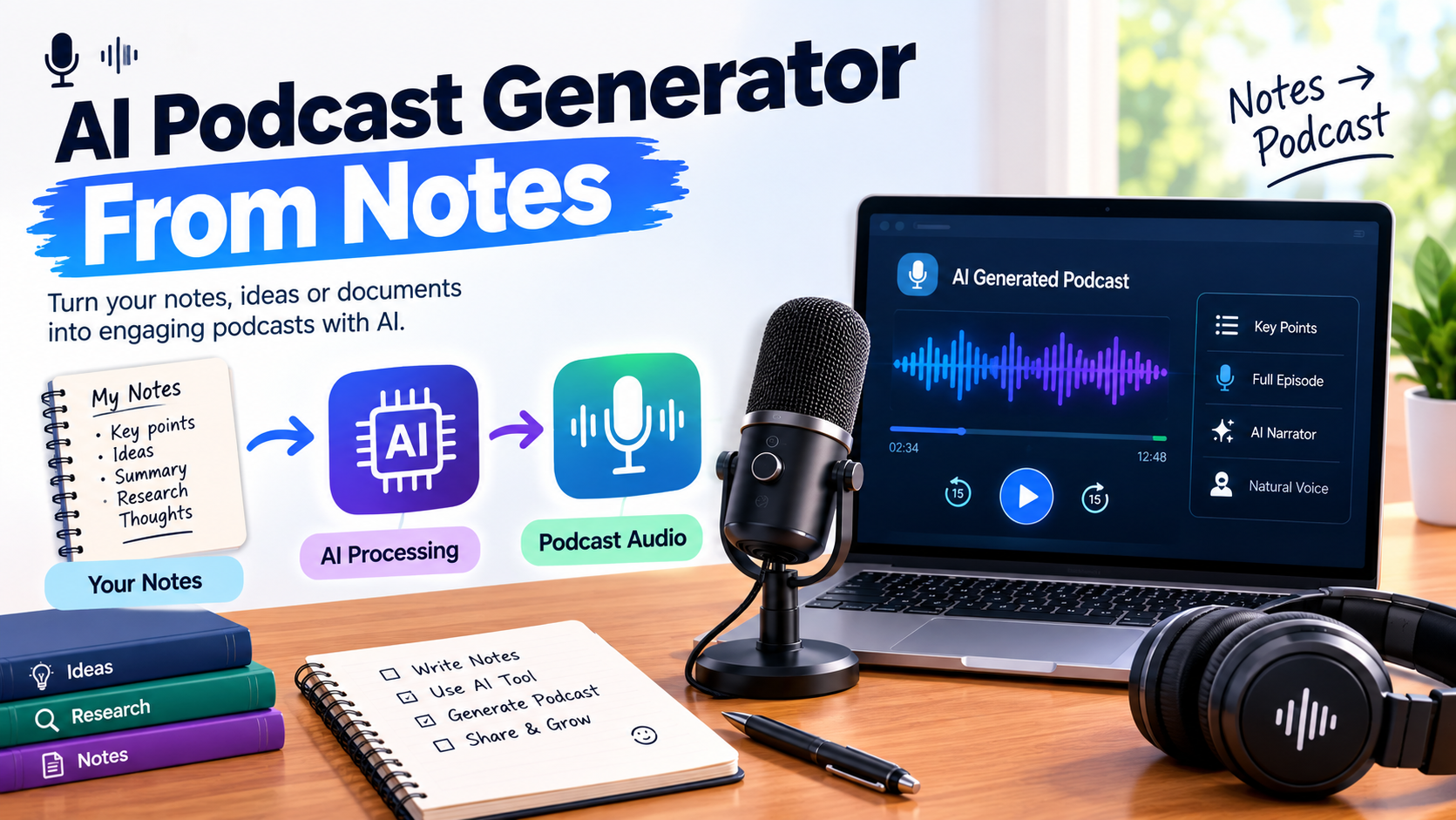
Meeting minutes, lecture notes, brainstorming ideas, and rough bullet points can contain useful information without being ready for an audience. Instead of turning those notes into a script manually, you can now use AI to transform them into podcast-style audio.
An AI notes-to-podcast tool can analyze your notes, identify the main ideas, organize related points, and turn them into a conversational script. Some tools can then generate the finished audio using two AI hosts.
The result is different from traditional text-to-speech. Instead of simply reading your notes word for word, the AI can restructure the material into a discussion that is easier to listen to.
This guide explains how notes-to-podcast generation works, what to look for in an AI tool, how to prepare better notes, and where Volnyn fits into this workflow.
How Does Notes-to-Podcast Generation Work?
The basic process is relatively simple:
Add your notes — Paste meeting notes, lecture notes, research points, or a rough outline into the tool.
AI analyzes the content — The system identifies important ideas, relationships, names, numbers, and supporting details.
The notes are structured — Related points can be grouped into a logical sequence instead of being presented as disconnected bullets.
A conversational script is created — The AI turns the information into a dialogue, often using two hosts.
Audio is generated — AI voices narrate the conversation and produce the podcast-style episode.
You review the result — Check names, numbers, dates, claims, and other important details before sharing or publishing the audio.
Notes-to-Podcast vs. Text-to-Speech
These two workflows are not exactly the same.
Text-to-speech generally takes existing written text and converts it into spoken audio. The wording and structure usually remain largely unchanged.
Notes-to-podcast generation starts with less-polished material. The AI may reorganize fragmented points, create transitions, and turn related ideas into a conversation before generating the audio.
For example, imagine your notes say:
Q3 revenue increased 12%
Enterprise clients drove growth
SMB churn also increased
New pricing launched in September
A notes-to-podcast workflow could organize these points into a discussion about revenue growth, the reasons behind it, the increase in SMB churn, and the effect of the new pricing.
The quality of the result still depends heavily on the information you provide. AI can organize incomplete notes, but it cannot reliably create missing facts.
What Kind of Notes Can You Turn Into a Podcast?
You do not necessarily need a finished article or polished script.
Notes-to-podcast tools can be useful for several types of source material, including:
The important factor is not perfect formatting. Your notes should contain enough meaningful information for the AI to work with.
How to Prepare Notes for Better AI Podcast Output
You can give the AI more freedom than you would give a traditional script, but better source material usually produces a more useful result.
1. Include Real Information
Avoid giving the AI headings with no supporting details.
For example:
Weak input:
Q3 Results
Better input:
Q3 revenue increased by 12%, mainly because of three new enterprise clients. SMB churn increased after the pricing change, so the team is reviewing the new pricing structure.
The second version gives the AI actual information to explain.
2. Keep Related Ideas Together
Your notes do not have to be perfectly organized, but some logical structure helps.
A simple sequence such as:
Context → Main point → Evidence → Implication
can make the generated conversation easier to follow.
3. Keep Important Numbers and Names Clear
If the episode discusses revenue, dates, statistics, product names, or people, write them clearly.
For example:
Product launch: September 15, 2026
is much safer than:
Launch mid-Sept.
Clear source information gives the AI less room to misunderstand your notes.
4. Add Context That a Listener Needs
A listener may not know what you mean by an internal abbreviation or short reference.
Instead of:
Churn increased after the new pricing.
Use:
SMB customer churn increased after the company introduced its new monthly pricing structure in September.
The additional context makes the generated discussion easier to understand.
5. Focus on One Main Topic
A single episode usually works better when the source notes have a clear central subject.
If your notes contain:
a quarterly business review,
a product launch,
unrelated meeting decisions,
and a marketing brainstorm,
consider separating them into multiple episodes.
This gives the AI a clearer narrative to work with.
What Happens When Your Notes Are Messy?
One of the main advantages of an AI notes-to-podcast workflow is that your source material does not have to look like a finished script.
For example, you might have:
Website traffic ↑
Organic +18%
New landing pages performing well
Conversion rate still low
Need better CTA
Check mobile UX
An AI system can potentially turn these fragments into a structured conversation about traffic growth, landing-page performance, conversion problems, and possible next steps.
However, there is an important limitation:
AI can organize information that exists in your notes, but it should not be treated as a reliable source for information that was never provided.
For business, education, research, or technical content, review the generated episode before publishing it.
Common Use Cases for Notes-to-Podcast AI
Meeting Notes to Podcast
Teams can turn important meeting notes into a short audio recap.
This can be useful when employees need to understand:
Instead of reading a long meeting document, a teammate can listen to a conversational summary.
Lecture Notes to Audio
Students can turn their study notes into audio for revision.
For example, notes about a history topic could be converted into a discussion covering the major events, dates, causes, and consequences.
Audio should complement studying rather than replace active learning, practice questions, or reviewing the original material.
Brainstorming Notes to Podcast
A brainstorming document can contain dozens of disconnected ideas.
Turning those ideas into a conversation can help reveal:
The audio is not a substitute for analysis, but it can provide another way to review the material.
Content Repurposing
You can also use notes from a blog post, presentation, or research project as the starting point for an audio episode.
For example:
Research notes → AI conversation → Podcast episode
This can help content teams explore an audio format without writing an entirely new script from scratch.
Where Volnyn Fits Into the Notes-to-Podcast Workflow
Volnyn's AI podcast generator is designed for users who want to turn written input into a podcast-style conversation.
You can provide typed or pasted notes, and the system can transform that material into a two-host conversation before generating the audio.
The workflow is designed to reduce the number of manual steps between your notes and the generated episode.
Volnyn's Notes-to-Podcast Workflow
A typical workflow looks like this:
Your notes → AI-generated conversation → AI narration → Review
This can be useful when your source material is already available as text and you want to move quickly from rough notes to an audio format.
For example, a content creator could start with:
Topic: How AI website builders work
Key point 1: AI analyzes the user's requirements
Key point 2: It can generate page structure and content
Key point 3: Users can customize the generated website
Key point 4: Human review is still important
Instead of manually writing a complete podcast script, the notes can serve as the starting point for the generated conversation.
Where Volnyn May Not Be the Right Fit
Different tools are designed around different workflows.
If your primary requirement is turning photographs of handwritten notes into audio, you may need a tool that specifically supports image or handwriting input.
Similarly, if you need highly specific controls for episode length, team approval, or advanced editing, check whether the platform supports those features before choosing it.
Volnyn's current notes workflow is focused on typed or pasted text, so users with handwritten material may need to convert it into text first.
For a broader comparison of AI podcast tools, see the best AI podcast generators for this year.
How to Choose a Notes-to-Podcast Tool
There is no single feature that makes an AI podcast tool suitable for everyone. Compare tools according to the workflow you actually need.
| Requirement | What to Look For |
|---|
| Typed notes | Text input or paste support |
| Handwritten notes | Image/OCR support |
| Study material | Support for documents and educational workflows |
| Conversational audio | Multi-host or dialogue generation |
| Episode control | Length or structure controls |
| Editing | Script and audio editing options |
| Team workflows | Collaboration and approval features |
| Publishing | Export or publishing integrations |
| Commercial use | Clear usage and licensing terms |
Before relying on a specific feature, check the platform's current documentation or plan details because AI products and their feature sets can change.
What Makes Notes Convert Well?
The quality of your notes has a direct effect on the quality of the generated episode.
Good Notes
Customer signups increased 22% in August. Most new users came from organic search. The new landing page generated more trial registrations, but paid conversion remained almost unchanged.
This gives the AI several concrete points to discuss.
Weak Notes
August
Signups
Landing page
SEO
Conversion
The second version gives the system much less context.
You do not need to write a polished article, but substantive notes are much more useful than isolated keywords.
Always Review AI-Generated Audio Before Publishing
An AI-generated podcast can sound natural while still containing mistakes.
Before publishing an episode based on your notes, check:
Names: Are people, companies, and products pronounced or mentioned correctly?
Numbers: Are statistics and financial figures accurate?
Dates: Did the AI preserve important dates?
Claims: Did the conversation introduce information that was not in your source?
Context: Did restructuring change the meaning of your notes?
Tone: Does the conversation match your intended audience?
Audio: Are there pronunciation, pacing, or voice-quality problems?
This is particularly important for business, educational, financial, medical, legal, or research-related content.
The AI should help with production, but the final responsibility for accuracy should remain with the person publishing the episode.
Tips for Getting Better Results
Clean Up Obvious Errors
Fix obvious spelling mistakes, abbreviations, and unclear terms before generating the episode.
Provide Enough Context
If a statement could confuse someone outside your organization, explain it in the notes.
Use Specific Examples
Numbers, examples, names, and concrete situations give the AI more useful material to discuss.
Keep the Topic Focused
Separate unrelated subjects into different generations instead of asking the AI to connect topics that have little relationship.
Review the First Generation
Your first output does not have to be perfect. Listen to it and identify problems with structure, tone, missing context, or factual accuracy.
Regenerate When Necessary
If the conversation sounds too formal, too repetitive, or poorly organized, improve the source notes or generation instructions and try again.
Notes-to-Podcast vs. Writing a Script Manually
Both approaches have advantages.
| Approach | Main Advantage | Main Limitation |
|---|
| Manual script | Maximum control over wording | Takes more time |
| Text-to-speech | Fast conversion of finished text | Usually preserves the original script structure |
| Notes-to-podcast AI | Faster transition from rough notes to conversation | Requires review for accuracy and interpretation |
If you already have a polished script and need precise control over every sentence, traditional scripting may be preferable.
If you have useful information but do not want to write the entire dialogue yourself, a notes-to-podcast workflow can reduce the amount of manual scripting.
Conclusion
AI notes-to-podcast tools make it possible to turn meeting notes, lecture material, brainstorming documents, and other rough text into conversational audio without manually writing every line of dialogue.
The basic process is straightforward:
Add useful notes → let AI structure the information → generate the conversation → review the result → publish or share
The biggest factor in the final quality is still the source material. Clear names, numbers, context, examples, and logical relationships give the AI more useful information to work with.
Volnyn is designed for users who want a straightforward workflow from typed or pasted notes to a two-host AI podcast. Other tools may be more suitable when you specifically need features such as handwritten-note input, advanced study workflows, detailed episode-length controls, or collaboration features.
The right choice therefore depends less on which tool has the longest feature list and more on how you create, organize, and plan to use your audio content.
For more options, explore free AI podcast generators.
Frequently Asked Questions
Do my notes need to be well organized to create a podcast?
No. Notes can contain bullet points, fragments, and rough ideas. However, the more useful information and context your notes contain, the easier it is for an AI system to create a coherent episode.
Will an AI notes-to-podcast tool simply read my notes aloud?
Not necessarily. Notes-to-podcast tools are generally designed to restructure source material into a conversational format before generating audio. The exact process varies between platforms.
Can I turn handwritten notes into a podcast?
That depends on the tool. Some platforms support image-based or handwritten-note input, while others require typed or pasted text first. Volnyn's current notes workflow is based on typed or pasted text.
Can I control the length of an AI-generated podcast?
This depends on the platform. Some AI podcast tools provide explicit controls for episode length, while others determine the length based on the amount and structure of the source material.
Can I publish and monetize a podcast created from my notes?
This depends on the platform's current licensing and usage terms. Before monetizing an AI-generated episode, review the provider's applicable commercial-use policy and make sure your original source material is also yours to use.
How is notes-to-podcast different from using a voice generator?
A voice generator generally converts an existing script into speech. A notes-to-podcast workflow starts with less-structured material and can create a conversational script before generating the audio.
Should I fact-check an AI-generated podcast?
Yes. You should review important names, dates, statistics, quotations, and factual claims before publishing. AI can restructure source material in ways that may introduce errors or change context.
Can I use meeting notes to create an internal podcast?
Yes. Meeting notes can be a useful source for internal audio recaps, provided the information is appropriate to share with the intended audience and any confidential material is handled according to your organization's policies.
For a deeper look at another source-based podcast workflow, read AI Podcast Generator vs. NotebookLM.