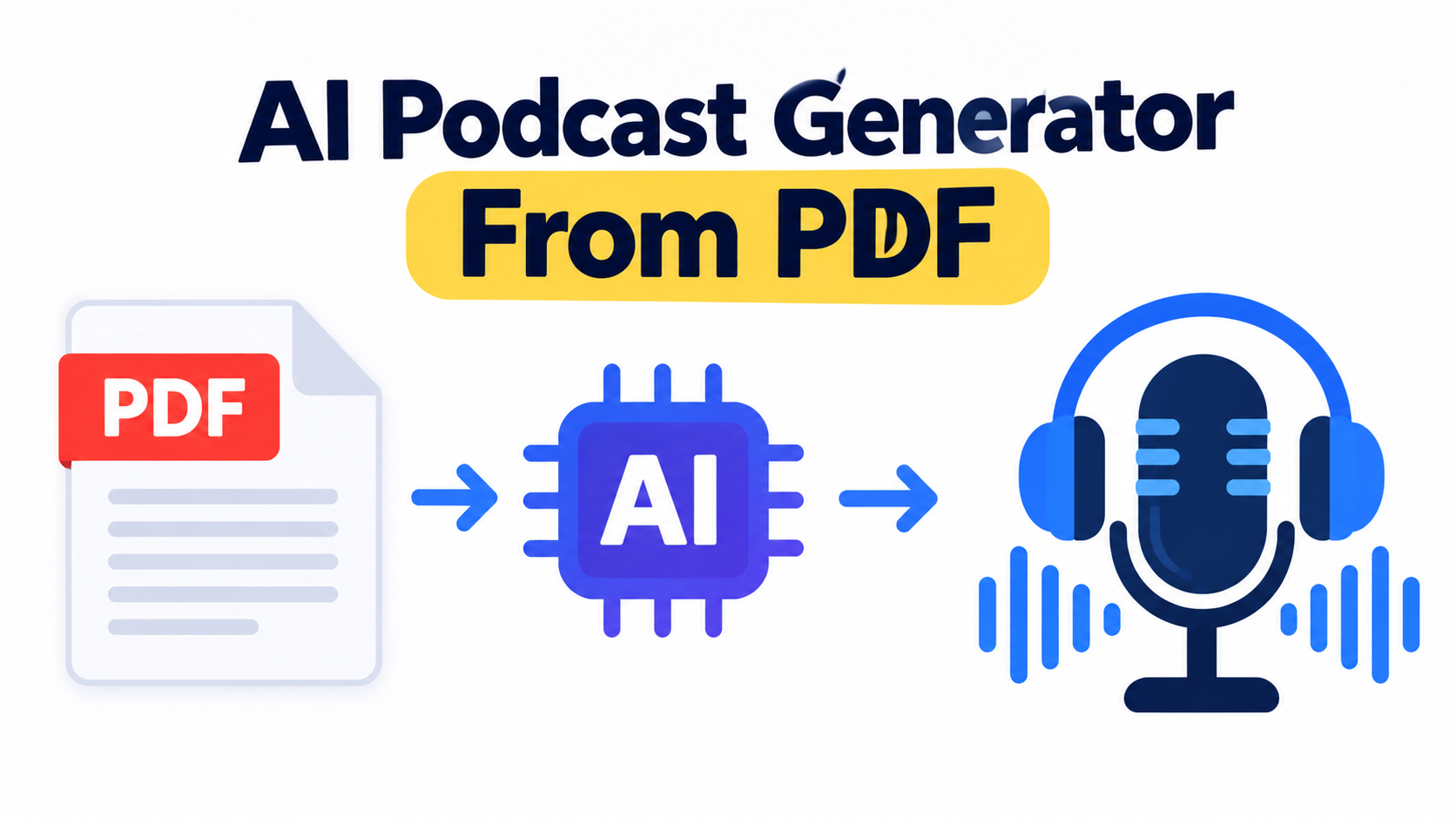
A long research paper, business report, or whitepaper can be useful—but finding the time to sit down and read it from beginning to end isn't always easy.
That's where PDF-to-podcast tools can help. Instead of reading a document line by line, you can turn its content into conversational audio and listen while commuting, exercising, or doing other tasks.
But not every PDF is equally easy to convert. A simple text-based PDF is usually straightforward, while scanned documents, multi-column layouts, tables, charts, and academic citations can make the process more complicated.
In this guide, we'll explain how PDF-to-podcast conversion works, what to look for in a tool, which features matter for different types of PDFs, and where Volnyn fits into the workflow.
What Is PDF-to-Podcast Conversion?
PDF-to-podcast conversion uses AI to take information from a PDF and turn it into spoken audio.
Depending on the tool, the process may involve extracting the text, understanding the document's structure, summarizing important points, creating a conversational script, and generating voices for the final podcast.
The goal isn't always to read the PDF word for word. Many AI podcast tools restructure the material into a more natural conversation so that the main ideas are easier to follow when listening.
For example, a 30-page research paper could be turned into a discussion that explains:
What the research is about
The main findings
Important evidence and statistics
Key conclusions
Limitations or unanswered questions
This can make dense written material easier to consume without replacing the original document when you need to check the details.
How PDF-to-Podcast Conversion Works
The exact workflow depends on the platform, but most PDF-to-podcast tools follow a similar process.
1. Upload the PDF
You start by uploading your PDF to a tool that supports document input.
A normal text-based PDF is usually easier to process than a scanned document because the text can be extracted directly.
2. The AI Extracts the Content
The system analyzes the document and extracts its text.
More advanced tools may also try to understand:
Headings
Sections
Tables
Citations
Paragraph order
Multi-column layouts
This step is important because poor extraction can affect everything that comes afterward.
3. The Content Is Turned Into a Script
Instead of simply reading the PDF aloud, an AI podcast generator may restructure the information into a conversation.
For example, one host might introduce the topic while another explains a finding or asks a follow-up question.
The better the source extraction is, the easier it is for the AI to create a useful script without losing important context.
4. AI Voices Narrate the Podcast
Once the script is ready, AI-generated voices turn it into audio.
Depending on the platform, you may be able to choose different voices, languages, speakers, or conversation styles.
5. Review the Result
This step shouldn't be skipped—especially when you're working with research papers, financial reports, technical documents, or anything containing important numbers.
Listen to the generated audio and compare important claims with the original PDF.
Why Some PDFs Are Harder to Convert
Not every PDF contains clean, selectable text.
A tool that works perfectly with a simple report may struggle with a scanned academic paper or a PDF containing complex tables.
Here are some common cases to consider:
Text-Based PDFs
These contain selectable text and are generally the easiest to process.
Scanned PDFs
A scanned PDF may essentially be a collection of images. The tool needs OCR (Optical Character Recognition) to identify the text before it can turn the document into audio.
Multi-Column PDFs
Academic papers and magazines often use multiple columns. If the extraction system doesn't understand the layout, it may read the content in the wrong order.
Tables and Charts
Tables can contain important information that doesn't translate naturally into a spoken conversation.
Charts and images can be even more difficult because their meaning may depend on visual context.
Academic Citations
Research papers often contain references, footnotes, citations, and technical terminology. A good PDF-to-podcast workflow should avoid removing important context while simplifying the material for listening.
PDF-to-Podcast Tools: What to Look For
Different tools focus on different parts of the process, so it's better to choose based on your PDF rather than simply looking for the tool with the longest feature list.
Wondercraft
Wondercraft's PDF-to-podcast workflow is designed for turning written material into audio and provides controls for voice and editing. It can be useful when you want more control over the finished production.
Before using it for a particular document, check its current PDF compatibility, especially if you're working with scanned or encrypted PDFs.
SparkPod
SparkPod focuses on document-to-audio workflows and supports features designed for more complicated documents, including OCR for scanned material.
This can make OCR support particularly relevant if your PDF isn't made up of selectable text.
Jellypod
Jellypod focuses on understanding document structure and can turn source material into an editable podcast script.
This approach can be useful for documents where headings, sections, tables, and citations are important to the overall meaning.
Quizgecko
Quizgecko can be useful when your goal is to turn educational or study material into a conversational summary rather than reproduce every part of a long document.
It's worth considering when the main goal is learning and reviewing key concepts.
PodcastorAI and Inpodcast AI
These tools support PDF input alongside other document formats and offer options around languages, voices, and podcast-style speakers.
They may be useful if you regularly work with different types of source material rather than PDFs alone.
NVIDIA PDF-to-Podcast Blueprint
NVIDIA's PDF-to-Podcast Blueprint is different from a typical consumer-facing podcast generator.
It's aimed more at developers and organizations that want to build their own document-to-audio workflow, including environments where infrastructure and data control are important considerations.
Google NotebookLM
Google NotebookLM is another option for working with source documents and generating audio-style summaries.
It's particularly useful when the goal is to understand and discuss information from uploaded sources rather than simply convert a PDF into a traditional podcast episode.
Because product features and pricing can change, always check the current documentation before choosing a tool for a specific workflow.
How to Choose the Right PDF-to-Podcast Tool
Instead of asking which tool is universally the best, start by asking what kind of PDF you're working with.
| Your PDF | Important Feature |
|---|
| Simple text PDF | Reliable text extraction |
| Scanned PDF | OCR support |
| Academic paper | Citations and document structure |
| Research report | Accurate summaries and long-document handling |
| Financial report | Reliable handling of numbers and tables |
| Multi-column document | Layout-aware text extraction |
| Confidential document | Strong privacy and data-handling policies |
| Content you want to edit | Editable podcast script |
This approach makes it easier to choose a tool based on your actual requirements.
Where Volnyn Fits
Volnyn takes a slightly different approach.
At the moment, Volnyn's AI podcast generator does not support direct PDF uploads. Instead, you can provide a topic or paste text and notes as the source material.
So if your information is inside a PDF, you can first extract the relevant text and then use that content as your input.
For example:
Open your research paper or report.
Extract the sections you want to turn into audio.
Remove unnecessary headers, duplicate text, or irrelevant material.
Paste the cleaned content into Volnyn.
Generate the podcast.
Review the finished audio against the original PDF.
This workflow is particularly useful when you already have clean text available from your document.
Volnyn's AI podcast generator can then turn that material into a two-host conversation, making the content easier to listen to instead of simply reading the source text aloud.
If direct PDF upload, OCR, or advanced document parsing is essential to your workflow, a dedicated PDF-to-podcast tool may be a more suitable starting point. If you already have the text extracted and want to turn it into a conversational podcast, Volnyn can fit naturally into that workflow.
What to Check Before Trusting a PDF Podcast
AI-generated audio can save a lot of time, but you shouldn't automatically assume that every detail is correct.
Check Numbers and Statistics
Always compare important numbers, percentages, dates, and statistics with the original PDF.
A small extraction or summarization mistake can change the meaning of a finding.
Check Tables and Charts
If your PDF contains important tables or charts, confirm that the generated podcast actually represents their information correctly.
Audio can't always communicate visual information as completely as the original document.
Check Technical Terms
Listen for incorrect pronunciations or simplified explanations of technical terms, especially in scientific, medical, financial, or academic documents.
Check Whether the PDF Is Scanned
If the document is image-based, you'll need a tool with OCR support.
Without OCR, the system may not be able to extract the text properly.
Check Privacy
Before uploading a confidential PDF, check the platform's current privacy and data-handling policies.
This is especially important for:
Look for information about data storage, deletion, training usage, and document security.
Check Copyright and Usage Rights
Converting a document into audio doesn't automatically give you the right to redistribute it.
If the PDF belongs to someone else, check the applicable license or permission before publishing the resulting podcast publicly.
Personal listening and public distribution can also involve different rights considerations.
Best Use Cases for PDF-to-Podcast
PDF-to-podcast conversion can be useful in several situations.
Research Papers
Turn long academic papers into audio summaries that you can review while commuting or exercising.
Still use the original paper when you need to verify detailed findings, citations, or methodology.
Business Reports
Companies can turn reports and whitepapers into audio briefings for easier internal review.
Training and Onboarding
Long training documents can be converted into conversational explanations that employees can listen to alongside traditional written material.
Study and Revision
Students can use document-to-audio tools to review important concepts without constantly reading from a screen.
Accessibility
Audio can provide another way to consume written information for people who find listening more convenient than reading.
It can also make dense written material easier to access when reading isn't practical.
A Simple PDF-to-Podcast Workflow
If you want to turn a PDF into a podcast, this is a practical process to follow:
Step 1: Identify the type of PDF you're working with.
Step 2: Check whether the text is selectable or whether OCR is required.
Step 3: Choose a tool that supports the document features you actually need.
Step 4: Generate the podcast or extract the text for a text-based workflow.
Step 5: Listen to the result and check important facts against the original document.
Step 6: Edit or regenerate sections that are unclear or inaccurate.
Step 7: If you're publishing the podcast, confirm that you have the necessary rights to use and redistribute the source material.
This approach is much safer than uploading a long document and immediately publishing whatever the AI generates.
Conclusion
PDF-to-podcast tools make it much easier to consume long documents when you don't have time to sit down and read them.
The important thing is to choose a tool based on the type of PDF you're working with. A simple text document may work with almost any capable document-to-audio tool, while scanned PDFs, academic papers, multi-column layouts, tables, and citations require more specialized processing.
Volnyn currently doesn't support direct PDF upload, but you can extract relevant text from a PDF and use that content with its AI podcast generator to create a two-host conversation.
Whichever workflow you choose, treat the generated audio as a convenient way to consume the information—not as a replacement for the original document when accuracy really matters.
FAQ
Can I convert a scanned PDF into a podcast?
Yes, but the tool needs to be able to recognize text from images. Look for OCR support when working with scanned PDFs. Without OCR, a system may not be able to extract the document's text correctly.
Will a PDF-to-podcast tool understand charts and tables?
It depends on the tool and the document. Tables may be partially understood, while charts and other visual elements can be harder to translate into natural spoken audio. If a chart contains important information, compare the generated podcast with the original PDF.
Is converting a PDF to a podcast free?
Some PDF-to-podcast and document-to-audio tools offer free plans or free features, while others require payment for longer documents, additional voices, advanced editing, or higher usage limits. Check the current pricing and usage limits of the tool you're considering.
Does Volnyn support uploading a PDF directly?
Not currently. Volnyn's AI podcast generator works with a topic or pasted text and notes. If your source is a PDF, you can extract the relevant text and use that as your input.
How accurate is a PDF-to-podcast conversion?
Accuracy depends on the quality of the PDF extraction and the AI's ability to summarize and restructure the material. Always verify important numbers, statistics, quotations, technical claims, and conclusions against the original document.
What type of PDF works best for podcast conversion?
Text-based PDFs with clean formatting are generally the easiest to process. Scanned documents, multi-column layouts, complex tables, charts, and documents with extensive citations may require tools with more advanced document-processing features.
What should I check before uploading a private PDF?
Check the platform's current privacy and data-handling policies, including how uploaded files are stored, whether they can be deleted, and whether submitted content may be used for model improvement or training.