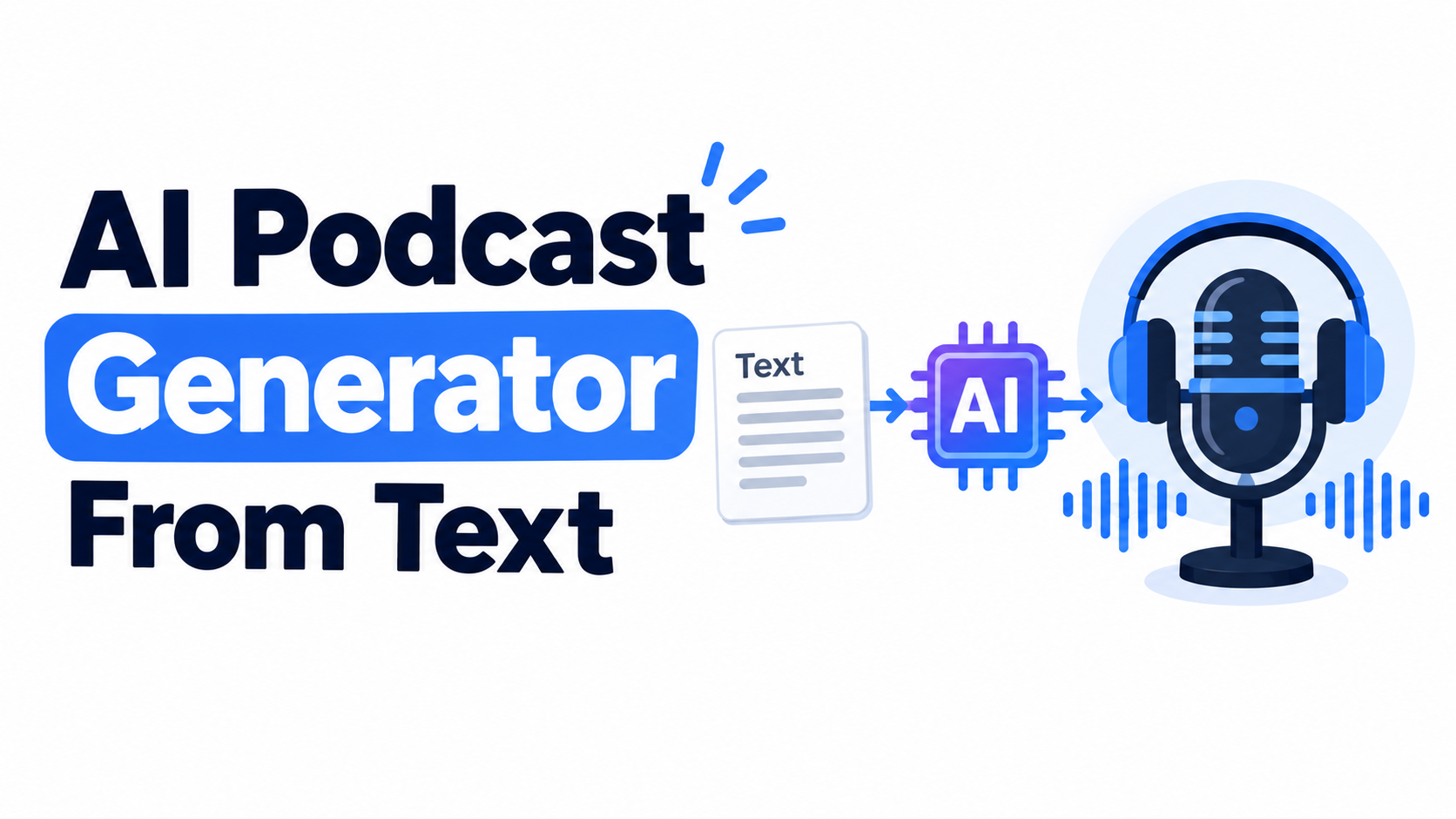
A blog post, article, research paper, or other written content can be turned into a podcast episode without writing a new script or recording your own voice. Text to podcast tools use AI to analyze written content, identify the main ideas, restructure them into a conversational format, and generate the audio.
But not every tool works in the same way. Some focus on realistic AI voices, some add video avatars, while others are designed specifically for turning existing written content into a ready-to-publish podcast.
This guide explains how text-to-podcast generation works, what makes written content suitable for conversion, what to look for when comparing tools, and where Volnyn fits into the workflow.
How Text-to-Podcast Generation Works
The basic process is more than simply reading text aloud. A capable text-to-podcast tool needs to transform written information into something that sounds natural when spoken.
A typical workflow looks like this:
You provide the text — This could be an article, blog post, report, research paper, notes, or other written content.
The AI analyzes the source — It identifies important topics, supporting points, examples, and the overall structure.
The content is restructured — Instead of reproducing the source word for word, the AI can organize the information into a conversational flow.
Speakers are assigned — Depending on the platform, the generated podcast may use one or multiple AI voices.
The dialogue is converted to audio — Text-to-speech technology produces the spoken episode.
You review the result — Before publishing, check names, numbers, claims, pronunciation, and whether the conversation accurately represents the original source.
This restructuring step is what separates many text-to-podcast workflows from traditional text-to-speech. A basic text-to-speech system reads your writing aloud. A podcast generator may instead transform the same material into a discussion with introductions, transitions, questions, explanations, and responses.
Text to Podcast vs. Text to Speech
The two terms are related, but they are not identical.
Text-to-speech generally converts written text directly into spoken audio. The structure of your original writing remains mostly unchanged.
Text-to-podcast generation can go further by adapting the information for spoken conversation.
For example, an article might say:
“Artificial intelligence can help small businesses automate repetitive content tasks.”
A podcast-style version could turn that idea into a short exchange between two hosts:
Host 1: “How can AI actually help a small business?”
Host 2: “One practical use is automating repetitive content tasks, such as creating first drafts or summarizing information.”
The information remains based on the source, but the presentation is designed for listening.
The Text-to-Podcast Tool Landscape
Different platforms approach text-to-podcast generation differently. When comparing them, it is more useful to look at the workflow they are designed for rather than treating every tool as interchangeable.
HeyGen
HeyGen combines AI-generated voice and video workflows, making it relevant for creators who want more than audio. Its platform supports AI avatars and video-based content creation, so it can be considered when a podcast needs a visual presenter as well as spoken content.
This makes it particularly relevant for creators who plan to distribute podcast content on video platforms.
Wondercraft
Wondercraft focuses on AI-powered audio and podcast production. Its workflow can be useful when you want to move from written ideas or scripts toward a produced audio episode while retaining more control over the production process.
Features such as voice options and editing controls can be important for users who want to make adjustments rather than accepting a completely automated result.
ElevenLabs
ElevenLabs is widely known for AI voice generation and speech technology. Its podcast-related workflows can transform source material into conversational audio while giving users access to a broader voice-generation ecosystem.
It is worth considering when voice quality, voice selection, and speech-generation capabilities are important factors.
Notevibes
Notevibes focuses heavily on AI voice generation and text-to-speech. It can be relevant for users who need to turn written material into spoken content and want access to different voices and languages.
Before choosing a platform for commercial publishing, always check its current licensing and plan-specific terms.
Smallest.ai
Smallest.ai provides AI voice-generation capabilities and can be useful for users looking for a relatively simple way to experiment with AI-generated audio.
As with any AI audio platform, available features, limits, and pricing can change, so check the current product documentation before relying on a specific feature for production work.
VEED
VEED takes a more video-oriented approach. In addition to text-to-speech capabilities, it provides tools for creating and editing video content, including workflows involving AI-generated presenters.
This can make it more relevant when your goal is a video podcast rather than an audio-only episode.
Where Volnyn Fits
Volnyn's AI podcast generator is designed around a straightforward workflow: provide written content, let the AI turn the material into a conversational episode, and generate the audio without requiring you to manually write a separate podcast script.
This makes the workflow particularly relevant for people who already have written content and want to repurpose it into audio.
For example, you could start with:
A blog post
An article
Educational content
Written research
A long-form draft
Other suitable text
The AI can then restructure the material into a two-host conversation rather than simply reading every sentence exactly as written.
Another useful approach is starting with notes instead of a finished article. If your source material is less structured, the AI has to do more work to connect the individual ideas. You can learn more about that workflow in Volnyn's guide to AI podcast generation from notes.
One important distinction is that Volnyn focuses on audio podcast generation rather than an AI-avatar video presentation. If your main requirement is a visual presenter, an avatar-based platform may be more appropriate. If your goal is to turn existing written content into a straightforward podcast episode, an audio-focused workflow can be enough.
Volnyn also states that commercial usage rights are included with its free and paid plans. Before publishing commercially, however, it is still good practice to review the current terms for the plan you are using.
What Makes Text Convert Well?
Not every piece of writing produces the same quality of podcast.
1. Start With a Clear Main Idea
Content with one obvious topic or argument is usually easier to restructure into a coherent conversation.
A focused 500-word article can be more useful than a 2,000-word article that jumps between unrelated subjects.
2. Include Specific Examples
Examples, statistics, explanations, and real-world scenarios give the generated conversation something concrete to discuss.
Instead of:
“AI is useful for businesses.”
A stronger source might explain how businesses use AI, what problem it solves, and what limitations exist.
3. Avoid Unnecessary Repetition
Repeated points can make an AI-generated conversation feel longer without adding new information.
Before submitting your source, remove paragraphs that repeat the same argument.
4. Keep Related Topics Together
If one article covers five unrelated subjects, consider creating separate podcast episodes.
For example:
Episode 1: AI website builders
Episode 2: AI podcast generators
Episode 3: AI video generation
This gives each episode a clearer purpose.
Text vs. Notes as Input
There is an important difference between submitting a finished article and submitting rough notes.
A full article already contains:
Sentences
Context
Explanations
Examples
A logical sequence
Notes are usually more fragmented. The AI therefore has to infer how the individual points should connect.
For that reason, text input often gives the AI more context to work with, while notes give it more responsibility for creating the structure.
If you already have a polished article, using the complete article can be a practical starting point. If you only have ideas, bullet points, or research notes, an AI podcast generator can help turn those fragments into a more structured conversation.
How to Choose a Text-to-Podcast Tool
Instead of choosing a platform based only on the number of voices or languages it advertises, consider your actual publishing requirements.
| Requirement | What to Look For |
|---|
| Article to podcast | Direct text input and conversational restructuring |
| Two-host podcast | Multiple speaker support |
| Video podcast | AI avatars or video creation |
| Natural AI voices | High-quality speech synthesis |
| Multiple languages | Supported languages and voice availability |
| Commercial publishing | Clear commercial-use licensing |
| Editing | Ability to modify script, voices, pronunciation, or sections |
| Content repurposing | Support for articles, notes, PDFs, or other sources |
| Publishing workflow | Download/export options and production controls |
Feature availability, pricing, and licensing can change, so verify these details on the platform's current documentation before making a purchasing decision.
Tips for a Better Text-to-Podcast Result
Keep the Source Focused
Before submitting an article, remove unnecessary sections and repeated explanations.
A focused source generally gives the AI a clearer structure to work with.
Use One Main Topic
If your content contains several unrelated subjects, separate them into individual generations.
This can make the final conversation easier to follow.
Regenerate When the Conversation Feels Too Robotic
The first generation does not always produce the most natural discussion.
If the result sounds like two voices simply reading an article, try regenerating it with a different conversational framing where the platform allows that control.
Check the Generated Audio Before Publishing
AI can introduce mistakes during restructuring or speech generation.
Pay particular attention to:
Names
Dates
Statistics
Technical terminology
Product names
Pronunciation
Quotes
Factual claims
The safest workflow is to compare the finished episode with the original source before publication.
Can You Monetize a Podcast Generated From Text?
Potentially, but the answer depends on the platform's licensing terms and the content you are using.
For Volnyn, commercial usage rights are stated as being included with its free and paid plans. Other platforms may have different rules depending on the subscription level.
There is also another issue: you need the right to use the original content.
If you convert your own blog post into a podcast, the ownership situation is generally straightforward. If you use someone else's article, research, book, or copyrighted material, converting it into audio does not automatically give you permission to republish it.
Always consider both:
The AI platform's commercial-use terms.
Your rights to the source material.
How Long Does Text-to-Podcast Generation Take?
Generation time depends on the platform, source length, audio settings, and current processing conditions.
Short pieces can often be generated quickly, but longer content may take more time.
Instead of choosing a tool purely because it advertises a specific generation speed, consider the complete workflow:
How quickly can you submit the content?
Can you edit the generated result?
Can you regenerate sections?
How quickly can you export the final audio?
Does the workflow save you manual production time?
The total production time matters more than the generation step alone.
Can You Create a Video Podcast From Text?
Yes, but the workflow depends on the tool.
Audio-focused text-to-podcast platforms can turn written content into spoken episodes, while video-oriented platforms can combine generated speech with AI avatars, visuals, or other video elements.
Platforms such as HeyGen and VEED are relevant when a visual presentation is part of your goal.
Volnyn's workflow is focused on generating an audio podcast rather than an AI-avatar video.
Will the Podcast Sound Like My Writing Style?
Not necessarily word for word.
A text-to-podcast system generally uses the information and context from your source while adapting it for spoken conversation. That means the finished episode can preserve your main ideas and examples without reproducing your original sentences exactly.
If preserving exact wording is important, traditional text-to-speech may be more appropriate.
If the goal is to make written information sound like a discussion between hosts, a conversational AI podcast generator is better aligned with that workflow.
FAQ
Can I use a full blog post as input, or does it need to be shortened first?
A full blog post can be a suitable input for many text-to-podcast tools. However, very long or unfocused content may produce a less coherent episode.
If the article contains unnecessary repetition or several unrelated subjects, consider editing it before generation.
Do text-to-podcast tools support multiple languages?
Some platforms support multiple languages, but the number of supported languages and available voices varies between tools and plans.
If multilingual generation is important to you, check the platform's current language and voice documentation before choosing a tool.
Can I get a video podcast instead of audio?
Yes. Some platforms combine AI-generated speech with avatars and video-generation features.
This is different from an audio-focused workflow such as Volnyn's AI podcast generation.
Will a podcast generated from text sound like my writing?
The AI can use the ideas, information, examples, and overall context from your source, but it may restructure the wording to create a conversational discussion.
Therefore, the result should not be expected to reproduce the original article word for word.
Can I monetize a podcast generated from text?
Commercial use depends on both the AI platform's licensing terms and your rights to the original source material.
If you are using Volnyn, review the current commercial-use terms associated with your plan before publishing.
How long does text-to-podcast generation take?
There is no single generation time that applies to every platform. Processing time can depend on source length, episode length, platform capacity, and the generation settings you select.
Conclusion
Text to podcast technology makes it possible to repurpose existing written content into spoken audio without manually writing a new podcast script or recording your own voice.
The important difference between platforms is not simply the number of AI voices they offer. Consider what you actually need: article-to-audio conversion, conversational two-host output, advanced voice controls, multilingual generation, video avatars, editing capabilities, or commercial publishing rights.
For a straightforward workflow focused on turning written content into an AI-generated audio episode, Volnyn provides an article-to-podcast workflow built around conversational two-host generation. If your project requires an AI-avatar video or a broader video production workflow, a video-focused platform may be more suitable.
Whatever tool you choose, review the generated episode before publishing. Check the facts, names, numbers, pronunciation, licensing, and your rights to the source material. That final review is what turns an automatically generated audio file into content you can publish with greater confidence.