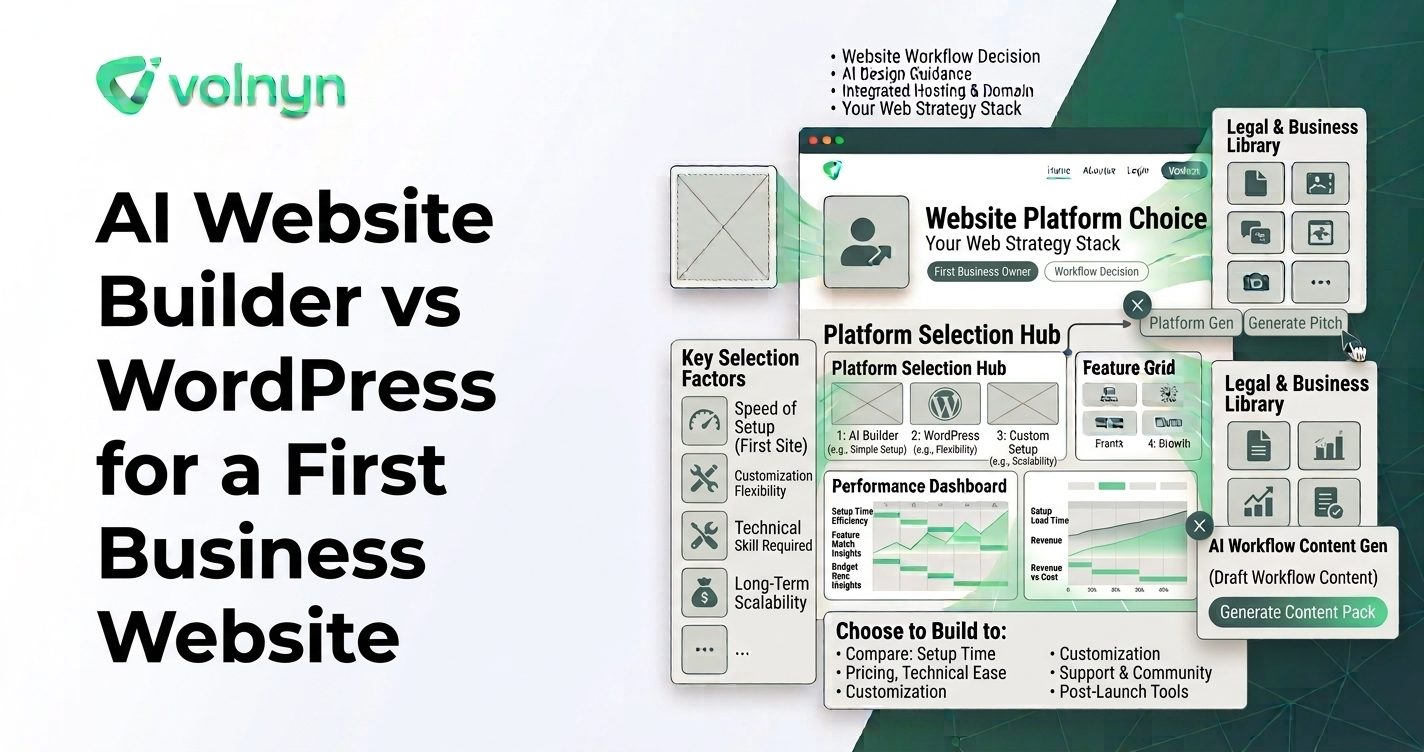
For a first business website, the choice between an AI website builder and WordPress can look like a choice between simplicity and flexibility. In practice, the bigger difference is how much of the website-building process you want to manage yourself.
An AI website builder can turn a description of your business into a working starting point, while WordPress gives you a much broader system for choosing themes, adding plugins, managing content, and customizing the site. Both can produce professional websites, but the path to getting there is different.
There is also an important distinction: “WordPress” can mean the open-source WordPress software from WordPress.org or the hosted WordPress.com platform. WordPress.com now offers its own AI website builder, so this comparison focuses mainly on the traditional WordPress setup that beginners typically encounter when they choose WordPress for flexibility and control.
The Main Difference Is the Starting Workflow
An AI website builder starts by asking what you want to create.
With Volnyn's AI Website Builder, for example, you can describe your business and the builder generates a website structure, content, and design. You can then use the drag-and-drop editor to change text, images, colors, and sections. Volnyn currently offers more than 550 templates and supports business websites, portfolios, blogs, landing pages, and online stores.
Traditional WordPress starts with a content-management system. You choose hosting, install WordPress, select a theme, configure the site, create pages, and add plugins when you need additional functionality. WordPress itself describes themes as a way to change the appearance of a site and plugins as extensions that add functionality.
Neither workflow is inherently wrong. They simply put the decision-making in different places.
AI Website Builder vs WordPress: Beginner Workflow
| Area |
AI Website Builder |
Traditional WordPress |
| Starting point |
Describe the business and generate a website |
Set up WordPress, choose a theme, and configure the site |
| Initial design |
AI generates the first design and structure |
You select and configure a theme or design system |
| Functionality |
Depends on features provided by the platform |
Can be extended with plugins and custom development |
| Maintenance |
Usually handled within the hosted platform |
Can involve WordPress, theme, plugin, hosting, and security maintenance |
| Customization ceiling |
Depends on the builder's editor and available features |
Very high, including custom themes, plugins, and code |
| Beginner learning curve |
Generally focused on editing the generated result |
More concepts to learn before the site is fully configured |
Why Beginners May Prefer an AI-First Approach
The biggest advantage of an AI-first workflow is that it gives you something concrete to work with quickly.
Imagine that you run a local accounting firm. You know that you need a homepage, services page, about page, contact page, and perhaps a section explaining who you serve. You may understand your business perfectly but have no idea how to turn that information into a good website structure.
An AI website builder can handle much of that initial translation. Instead of starting with an empty editor, you start with a draft that you can review and change.
That can remove several beginner decisions at once: which pages to create, how sections should be arranged, what introductory copy might say, and how the visual hierarchy should work.
Volnyn's current builder is designed around this process: describe the business, let AI generate the site, then customize and launch it visually. Its websites are also designed to be responsive across phones, tablets, and desktops.
Where WordPress Gives Beginners More Room to Grow
WordPress requires more setup decisions, but that complexity comes with a major benefit: extensibility.
The official WordPress plugin directory currently lists more than 74,000 free plugins. These extensions cover everything from forms and SEO to ecommerce, memberships, events, analytics, and specialized business functions.
That ecosystem means a beginner can start with a relatively simple website and add functionality later. If the business eventually needs something highly specialized, WordPress gives you more ways to extend the site or bring in a developer.
WordPress also gives users substantial control over the underlying website. The open-source platform can be modified, moved between hosting providers, and extended through themes, plugins, and code.
The trade-off is that greater control can create more responsibility. The traditional WordPress setup may involve choosing hosting and keeping the WordPress installation, themes, and plugins maintained. WordPress documentation also recommends regular plugin housekeeping and updates.
What Does “Easy” Actually Mean?
For beginners, “easy” can mean two different things.
Easy to launch means getting the first version online with as few decisions as possible. An AI website builder has an advantage here because the initial website structure can be generated for you.
Easy to customize later can mean something different. If you expect your website to become highly specialized, WordPress's large ecosystem and open architecture can provide more options, although those options may require more technical knowledge.
Before choosing a platform, consider which type of difficulty you would rather handle.
- Do you want the platform to make more initial design decisions?
- Are you comfortable learning themes, plugins, hosting, and settings?
- Will the website remain relatively straightforward?
- Could you eventually need custom functionality?
- Do you want to maintain the technical side yourself?
What About WordPress.com?
Beginners should not assume that every WordPress experience is identical.
WordPress.com now offers an AI website builder that can generate a complete website from prompts, followed by AI-assisted and manual editing. Its current documentation says the AI website builder is available on paid plans.
This makes WordPress.com a different comparison from installing the open-source WordPress software on separate hosting. If you are comparing platforms, make sure you know which WordPress product you are evaluating.
The distinction matters because a managed WordPress.com site handles more of the infrastructure for you, while a traditional self-hosted WordPress installation gives you more direct control over the technical environment.
How to Choose for Your First Business Website
Start by defining what the website needs to accomplish rather than counting features.
- List the essential pages. Most first business websites need fewer pages than owners initially expect.
- Identify required functionality. Decide whether you need forms, bookings, ecommerce, memberships, or other specialized features.
- Decide how much technical work you want. If hosting, plugins, updates, and configuration sound frustrating, a managed AI builder may reduce that burden.
- Think about future requirements. If you already know the site will require unusual functionality, WordPress's extensibility may matter more.
- Test the editing experience. Try changing a page, image, heading, navigation item, and mobile layout before committing.
A useful test is to build a small version of your site rather than making the decision entirely from feature lists. The platform that makes your actual workflow understandable is more relevant than the one with the longest specification sheet.
Do Not Treat the First Draft as the Finished Website
AI can accelerate the first version, but it does not replace your responsibility for the final website.
Review every business claim, service description, price, contact detail, image, link, and call to action. Replace generic AI copy with information that reflects your actual business. Check the site on a phone before publishing.
The same principle applies to WordPress. A professionally designed theme does not automatically produce an effective business website. Your content, navigation, calls to action, images, and customer information still need careful attention.
Conclusion
An AI website builder and WordPress can both be suitable for a first business website, but they optimize for different experiences.
An AI-first platform such as Volnyn focuses on reducing the work between describing your business and seeing a usable website. WordPress focuses more heavily on flexibility, extensibility, and control, with a much larger ecosystem of themes and plugins.
If your priority is getting a straightforward business website online without learning a large technical system first, explore Volnyn's AI website builder and see how its generated starting point fits your needs. If you expect unusual functionality or want maximum control over the underlying site, investigate the traditional WordPress approach.
The right question for a beginner is not simply “Which platform has more features?” It is “How much of the website-building process do I want to manage myself?” Once you answer that, the difference between the two approaches becomes much clearer.