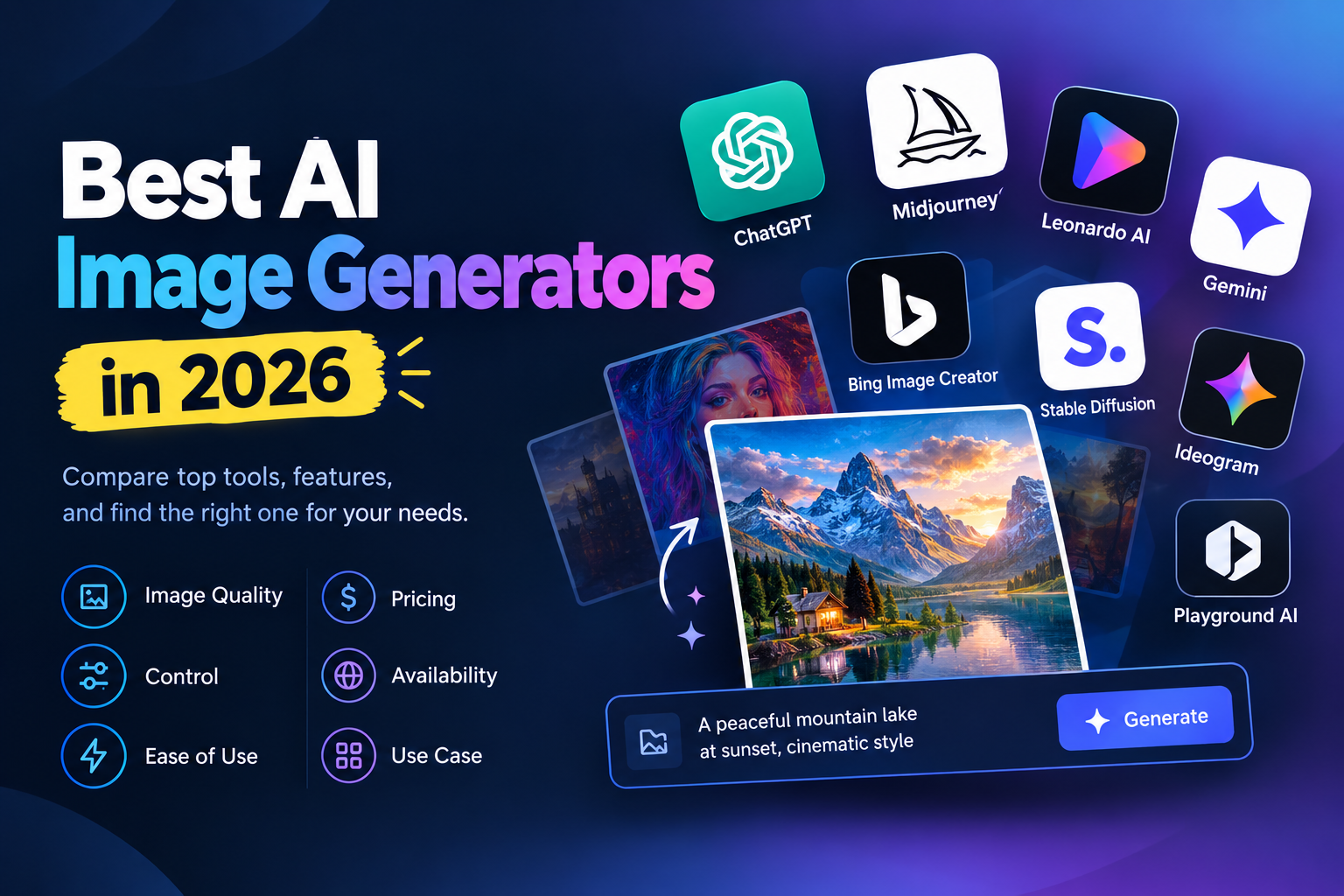
Choosing the best AI image generator in 2026 is no longer as simple as finding the tool that produces the most impressive-looking image.
Today's image generators can create images from text, edit existing visuals, follow detailed instructions, work from reference images, generate designs with text, and fit into broader creative workflows. The real difference is how well each tool fits the job you actually need to complete.
Some tools are better suited to artistic work. Others focus on editing, graphic design, prompt accuracy, business workflows, or ease of use. Some offer free access, while others use subscriptions or credit-based systems.
This guide compares the major options so you can choose an AI image generator based on image quality, control, ease of use, pricing, availability, and use case rather than simply choosing whichever tool appears first in a list.
What Makes an AI Image Generator “Best”?
There is no single feature that determines whether an AI image generator is right for everyone.
Before choosing a tool, consider:
Image quality: Does it consistently produce detailed and usable images?
Prompt understanding: Does the output follow the instructions you provide?
Editing: Can you modify an existing image without starting again?
Creative control: Can you control composition, style, references, or variations?
Text rendering: Can it generate readable text when your design requires it?
Ease of use: Can a beginner get useful results without learning a complicated workflow?
Pricing: Does the cost make sense for how frequently you generate images?
Free access: Can you test the tool before paying?
Commercial use: Are the usage rights appropriate for your project?
Workflow: Does the tool fit the rest of your creative process?
This is important because an image generator that is excellent for digital art may not be the most convenient option for a marketer creating five social media graphics.
How We Compared AI Image Generators
Rather than treating every tool as interchangeable, this comparison looks at the criteria that matter when you're actually deciding what to use.
1. Image quality
A good AI image generator should produce images that are useful beyond a quick experiment.
Look for:
Detail
Composition
Lighting
Realistic textures
Consistency
Clean backgrounds
Accurate objects
Appropriate visual style
2. Prompt understanding
Prompt adherence has become one of the most important differences between image generators.
If your prompt contains several requirements, the system needs to understand the relationship between:
Subject
Environment
Position
Style
Lighting
Camera angle
Colors
Text
Composition
A beautiful image that ignores half the prompt may still be unusable.
3. Editing and refinement
Generation is only part of the workflow.
You may also need to:
Remove objects
Replace backgrounds
Change colors
Modify a subject
Change an image's composition
Create variations
Preserve important details
Adapt an image to another format
Modern tools increasingly treat generation and editing as part of the same workflow. For example, ChatGPT Images currently supports both new image creation and editing of existing images, including region-based and conversational edits.
4. Ease of use
A powerful model is not automatically a convenient product.
For many users, the ideal workflow is simply:
Describe → Generate → Review → Refine → Download
The fewer unnecessary steps between the idea and usable asset, the easier the tool is to adopt.
5. Pricing and usage limits
Don't compare only monthly subscription prices.
Also check:
A cheap subscription can become expensive if you need large volumes of images.
Best AI Image Generators in 2026
The following tools represent different approaches to AI image generation. Instead of treating them as identical competitors, consider what each one is designed to do well.
1. ChatGPT Images
Best for: General-purpose image creation and conversational editing
ChatGPT Images is a strong option for people who want to create and refine images through natural-language instructions.
OpenAI's current ChatGPT Images experience supports creating new images, editing generated or uploaded images, changing aspect ratios, using templates, and making conversational edits. OpenAI's September 2026 update also introduced features such as sketch-based references and more precise editing.
Why consider it?
Natural-language workflow
Image creation and editing in the same environment
Support for different aspect ratios
Templates for certain image formats
Reference-image workflows
Conversational refinement
It can be particularly useful if you already use ChatGPT for brainstorming, writing, research, or other creative tasks.
Potential limitation
If your priority is a specialized visual workflow rather than a general AI workspace, a dedicated image platform may provide controls or workflows that better match your needs.
2. Midjourney
Best for: Artistic and highly stylized image generation
Midjourney remains an important option for users who care strongly about visual aesthetics and artistic output.
Its current subscription structure includes Basic, Standard, Pro and Mega plans. Standard, Pro and Mega provide unlimited image generations in Relax Mode, while Stealth Mode is available on Pro and Mega. (Midjourney)
Why consider it?
Strong artistic orientation
Multiple subscription tiers
Relax Mode on higher plans
Commercial usage terms for subscribers
Advanced workflows such as permutations
Potential limitation
Midjourney may be more appropriate for users who specifically want its creative ecosystem and visual style than for someone looking for a simple all-in-one productivity workflow.
3. Adobe Firefly
Best for: Creative workflows connected to Adobe's ecosystem
Adobe Firefly is particularly relevant to designers, marketers and creative professionals already working with Adobe products.
Adobe currently offers a free Firefly tier with limited daily generations, while paid plans provide larger generative-credit allowances and access to additional capabilities. (Adobe)
Why consider it?
Image generation
Creative editing workflows
Integration with Adobe's broader creative ecosystem
Free entry point
Multiple paid tiers
Access to multiple generative models on some plans
Adobe's current Firefly offering also includes partner models, so Firefly is increasingly becoming a broader generative-AI environment rather than only a single image model. (Adobe Help Center)
Potential limitation
The value of Firefly can depend heavily on whether you already use Adobe's creative ecosystem.
4. Ideogram
Best for: Images where readable text and design composition matter
Ideogram is especially relevant when an image needs typography or graphic-design elements.
Its current plans include a free tier and paid options such as Plus, Pro and Team. Paid plans add features including private generation, larger queues and additional generation capabilities. (Ideogram)
Why consider it?
Text-focused image generation
Graphic-design use cases
Image references and editing
Private generation on paid plans
Batch generation on higher tiers
Commercial usage permitted under its stated terms
Ideogram's current platform also provides image-generation APIs, making it relevant beyond individual creators. (Ideogram)
Potential limitation
If your main requirement is a broader AI productivity workspace rather than image-focused creation, you may want a platform that combines image generation with other tools.
5. Recraft
Best for: Designers and brand-oriented visual work
Recraft is positioned more toward design workflows than simply generating random images from prompts.
That makes it worth considering for users who care about:
Design assets
Visual consistency
Brand-oriented graphics
Creative experimentation
Image enhancement
Recraft uses a credit-based subscription approach and maintains a free option, although exact pricing and included capabilities can change over time. (Recraft)
Potential limitation
A design-focused platform may offer more capabilities than a casual user needs if the goal is simply to generate an occasional image.
6. FLUX
Best for: Users who want flexibility and more control over image-generation workflows
FLUX refers to a family of image-generation models and is used across different applications and interfaces.
This makes it slightly different from comparing a single consumer application with another consumer application.
When considering FLUX, you should evaluate the specific product or interface providing the model, because the available controls, pricing, speed, licensing and workflow can differ.
Potential limitation
“FLUX” alone does not tell you exactly what user experience or pricing model you are getting. Always evaluate the actual platform you plan to use.
7. Volnyn AI Image Generator
Best for: Users who want AI image generation as part of a broader AI platform
Volnyn is relevant to this comparison because AI image generation is part of a wider set of AI and digital tools rather than an isolated image-only product.
Volnyn's current pricing page lists an AI Image generation cost of 50 credits per image, with a free/default tier and paid plans that provide larger credit allowances. (Volnyn)
Why consider Volnyn?
The main reason to consider Volnyn is not simply “it generates images.”
The more interesting question is whether you want image generation within a broader workflow.
Volnyn's platform currently includes tools such as:
The current Volnyn pricing page also lists free access and paid credit-based plans. (Volnyn)
This can make Volnyn worth considering for creators, marketers and small businesses that need more than one type of AI creation tool.
Potential limitation
If your entire workflow is dedicated to highly specialized image creation, a dedicated image platform may offer a deeper set of image-specific controls.
That is an important trade-off.
Volnyn should therefore be evaluated based on the whole workflow, not just a single generated image.
Quick Comparison: Best AI Image Generators
| Tool | Best For | Main Strength | Free Access | Important Consideration |
|---|
| ChatGPT Images | General-purpose creation | Conversational creation and editing | Yes | Best value may depend on whether you already use ChatGPT |
| Midjourney | Artistic images | Strong creative/artistic workflow | Subscription-focused | Specialized creative ecosystem |
| Adobe Firefly | Adobe users | Creative ecosystem and generative editing | Yes | Most valuable for Adobe-oriented workflows |
| Ideogram | Text/design images | Typography and design-focused generation | Yes | Paid plans unlock more advanced capabilities |
| Recraft | Designers | Design-oriented workflows | Yes | More specialized than a basic image generator |
| FLUX | Advanced users | Flexible model ecosystem | Depends on provider | Experience varies by implementation |
| Volnyn | Broader AI workflows | Image generation within a wider platform | Yes | Evaluate the complete workflow, not only image generation |
The table is intentionally not a “winner ranking.” The right choice depends on the type of image work and workflow you need.
Which AI Image Generator Is Right for You?
For beginners
Start with a tool that lets you describe what you want in natural language without requiring a complicated setup.
ChatGPT Images, Adobe Firefly and Volnyn can all be considered if simplicity is your priority.
For artistic images
A platform such as Midjourney may be more relevant if your primary goal is creative and artistic image generation.
For images containing text
Ideogram is particularly relevant when the image itself needs readable typography, such as:
Posters
Social graphics
Advertisements
Headline-based visuals
Promotional designs
For Adobe users
Firefly makes sense to investigate if your existing workflow already revolves around Adobe's creative applications.
For designers
Design-focused platforms such as Recraft and Ideogram may be more relevant when the output needs to function as a designed visual rather than simply an AI-generated picture.
For marketers
Marketers often need a broader mix of assets:
Blog graphics
Social media images
Ad creatives
Product concepts
Website visuals
Promotional graphics
In that situation, ease of iteration and workflow matter just as much as raw image quality.
For businesses
Businesses should look beyond the first generated image.
Consider:
For an all-in-one AI workflow
This is where platforms such as Volnyn become interesting.
If you need images alongside other AI-generated assets such as presentations, websites, videos, podcasts or music, using one broader platform can reduce the need to move between multiple services.
That does not automatically make an all-in-one platform better for every image-generation task. It simply changes the value calculation.
Free vs Paid AI Image Generators
“Free” can mean several different things.
A tool may offer:
Free generations every day
Weekly credits
Monthly credits
A limited free plan
A free trial
Free access with slower generation
Free access with public outputs
Free access but paid editing features
For example, Adobe currently offers free daily generations through Firefly, while Ideogram provides free access with weekly slow credits and paid plans with priority credits and additional capabilities. (Adobe)
Volnyn's current pricing page also provides a free/default tier with AI Image generation charged against credits, alongside paid plans with larger credit allowances. (Volnyn)
Before choosing a “free” generator, ask:
How many images can I actually generate?
Do credits reset?
Are generations fast or queued?
Can I edit generated images?
Are outputs private?
Can I use the images commercially?
Is a watermark added?
What happens when the free credits run out?
A free plan can be excellent for testing, but your real cost matters if you're producing images every day.
What to Check Before Choosing an AI Image Generator
1. Your actual use case
Don't start with:
“Which generator is best?”
Start with:
“What am I creating?”
For example:
Blog images → simplicity and speed may matter most.
Product visuals → consistency and editing become more important.
Posters → text rendering matters.
Concept art → artistic control matters.
Marketing campaigns → workflow, iteration and commercial usage matter.
2. Output quality
Test the same prompt in several tools.
Don't judge only one impressive demo image.
Use a repeatable test.
For example:
“Create a professional product advertisement for a wireless headphone brand on a clean dark background, with the product centered, soft studio lighting, premium commercial photography, and the headline ‘Sound Without Limits’.”
Then compare:
Prompt accuracy
Text accuracy
Composition
Product appearance
Lighting
Detail
Editing requirements
3. Editing
Generate an image and then ask:
“Change the background from dark blue to warm beige while keeping the product and lighting unchanged.”
The quality of that edit tells you more about the practical workflow than a single first-generation image.
4. Cost per usable image
Don't only compare subscription prices.
Think about:
Monthly cost ÷ number of genuinely usable assets
If you generate 100 images but only 10 are suitable for your work, the apparent low cost may not be as attractive as it first looks.
5. Commercial usage
If you're creating:
Client work
Advertisements
Product assets
Website graphics
Paid content
Business campaigns
read the platform's current terms before relying on the images commercially.
Usage rights can differ between products and plans.
Why Consider Volnyn?
Volnyn's strongest positioning in this category is not that every user needs another standalone image generator.
The more relevant proposition is:
What if your image generation needs are part of a broader AI workflow?
Volnyn currently combines AI image generation with other tools and platform capabilities, including AI website, video, presentation, podcast and music tools. (Volnyn)
That can be useful when your project requires several different types of assets.
For example, a small business launching a new service might need:
Website
Hero images
Social media graphics
Presentation
Promotional video
Podcast or audio content
Instead of evaluating every tool independently, an all-in-one platform may be worth considering.
Volnyn's current pricing structure is also credit-based, with the public pricing page listing 50 credits per AI image generation and free as well as paid options. (Volnyn)
Explore Volnyn's AI Image Generator
Who Should Use Volnyn?
Volnyn may be worth considering if you:
Want AI image generation without maintaining several separate AI accounts
Create images as part of broader content projects
Work on websites and need supporting visuals
Create presentations and supporting graphics
Produce multiple forms of AI content
Prefer a credit-based AI workflow
Want to test an AI platform before committing to a specialized tool
For example, a freelancer creating a client's website may need images, website content, presentation assets and promotional material.
In that situation, the value of an all-in-one platform can come from the workflow around the image, not just the image itself.
Who May Prefer Another Option?
Volnyn is not necessarily the right choice for every image-generation workflow.
A dedicated alternative may make more sense if:
You need highly specialized artistic controls
Your workflow depends heavily on a specific image model
You already have an established Adobe workflow
You need a specialized typography-focused tool
You need advanced image-generation controls beyond your normal content workflow
The best choice depends on what you're optimizing for.
That's why testing two or three tools with the same prompt is often more useful than relying on a generic “best” label.
A Simple 15-Minute AI Image Generator Test
If you're still unsure, use this test.
Step 1: Choose one prompt
Don't change the prompt between tools.
Step 2: Generate one image
Record:
Generation time
Prompt accuracy
Image quality
Text accuracy
Composition
Step 3: Request one edit
Use the same edit instruction in each tool.
Step 4: Check the final output
Ask:
Would I actually use this?
How much editing is required?
Does it match my intended purpose?
Is the workflow comfortable?
Step 5: Check the cost
Finally compare the current free/paid limits against how frequently you expect to use the tool.
This produces a much more useful answer than asking:
“Which AI image generator is #1?”
Frequently Asked Questions
What is the best AI image generator in 2026?
There isn't one universal best choice. ChatGPT Images, Midjourney, Adobe Firefly, Ideogram, Recraft, FLUX-based tools and Volnyn serve different needs, so the right choice depends on image style, editing, control, pricing, workflow and intended use.
What is the best free AI image generator?
The answer depends on what “free” means for your workflow. Adobe Firefly currently offers free daily generations, while Ideogram provides a free tier with weekly slow credits. Volnyn also offers a free/default tier using credits for AI image generation. (Adobe)
Which AI image generator is best for beginners?
Look for a tool with a simple natural-language interface, easy iteration and minimal technical setup. ChatGPT Images, Firefly and Volnyn are options worth testing if ease of use is your main priority.
Which AI image generator is best for artistic images?
Midjourney is particularly relevant for users who prioritize artistic and stylized image generation. However, the best choice still depends on the visual style and workflow you need.
Which AI image generator is best for images with text?
Ideogram is a strong option to investigate for text-heavy visual designs. Its current platform is specifically built around image generation and related design workflows. (Ideogram)
Can AI-generated images be used commercially?
It depends on the specific platform, plan and terms. Don't assume that a free image generator automatically gives you unrestricted commercial rights. Always review the current terms before using generated images in client work, advertising or commercial products.
Is a free AI image generator enough for business use?
It can be, particularly for occasional projects. But businesses should also consider generation limits, privacy, commercial terms, output consistency, editing capabilities and the cost of scaling.
Is an all-in-one AI platform better than a dedicated image generator?
Not automatically.
A dedicated image generator may offer deeper image-specific capabilities, while an all-in-one platform can be more convenient when your project involves multiple types of AI content.
The right choice depends on whether you're optimizing for specialized image control or broader workflow convenience.
Is Volnyn an AI image generator?
Volnyn includes AI image generation as one of its AI-powered tools. Its platform also includes other AI creation capabilities, making it relevant to users who need image generation as part of a broader workflow. (Volnyn)
How should I choose an AI image generator?
Start with your actual use case, then compare:
Then test the same prompt across the tools you're considering.
Final Takeaway
The “best AI image generator” is not necessarily the tool with the most impressive demo image.
It's the tool that gives you the right combination of quality, control, ease of use, cost and workflow fit for the work you actually need to complete.
For artistic image creation, a specialized platform may be the better fit. For Adobe-heavy workflows, Firefly deserves consideration. For text-heavy designs, Ideogram is worth testing. For conversational creation and editing, ChatGPT Images is a strong option.
And if you need image generation alongside other AI creation tools, Volnyn is worth evaluating as an all-in-one workflow option.
The simplest way to decide is to take one real project, use the same prompt in two or three tools, compare the results, and choose based on the amount of work left after generation.
Try Volnyn's AI Image Generator