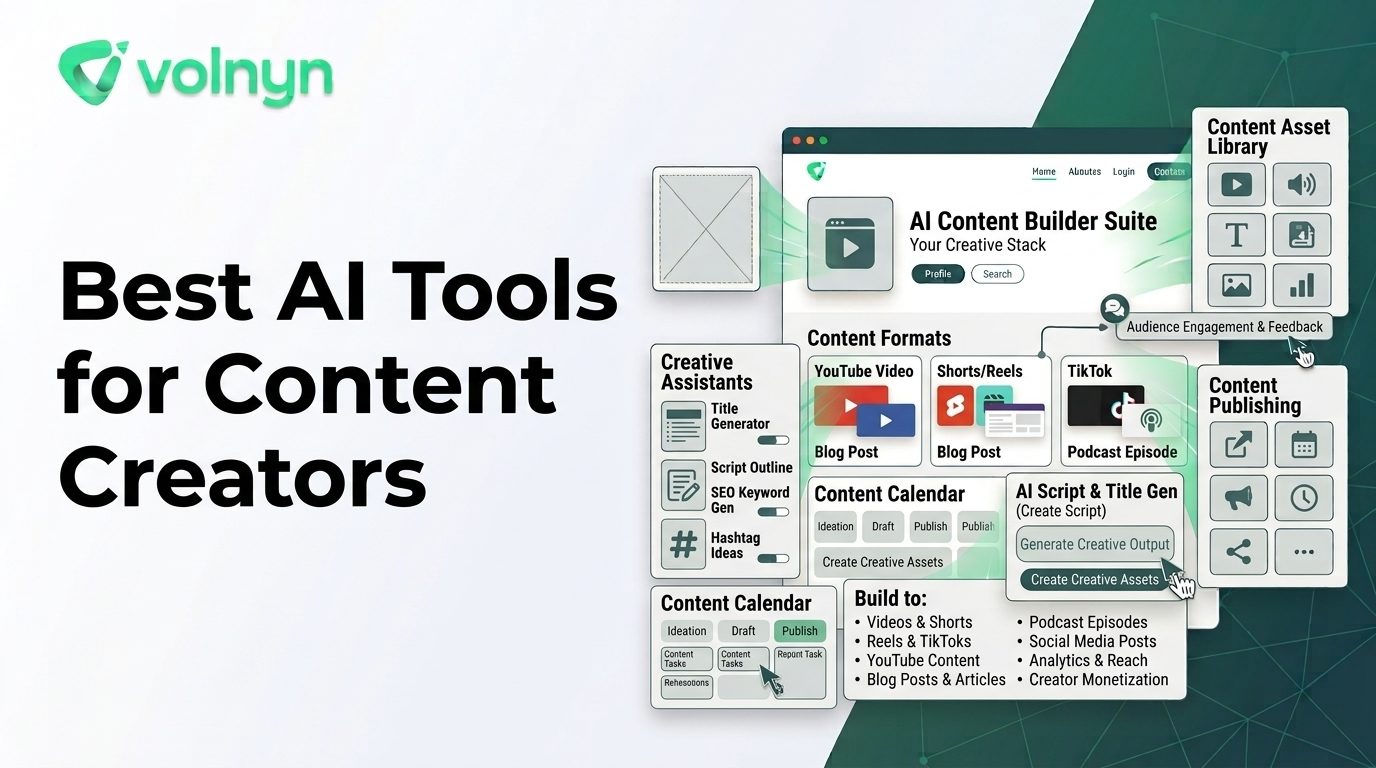
Content creators rarely need AI for just one task. A single idea might become a newsletter, YouTube video, social post, podcast episode, presentation, image, or website update.
That is why choosing the best AI tools for content creators is less about finding one universal platform and more about matching each tool to the part of the workflow it improves.
Some tools are strongest at writing and ideation. Others focus on visual design, video editing, audio, repurposing, or building the digital home where your content lives. Here is how the main categories fit together in 2026.
How to Choose AI Tools as a Content Creator
Before adding another AI subscription, identify your biggest production bottleneck.
- Ideas and writing: You need help brainstorming, outlining, researching, scripting, or editing.
- Visual creation: You need graphics, thumbnails, images, presentations, or branded assets.
- Video: You want to generate, edit, caption, resize, or repurpose video.
- Audio: You want to create podcasts, narration, voiceovers, or audio versions of existing content.
- Repurposing: You want to turn one long-form asset into multiple pieces of content.
- Publishing: You need a website or content hub where your work can live and be discovered.
The most efficient creator stack usually has a clear purpose for each tool instead of several products doing the same job.
Best AI Tools for Content Creators by Workflow
ChatGPT — Writing, Ideation, and Content Planning
ChatGPT is useful at the beginning of a creator workflow, particularly when the challenge is turning a rough idea into something structured.
Creators can use it for brainstorming topics, developing outlines, drafting scripts, rewriting copy, generating interview questions, organizing research, and adapting content for different audiences.
The important distinction is that AI-generated copy should remain a draft. Creators still need to verify facts, add original insight, maintain their voice, and decide what is actually worth publishing.
Canva — Visual Content and Multi-Format Design
Canva AI is designed for creators who need to move between different visual formats. Its current AI features support image creation, video editing, captions, copy generation, photo editing, and resizing content for different channels.
That makes it particularly useful when one creator manages several visual formats instead of having separate specialists for social graphics, thumbnails, short videos, and other creative assets.
Canva's broader design environment also means AI-generated material can be manually refined rather than treated as a finished asset.
Descript — Video, Podcasting, and Text-Based Editing
Descript takes a different approach by combining video and audio production with transcription and text-based editing.
This can be useful for creators who record interviews, podcasts, tutorials, or YouTube videos. Instead of treating audio and video as completely separate production processes, creators can work from the transcript and use AI-assisted tools for editing, clips, captions, and cleanup.
It is particularly relevant when the creator already has recorded material and the bottleneck is turning that footage or audio into polished, publishable content.
Adobe Express — Fast Social and Marketing Content
Adobe Express combines AI-assisted design, image generation, video tools, templates, editing, and content creation in one application.
Its current AI capabilities include generating images and templates from prompts, removing or adding objects, creating captions, and conversational editing. That makes it useful for creators who need to produce frequent social or marketing assets without moving between several specialized design applications.
CapCut — Short-Form Video Creation
CapCut is focused heavily on video and social content. Its current AI toolkit includes video generation, image generation, text-to-speech, captions, background removal, image-to-video workflows, and other AI-assisted editing features.
For creators whose main output is TikTok, Instagram Reels, YouTube Shorts, or other video-first formats, a video-centric tool can be more useful than a general-purpose AI platform.
Runway — Generative Video and Creative Experimentation
Runway is aimed more directly at generative video and creative production. Its workflow includes different generation modes and tools designed to give creators more control over AI-generated visual material.
This makes it worth considering when the goal is not simply editing existing footage but experimenting with generated scenes and visual storytelling.
Volnyn — Multi-Format Creation From One Workspace
Volnyn is useful for creators who want to work across several content formats from the same ecosystem. Its current platform includes AI-powered creation for websites, presentations, podcasts, images, video, music, and an all-in-one workspace.
Its AI Podcast Generator, for example, can take a topic, notes, or an article and turn it into a two-host narrated episode. Its AI Presentation Maker can turn a description, notes, outline, or document into an editable slide deck. The AI Website Builder can turn a description of a creator's website needs into a working site.
The advantage of this type of workflow is not that every creator needs every feature. It is that a creator producing several formats can keep more of the process in one place.
AI Creator Tools Compared
| Tool |
Strongest Workflow |
Useful For |
| ChatGPT |
Writing and ideation |
Ideas, outlines, scripts, drafts, research support |
| Canva |
Visual content |
Social graphics, images, video, captions, branded assets |
| Descript |
Audio and video editing |
Podcasts, interviews, videos, transcripts, clips |
| Adobe Express |
Social and marketing design |
Images, templates, video, captions, quick visual production |
| CapCut |
Short-form video |
Social videos, AI video, captions, voice, visual editing |
| Runway |
Generative video |
AI-generated visual storytelling and creative experimentation |
| Volnyn |
Multi-format creation |
Websites, presentations, podcasts, images, video, music, and workspace-based creation |
Do You Need All of These AI Tools?
No. In fact, adding too many tools can make a creator workflow slower.
If you mainly publish written articles, you may need a writing assistant and a visual-design tool. A YouTube creator may benefit more from video editing, transcription, thumbnail design, and repurposing tools. A podcaster may prioritize audio production, transcription, clips, and distribution.
The best stack is the smallest one that reliably handles your publishing schedule.
Build a Content Workflow Around One Core Idea
One of the most effective ways to use AI is to create a source-first workflow.
Start with one substantial idea: an article, video, interview, research note, or podcast episode. Then use AI to adapt that source into other formats.
- Develop the idea: Research the audience, problem, angle, and key message.
- Create the source asset: Produce the article, video, podcast, or other substantial piece.
- Extract smaller ideas: Identify quotes, insights, questions, examples, and key points.
- Repurpose: Turn those elements into social posts, short videos, graphics, emails, or presentations.
- Publish: Send each format to the channel where your audience actually consumes it.
- Review performance: Keep the formats and topics that demonstrate useful audience response.
This approach is more sustainable than asking AI to create dozens of unrelated posts every week.
What AI Should Not Replace
AI can accelerate production, but the most valuable parts of a creator's work often happen before and after generation.
Keep humans responsible for:
- Choosing the subject and editorial angle
- Understanding the audience
- Adding original experience and opinions
- Checking facts and sources
- Protecting personal and client information
- Maintaining brand voice
- Making the final publishing decision
AI is most useful when it removes repetitive production work while leaving the creator in control of the creative direction.
How to Build a Simple Creator AI Stack
If you are starting from scratch, do not subscribe to seven tools immediately. Pick one tool for your biggest bottleneck and measure whether it actually saves time.
A simple workflow might look like this:
| Creator Need |
Start With |
| Ideas, scripts, and writing |
ChatGPT |
| Graphics and visual posts |
Canva or Adobe Express |
| Short-form video |
CapCut |
| Recorded podcast or video editing |
Descript |
| Generative video experiments |
Runway |
| Several content formats in one ecosystem |
Volnyn |
As your publishing workflow grows, add another tool only when you can identify a specific task it improves.
Why Multi-Format Creation Matters for Creators
Audiences rarely consume a creator's work in only one format. A long-form video can lead to short clips. A research article can become a podcast. A podcast can generate social posts. A successful topic can become a presentation or a page on a personal website.
That makes the ability to move between formats increasingly valuable. Volnyn's all-in-one workspace is designed around this broader workflow, bringing website and presentation creation together while its AI toolkit also supports other forms of digital content.
The objective is not to automate creativity. It is to reduce the repetitive work between having an idea and getting that idea in front of an audience.
Final Checklist for Choosing AI Creator Tools
Before adding an AI tool to your stack, ask:
- What exact task will this tool improve?
- Does it fit the format I publish most often?
- Can I edit and customize its output?
- Does it preserve my brand voice or visual identity?
- Can I reuse the output across multiple channels?
- How much human editing does the output require?
- Does it save enough time to justify another subscription?
Conclusion
The best AI tools for content creators are not necessarily the tools with the largest feature lists. They are the ones that remove meaningful bottlenecks from your actual production process.
Use writing AI when ideas and scripts are slowing you down, visual AI when design is the bottleneck, video tools when editing consumes your time, and audio tools when podcast production is the problem. For creators working across several formats, a broader platform such as Volnyn can also reduce the need to move between separate creation environments.
Start with one recurring task, measure the time saved, and build your AI stack around the formats your audience actually wants. That keeps AI focused on what it does best: helping you create and repurpose more efficiently while you remain responsible for the ideas, quality, and final result.