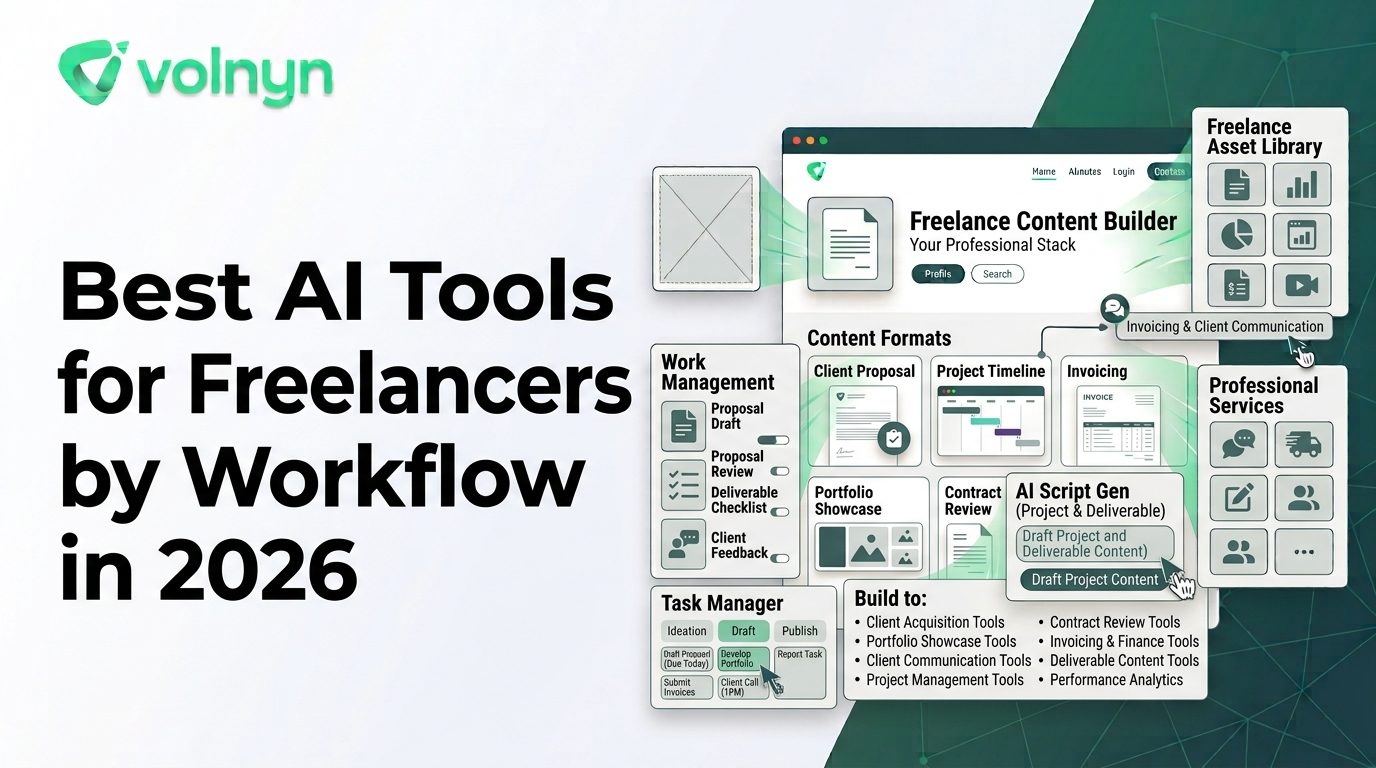
Freelancers do not just sell a skill. They also manage proposals, client communication, research, project planning, deadlines, revisions, presentations, websites, and delivery.
That is why the most useful AI tools for freelancers are not necessarily the ones that generate the most content. The better tools remove specific bottlenecks from the freelance workflow so you can spend more time doing the work clients actually pay for.
Volnyn already has a recent general guide to AI tools for freelancers, so this article takes a different approach: instead of another broad tool list, it organizes useful AI capabilities around the freelancer's workflow from client inquiry to final delivery.
What Should Freelancers Automate First?
Start with work that is repetitive, time-consuming, and relatively easy to review.
- Research: Finding information, summarizing sources, and preparing briefs.
- Proposals: Turning a client brief into a clear scope and proposal draft.
- Project management: Organizing tasks, deadlines, notes, and deliverables.
- Production: Drafting copy, creating visuals, preparing presentations, or editing content.
- Client delivery: Building websites, decks, documents, and other polished deliverables.
- Administration: Summaries, follow-ups, task updates, and recurring project documentation.
The objective is not to automate every part of freelancing. High-value decisions such as pricing, positioning, creative direction, client relationships, and final quality control still benefit from human judgment.
Best AI Tools for Freelancers by Workflow
ChatGPT — Research, Briefs, and Proposal Drafting
ChatGPT can serve as a general-purpose research and writing assistant throughout a freelance project.
OpenAI's current research guidance describes workflows for turning questions into research plans, comparing sources, synthesizing information, and producing structured reports with citations. For freelancers, that can translate into faster discovery research, competitor summaries, project briefs, interview questions, outlines, and first drafts.
It can also help turn a client's rough requirements into a clearer project scope. The freelancer should still verify important facts, define the actual deliverables, and make sure the proposal reflects what they can realistically deliver.
Notion AI — Project Organization and Client Workspaces
Notion AI is useful when the problem is not creating something but keeping everything connected.
Its current AI capabilities can summarize information, help create and edit pages, work with databases, search connected information, and support project-management workflows. Notion also provides AI agents that can perform multi-step tasks inside a workspace.
For a freelancer handling several clients, this can be useful for keeping briefs, meeting notes, project tasks, decisions, research, and deliverables organized in one system.
The key is to create a reliable project structure first. AI becomes much more useful when it has organized information to work from.
Canva — Client Visuals and Marketing Assets
Canva AI is a practical option for freelancers who create visual deliverables alongside their main service.
Its current AI tools can assist with designs, images, writing, video, resizing, and other creative tasks. Canva AI 2.0 also supports conversational creation and editable outputs, while its brand capabilities are designed to help maintain consistent visual styles.
This can be useful for freelancers creating social graphics, presentations, marketing assets, thumbnails, campaign materials, or other client-facing visuals.
Volnyn — Websites, Presentations, and Client Deliverables
Volnyn is particularly relevant when freelance work extends beyond one format.
Its current platform combines an AI website builder, presentations, documents, and other AI-powered creation capabilities in an all-in-one workspace. The AI Website Builder can generate a website from a description, while the AI Presentation Maker can turn a topic, outline, notes, or document into a designed presentation.
For a freelancer, that can support several common deliverables: portfolio websites, client websites, proposal decks, sales presentations, reports, and supporting business content.
The all-in-one workspace is especially relevant when those deliverables belong to the same project and would otherwise require several separate applications.
Descript — Audio and Video Client Work
Descript is designed around audio and video production with transcription and text-based editing.
For freelancers working on podcasts, interviews, webinars, YouTube videos, or social clips, this approach can reduce the friction involved in editing recorded material. Working from a transcript also makes it easier to find sections, remove unwanted material, and turn longer recordings into shorter pieces.
This is a good example of choosing AI based on the production problem rather than simply choosing a general-purpose chatbot.
AI Tools for Different Freelance Services
| Freelance Task |
Useful AI Capability |
Example Tool |
| Research and discovery |
Search, synthesis, summaries, structured briefs |
ChatGPT |
| Proposals and writing |
Drafting, rewriting, outlining, editing |
ChatGPT |
| Project organization |
Tasks, notes, databases, summaries, workflow assistance |
Notion AI |
| Graphic design |
AI-assisted layouts, images, writing, and resizing |
Canva |
| Websites and presentations |
AI-generated client deliverables |
Volnyn |
| Video and podcast editing |
Transcription, text-based editing, clips, cleanup |
Descript |
Use AI to Speed Up the Client Workflow
A freelancer can combine these capabilities into a repeatable process rather than using each tool independently.
- Capture the brief: Record the client's objectives, audience, requirements, references, deadline, and expected deliverables.
- Research the project: Use AI to organize questions and summarize reliable source material.
- Create the proposal: Turn the requirements into a clear scope, timeline, assumptions, and deliverables.
- Set up the project: Create tasks, deadlines, files, and notes in a structured workspace.
- Produce the work: Use the AI tool appropriate to the actual service, whether that is writing, design, video, web development, or presentations.
- Review everything: Check facts, formatting, brand requirements, links, accessibility, and client-specific details.
- Deliver and document: Send the finished work and record important decisions, feedback, and next steps.
This approach is more valuable than asking AI to “run the freelance business.” The freelancer remains in control while AI handles specific pieces of repeatable work.
Where AI Can Save Freelancers the Most Time
The biggest opportunity is often the work surrounding the billable task.
Consider a web designer who spends an hour researching a prospect, another hour preparing a proposal, several hours creating a first design, and additional time preparing a presentation for the client. AI can assist with research and proposal drafting, generate a starting point for the website, and create a presentation from the project material.
The freelancer still makes the important decisions and performs the skilled work. AI simply reduces some of the setup and production friction.
Do Not Automate Client Relationships
Freelancing is built around trust. A client needs to know that the freelancer understands the brief, can explain decisions, responds appropriately to feedback, and takes responsibility for the final result.
AI-generated messages can be useful as drafts, but sending generic responses without reviewing them can make communication feel impersonal. The same applies to proposals: AI can organize the information, but the freelancer should add specific observations about the client's business and explain why the proposed approach makes sense.
Use AI to accelerate communication, not to remove the relationship from the process.
Protect Client Information
Freelancers often receive sensitive material, including unpublished marketing plans, customer information, financial details, internal documents, source code, and proprietary creative assets.
Before putting client material into an AI service, understand the platform's privacy settings, data policies, retention practices, and account controls. Use the minimum amount of sensitive information necessary for the task, and follow any confidentiality requirements in your client agreement.
This is particularly important when AI becomes part of a repeatable freelance workflow rather than an occasional experiment.
How to Build a Small Freelancer AI Stack
You do not need a dozen subscriptions. Start with the tasks that occur repeatedly across your projects.
| If Your Bottleneck Is... |
Start With... |
| Research and writing |
A general AI research and writing assistant |
| Managing multiple projects |
An AI-connected project workspace |
| Creating client visuals |
An AI design platform |
| Building websites and decks |
Volnyn's AI creation tools |
| Editing recorded media |
An AI audio/video editor |
Add another tool only when you can identify a recurring problem it solves better than what you already use.
What Freelancers Should Keep Human
AI can help produce work faster, but speed is not the only measure of freelance quality.
- Client discovery and relationship building
- Pricing and contract decisions
- Creative and strategic direction
- Final fact-checking and quality control
- Ethical decisions about client data
- Original expertise and professional judgment
- Final approval of anything delivered to a client
The strongest freelance workflow is therefore not “AI does the work.” It is AI handles repeatable production tasks while the freelancer handles judgment and accountability.
Final Checklist
Before adding an AI tool to your freelance business, ask:
- What recurring task will it improve?
- How much time does that task currently consume?
- Can I review and edit the AI output?
- Does it work with the files and formats my clients use?
- What happens to client information I upload?
- Will the tool fit my existing workflow?
- Does the time saved justify the cost?
Conclusion
The best AI tools for freelancers are the ones that fit naturally into the work you already do. A writer may benefit most from research and drafting assistance, a designer from AI-powered visual production, a developer from coding and research tools, and a consultant from project organization and presentation creation.
Instead of building a huge AI stack, map your freelance workflow from client inquiry to final delivery and identify the repetitive steps. Then choose one tool for each meaningful bottleneck.
For freelancers who need to create websites, presentations, documents, and other digital deliverables, Volnyn's all-in-one workspace can provide a useful foundation for keeping several creation tasks together. The broader goal is simple: spend less time on repetitive setup and administration, and more time delivering the expertise clients hired you for.