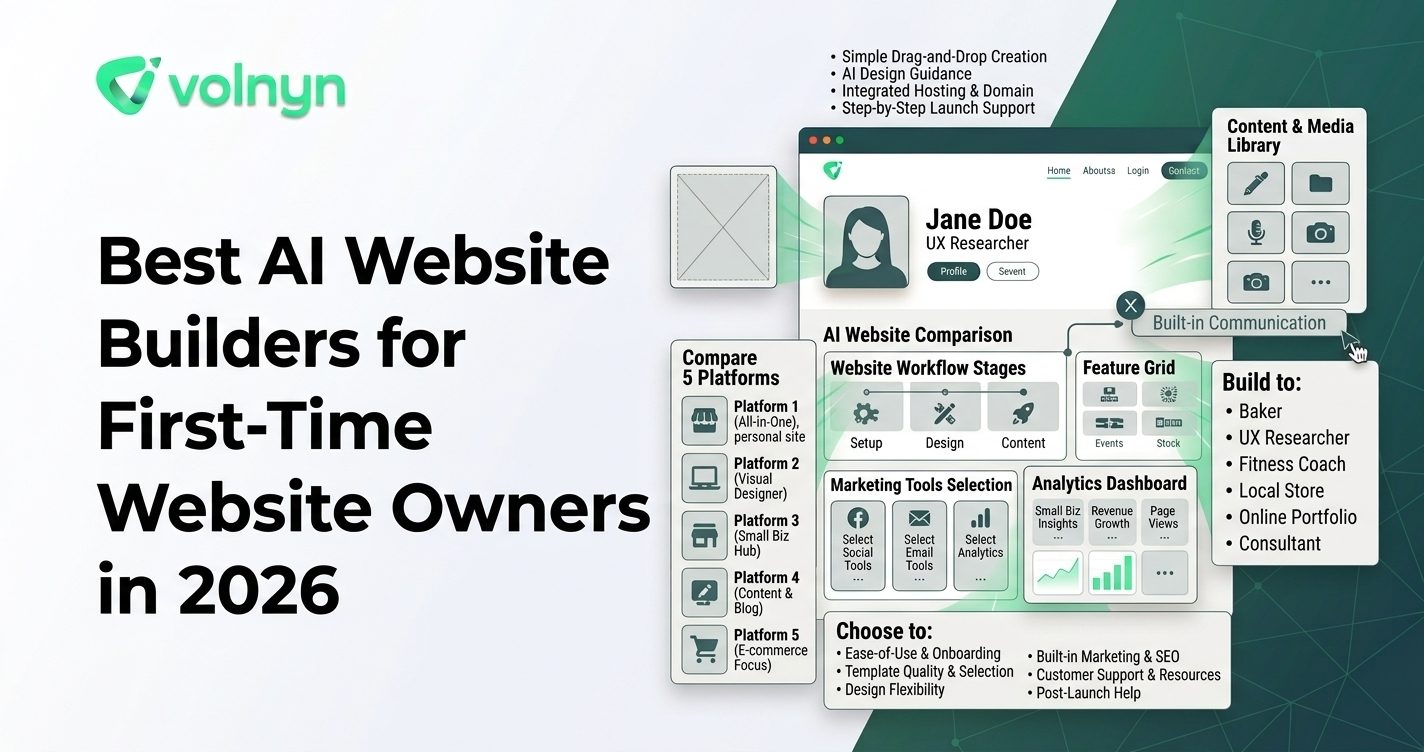
Building your first website can feel harder than it should. You may know what you want to offer, but not which pages to create, how to structure them, or where to start with design. AI website builders reduce that initial friction by turning a description of your idea into a working website that you can edit.
For a first-time website owner, however, the most important question is not simply which builder has the most AI features. It is which platform makes the entire process—from the first prompt to publishing and later editing—easy to understand.
Here are five AI website builders worth considering in 2026, with a focus on what matters most when you are creating your first site.
What Should Beginners Look For in an AI Website Builder?
A beginner-friendly AI website builder should remove technical decisions without removing your ability to make important choices.
Before choosing a platform, look for:
- Simple AI generation: You should be able to explain your business or project in ordinary language.
- Easy editing: Generated content should be straightforward to change without coding.
- Useful templates: Starting from an appropriate structure is easier than designing every page from scratch.
- Hosting and domain options: Beginners generally benefit from having website infrastructure handled in the same platform.
- Room to grow: Your first website may eventually need forms, ecommerce, bookings, blogs, or other business features.
Most importantly, remember that AI-generated content is a starting point. You should review the copy, images, contact information, links, and business claims before publishing.
5 AI Website Builders for First-Time Website Owners
1. Volnyn: A Straightforward AI Website Workflow
Volnyn's AI website builder is designed around a simple starting point: describe what you want to build, let AI generate the initial website, and then customize the result.
Volnyn currently lists more than 550 templates and supports website categories ranging from portfolios and services to ecommerce, restaurants, real estate, blogs, and business sites. Its workflow also includes drag-and-drop editing, hosting, and domain options. V Volnyn+1
That makes it worth considering if you are starting without a finished design and want AI to provide a complete starting structure rather than a blank canvas.
Another distinction is that the website builder sits inside Volnyn's broader workspace. The platform also includes site documents and AI presentations, allowing website-related work to remain in the same account. VVolnyn
2. Wix: AI Plus Extensive Manual Control
Wix's AI website builder combines conversational website generation with traditional visual editing. Its current AI workflow can generate a business-ready site from a description, while users can continue refining the result through AI tools or drag-and-drop controls. W wix.com
This hybrid approach can be useful for beginners who want AI to handle the initial setup but do not want to give up detailed design control later.
Wix also offers business features such as ecommerce, scheduling, marketing, analytics, and SEO tools. The trade-off is that the platform provides a large number of options, which can take time to learn as your website becomes more sophisticated. Wwix.com+1
3. Hostinger: Website Building With Hosting Included
Hostinger's AI website builder focuses on combining AI website creation with hosting and other website essentials. Its current offering lets users describe an idea, generate a website, and then refine it with AI or drag-and-drop editing. H Hostinger
Hostinger also supports several common beginner projects, including business websites, portfolios, booking sites, membership sites, and online stores. Its website plans include hosting, with domain and other inclusions depending on the plan. HHostinger
This approach can appeal to someone who would rather manage fewer separate services when getting a first website online.
4. Squarespace: AI-Assisted Design for Polished Websites
Squarespace's Blueprint AI creates a personalized website from information about your project and combines that process with its visual website editor. Squarespace positions the tool as a way to generate layouts, styling, and starter content without beginning from a blank page. S Squarespace+1
Squarespace can be particularly interesting for beginners who care about visual presentation but still want a guided starting point. Its platform also supports blogs, portfolios, stores, professional services, SEO, and marketing features. SSquarespace
The key consideration is whether its design-focused workflow and feature set match what you actually need. A simple personal site does not necessarily require every available capability.
5. Framer: AI-Assisted Creation for Design-Focused Sites
Framer's AI website tools let users describe a website, page, or update and generate editable pages, sections, copy, and visuals. The generated result can then be refined directly on the visual canvas. F Framer
Framer is worth considering if the appearance and layout of your website are especially important. It gives users a visual environment for continuing the design process after AI creates the initial work.
For someone who has never built a website, though, the amount of design flexibility can also mean there is more to learn. Beginners should consider whether they want a guided business-site workflow or a more design-oriented creative environment.
How These AI Website Builders Differ
| Builder |
Beginner-Friendly Strength |
Good Fit For |
| Volnyn |
AI-generated starting point with visual editing |
Business sites, portfolios, services, and users who want a broader AI workspace |
| Wix |
AI generation combined with extensive manual control |
Beginners who expect their website needs to grow |
| Hostinger |
AI building combined with hosting and website essentials |
Users who want website infrastructure in one service |
| Squarespace |
Guided AI creation with design-focused tools |
Portfolios, professional services, blogs, and visually polished sites |
| Framer |
AI-assisted visual website creation |
Design-conscious creators and modern landing pages |
How to Choose Your First AI Website Builder
Instead of choosing based only on feature lists, start with the website you actually need.
- Define the purpose. Decide whether the site is for selling products, generating leads, showcasing work, accepting bookings, publishing content, or simply establishing an online presence.
- List your essential pages. A basic service business may need only Home, About, Services, and Contact. An online store will require a much broader structure.
- Test the AI generation process. Give the same basic description to two or three builders and compare the starting results.
- Edit before judging. Check how easily you can change text, images, navigation, colors, and sections. The first generated version is rarely the final version.
- Check the long-term requirements. Consider domains, hosting, SEO controls, ecommerce, forms, bookings, integrations, and future content needs before committing.
Common Beginner Mistakes to Avoid
The biggest mistake is assuming that an AI-generated website is automatically ready to publish. AI can create structure and content quickly, but it does not know every detail of your business.
Review every important claim, replace generic copy with specific information, check mobile layouts, test contact forms, verify links, and make sure your calls to action tell visitors exactly what to do next.
It is also easy to overbuild a first website. Start with the pages visitors actually need. You can expand the site later as your business or project develops.
Where Volnyn Fits for Beginners
If your main goal is to get from an idea to a usable website without starting with design or code, Volnyn's AI website builder offers a direct workflow: describe the website, generate a starting point, customize it, and publish.
Its broader all-in-one workspace also brings websites, site documents, and presentations together, which can be useful if your website is part of a larger business workflow. VVolnyn
The important thing is to choose the platform according to your actual requirements rather than assuming that the builder with the longest feature list is automatically the right choice.
Conclusion
The best AI website builder for a first-time website owner is ultimately the one that makes the path from idea to published site understandable without creating unnecessary complexity.
Volnyn, Wix, Hostinger, Squarespace, and Framer all approach AI website creation differently. Some emphasize business tools, some focus on design flexibility, and others combine website creation with hosting or broader digital workflows.
Start with your website's purpose, identify the features you genuinely need, test the editing experience, and review everything AI generates before publishing. With that approach, your first website can be much easier to build without sacrificing the human decisions that make it useful.