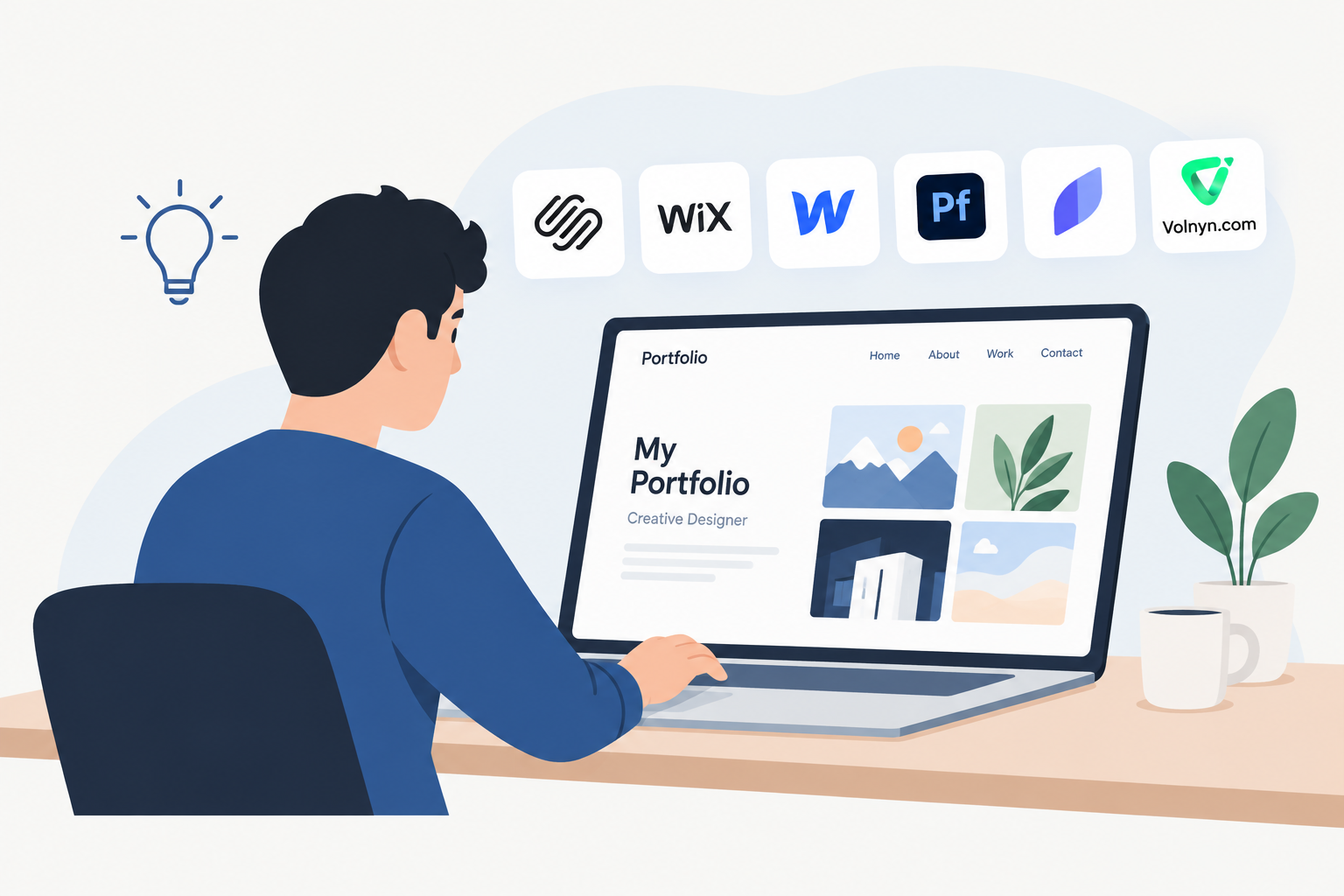
Your portfolio should do more than display your work. It should help potential clients understand your skills, see your best projects, and decide whether they want to work with you. But choosing the right website builder can be difficult when every platform promises attractive designs and easy setup.
The best website builder for portfolios depends on what you create, how much control you need, and whether you want to attract clients, find a job, or sell your work.
In this guide, we compare seven options, explain their strengths and limitations, and help you choose a portfolio website builder that fits your goals.
What Is the Best Website Builder for Portfolios?
There is no single best option for every creator. Some website builders focus on visual design, while others offer more flexibility, business features, or simple ways to publish a portfolio for free.
Here is a quick overview of seven options worth considering.
| Website builder | Best for | Main advantage | Main limitation |
|---|
| Squarespace | Artists, designers, and creative businesses | Polished portfolio layouts and business pages | Less freedom than a fully custom-built website |
| Wix | Beginners and freelancers | Visual editing and a wide range of website features | The many options may feel overwhelming |
| Webflow | Web designers and advanced creatives | Detailed layout and design control | Takes more time to learn |
| Adobe Portfolio | Adobe Creative Cloud users | A focused way to present creative work | Best suited to relatively straightforward portfolios |
| Format | Photographers and visual artists | Photography-focused portfolio tools | May not suit every type of business website |
| Carrd | One-page portfolios and personal profiles | Simple, compact website creation | Limited for large, multi-page portfolios |
| Volnyn | Beginners, freelancers, and creators exploring AI website creation | AI-generated website structure, content, and design | Review the available publishing and domain options before committing |
These are different types of tools, so the best choice depends on your priorities rather than the number of features a platform advertises.
1. Squarespace: Best for a Polished Creative Portfolio
Squarespace is a strong option for artists, graphic designers, photographers, illustrators, and other creative professionals who want their work to look polished without building a website from scratch.
Its official portfolio website features include customizable layouts, project pages, contact forms, and tools for promoting creative services. You can also add other pages as your work or business grows.
Key advantages
Professionally designed portfolio layouts.
Project galleries for organizing creative work.
Contact forms and pages for introducing yourself.
Options for selling products and promoting services.
Website tools for search visibility and marketing.
Limitations
You may have less detailed design freedom than with a more advanced visual development platform. You should also review the current plan costs and available features before choosing a subscription.
Best for: Designers, artists, photographers, and freelancers who want their portfolio and business website in one place.
2. Wix: Best for Beginners and Freelancers
Wix is worth considering if you want a flexible website builder with visual editing, portfolio templates, and additional business features.
Its portfolio website builder supports AI-assisted creation, image and video projects, customizable layouts, and tools for promoting your work.
You can start with a template or use its AI portfolio generator, then adjust the content and design to match your style.
Key advantages
A range of portfolio templates.
Visual editing without requiring code.
Support for different creative fields, including video and photography.
Options for contact forms, marketing, and selling work.
Tools for expanding a simple portfolio into a larger website.
Limitations
The number of customization options may take time to explore. Before selecting a plan, check whether its available features and costs fit your needs.
Best for: Beginners, freelancers, and creatives who want flexibility and may add business features later.
3. Webflow: Best for Web Designers and Advanced Creatives
Webflow is a good choice for designers who want more control over layouts, typography, animations, and the overall look of their portfolio.
Instead of relying entirely on fixed template layouts, you can create more customized designs. This can be useful for UX designers, UI designers, creative agencies, and professionals whose portfolios also demonstrate their web design skills.
Webflow's official portfolio guide also recommends using project descriptions, case studies, and examples to explain how you approach your work.
Key advantages
Detailed visual design control.
Support for custom layouts and interactions.
Opportunities to build project-based case studies.
Options to expand a portfolio into a larger website.
Tools for presenting work with more visual detail.
Limitations
Webflow has a steeper learning curve than simpler website builders. If you only need a basic portfolio with a few images and contact details, its advanced controls may be unnecessary.
Best for: UX/UI designers, web designers, creative studios, and people who value detailed design control.
4. Adobe Portfolio: Best for Existing Adobe Creative Cloud Users
Adobe Portfolio is worth exploring if you already use Adobe creative software and want a dedicated place to showcase your work.
It is especially relevant to photographers, illustrators, and graphic designers who need a clean presentation of finished projects rather than a complex business website.
Key advantages
A focused portfolio-building experience.
Suitable for presenting visual work.
A practical option for people already working in the Adobe ecosystem.
Less need to build every page from scratch.
Limitations
Adobe Portfolio is more specialized than general website builders. If you need advanced business workflows, extensive content publishing, or a complex website structure, compare its current capabilities with broader platforms first.
Check the official Adobe Portfolio website for current availability and subscription requirements.
Best for: Adobe users who want a straightforward portfolio for photography, illustration, or design work.
5. Format: Best for Photographers and Visual Artists
Format is a specialized portfolio platform to consider when your work depends heavily on images and visual presentation.
Photographers and visual artists often need more than a basic page with a few pictures. They may want to group work into galleries, organize different projects, and present a consistent visual style.
Key advantages
A portfolio-focused website experience.
Layouts designed around visual work.
A useful option to investigate for photography businesses.
More focused on showcasing creative projects than a general-purpose website builder.
Limitations
A specialized portfolio platform may not be the best fit if you want a complex blog, a large business website, or extensive customization beyond your main creative work. Verify which gallery, client, and selling features are included in the plan you choose.
Visit the official Format website to explore its current portfolio options.
Best for: Photographers, visual artists, and creators who want a website centered on their work.
6. Carrd: Best for Simple One-Page Portfolios
Carrd is a useful choice if you want a small, focused portfolio rather than a large website.
For example, a student, junior designer, or freelancer may need only a short introduction, three project examples, a list of skills, and a contact link. A one-page website can present all of this without requiring a complicated structure.
Key advantages
A simple approach to one-page website creation.
Suitable for personal profiles and compact portfolios.
Less work to organize and maintain.
Useful when you want to publish a small collection of links and projects.
Limitations
Carrd is less suitable for a portfolio that needs many individual project pages, detailed case studies, a large gallery, or a complex content structure. Check the official Carrd website for current plan features and limitations.
Best for: Students, beginners, and freelancers who need a clean, simple portfolio page.
7. Volnyn: Best for AI-Assisted Portfolio Creation
Volnyn is an option for creators who want to explore AI-assisted website creation instead of designing every section manually.
Its AI website builder lets you describe the website you want and generates a starting structure, content, and design. You can then customize the result using its visual editing tools.
This approach may be useful if you are building your first portfolio, have limited design experience, or want to create a starting point quickly.
Key advantages
AI-assisted website structure, content, and design.
A starting point based on your description.
Visual editing to adjust text, images, colors, and sections.
Portfolio and other website templates.
A free starting option described on its free website builder page.
Limitations
An AI-generated website still needs your real projects, accurate descriptions, and personal details. You should also check the current plan, custom-domain requirements, publishing options, and available features before deciding whether it suits a professional portfolio.
Best for: Beginners, independent creators, and freelancers who want to explore AI-assisted website building.
Volnyn is worth comparing if you value a guided starting point. If you need specialized photography workflows or very detailed visual control, compare it with portfolio-focused platforms before making your decision.
Which Website Builder Is Best for Your Type of Portfolio?
The best portfolio building website depends on what you create and what you want visitors to do after viewing your work.
Best website builder for a graphic design portfolio
Consider Squarespace for polished project layouts, Wix for flexible editing, or Webflow if you want detailed control over the presentation. Include branding projects, logo designs, packaging, and short explanations of your design decisions.
Best website builder for an artist portfolio
Squarespace, Format, and Adobe Portfolio are worth comparing for visual presentation. Choose a layout that lets visitors focus on your artwork, explore collections, and find information about commissions or exhibitions.
Best website builder for a video portfolio
Wix, Squarespace, and Webflow are options to evaluate. Check video playback, embedding, mobile performance, and how easily visitors can find your strongest work. Large video files can affect loading speed, so consider hosting and embedding options carefully.
Best website builder for a UX/UI design portfolio
Webflow is worth considering for custom layouts, while Wix and Squarespace can suit designers who prefer a more guided building experience. Focus on case studies that explain the problem, your role, your process, and the final outcome.
Best website builder for a personal portfolio
Carrd may be enough for a short personal website. Volnyn, Wix, or Squarespace are alternatives if you want to add more pages, project details, services, or a blog.
These are recommendations based on the type of work and the features to consider, not results from hands-on testing of every platform.
What Should You Look for in a Portfolio Website Builder?
Before choosing a platform, focus on the features that will help people understand your work and contact you.
1. Portfolio templates that fit your work
A graphic designer may need space for project mockups and case studies. A photographer may need image galleries, while a writer may need readable text layouts.
Choose a template that supports your work rather than one that simply looks attractive in a preview.
2. Easy editing and customization
You should be able to update projects, replace images, edit text, and change your contact details without rebuilding the entire site.
If you are a beginner, a simple visual editor or AI-assisted starting point may save time. If design control is important to your work, investigate the platform's more advanced options.
3. Mobile-friendly layouts
Potential clients and employers may visit your portfolio on phones, tablets, or computers.
Check that images resize properly, text remains readable, navigation works, and contact buttons are easy to use on smaller screens.
4. SEO features
Search engine optimization (SEO) helps search engines understand your pages and can help relevant visitors discover your work.
Look for the ability to edit page titles, meta descriptions, URLs, image alt text, and headings. Also check whether you can connect a custom domain and manage important indexing settings.
These features alone do not guarantee rankings. Your content, site quality, competition, and other SEO factors also matter.
5. Project pages and case studies
A gallery shows what you created, but a case study explains how you approached the work.
For each important project, consider including:
The client's goal or the problem you were solving.
Your role and responsibilities.
The process or tools you used.
The final work.
Real outcomes or feedback, when you can support them.
This is especially helpful for designers, developers, marketers, and other professionals whose thinking is part of the value they offer.
6. Contact and business features
If you want to attract clients, make it easy for visitors to contact you.
Depending on your needs, you may want a contact form, booking system, service pages, testimonials, or a way to sell your work. Do not pay for advanced features you are unlikely to use.
7. Price, domain, and future flexibility
A free plan can be useful when you are starting, but check what it includes before publishing your portfolio.
Compare the total cost of the plan, custom domain, any required upgrades, and additional tools. Also consider how you could export or move your content if your needs change.
How to Build a Portfolio Website Step by Step
You do not need to be an experienced web designer to create a useful portfolio. The key is to prepare your work and choose a builder that matches your needs.
Step 1: Decide what your portfolio should achieve
Start by identifying your main goal. Do you want to find a job, attract freelance clients, sell artwork, or show your creative skills?
Your goal will help you decide which pages and features you need.
Step 2: Select your best projects
Choose a small collection of work that represents your skills. Quality matters more than the number of projects you display.
If you are new to your field, you can include personal projects, practice designs, or clearly labeled sample work. Never present practice projects as paid client work.
Step 3: Choose a website builder
Compare the options based on your skills, budget, design needs, and future plans.
For example, you might choose Carrd for a simple one-page portfolio, Webflow for greater design control, or Volnyn if you want to try AI-assisted website creation.
Step 4: Create the essential pages
A basic portfolio may include:
Home: A clear introduction and a preview of your best work.
Portfolio: Your selected projects, grouped where useful.
About: Your skills, background, and working approach.
Services: The services you offer, if relevant.
Contact: An email address, contact form, or another suitable way to reach you.
You do not need every page from the beginning. Start with the pages that serve your goal.
Step 5: Add project descriptions
Do not rely on images alone. Explain what each project shows and what your role was.
For example, a graphic designer might explain the branding problem, show the logo and packaging designs, and describe the design choices. A video editor might show a finished clip and explain the type of editing work completed.
Keep these descriptions accurate and easy to understand.
Step 6: Optimize and test your website
Before publishing, review the website on desktop and mobile devices.
Check your links, contact form, page titles, image alt text, loading speed, and navigation. Make sure visitors can reach your most important projects without unnecessary steps.
Step 7: Publish and share your portfolio
Once everything works, share your portfolio with potential clients, employers, professional contacts, and relevant online communities.
Keep adding strong projects as your skills develop. An updated portfolio gives visitors a clearer picture of the work you can do now.
Common Portfolio Website Mistakes to Avoid
Even a good website builder cannot make a portfolio effective if the content is poorly organized.
Avoid these common mistakes:
Showing every project: Include work that supports the type of opportunity you want.
Using attractive designs without context: Explain your role and the purpose of important projects.
Hiding contact details: Make it easy for visitors to take the next step.
Ignoring mobile users: Test layouts, images, and buttons on smaller screens.
Using generic descriptions: Explain what you actually contributed instead of relying on vague claims.
Ignoring SEO basics: Write clear page titles, descriptive headings, and useful image alt text.
Choosing based only on price: A free tool may be enough, but consider your future needs and the cost of required upgrades.
Publishing unfinished content: Replace placeholder images and text before sharing the site professionally.
A portfolio should make your work easy to understand. Fancy animations and complicated layouts are optional; clear projects and useful information are essential.
Frequently Asked Questions
1. What is the best website builder for portfolios?
The best website builder depends on your goals and experience. Squarespace is worth considering for polished creative portfolios, Wix for flexible editing, Webflow for advanced design control, and Carrd for simple one-page websites. Compare the features you need before choosing.
2. What is the best free website builder for a portfolio?
Volnyn offers a free starting option for creating websites, while other platforms may offer free plans or trials with different limits. Check whether the free option allows publishing, supports your preferred domain, and includes the features your portfolio needs.
3. Which website builder is best for a graphic design portfolio?
Squarespace, Wix, and Webflow are useful options to compare. Consider how well each supports project galleries, branding presentations, mockups, case studies, and customization. The best fit is the one that presents your design work clearly.
4. What is the best website builder for an artist portfolio?
Artists can compare Squarespace, Adobe Portfolio, and Format for visual presentation. Look for clear artwork galleries, useful project organization, readable descriptions, and options for displaying collections or selling artwork when needed.
5. Which portfolio website builder is best for photographers?
Format, Squarespace, and Adobe Portfolio are worth evaluating. Compare image gallery layouts, image quality, mobile display, client-related tools, and the available options for sharing or selling photography.
6. Can I create a portfolio website without coding?
Yes. Many website builders offer templates, visual editors, or AI-assisted creation that do not require you to write code. You still need to choose suitable layouts, add your own work, check the website, and publish it.
7. How many projects should I include in my portfolio?
There is no fixed number that works for every portfolio. Start with enough strong projects to demonstrate your main skills without overwhelming visitors. If you have limited experience, a few well-presented personal or practice projects can be a useful starting point.
8. Does a portfolio website help with SEO?
Yes, a portfolio website can attract search traffic when its pages provide useful, relevant information and are accessible to search engines. Descriptive project pages, clear titles, appropriate image alt text, mobile usability, and relevant links can support SEO, but rankings are not guaranteed.
9. Should I use a portfolio website builder or WordPress?
A website builder may be easier if you want a guided setup and managed website tools. WordPress may suit you if you want a different level of content management, customization, or access to its plugin ecosystem. Compare maintenance, hosting, costs, and flexibility before deciding.
10. Can I use my portfolio website to attract freelance clients?
Yes. A portfolio can help potential clients understand your skills and review examples of your work. Include relevant projects, a clear description of your services, and an easy way to contact you. A website supports your outreach, but it does not guarantee new clients.
Conclusion: Choose the Portfolio Builder That Fits Your Goals
The best website builder for portfolios is the one that helps you present your work clearly without adding unnecessary complexity. Squarespace and Wix are worth considering for accessible creative websites, Webflow suits people who want more design control, and Carrd can work well for a simple personal portfolio. Photographers and artists may prefer more specialized options.
If you are starting from scratch, consider trying an AI-assisted option such as Volnyn's website builder to create a starting design, then customize it with your actual projects and details.
Before committing to a paid plan, compare the features you need, test the mobile experience, and check the publishing and domain options. Most importantly, focus on the quality of your work and how easily visitors can understand it.