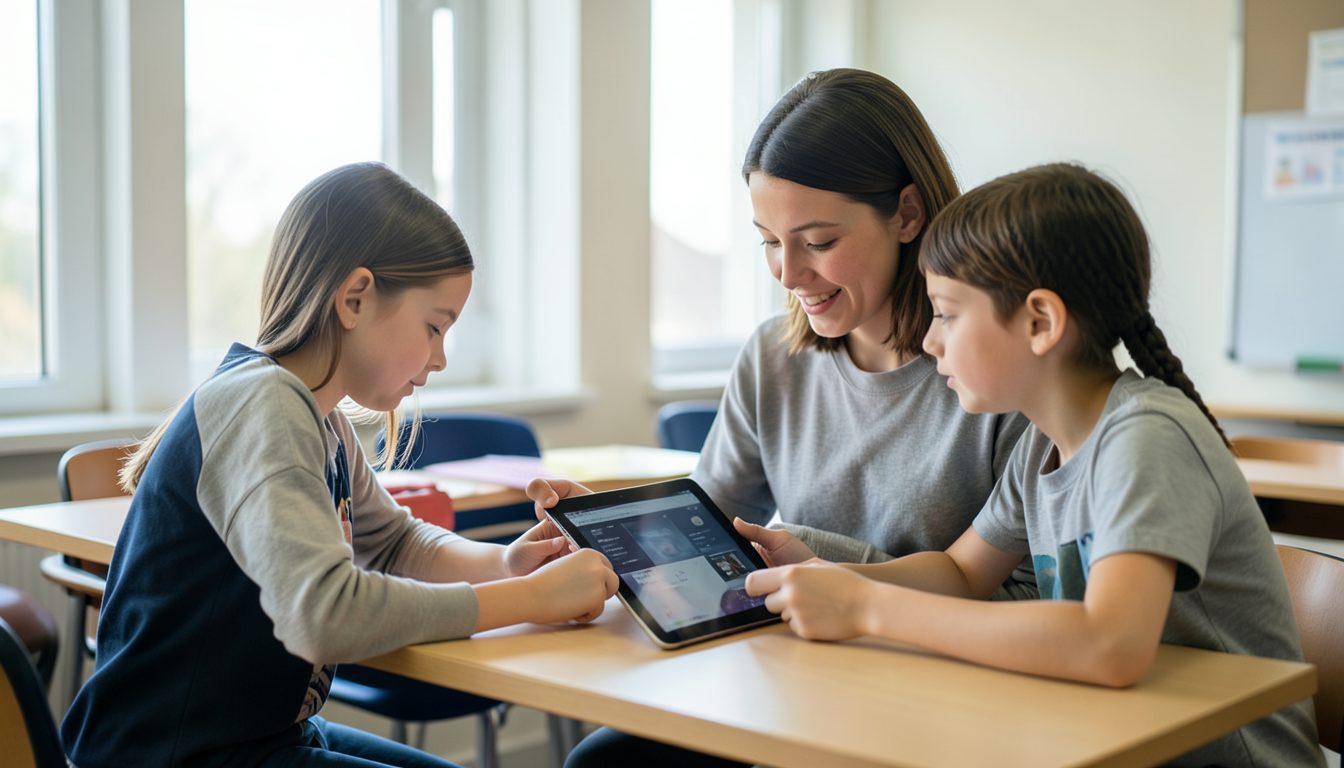
Teachers know the moment when a class goes quiet in the wrong way: eyes drifting, energy dropping, the same review questions landing flat. A short game can bring the room back, but finding one that fits your exact lesson is hard, and many classroom tools need logins, installs, or devices you do not have. Small browser games are a practical answer. They run on whatever screens your school already has, and they can be shaped around your own content.
Why Browser Games Fit the Classroom
- Nothing to install. Students open a link on a laptop, tablet, or the classroom display.
- Short by design. A round can take five minutes, which fits a warm-up or a closing review.
- Easy to customize. Vocabulary, dates, formulas, and spelling words can be swapped in.
- Works for groups. One game on a projector can involve the whole class, even with no student devices.
Game Ideas by Subject
Language Arts
- A falling-words game where students tap only the nouns, or only the words spelled correctly.
- A sentence builder where scrambled words must be dragged into the right order.
- A synonym match where pairs of cards flip over memory-style.
Math
- A runner game where the character jumps through the gate showing the correct answer to a sum.
- A fraction pizza game where students drag slices to match a target amount.
- A times-table challenge with a gentle timer that speeds up with each correct answer.
Science and Social Studies
- A sorting game where items drop into the right bin, such as living versus non-living or renewable versus non-renewable.
- A timeline game where events must be placed in order.
- A map game where students tap the location named on screen.
Design Tips for Learning Games
A classroom game has a different job than a game played for fun at home. The goal is practice and recall, so the design should support learning first.
- Explain wrong answers. Show the correct answer and a one-line reason before moving on. That turns a mistake into a lesson.
- Keep speed optional. Timers add excitement but can shut out students who read or process more slowly. Offer a no-timer mode.
- Avoid public losing. On a shared screen, celebrate group progress rather than singling out who got it wrong.
- Use short rounds. Eight to twelve questions keeps attention and leaves time to discuss.
- Make text readable from the back row. Large fonts and high contrast matter on a projector.
Let Students Make Games Too
Building a game can be a lesson in itself. Students practice writing clear instructions, thinking about cause and effect, and testing ideas with classmates. A good project format is to have small groups design a quiz or sorting game about the current unit, then swap and play each other's games.
With an AI game builder like Volnyn Games, students can describe the game in plain words, ask for changes after trying it, and publish it to the Volnyn Games portal so classmates can play it in the browser. The writing and revising process is where much of the learning happens.
Practical Classroom Considerations
- Test the game on school devices and the school network before class.
- Check that sound can be muted, or that the game works fine without it.
- Have a non-screen backup activity in case the internet goes down.
- Follow your school's rules about which websites students may visit and whether accounts are allowed.
- Keep games free of personal student information.
Try This Week
Pick one topic you are reviewing this week. Write ten questions or ten items to sort, choose one of the game formats above, and run it as a five-minute warm-up. Afterward, ask students what made it easy or hard to play, and use their answers to improve the next version.