
Welcome to Volnyn
Sign in or create an account to continue
Continue with Google
or
Sign in with email
New here? Create an account
By continuing, you agree to our Terms of Service
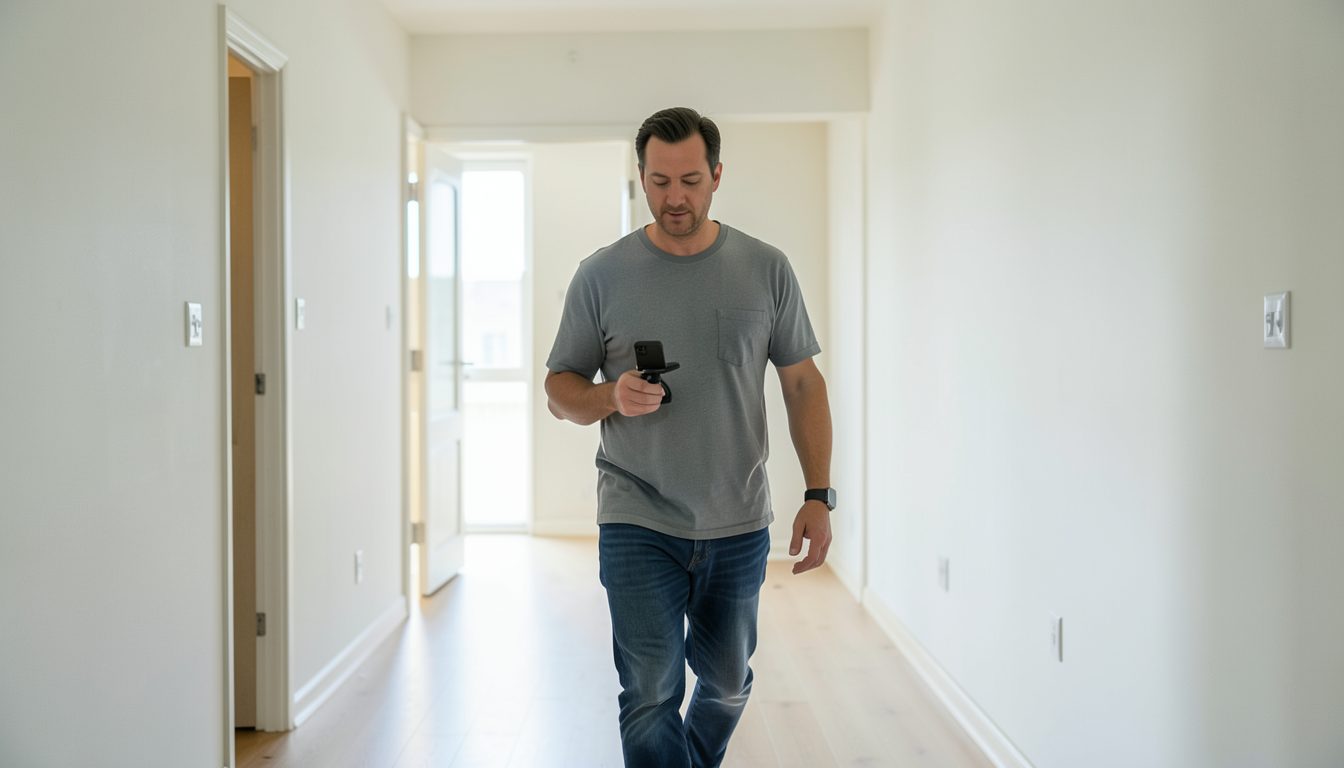
Photos show what each room looks like. A video shows how the rooms connect: how far the kitchen is from the bedrooms, what you see when you open the front door, whether the hallway feels narrow. For people moving from another city, or anyone narrowing down a shortlist, a good walkthrough can replace a wasted trip. It can also save you showings with people who would have said no in the first minute.
Walk the home once without filming and decide on a natural path, the way a visitor would move through it:
Avoid doubling back. If the layout forces it, stop recording and start a new clip in the next room rather than filming the same hallway twice.
Clear surfaces, open blinds, turn on every light and make the beds. Video reveals more than still photos, including corners and floors you might crop out of a picture, so check those too. Turn off fans, televisions and anything that hums, because the microphone will pick it up. If someone lives there, give proper notice, agree on what will be filmed and keep personal items and papers out of frame.
Shaky, fast footage is the main reason walkthroughs are hard to watch. These techniques help:
If your phone lets you lock focus and exposure by pressing and holding on the screen, do it, so the brightness does not jump every time you pass a window.
You have two good options. A silent video with short captions added afterward works well if you are not comfortable speaking on camera. Narration, spoken calmly as you walk, adds details the picture cannot: "this closet runs the length of the wall," or "the washer and dryer stay with the unit." Keep it factual, skip the hype and describe the home rather than who it would suit. If you narrate, keep the phone close and film when the street outside is quiet.
For most apartments, two to four minutes is enough. A larger house may need a little more, but few viewers watch a long video to the end. Trim the start and finish, cut dead time and remove any clip where the camera shook badly. Most phones include a basic editor that can trim clips and join them in order. Never add music you do not have the rights to use.
Some people want to ask questions in real time. A live video call lets them direct you: "Can you open that cabinet?" or "What does the view from the bedroom look like?" Charge your phone fully, check the signal in every room beforehand and bring a helper if you need hands free for doors and lights. Answer questions about noise, light and repairs honestly, because what someone sees on the call should match what they find on move-in day.