Typing a sentence and getting back a moving video clip feels close to magic the first time you do it. It isn't magic — it's a specific pipeline of AI models working together, and understanding roughly how that pipeline works actually makes you noticeably better at using it. This guide covers both: what's happening under the hood, and the practical steps to get a result that doesn't look generic.
How Does Text to Video AI Actually Work?
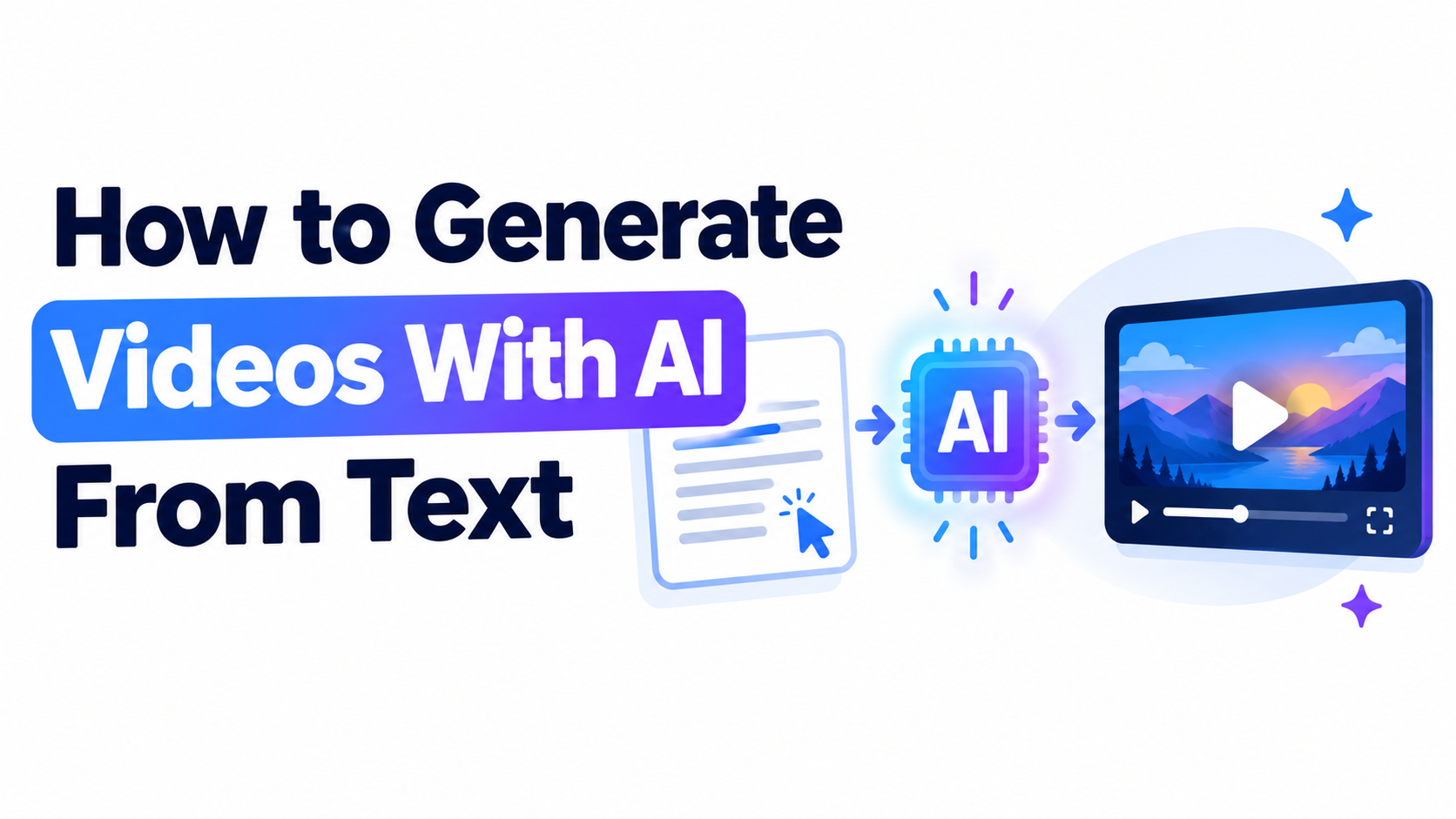
A text-to-video AI model doesn't "film" anything — it generates each frame based on patterns learned from massive amounts of video during training. The general process:
Your text prompt is parsed to extract the subject, action, setting, and any style or camera cues you included.
A diffusion-based model generates frames that are consistent with each other over time — this temporal consistency (making sure the subject doesn't randomly change between frames) is the hardest technical problem in this category, and it's what separates strong models from weak ones.
The frames are assembled into a short clip, typically 5–10 seconds, since generating longer sequences while maintaining consistency gets exponentially harder.
Some models add native audio (like Google Veo) synced to the visual, while others output silent video that you add sound to separately.
Different text to video AI models are trained differently, which is why the same prompt produces noticeably different results on Veo versus Kling versus Volnyn — each has learned different patterns and prioritizes different aspects of realism, motion, or style.
Step-by-Step: Generating a Video From Text
Pick a tool that matches your goal. A cinematic generator (Veo, Kling, Runway) for camera-directed scenes, or a simpler text-to-video tool (Volnyn) for quick social or ad clips without needing production vocabulary.
Write a prompt with four components: subject, action, setting/mood, and (for cinematic tools) camera movement. "A barista pouring latte art into a ceramic cup, warm morning light, close-up shot" gives the model far more to work with than "someone making coffee."
Generate and review the first result. Check whether the motion, subject, and mood match what you described.
Refine one element at a time. If the lighting is off, adjust just the lighting description in your next attempt rather than rewriting the whole prompt.
Regenerate for a different take if the overall result isn't usable — most tools let you try again without additional cost tied to a "bad" generation on some plans, though this varies.
Download and, if needed, assemble multiple clips in a basic editor if your project needs more than the single-generation length limit.
What Actually Separates a Good Prompt From a Weak One
Weak prompt | Why it underperforms | Stronger version |
"A city street" | No subject, action, or mood — model defaults to generic | "A rain-slicked city street at night, neon reflections, a lone figure walking away from camera" |
"A product video" | Too vague to guide framing | "Close-up rotating shot of a skincare bottle on a marble surface, soft studio lighting" |
"Something cool for social media" | No concrete visual information at all | "Fast-paced clip of a skateboarder landing a trick, golden hour, slow-motion at the landing" |
The pattern is consistent: specific subject + specific setting + specific mood/lighting produces a result closer to what you actually pictured, regardless of which model generates it.
Where Volnyn Fits Into This Process
Volnyn's AI video generator is built specifically around the simpler end of this spectrum — you describe a scene in plain language, and it generates a video clip matched to that description, with no camera-movement vocabulary or technical setup required. It covers social clips, ad and promo creative, product and explainer visuals, and B-roll, and every clip you generate comes with full commercial usage rights on the free plan, with no attribution required.
Where it's simpler than a cinematic-focused model: it doesn't offer granular camera control, image-to-video, or avatar generation — for highly specific camera direction or animating an existing photo, a dedicated tool built for that (Runway, Vider.ai) is the better fit.
Common Mistakes When Generating From Text
Describing the subject but not the shot. As shown above, mood and setting details matter as much as the subject itself.
Expecting a single generation to be final. Even well-written prompts sometimes need one or two regenerations to land.
Not knowing your tool's clip-length limit upfront. Most models cap individual generations at 5–10 seconds; plan multi-clip assembly if your project needs more.
Using the same prompt style for every tool. A cinematic model responds well to camera terminology; a simpler tool like Volnyn works better with a plain, direct scene description.
FAQ
Why does text-to-video AI struggle with longer clips?
Maintaining consistency across frames (the subject staying the same, motion staying coherent) gets harder the longer a clip runs, which is why most models cap individual generations at 5–10 seconds.
Do all text-to-video AI models work the same way?
The underlying diffusion-based approach is broadly similar, but each model is trained differently, which is why the same prompt produces different results across tools — some prioritize photorealism, others motion smoothness or stylization.
Do I need to know filmmaking terms to write a good prompt?
For cinematic tools, camera and lighting vocabulary helps significantly. For simpler tools built around plain-language input, like Volnyn, a clear, direct description works well without needing that vocabulary.
Can text-to-video AI generate sound automatically?
Some models, like Google Veo, generate synchronized native audio. Others produce silent video that you add music or narration to separately afterward.
How long does it take to generate a video from text?
Generation time varies by model and complexity, but most tools produce a short clip in well under a few minutes.
Can I use AI-generated video from text commercially?
This depends on the specific platform and plan — always check the terms. Volnyn includes full commercial usage rights on its free plan, with no attribution required.

Be the first to leave a comment.