
Welcome to Volnyn
Sign in or create an account to continue
Continue with Google
or
Sign in with email
New here? Create an account
By continuing, you agree to our Terms of Service
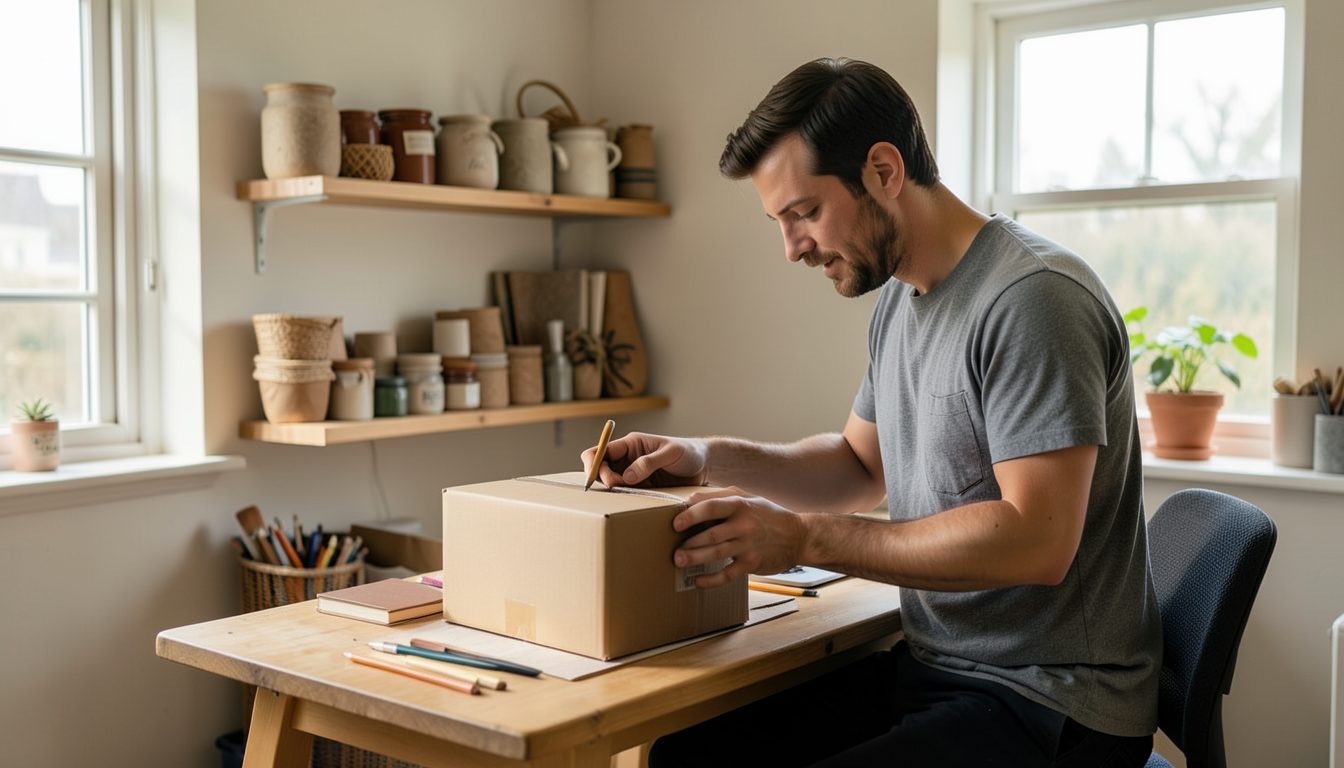
When you run a business from home, the line between being easy to find and being too easy to find gets blurry. Customers need to reach you, platforms ask for an address, and personal posts mix with business ones. Most people never decide what they are comfortable sharing; it just accumulates over the years. A short, deliberate review now can protect your family and your peace of mind without making your business any harder to reach.
Start with what a customer needs in order to buy from you, and treat everything else as optional. For most home-based businesses that is:
If customers visit you in person, you will need to share an address, but you can share it after a booking is confirmed rather than on a public page.
Many platforms, registration forms and invoices ask for an address. Some options that keep your home address off public pages and records:
Business registrations and some official filings can be public. Check your local rules before you register, so you know which address will be visible and whether alternatives are allowed.
A business phone number that is not your personal mobile means you can switch it off at night, hand it to a helper later, and change it if it attracts spam. A second line on your phone, a separate inexpensive device, or an internet calling service can all work. Do the same with email: a business address, ideally on your own domain, keeps your personal inbox out of customer lists and out of other companies' data breaches.
Photos and posts reveal more than people expect. Before you publish, look for:
Go through your main profiles and check what a stranger can see. Many social platforms let you view your profile as the public sees it. Set personal accounts to private if they are not part of your business, remove your phone number and birthday from public view, and check who can tag you or find you by email address. Keep the business account for business and the personal account for friends and family.
A few written rules make day-to-day decisions easier, especially if someone else helps with your social media. For example: no photos of the outside of the house, no children's faces, no live locations, and no personal phone number anywhere public. Keep the list next to your desk or in your content folder so it is easy to check before posting.
Revisit it once a year, or whenever your business changes, such as when you start taking in-person appointments. Being reachable and being private are not opposites. With a little planning, customers get everything they need from you, and nothing more.