
Welcome to Volnyn
Sign in or create an account to continue
Continue with Google
or
Sign in with email
New here? Create an account
By continuing, you agree to our Terms of Service
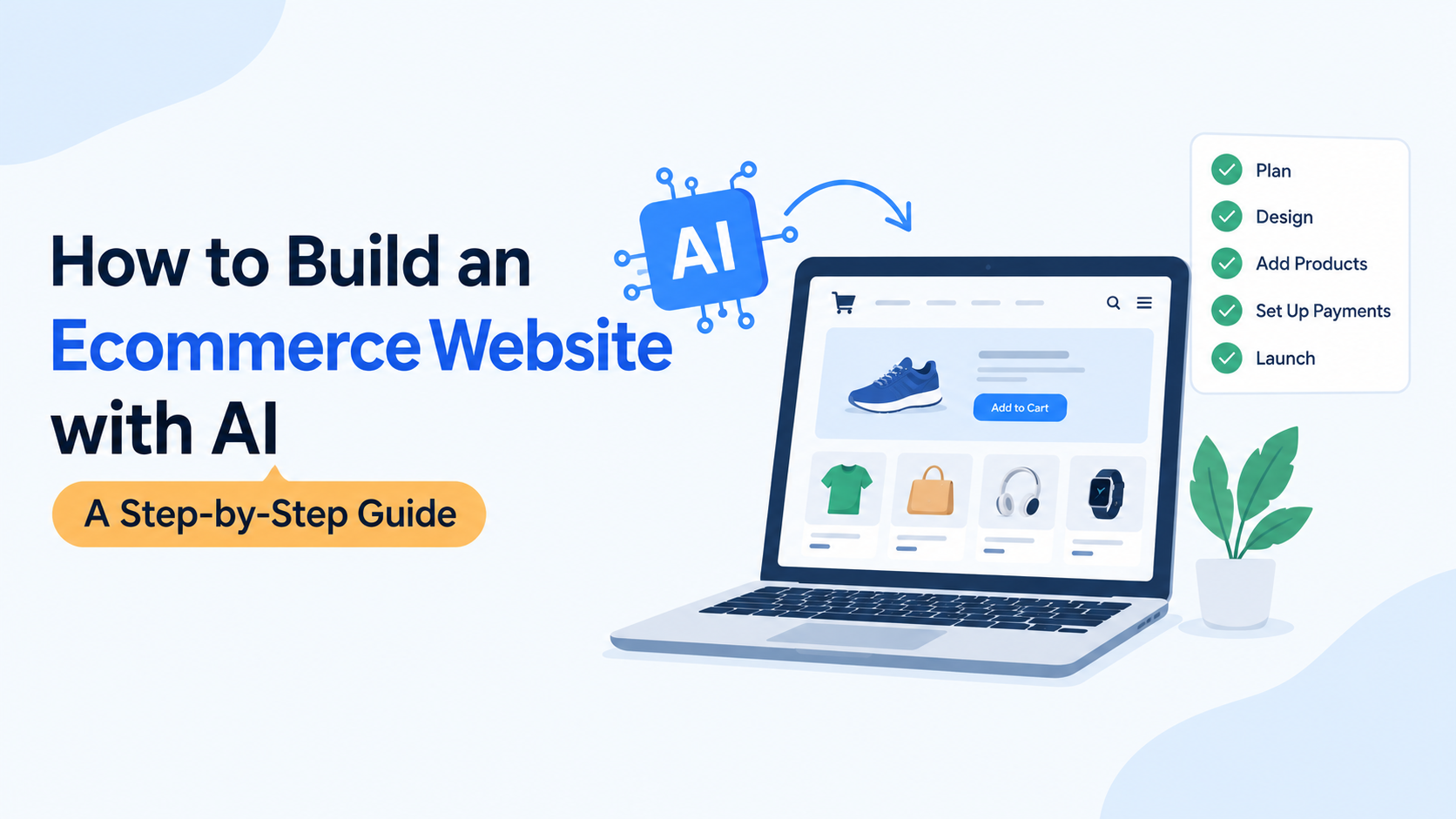
Building an ecommerce website can feel difficult when you are starting a business. You need a good design, product pages, a clear website structure, and a reliable way for customers to place orders. If you have never built a website before, you may not know where to start.
AI website builders can make this process easier. They can help generate website layouts, draft content, organize pages, and create an initial design from your description. However, you still need to check product information, configure selling features, and test the complete shopping experience before launching.
In this guide, you will learn how to build an ecommerce website with AI, from planning your online store to preparing it for customers. You will also learn what to check before choosing a platform and how to make your store easier to find through search engines.
An AI ecommerce website is an online store created with the help of artificial intelligence. Instead of designing every page from scratch, you can describe your business and let an AI website builder generate an initial website structure and design.
For example, imagine you want to start an online clothing store. You could describe your products, target customers, preferred colors, and design style. The AI can use that information to help create a storefront concept with relevant sections and draft content.
However, an AI-generated website is not automatically a fully operational online store. You must confirm that its product listings, shopping cart, checkout, payment processing, shipping settings, and other required features work correctly.
The goal is not simply to create a good-looking website. It is to build a store that helps customers find products, understand their options, and complete purchases with confidence.
Follow these steps to plan, create, and prepare your online store for launch.
Before choosing an AI builder, decide what you want your store to sell and who you want to reach.
Start by answering these questions:
What products will you sell?
Who is your ideal customer?
Will you sell physical products, digital products, or both?
Where will you sell and deliver your products?
What makes your products different from competing options?
What is your starting budget?
For example, a store selling handmade candles needs different product information from a store selling clothing. A clothing store may need size and color variations, while a candle store may need scent options, ingredients, and product dimensions.
Your answers will help you choose the right platform and create a more useful website.
You should also prepare a basic list of the pages your store needs:
Homepage
Shop or product category pages
Individual product pages
About Us page
Contact page
Shipping and returns information
Privacy policy and terms, where applicable
Planning these details first can reduce unnecessary editing later.
The next step is to choose a platform that matches your business needs.
Different builders offer different features. Some focus on generating website designs, while others provide dedicated ecommerce tools for managing products, orders, inventory, and checkout.
Before selecting a platform, compare the following features:
| Feature | What to check |
|---|---|
| AI website generation | Can it create a useful starting design from your description? |
| Product management | Can you add products, prices, images, and variations? |
| Shopping cart | Can customers review products before purchasing? |
| Checkout and payments | Does the platform support your required payment methods? |
| Shipping | Can you configure delivery methods and shipping rates? |
| Customization | Can you edit layouts, text, colors, and images? |
| SEO controls | Can you edit page titles, meta descriptions, and URLs? |
| Cost | What do hosting, domains, transactions, and paid features cost? |
Do not choose a platform based on AI design alone. Make sure it supports the complete selling process your business requires.
If you are comparing different platforms, read our guide to AI website builders for ecommerce to understand the differences between available options.
Once you have chosen a suitable platform, describe your business in a clear prompt.
A useful prompt includes your business type, products, target audience, visual style, and required pages. The more specific your instructions, the easier it is to evaluate whether the generated design meets your needs.
For example, you can start with this prompt:
AI ecommerce website prompt:
"Create a clean, mobile-friendly ecommerce website for a small US-based skincare brand. Use a simple, natural design with soft colors, clear navigation, and easy-to-read product sections. Include a homepage, product categories, individual product pages, an About Us page, a Contact page, and shipping and returns information. Make product prices, descriptions, ingredients, and calls to action easy to find. Use a layout that helps customers browse products and understand their options."
Replace the example details with your actual business information.
After the AI generates the initial website, review every page. Check whether the design matches your brand, the navigation makes sense, and the content accurately describes your products.
AI-generated text and images should be treated as drafts. Correct inaccurate information and replace generic content with real business details before publishing.
Your product pages are among the most important parts of an ecommerce website. They help customers decide whether an item meets their needs.
Add the following information to each product page:
Product name
Accurate price
Clear product photographs
A useful product description
Available sizes, colors, or other variations
Materials, dimensions, ingredients, or specifications where relevant
Stock availability
Shipping and return information
A clear purchase or add-to-cart button
AI can help you draft product descriptions, organize specifications, and suggest improvements to your existing copy.
For example, you can ask AI to turn a list of product specifications into a readable description. Review the result carefully to ensure that it does not invent benefits, materials, certifications, or product claims.
Use original product photos when possible. If you use AI-generated images, make sure they represent the product honestly and do not mislead customers about its appearance or features.
You should also organize related products into meaningful categories. A clothing store might use categories such as shirts, trousers, and accessories. A home decor store might organize its products by room or product type.
Clear categories help customers browse your store and help search engines understand how your pages relate to each other.
A website is not ready to sell simply because its product pages look professional. Customers must be able to complete a purchase successfully.
Start by checking whether your selected platform supports the shopping cart and checkout features your business needs.
Then configure the relevant payment methods, business details, and order settings.
Before launching, verify that:
Customers can add and remove products from their carts.
Product variations and quantities work correctly.
Prices and order totals are accurate.
Shipping charges appear correctly.
Available payment methods work as expected.
Customers receive appropriate order confirmations.
The checkout experience works on mobile devices.
Use the platform's supported test or sandbox payment process where available. Do not assume that checkout works just because the page loads.
You should also confirm how the platform handles refunds, failed payments, order notifications, and customer information.
Payment availability and requirements vary by platform, country, and business type. Check the provider's current documentation before enabling payments.
Customers need to understand what happens after they place an order.
For physical products, define your delivery areas, shipping methods, estimated delivery times, and shipping charges. Make sure the information displayed on your website matches the arrangements you can actually fulfill.
Create clear policies covering returns, refunds, cancellations, and damaged products where applicable. Review the consumer protection and other legal requirements relevant to your business and customers.
Your store should also include essential business information.
About Us: Explain what your business does and what customers can expect from your products.
Contact: Provide a reliable way for customers to ask questions or resolve order issues.
Privacy policy: Explain how you collect, use, and handle personal information, in line with applicable requirements.
Terms and conditions: Describe the relevant rules for using your store and purchasing products.
Shipping and returns: Explain delivery arrangements, eligibility, timeframes, and applicable conditions.
AI can help you prepare first drafts of these pages, but do not publish generic legal text without checking that it accurately reflects your business and applicable laws.
Search engine optimization helps search engines discover and understand your website. It can also help potential customers find your products through relevant searches.
You do not need to optimize every page in the same way. Focus on making each page useful, clear, and relevant to its purpose.
Give every important page a unique title that describes its content. Write a helpful meta description that explains what a user can expect from the page.
Avoid repeating the same keyword unnecessarily or writing titles that promise something the page does not provide.
Keep URLs readable and descriptive. For example, a product category might use a path such as /collections/organic-skincare/ if that structure matches your platform.
Choose a consistent URL structure and avoid changing established URLs without a plan for redirects.
Write descriptions that answer actual customer questions. Explain product features, materials, sizes, uses, and limitations where relevant.
Avoid copying manufacturer descriptions across every product without adding useful information. Original, accurate content can help customers make better purchasing decisions.
Use clear images that show the product accurately. Compress image files without making them difficult to view, and use descriptive alternative text when appropriate.
Alternative text should explain the image's relevant content, not contain a list of keywords.
Link related pages where the connection helps readers.
For example, a category page can link to relevant products, while a guide about choosing products can link to the appropriate category. Keep anchor text descriptive and natural.
You can also link related educational articles together when they answer different parts of the same customer question.
Make sure important pages are accessible to search engines and are not accidentally blocked from indexing. Check canonical tags, mobile usability, page performance, and your XML sitemap.
If your platform supports structured data, use the appropriate schema for the actual content and validate it before relying on it.
For additional guidance, consult Google's official SEO Starter Guide.
Before publishing your ecommerce website, review it as if you were a first-time customer.
Open the website on a desktop computer and a mobile device. Test navigation, product pages, forms, cart functionality, checkout, and other important features.
Use this pre-launch checklist:
The homepage explains what the store sells.
Product names, prices, descriptions, and images are accurate.
Product variations and stock information are correct.
Cart and checkout functions work.
Payment and shipping settings have been tested.
Contact and policy pages are available.
Navigation and important links work.
The mobile layout is easy to use.
Page titles and meta descriptions are in place.
Important pages can be indexed.
Analytics and relevant conversion tracking are configured.
The domain and security settings are correct.
Once the necessary checks are complete, publish the website.
Launching is only the beginning. Review customer feedback, monitor website errors, update product information, and improve pages based on actual performance.
Volnyn offers an AI website builder that can generate an initial website from a description of your business. It also provides templates and visual editing options to help users customize their website.
You can start by describing the type of store you want to create, reviewing the generated design, and adjusting the content and layout to fit your business.
Volnyn's website builder also supports ecommerce features such as product listings, a shopping cart, and checkout. Before launching, verify that the features, payment arrangements, and other requirements you need are configured and available for your intended use.
To explore the builder, visit Volnyn's AI website builder.
The important thing is to evaluate the finished store rather than relying on the initial AI-generated design. Your products, business information, checkout, shipping arrangements, and customer experience all need careful review.
AI can simplify parts of website creation, but a few mistakes can make an online store less useful or harder to manage.
AI may produce inaccurate product specifications, generic descriptions, or claims that your business cannot support. Review all generated content before publishing.
A visually attractive website is not enough. Confirm that the platform supports the product management, checkout, payments, shipping, and integrations your business requires.
A layout that works on a desktop may be difficult to use on a phone. Test product pages, navigation, buttons, and checkout on smaller screens.
Do not wait until your store has hundreds of products before thinking about URLs, titles, descriptions, internal links, and indexability. Establish a sensible structure early.
A broken cart, incorrect shipping fee, or failed payment process can prevent customers from completing an order. Test the entire purchase journey before launch.
Publishing a website does not automatically bring visitors or sales. You may need to invest in SEO, useful content, email marketing, social media, advertising, or other appropriate marketing channels.
Yes. AI website builders can generate website layouts, draft content, and create an initial store design from a description. However, you must verify product information, configure the required ecommerce features, and test the store before accepting real orders.
Start by planning your products and target customers. Choose a suitable AI website builder, generate your initial design, add products, configure payments and shipping, optimize the website for SEO, and test the complete checkout process before launch.
Some website builders offer free plans or free starting options. However, custom domains, ecommerce functionality, payment processing, or other features may require a paid plan or additional fees. Check the current terms before choosing a platform.
The cost depends on your platform, domain, hosting, design requirements, product catalog, payment processing, and additional services. Compare the full ongoing cost rather than looking only at the initial website-building price.
Not necessarily. Many AI website builders let you create and customize a website without writing code. More advanced integrations, custom functionality, or specialized requirements may still need technical knowledge or developer assistance.
A typical ecommerce website needs a website platform, hosting, a domain, product and order management, a shopping cart, checkout, payment processing, and security measures. Depending on the platform, these components may be included or require separate services.
The time depends on the size of your catalog, the complexity of your store, and the features you need. A simple first design may be generated quickly, but adding products, configuring payments, checking shipping, testing checkout, and preparing content can take considerably longer.
It can be a useful option for small businesses that want help creating an initial design and website structure. The right choice depends on product management, costs, payment availability, customization, and the features required to run the business.
Yes. AI can help draft product descriptions from accurate specifications and suggest clearer wording. Review every description to remove errors, unsupported claims, and information that does not match the actual product.
No. AI-generated websites do not receive automatic ranking benefits. Search visibility depends on factors such as content usefulness, technical accessibility, page experience, relevance, and competition. SEO improvements require ongoing monitoring and work.
So guys, in this article, we have explained how to build an ecommerce website with AI, from planning your store and choosing a platform to adding products, configuring checkout, and preparing your website for search engines. AI can simplify the initial building process, but you still need to verify the important details and test the finished store.
Before launching, make sure your customers can understand your products, navigate your website, and complete purchases without unnecessary difficulty. A useful online store is built around customer needs, accurate information, and reliable functionality.
If you want to explore an AI-assisted approach, you can try Volnyn's AI website builder and review whether its available features meet your business requirements. Start with a clear plan, test carefully, and improve your website as you learn more about your customers.