
Introduction
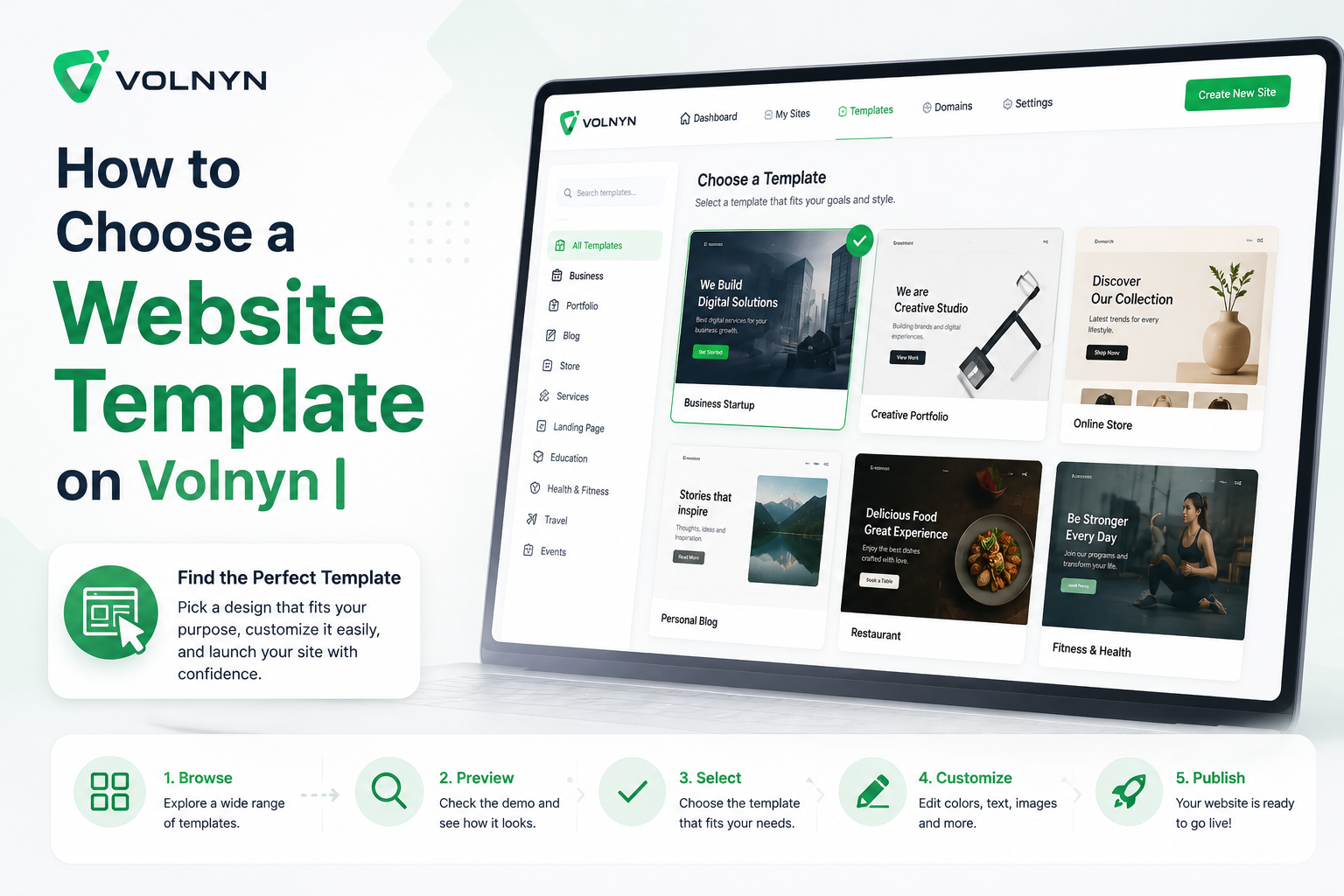
One of the most crucial actions in establishing an expert online footprint would be to choose the website template that is right for you. A template provides the structure, visual guidance and framework of your website. Users do not start from a blank page, but instead begin with a pre-designed graphic, and modify it to their business, brand or personal objectives.
Website templates in Volnyn is created to assist users to make websites quicker even though they do not know coding. From website building to website portfolio to a service website to website landing pages, blog to an online store, the correct template can make the entire process of building a website easier and more effective.
A good template will not just be pretty. It should also reflect the purpose of your website, complement your content, help you lead users clearly, and allow you to easily customize it later on. This tutorial shows you how to pick a template for your website on Volnyn in a practical and professional way.
Table of Contents
- Why Choosing the Right Template Matters
- Start with Your Website Purpose
- Understand Your Target Audience
- Look at Layout and Page Structure
- Choose a Template That Matches Your Content
- Check Design Style and Branding Fit
- Consider Mobile-Friendly Design
- Think About Features and Future Needs
- Avoid Choosing Only Based on Appearance
- Final Thoughts
- Frequently Asked Questions
The Importance of Selecting a Suitable Template.The Significance of Selecting a Suitable Template.
A website template is the beginning of your web site. It effects the design of your homepage, the structure of your content, the way visitors interact with your website, and the image of your brand online. A well-considered template will save time during customization, and make the user experience smoother.
It is critical to many people to select a template simply based on how it looks visually. Design matters, but the template should support the purpose of the Web site. There is no one-size-fits-all solution for a website.No single layout and content fits all four types of a website – the restaurant website, real estate website, freelancer portfolio, and business service website.
The appropriate template makes your site easily understood by visitors. It should be easily accessible, whether it's services, products, contact information, pricing, images, or business information.
Start with Your Website Purpose
The first step to determining your website purposes is to do this.
When choosing a template, clearly establish your website's purpose. This is the basis of the entire decision.
They might require a robust service sections page, enquiries form, testimonials, and contact page on a business website. An image gallery, a showcase of projects and an about section would be required for a portfolio website. A web shop might need product sections, product categories and obvious calls to action.
A clean and professional layout might be better for a consulting site, for instance, than a creative template with lots of pictures. For a design portfolio, a template with a larger section of images and projects could be better.
If you know exactly what you want, selecting the right template is much easier.
Understand Your Target Audience
The website should also be created for the people who will visit the site. Your template must be in line with their expectations, habits and needs.
When targeting business clients, the design should appear professional, organized, and credible. The website can have more pictures and expressions if your audience is creative clients. For a property audience, the template should be easy to use for images, pricing, property location and details.
When you know what your audience is looking for, you can prevent selecting a template that might feel good for you, but isn't suitable for your visitors.
The strong website isn't just a matter of taste. It's about making information accessible, understandable and beneficial to the audience you want to reach.
Look at Layout and Page Structure
A template is a design that specifies how the content of your website is displayed. This encompasses the header, navigation menu, hero area, content blocks, service areas, image area, forms and footer.
Check the structure of the template before choosing one, to see if it will suit the information you want to share. Your content should sound authentic and natural, not as if it's been forced.
When designing a layout, you should take into account:
- Homepage structure
- Navigation menu placement
- Service or product sections
- Picture and gallery spaces
- Contact form placement
- Footer information
If you have a template that has been structured in a clear manner then it will be easier to customize your website, and also easier for visitors to navigate your website.
Choose a Template That Matches Your Content.
Content should be an appropriate size for the template. If a template uses a lot of images, but you aren't the type who always has strong images to use, it might not be the best choice. When you require a lot of information to be explained in writing, the layout should allow for paragraphs, service descriptions and informational sections.
For instance, a property site will need room to accommodate pictures, location information, pricing and specifications. For a freelancer site, service descriptions, portfolio samples, testimonials, and contact information are essential.
Take the time to select a template that is appropriate for your content, so that your site looks complete and professional right from the start.
The template should enhance your message, not change your message to fit your template.
Review Design Style and Branding Fit
Each template features a visual personality. There are certain templates that are formal and corporate, and other ones that are modern, creative, minimal, bold and casual.
Select a template which is suitable to your brand. For businesses looking to look professional and trustworthy, that's where a clean and professional design might be the ideal way to go. For a creative or youth brand, a more dynamic layout might be appropriate.
Some factors to consider when branding:
- Color style
- Typography
- Spacing
- Image presentation
- Overall visual tone
Colors, text and images can be changed later as necessary, but if you begin with a template that is consistent with the direction you want, you'll save time and avoid inconsistencies.
Consider Mobile-Friendly Design
There will be many users using your site on their mobile devices. For these reasons, it is not possible to ignore mobile responsiveness.
The ideal website template will appear clean and will work well on both desktop and tablet and mobile devices. Content should be easily readable, menus should be easily opened, images should be easily visible and contact with you is easy no matter what device is used at.
Keep in mind, as you select your template on Volnyn, what will the template look like on smaller screens. Impressive layout for the desktop, but not functional on mobile can lead to a bad user experience.
Having a mobile-friendly design enhances the accessibility, usability, and quality of the website.
Think About Features and Future Needs
Your needs can change over the years, and a website can start out small. Be aware of the template's ability to accommodate future changes and additions.
Another example is that you might want to add “For instance” later on:
- Contact forms
- FAQ sections
- Image galleries
- Pricing tables
- Blog sections
- Testimonials
- Social media links
- Additional service pages
The use of an adjustable template will afford future flexibility. Volnyn also offers a list of plugins and other features that can enhance the website, and having a template that can evolve is beneficial in the long-term.
A template should be useful to your goals now, but can be expanded upon going forward.
Don't Make Your Selection Based on Looks
Appearance is important but it should not be the sole criterion.
Sometimes an attractive template can be a hindrance if it does not fit with your subject matter, target audience, or website objectives. A simple template can work just as effectively, if the information is presented in a clear message and is supporting the visitor's journey.
The most complex template isn't necessarily the best template. It's the one that enables users to comprehend your website, trust your brand, and move forward.
When considering whether to finalize a template, think about the template's value for supporting your goals clearly. If the answer is yes, then that is probably a good choice.
Final Thoughts
When selecting a website template to use on Volnyn, you should think carefully. The appropriate template provides your website with a solid groundwork, aids in the organization of your content, and assists visitors in comprehending your objectives in no time.
First, you need to define your website objective, understand your target audience, review the layout structure, verify content fit and consider the website's branding style. Be sure to create the template that can be easily navigated on mobile devices and can accommodate future changes.
A template isn't a design option. It's the backbone of your website experience. If done correctly, you can design a professional, clear and effective website without coding.
Frequently Asked Questions
Is coding necessary to use a Website Template on Volnyn?
No. Volnyn website templates are ready to use and help the users create their own website with no coding skills.
Once I select a template can I edit it?
Yes. You can alter the text, images, layout sections, colors and other elements of your website as per your requirements.
So which template should I opt for when creating a business website?
Select a professional and clean template featuring service sections, contact information, testimonials, and intuitive navigation.
If I use only design to select a template, what should I do if I change my mind later on?
Although design is important, the template should also be in line with your content, audience and website purpose.
Is it possible to have more features added on later?
Yes. Over time, add sections, plugins, forms, galleries and more to improve your site.
So why is a mobile-friendly design important?
Considering that many visitors will be accessing your site via their mobile devices, your site should be easy to view, read and navigate on a smaller device.