
Welcome to Volnyn
Sign in or create an account to continue
Continue with Google
or
Sign in with email
New here? Create an account
By continuing, you agree to our Terms of Service
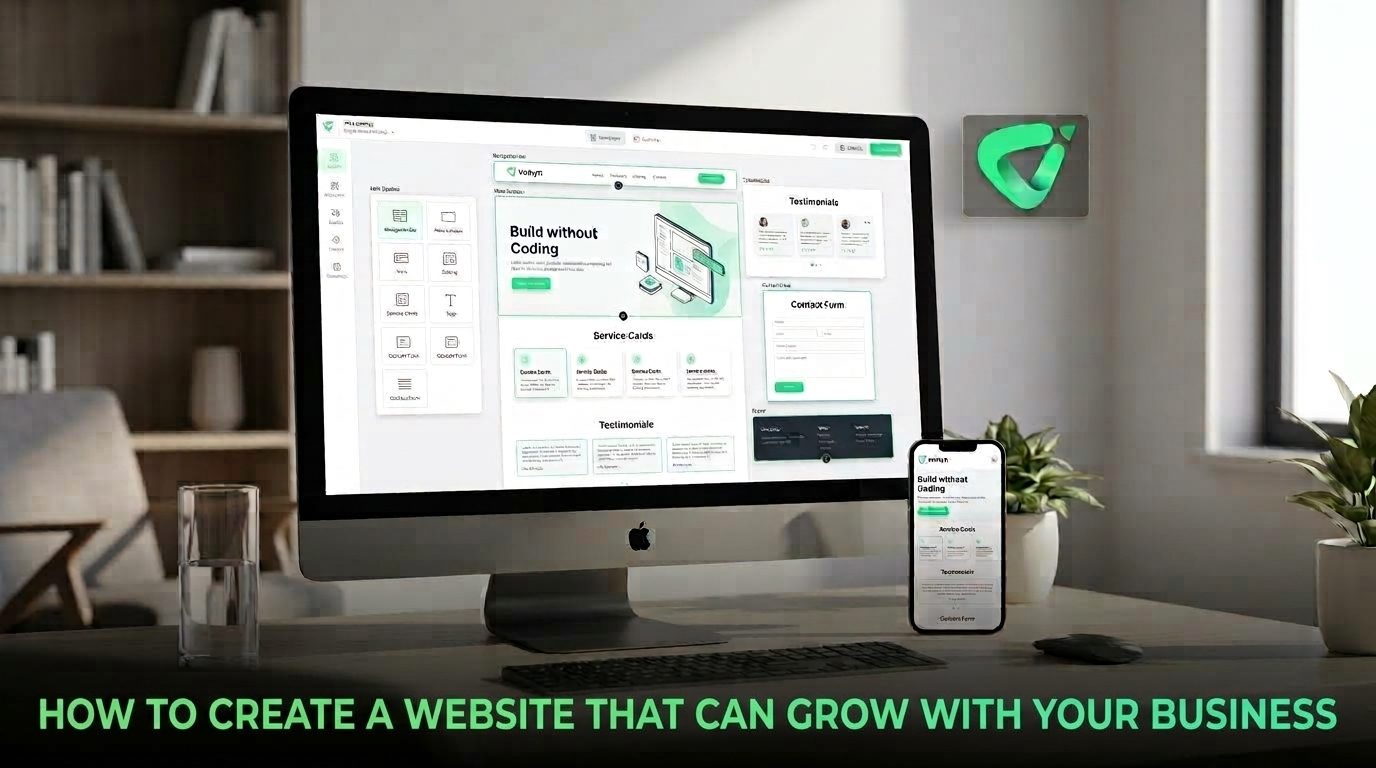
The goal, then, is not to predict everything you will need five years from now. It is to create a website with a clear structure, flexible content, and enough room to evolve without starting over.
One of the easiest ways to make a website difficult to grow is to organize it around what the business looks like today rather than how it may develop.
Start with a simple hierarchy. A service business, for example, might begin with Home, About, Services, and Contact. As the business expands, individual services can become their own pages. A Resources or Blog section can support educational content. Location pages can be added if the company enters new markets.
The important principle is to add depth without creating confusion. Visitors should be able to understand where they are and how each page relates to the rest of the site.
Google recommends organizing websites logically and using descriptive URLs because clear structures can help both users and search engines understand how pages relate to one another. GGoogle for Developers+1
A scalable website starts with the actions you expect visitors to take.
For a consulting company, that might mean requesting a consultation. For an online shop, it could mean browsing products and completing a purchase. For a local service provider, the priority may be calls, bookings, or quote requests.
Define the main conversion path first, then build supporting pages around it. This makes future expansion easier because new content has a clear job to perform.
Before launching, ask:
This approach prevents a common problem: adding pages whenever something new happens until the navigation becomes a collection of unrelated links.
A growing business does not necessarily need a completely new design every time it adds something. A better approach is to establish a consistent visual system that can accommodate new content.
Keep your typography, colors, buttons, spacing, imagery, and page layouts consistent. Create reusable patterns for important elements such as service sections, product cards, testimonials, calls to action, and contact areas.
Think of the design as a set of building blocks rather than a single fixed homepage.
This is especially useful when you start with a website builder. Volnyn's current AI Website Builder offers customizable templates and allows users to continue editing their sites after the initial build. Its templates cover categories including businesses, services, e-commerce, blogs, portfolios, and more. Learn more about Volnyn's AI Website Builder.
A website that works only when everything is small and simple on desktop is not prepared for long-term growth. New pages, larger images, additional components, and more content can make a site harder to use on smaller screens if mobile design is treated as an afterthought.
Responsive design allows layouts to adapt to different screen sizes and interaction methods. Google's guidance also emphasizes mobile usability and overall page experience, including Core Web Vitals and secure delivery. Wweb.dev+1
When adding new content, check that:
Accessibility belongs in the same conversation. W3C's accessibility guidance applies to web content across devices, including mobile, and emphasizes making content perceivable, operable, understandable, and robust. WW3C+1
A new business may only need a few pages at first, but organic search often becomes more valuable as the company builds expertise and publishes useful information.
Give your website a clear place for future content. Depending on the business, that could be a blog, resource center, case-study section, glossary, product library, or location pages.
Do not create dozens of thin pages simply because the structure allows them. Each page should have a useful purpose and provide information that visitors genuinely need. Google recommends people-first, useful content and logical internal linking rather than creating pages purely for search engines. GGoogle for Developers+1
Internal links should also evolve as the site grows. A new service page might link to relevant guides, case studies, and contact pages, while older articles can point visitors toward newer resources.
Scalability is not only about the number of pages. It is also about how easily you can make changes.
If every small update requires rebuilding the site, editing code, or hiring someone for routine changes, growth can become unnecessarily expensive and slow.
Look for a platform that makes ordinary updates manageable. You should be able to add content, change sections, introduce new pages, and adjust existing information without rebuilding the entire website.
This is one reason AI-assisted website builders can be useful for growing businesses. Volnyn lets users describe what they want to build, generates the initial website structure and content, and supports continued editing. It also supports websites and online stores, including options for blogs, booking forms, and contact pages. Explore Volnyn to see how the platform approaches website creation and ongoing updates.
You do not need to build everything on day one. A staged approach can be more practical.
This keeps the website connected to the business instead of turning it into a one-time design project.
Several decisions can create problems later:
The best scalable website is not the one with every possible feature from day one. It is the one that gives the business a strong foundation and makes sensible expansion easier.
Start with a clear purpose, organize pages logically, use a flexible design system, protect mobile usability, plan for useful content, and choose tools that make future changes practical.
If you want to start small while keeping room for expansion, Volnyn's AI Website Builder can help turn a business description into a working website and then let you continue customizing it as your needs change. The goal is not to build everything today. It is to build something you will still be able to improve tomorrow.