
Welcome to Volnyn
Sign in or create an account to continue
Continue with Google
or
Sign in with email
New here? Create an account
By continuing, you agree to our Terms of Service
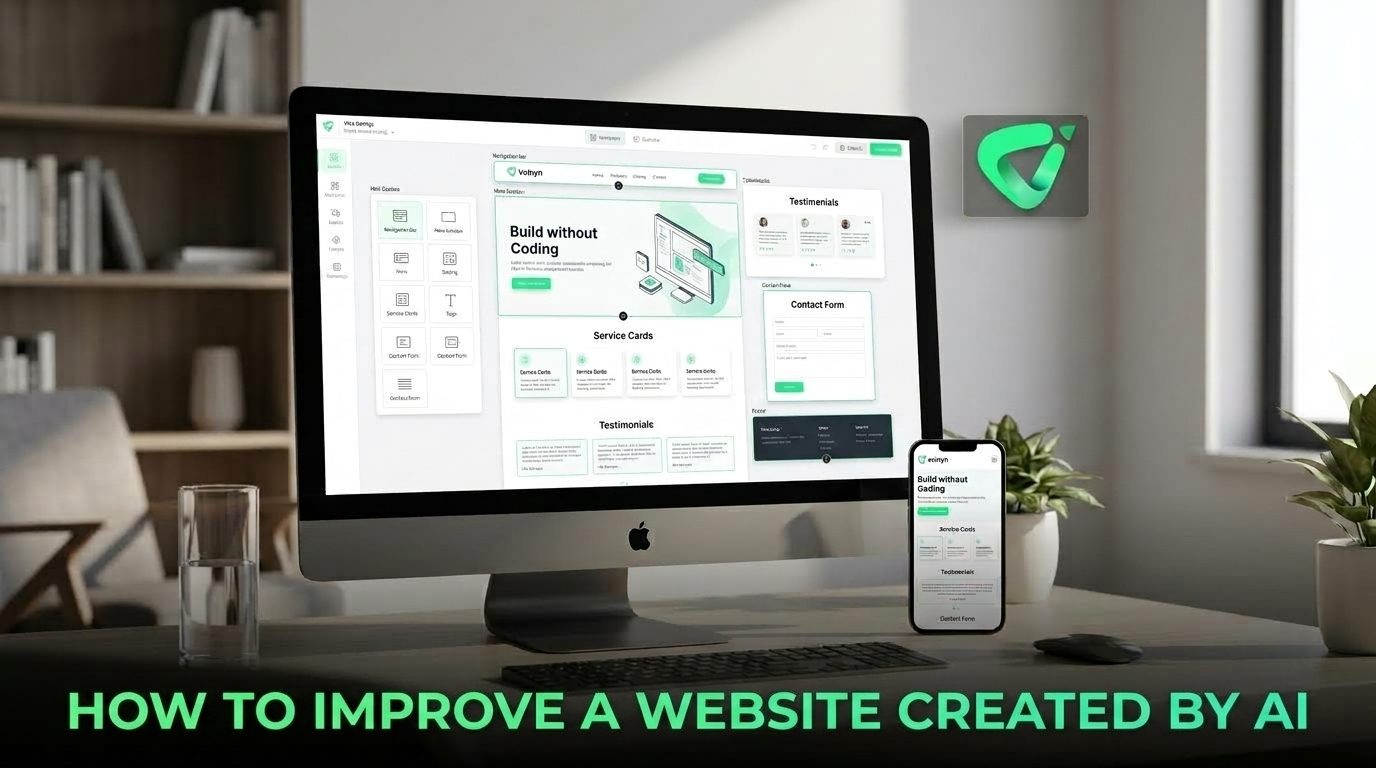
If you have already created a site with an AI website builder, you do not necessarily need to start again. A focused review can turn a functional AI-generated website into a clearer, more useful website for real visitors.
Start with the most important question: What should a visitor do here?
Depending on the business, that action could be requesting a quote, booking an appointment, buying a product, contacting the company, joining a mailing list, or viewing a portfolio.
Review the homepage and ask whether that goal is obvious within a few seconds. If several buttons compete for attention, remove or reduce secondary actions. Your navigation should support the main objective rather than give every possible page equal importance.
A simple hierarchy often works well: explain what the business does, show why it matters, provide evidence, and make the next action obvious.
AI can produce grammatically correct website copy that still says very little. Phrases such as “high-quality solutions,” “exceptional service,” and “innovative approach” could describe thousands of businesses.
Replace broad claims with information only your business can provide. Add actual services, locations, pricing where appropriate, customer questions, product details, experience, policies, examples, and measurable outcomes.
This is also important for search visibility. Google advises website owners to prioritize helpful, reliable, people-first content rather than content produced primarily to attract search traffic. Google's guidance on helpful content provides a useful checklist for reviewing whether a page genuinely serves its audience.
AI-generated websites can include sections simply because those sections are common on websites. More content does not automatically create a better user experience.
Open each page and ask what purpose every section serves. If a section does not answer an important question, build trust, explain an offer, or help visitors take action, consider removing it.
Pay particular attention to the homepage. A useful structure might include a clear introduction, key benefits or services, supporting evidence, an explanation of the offer, answers to common objections, and a clear call to action. The exact structure should reflect the business rather than a fixed template.
A polished AI design can still make important information difficult to find. Review headings, body text, buttons, spacing, images, and section order as a visitor would experience them.
Each page should have an obvious visual starting point. Headings should explain what a section is about, paragraphs should remain easy to scan, and buttons should look like actions rather than decorative elements.
Do not change every visual element at once. Start with the most noticeable problems: confusing navigation, weak contrast, oversized sections, inconsistent spacing, or calls to action that disappear among competing elements.
Never judge an AI-generated website only from a desktop screen. Open the site on a phone or use a responsive preview and work through the main visitor journey.
Check whether navigation is easy to use, text remains readable, buttons are comfortable to tap, images are cropped sensibly, and important information appears in a logical order.
Volnyn's current AI Website Builder supports responsive websites and provides a visual editor for changing text, images, colors, and sections. That makes the generated version a starting point you can actively refine rather than something you have to accept as-is. Explore Volnyn's AI Website Builder to see how its generation and customization workflow works.
Once the content and structure are useful to visitors, review the basic SEO elements.
Google's current Search guidance continues to emphasize foundational SEO practices, including clear technical structure, crawlable links, descriptive page elements, and people-first content. Review Google's Search Essentials when you are checking the technical basics.
For AI-generated content specifically, do not publish large amounts of automatically produced material simply because it is easy to create. The goal should be useful, accurate content that adds value.
A website can look excellent and still feel frustrating if it loads slowly, shifts unexpectedly, or is difficult to operate.
Use performance tools to identify obvious problems, particularly on mobile. Google's Core Web Vitals focus on loading performance, responsiveness, and visual stability through LCP, INP, and CLS. Web.dev's Core Web Vitals guidance explains what these measurements mean and how they relate to user experience.
Accessibility deserves the same attention. Check heading structure, color contrast, keyboard navigation, image alternatives, and forms. For forms, use clear labels and instructions rather than relying only on placeholder text. W3C's Forms Tutorial provides practical accessibility guidance.
The final review should be practical rather than theoretical. Pretend you know nothing about the business.
Notice where you hesitate. Those moments are often more valuable than another round of visual polishing. If you cannot quickly understand what the business does or what you should do next, the website needs clearer messaging or structure.
| Area | What to Check | Improvement to Make |
|---|---|---|
| Content | Is the information specific and accurate? | Replace generic copy with real business details. |
| UX | Can visitors find what they need? | Simplify navigation and page sections. |
| Conversion | Is the next action obvious? | Strengthen the primary call to action. |
| SEO | Can search engines understand each page? | Improve titles, headings, links, and useful content. |
| Performance | Does the site feel fast and stable? | Investigate loading, responsiveness, and layout shifts. |
| Accessibility | Can different visitors use the site? | Review contrast, headings, keyboard access, images, and forms. |
The advantage of an AI-generated website is not that you never have to make decisions. It is that you can start with something concrete and spend your time improving the decisions that matter.
Work through the site in order: clarify its goal, replace generic content, simplify the structure, improve the visual hierarchy, test mobile, review SEO, check performance and accessibility, and finally test the complete visitor journey.
If you are using Volnyn, its AI Website Builder provides the initial website and a drag-and-drop editor for customization. Use that flexibility to treat the generated site as a working draft—then shape it around your actual customers, business, and goals.
The best AI-generated website is not necessarily the one that required the least editing. It is the one where AI handled the starting work and human judgment made the final experience more useful.