
Welcome to Volnyn
Sign in or create an account to continue
Continue with Google
or
Sign in with email
New here? Create an account
By continuing, you agree to our Terms of Service
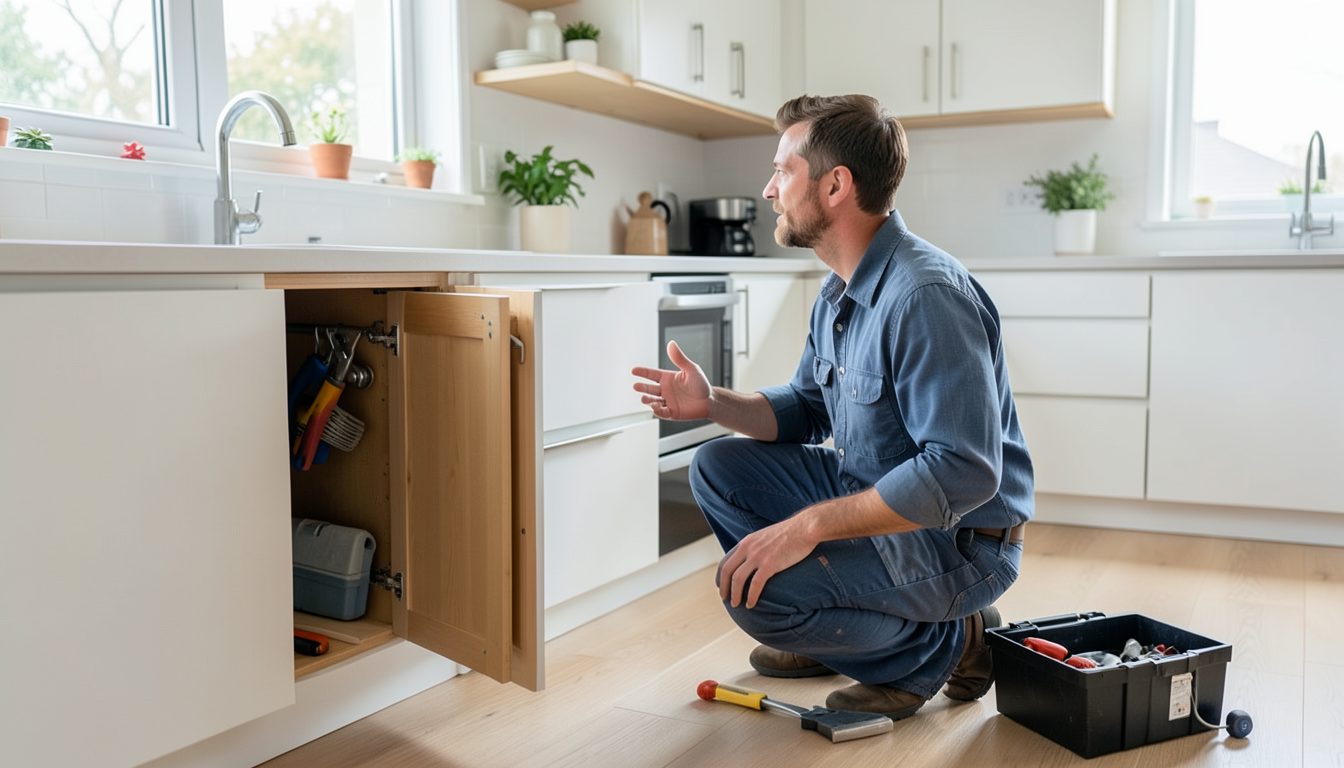
When a pipe bursts or the power trips and will not come back on, people grab their phone and search for help nearby. They want to know three things fast: do you cover their area, can you come soon, and how do they reach you. A plumber's or electrician's website does not need to be fancy. It needs to answer those questions in seconds, then make it just as easy to request a quote for planned work and to pay once the job is done.
Keep the site small and focused. Most trades businesses need only a handful of pages:
Emergency calls and planned jobs need different paths, and the difference should be obvious at the top of the site:
If you do not take emergencies at night or on weekends, say so plainly. It saves you calls you cannot take, and it shows customers you are straightforward to deal with.
A good form collects what you need to price the job without a long phone call. Ask for:
Send an automatic reply confirming you received the request and when the customer can expect to hear back, then keep that promise. A quick, clear reply often wins the job over a cheaper competitor who never calls back.
For routine jobs like servicing, safety checks or inspections, an online booking calendar with time windows, such as morning or afternoon, lets customers pick a slot without calling. Block out travel time between jobs, and keep some capacity free each day if you offer emergency work.
For payment, many tradespeople now send a digital invoice with a payment link once the job is finished, or take card payments on site with a card reader. List your accepted payment methods on the website and say when payment is due. For larger projects, such as a bathroom refit or a full rewire, explain whether you take a deposit and how staged payments work, so customers can plan.
A simple plan for a first version:
Test the site on your own phone before sharing it. Tap the call button, send a test quote request with a photo, and make sure everything arrives where you expect. Then add the web address to your van, invoices and business cards, so every finished job points the next customer back to you.