
Welcome to Volnyn
Sign in or create an account to continue
Continue with Google
or
Sign in with email
New here? Create an account
By continuing, you agree to our Terms of Service
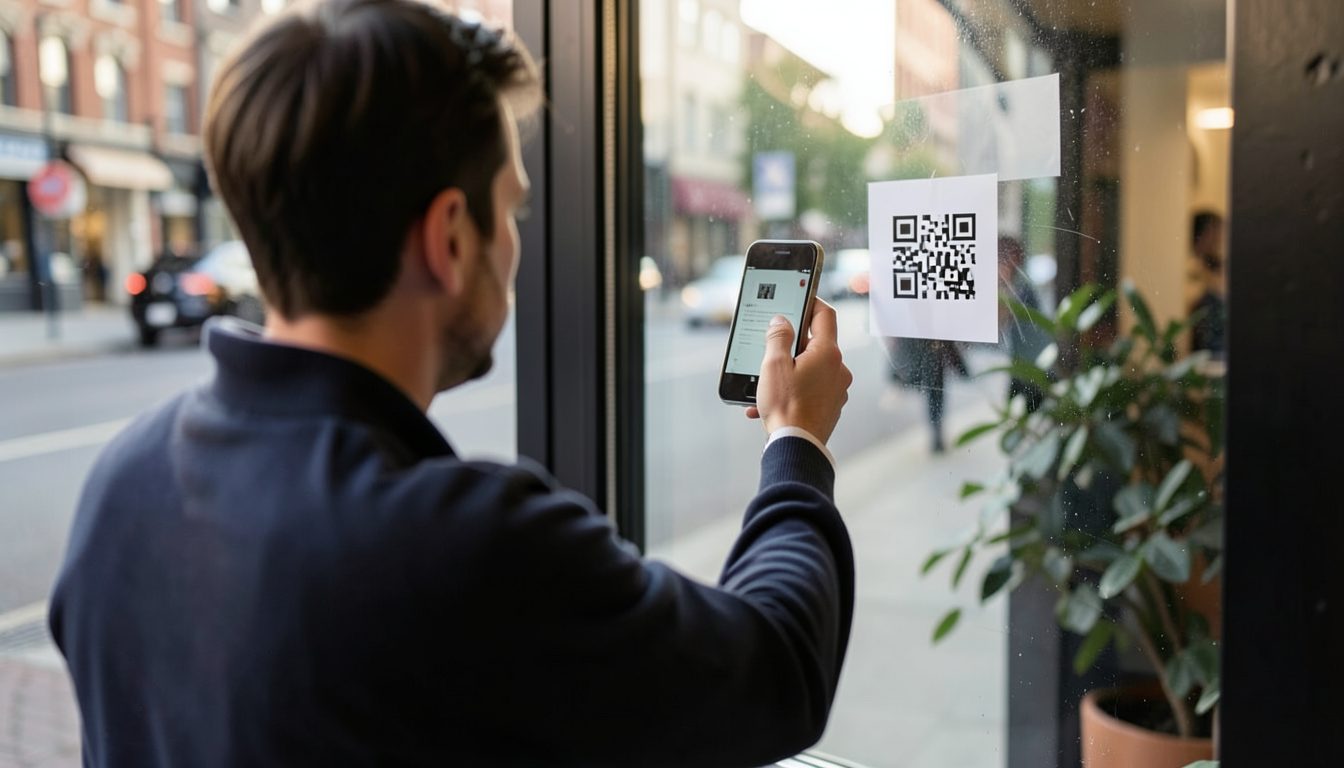
QR codes are everywhere now: on menus, shop windows, flyers, business cards, packaging and parking meters. For a small business they're a cheap way to move someone from the physical world onto a web page in one step. They also have weak spots most people never think about until a code stops working or someone sticks a fake one over theirs. Here is how to use them well.
A QR code is just a pattern that stores a small piece of text, usually a web address. When a phone camera reads it, the phone offers to open that address. The code doesn't contain a website, an app or a payment; it only points somewhere.
That has two consequences. A code is only as useful as the page it points to, and people can't tell where a code leads just by looking at it. Both should shape how you use them.
This is the choice that catches people out.
A practical middle path is a static code that points to an address on your own domain, such as a menu page on your own website. If you later want it to lead somewhere else, you change that page or set up a redirect on your own site. You keep control, and nothing depends on a third party. If you need that page quickly, an AI website builder like Volnyn can create a simple one from a short chat description.
Everyone scanning will be on a phone, often standing up or in a hurry. The page should load quickly on mobile data, be readable without zooming and get straight to the point. Sending people to your homepage when they scanned a code for the menu or a discount is a common frustration.
Because nobody can read a QR code by eye, scammers use them too. A common trick is a sticker with a different code placed over a genuine one, on a parking meter, a poster or a restaurant table. The fake code sends people to a lookalike page that asks for card details or a login.
To protect your customers and your reputation: