Introduction
Online gaming has revolutionized the way people enjoy digital entertainment. Players can now open a supported browser, choose a game, and begin playing within moments without downloading large files, installing dedicated applications, or managing frequent software updates. This instant accessibility is one of the biggest advantages of modern online gaming and helps make entertainment available to players across different devices and technical backgrounds.
This instant-play experience is at the heart of Volnyn Games. The games available on the platform can generally be accessed without installing separate game software and are organized into several categories, including action, puzzles, racing, strategy, casual games, multiplayer experiences, educational games, and many other genres. Volnyn Games is designed to make browser-based entertainment more convenient by allowing users to browse available games and begin playing directly through compatible devices and browsers.
Although browser games are widely accessible, the quality of the experience can still depend on the selected game, browser, internet connection, and device capabilities. Some lightweight puzzle or card games may perform smoothly on older systems or basic mobile devices, while detailed 3D, action, or multiplayer titles may require stronger hardware and more advanced browser support.
This guide explains the different devices and browsers that can generally be used to play games on Volnyn, along with practical ways to improve performance and resolve common compatibility issues.
Table of Contents
Understanding Browser-Based Gaming
Browser-based games are games that run directly inside a web browser instead of requiring a separate software installation. This allows users to access entertainment quickly without dedicating large amounts of storage space to individual game applications.
Players can explore different categories on Volnyn Games and begin playing available titles through the platform. The library can include both lightweight casual experiences and more demanding categories such as 3D games, multiplayer games, racing games, shooting games, and games built using modern web technologies such as HTML5 and WebGL.
Because browser games can be developed using different technologies, their hardware and browser requirements may vary. A lightweight puzzle game may perform well on an older laptop or a basic smartphone, while a high-resolution 3D game may work more smoothly on a newer desktop computer, laptop, or high-performance mobile device.
For this reason, broad browser support should be understood as the ability to access and launch the platform rather than a guarantee that every individual game will perform identically on every device.
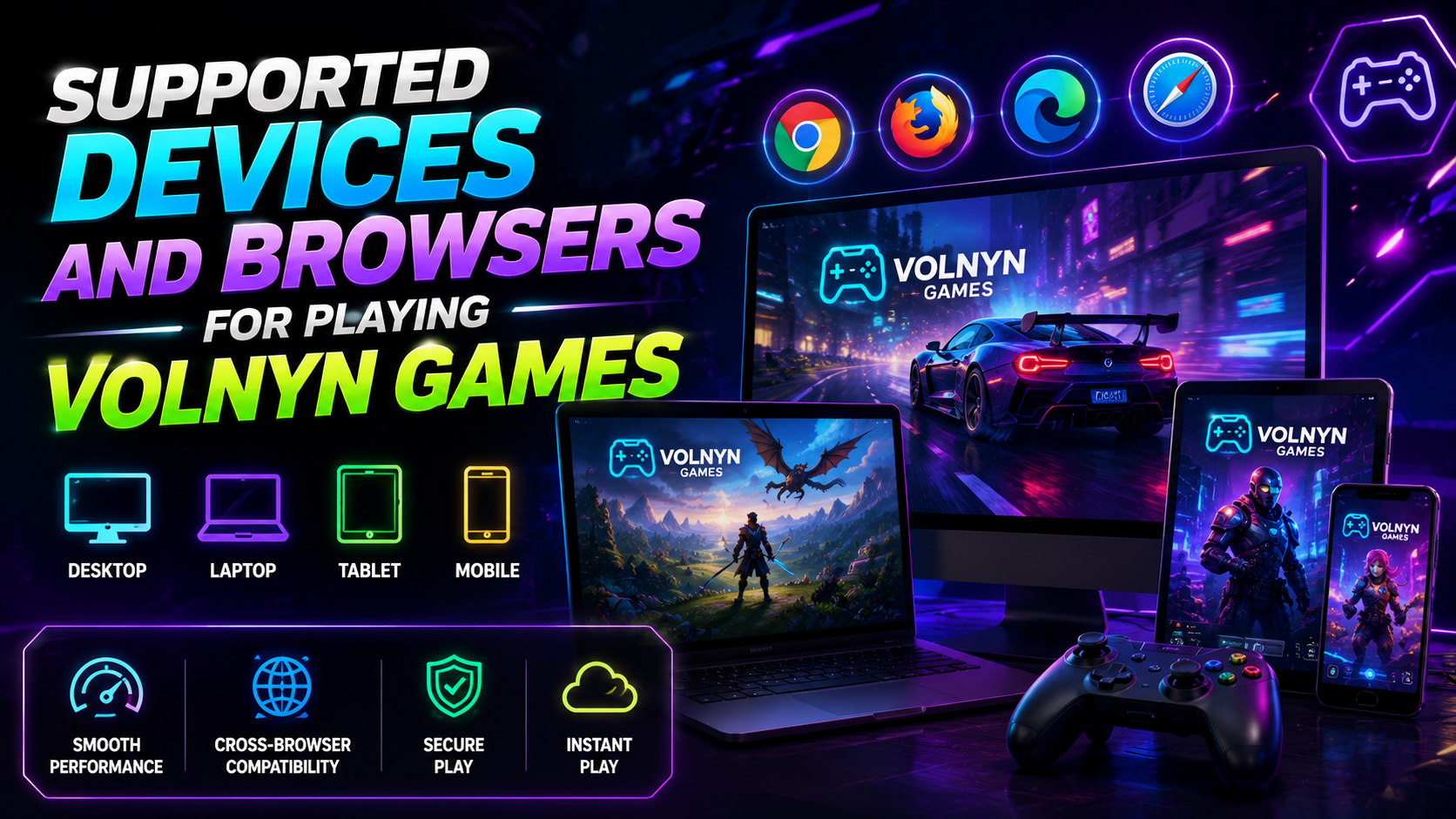
Playing Volnyn Games on Desktop Computers
Desktop computers are often among the best options for browser gaming because they typically provide larger displays, physical keyboards, accurate mouse controls, and more consistent performance. Players who prefer traditional computer controls may find desktops especially comfortable for longer or more detailed gaming sessions.
Action, shooting, racing, strategy, and detailed 3D games can benefit from the larger screen and stronger hardware commonly available on desktop systems. A wider display makes it easier to follow gameplay elements, while keyboard and mouse controls can provide greater accuracy for titles designed around traditional computer input.
Desktop computers can also be useful for local multiplayer games where two players share the same device. Volnyn Games may include both single-player and multiplayer experiences, allowing users to explore games designed for individual entertainment or shared play.
Browser games can generally be accessed on desktop operating systems such as Windows, macOS, Linux, and other supported systems when paired with a modern and compatible browser. However, actual game performance will still depend on the processor, graphics capabilities, available memory, browser settings, and technical requirements of the selected game.
Using Laptops and Chromebooks
Laptops provide a practical balance between mobility and computer-style controls. They can be suitable for casual games, puzzle games, educational games, card games, racing games, and many other types of browser-based entertainment.
Most modern laptops provide enough performance for a broad range of online games. However, lower-end models may experience slower loading times, reduced frame rates, or delayed responsiveness when running advanced 3D or graphics-heavy titles. Connecting the laptop to its charger can also help prevent power-saving settings from reducing performance during longer sessions.
Chromebooks may also be suitable for browser-based gaming because much of their user experience is already centered around web applications. Games that run through supported browser technologies can often be opened without requiring additional installation. However, advanced games may still depend on the specific Chromebook model, processor, memory, graphics capability, and browser support.
For the best results, users should close unnecessary applications and browser tabs before launching a game, especially on systems with limited memory. This frees available resources and allows the browser to focus more efficiently on the gaming experience.
Playing on Smartphones and Tablets
Smartphones and tablets make browser-based gaming highly convenient because they allow users to access entertainment from almost anywhere with a suitable internet connection. The instant-play approach offered through Volnyn Games makes mobile access an important part of the overall experience.
Touch-friendly games such as puzzles, card games, Bubble Shooter Games, Educational Games, matching games, and casual arcade experiences are often well suited to smartphones and tablets. These games typically use taps, swipes, or simple on-screen controls that feel natural on touchscreen devices.
However, not every browser game is optimized for mobile play. Some desktop-focused titles may depend on keyboard commands, mouse movement, or larger screen dimensions. In such situations, a game may technically open on a smartphone but provide a better and more comfortable experience on a laptop or desktop computer.
Screen orientation can also affect gameplay. Some titles are best suited to portrait mode, while racing, action, platform, and other visually wide games may be easier to play in landscape mode.
Players should also keep in mind that mobile performance can be influenced by battery-saving settings, available memory, screen size, network quality, and the processing power of the device.
Recommended Web Browsers
Players should generally use a recent version of a modern web browser when accessing Volnyn Games. Updated browsers are more likely to support the graphics, controls, audio, and interactive technologies required by browser-based games.
Recommended browsers commonly include:
- Google Chrome
- Microsoft Edge
- Mozilla Firefox
- Apple Safari
The browser available on a device may depend on its operating system. Google Chrome and Mozilla Firefox are widely used across desktop and mobile environments. Microsoft Edge is commonly available on Windows computers, while Apple Safari is the standard browser on many Apple devices.
A modern browser is important because many browser games rely on technologies such as HTML5, JavaScript, audio playback, hardware acceleration, canvas rendering, and WebGL. Games that use these technologies may not function correctly on outdated or unsupported browsers.
Players should avoid using obsolete browsers because they may fail to display game graphics, recognize controls, save progress, play audio, or load the required game files. Using a supported browser also improves general security and helps provide a more stable gaming experience.
Why Browser Updates Matter
Keeping your web browser updated is one of the simplest ways to improve compatibility, performance, and security while playing browser-based games. Browser developers regularly release updates that include performance improvements, graphics enhancements, security patches, and better support for modern web technologies that many online games rely upon.
Occasionally, players assume that a game is experiencing technical issues when the real cause is an outdated browser version. Older browsers may not fully support graphics rendering, JavaScript execution, multimedia playback, WebGL acceleration, or other technologies required by modern browser games.
Whenever possible, enable automatic browser updates so your browser stays current without requiring manual downloads. After an update has been installed, restarting the browser helps ensure the newest version is fully active before launching games.
It is also recommended to verify that JavaScript is enabled, since most modern browser games depend on it for menus, player interactions, animations, scoring systems, and overall gameplay functionality.
Internet and Hardware Requirements
Although browser games remove the need for large software installations, they still require a reliable internet connection to load game files, retrieve assets, and communicate with online services. The quality of the internet connection can directly influence loading speed, responsiveness, and multiplayer performance.
Games with online multiplayer features or visually detailed environments generally benefit from a stable broadband connection. If the connection becomes unstable, players may experience longer loading times, delayed controls, interrupted multiplayer sessions, missing graphics or audio assets, or unexpected disconnections.
Hardware also plays an important role. Every browser game has its own technical requirements depending on its design and technology.
Lightweight browser games such as puzzles, card games, educational games, and many casual experiences usually perform well on a wide range of devices. More demanding experiences—including some 3D, action, racing, multiplayer, or WebGL-based games—may benefit from newer processors, additional memory, and stronger graphics capabilities.
Players do not necessarily need a dedicated gaming computer to enjoy Volnyn Games. Choosing games that match the capabilities of the device being used generally provides a smoother and more enjoyable gaming experience.
Keyboard, Mouse, and Touch Controls
Different browser games are designed around different control methods. Understanding the required controls before starting a game helps players enjoy a smoother experience.
Desktop-oriented games frequently rely on keyboards and mice. Common controls may include the arrow keys, WASD keys, space bar, mouse movement, or mouse clicks for movement and interaction.
Many mobile-friendly games, on the other hand, are built entirely around touchscreen controls. Players interact using taps, swipes, gestures, and simple on-screen buttons, making them convenient for smartphones and tablets.
Before starting a game, it is always a good idea to review any instructions displayed on the game page. These typically explain movement, objectives, interaction methods, pause controls, and gameplay mechanics.
If a game has been designed primarily for desktop controls, the experience may be better on a laptop or desktop computer than on a touchscreen device. Likewise, games specifically created for mobile interaction often feel more natural on smartphones or tablets.
Some devices may also support external keyboards, mice, or compatible controllers. However, support varies between individual games, browsers, and operating systems, so compatibility should not be assumed for every title.
Several simple adjustments can significantly improve browser gaming performance without requiring new hardware.
Before launching a game, consider closing unnecessary browser tabs and background applications that consume processor resources, memory, or internet bandwidth. This allows more system resources to remain available for gameplay.
If your browser supports hardware acceleration, enabling this feature may improve rendering performance for graphics-intensive browser games by allowing supported hardware to assist with visual processing.
Some browser extensions can occasionally interfere with scripts, advertisements, media playback, or interactive content. If unexpected issues occur, temporarily disabling unnecessary extensions may help identify whether they are affecting gameplay.
Clearing the browser cache can also resolve loading issues caused by outdated temporary files. Restarting the browser—or, in some situations, restarting the entire device—can free memory and close background processes that may be affecting performance.
Mobile users can further improve their experience by connecting to a reliable Wi-Fi network whenever possible, rotating the screen if supported by the game, and disabling aggressive battery-saving modes that may reduce browser performance during gameplay.
Resolving Common Browser Problems
If a game on Volnyn Games does not load correctly or behaves unexpectedly, there are several simple troubleshooting steps that may resolve the issue. In many cases, refreshing the page is enough to correct temporary loading problems. If the issue continues, verify that your internet connection is stable and that you are using a supported and up-to-date web browser.
Players can also try clearing the browser cache, temporarily disabling browser extensions, or opening the game in a private browsing window. These steps can help determine whether stored files or extensions are affecting browser performance. Testing the same game in another supported browser may also help identify whether the issue is browser-specific.
Sometimes a game loads successfully but the controls do not respond correctly. This may happen when the game has been designed primarily for keyboard and mouse controls while being opened on a touchscreen device. Likewise, some touch-based games provide a better experience on smartphones or tablets than on desktop computers.
Because Volnyn Games offers a growing collection of browser games developed using different technologies, compatibility may vary between individual titles. Experiencing an issue with one game does not necessarily indicate that other games on the platform will behave the same way.
Choosing the Right Device for Each Game
The ideal device depends largely on the type of gaming experience a player is looking for. Different categories naturally lend themselves to different screen sizes, control methods, and hardware capabilities.
Casual puzzle games, card games, educational games, bubble shooter games, and many touch-friendly experiences are generally comfortable to play on smartphones and tablets. Their simple controls and shorter gameplay sessions make them particularly suitable for mobile devices.
Players interested in action games, racing games, strategy games, shooting games, multiplayer titles, or more visually demanding 3D experiences may find desktops and laptops more comfortable. Larger displays, physical keyboards, precise mouse controls, and stronger hardware often contribute to a smoother experience for these types of games.
The organized game categories available on Volnyn Games make it easy to browse different genres and discover games that match both personal interests and available hardware. Players can also explore dedicated categories including Adventure Games, Car Games, Brain Games, Card Games, Animal Games, Bubble Shooter Games, Educational Games, Monster Games, and many more browser-based experiences.
Rather than assuming every title performs identically across all devices, players should select games that best suit their preferred control method, available hardware, internet connection, and available free time.
Final Thoughts
Volnyn Games focuses on making browser-based entertainment simple, accessible, and enjoyable. By removing the need for traditional software downloads and installations, the platform enables players to discover and begin playing games directly through modern web browsers on a wide variety of compatible devices.
Desktop computers and laptops generally provide the best experience for games that rely on keyboards, mice, larger displays, or stronger graphics performance, while smartphones and tablets remain excellent choices for casual entertainment, educational games, puzzles, card games, and many touch-friendly browser experiences.
Using an up-to-date version of Google Chrome, Microsoft Edge, Mozilla Firefox, or Apple Safari, together with a stable internet connection and hardware appropriate for the selected game, helps create a smoother overall experience. Since every browser game has different technical requirements, choosing games that match the capabilities of your device will often produce the best results.
As browser technology continues to evolve, platforms such as Volnyn Games continue making online entertainment easier to access by providing organized game categories, instant-play functionality, and an expanding collection of browser games that can be enjoyed without unnecessary technical barriers.
Frequently Asked Questions
What devices can be used for playing Volnyn Games?
Volnyn Games can generally be accessed through modern web browsers on desktop computers, laptops, smartphones, and tablets. Individual games may have different hardware, browser, or control requirements depending on how they were developed.
Which browser is recommended for playing Volnyn Games?
Recent versions of Google Chrome, Microsoft Edge, Mozilla Firefox, and Apple Safari are recommended because they provide better compatibility with modern browser technologies used by many online games.
Do I need to download games before playing?
No. Volnyn Games is designed around browser-based instant play, allowing players to launch supported games directly through their web browser without installing separate game software.
Why does a game work on my computer but not on my smartphone?
Some browser games are designed primarily for desktop controls, larger displays, or more powerful hardware. While they may open on a mobile device, they can provide a better experience on a desktop or laptop depending on the game's design.
Can I play Volnyn Games on a tablet?
Yes. Many touch-friendly browser games can be enjoyed on tablets, although compatibility and performance will vary depending on the specific game, browser, and tablet hardware.
Why is my game loading slowly?
Slow loading can result from an unstable internet connection, limited device memory, outdated browsers, background downloads, browser extensions, or the technical requirements of the selected game.
Will every Volnyn Game work on every device?
Not necessarily. Although Volnyn Games is designed to be accessible through supported web browsers, each individual game may have different requirements related to controls, browser compatibility, screen size, hardware performance, or internet connectivity.