
Welcome to Volnyn
Sign in or create an account to continue
Continue with Google
or
Sign in with email
New here? Create an account
By continuing, you agree to our Terms of Service
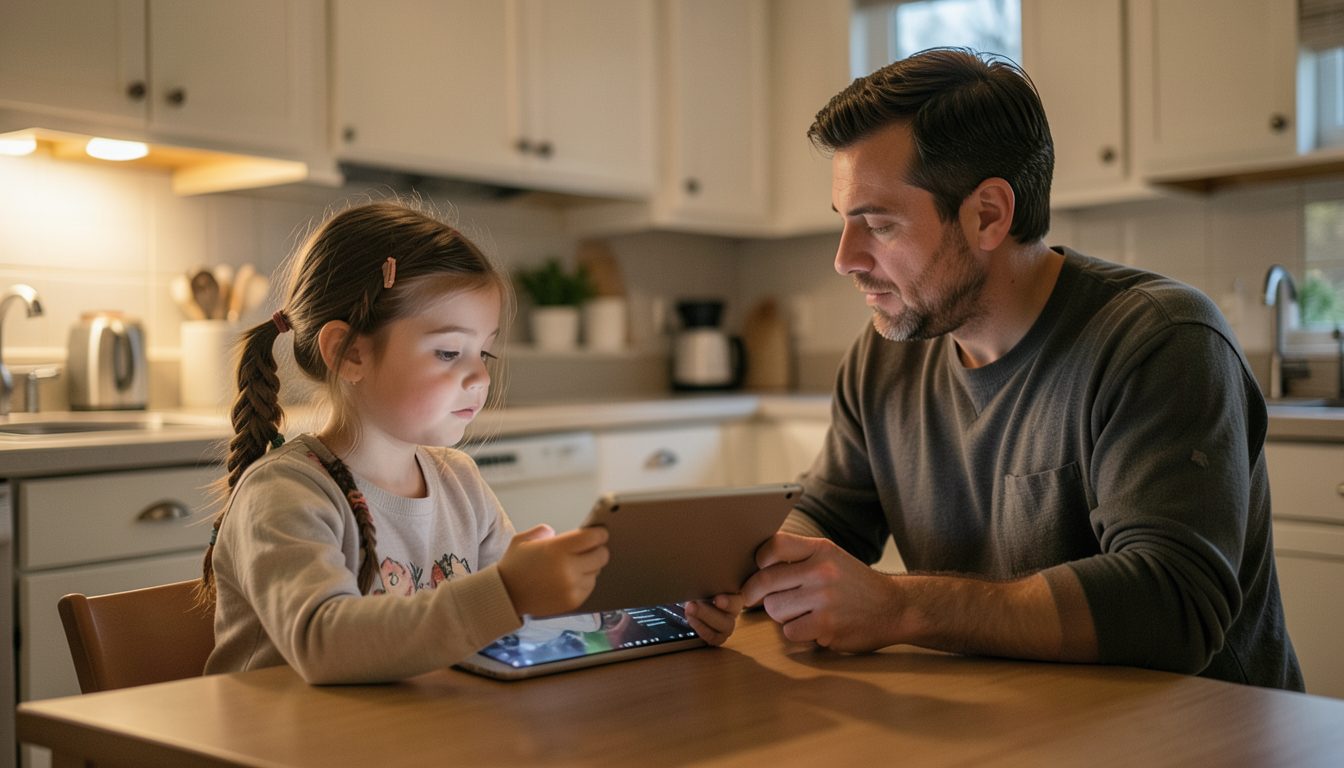
Many small games lose players in the first minute, not because the game is bad but because nobody understood what to do. A wall of instructions before the first move does not fix this, because most people skip it. The best browser games teach while you play: the first screen invites one simple action, the first level shows each new idea in a safe way, and words appear only when they are truly needed. Here is how to do the same in your own game.
Write down every rule and control in your game, then pick the single most important one. In a jumping game, it is how to jump. In a matching puzzle, it is how to swap pieces. In a quiz, it is how to choose an answer. The first few seconds should teach only that.
Everything else, such as power-ups, special enemies, combos or scoring bonuses, can wait. Players learn faster when they meet one idea at a time and get to use it a few times before the next one appears.
Design the opening so the right action is the obvious one. A few techniques work in almost any genre:
When you do need text, show it right when it matters, and keep it to a few words. "Tap to jump" next to the character works far better than a paragraph on the start screen. Some simple guidelines:
New players will fail, and the first failure is when many of them leave. Soften it. Restart quickly, close to where they failed, without a long game-over screen. Give generous lives or an early checkpoint at the start. If a player fails at the same spot several times, consider a small hint, such as briefly highlighting the right move or slowing the obstacle down.
Positive feedback matters too. When a player does something right for the first time, respond with a sound, a flash or a small reward, so they know they have learned it and feel good about it.
Some players will forget a control, or come back after a break of a few days. Add a small help or pause screen with a short list of the controls and the goal that anyone can open at any time. Keep it to the essentials, and use the same icons you used in the in-game prompts. This also helps teachers and parents who want to explain the game to someone else.
You cannot judge your own tutorial, because you already know all the answers. Give the game to someone new, say nothing, and watch the first two minutes. Note every moment they hesitate, try the wrong control or look confused. Each of those moments is a place where the game needs a clearer signal. Fix the first confusing moment, then test again with another new person. A few rounds like this usually turn a confusing opening into one that feels natural, and players stay long enough to discover what makes your game fun.