
Welcome to Volnyn
Sign in or create an account to continue
Continue with Google
or
Sign in with email
New here? Create an account
By continuing, you agree to our Terms of Service
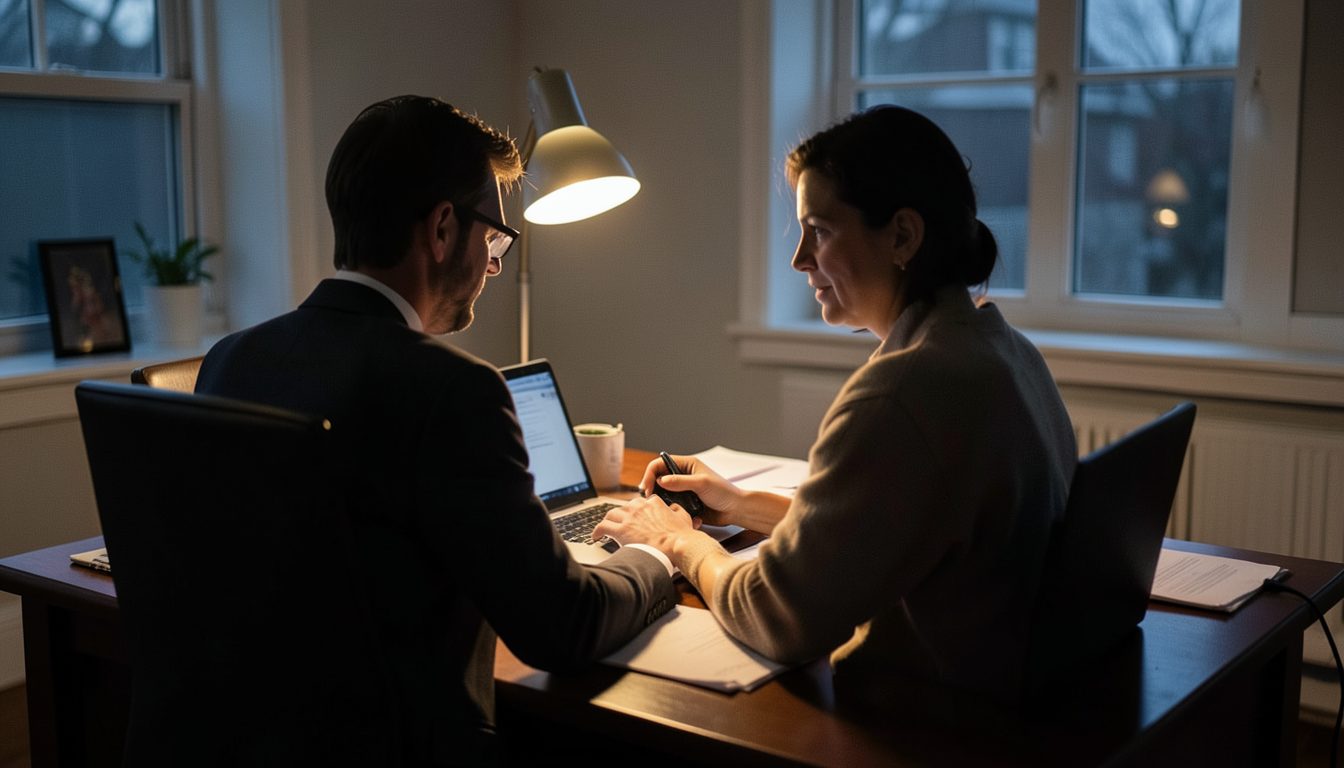
It usually starts with something small: a password that suddenly stops working, a post you did not write, a customer asking why you sent them a strange link, or a login alert from a place you have never been. When an account your business depends on has been taken over, speed matters, but so does doing things in the right order. Here is a plan you can follow even if you are not technical.
Your email account is the master key to almost everything else, because password resets for other services go there. If your email is affected, or you are not sure, deal with it before anything else.
If you are locked out of a social, marketplace or payment account, go directly to the service's official help pages and follow its hacked-account or account-recovery process. Type the address yourself or use the official app. Do not click links in messages offering to help, because fake recovery services are a common follow-up scam aimed at people who have just been hacked.
Recovery can take time, especially if the attacker changed the email address and phone number. Gather proof that the account is yours: invoices for ads, the original sign-up email, ID documents if the platform asks, and screenshots of what happened.
Once you are back in, close every door the attacker might use again:
Look through what happened while the account was out of your control. Check sent messages and posts, scheduled content, changed contact details, and anything involving money. For payment, advertising and marketplace accounts, review recent transactions, payout details and saved bank accounts. If you see charges you did not make, contact your bank or card provider right away.
If the same password was used anywhere else, change it on those services too. Reused passwords are one of the most common ways a single breach spreads to several accounts.
If the attacker messaged your customers or followers, a short, plain warning helps protect them. Say the account was accessed without permission, that any messages asking for payment or personal details during that time were not from you, and that the account is secure again. Post it where people saw the bad messages, and email key clients directly.
If customer data, such as names, emails or order details, may have been exposed, you may have legal duties to report it or to tell the people affected. The rules depend on where you and your customers are, so check your local rules or ask a professional.
When things are calm again, spend twenty minutes answering a few questions. How did they get in: a reused password, a phishing email, an old helper's login, a missing second step? What would have made recovery faster? Then fix that gap across your other important accounts, not just the one that was hit.
A short note listing your critical accounts, the recovery email and phone for each, and where your recovery codes are kept will turn the next scare into a ten-minute job instead of a lost week.