
Welcome to Volnyn
Sign in or create an account to continue
Continue with Google
or
Sign in with email
New here? Create an account
By continuing, you agree to our Terms of Service
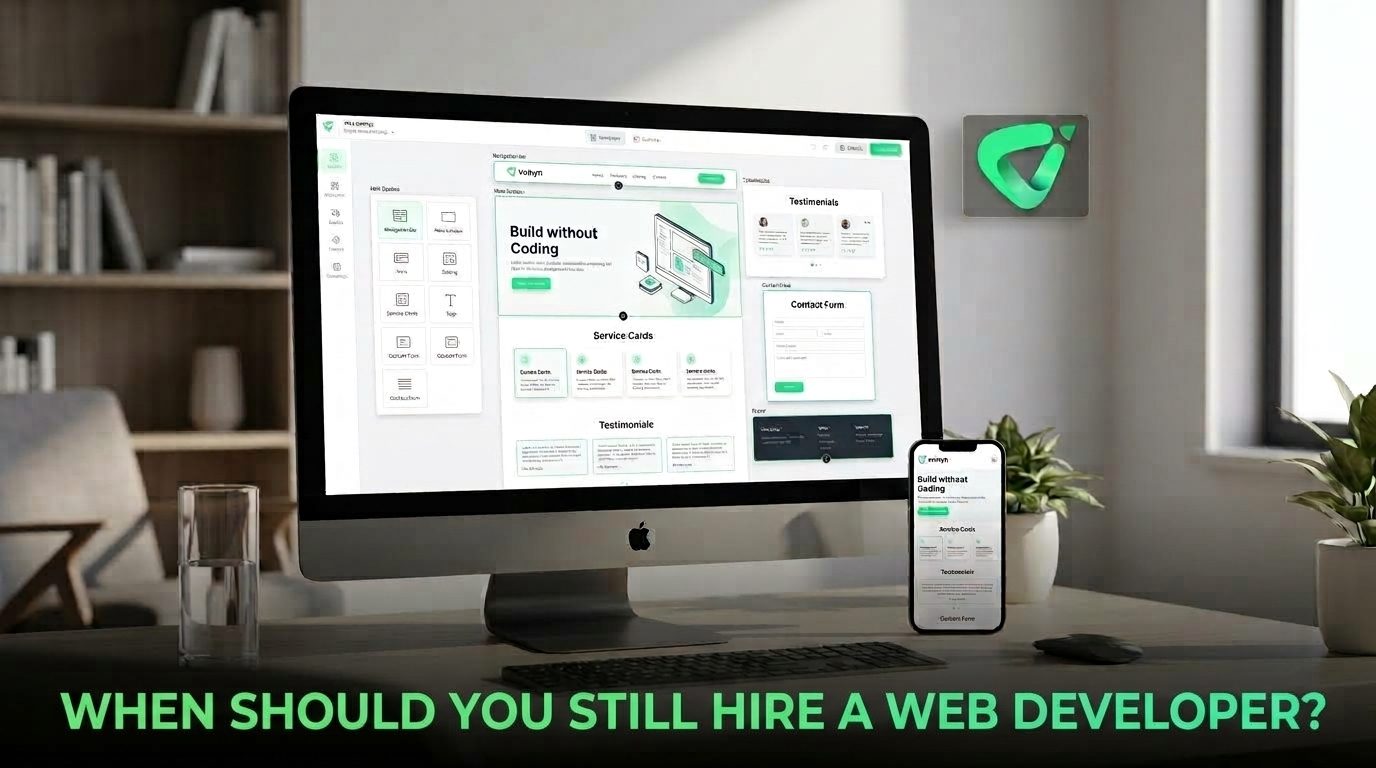
The real question is not whether you can build a website without a developer. It is whether your website actually requires custom technical work. A simple service site and a web application may both live at the same domain, but they can have very different development requirements.
Here is how to decide when a website builder is enough and when bringing in a web developer makes sense.
Before deciding who should build your website, separate its visual requirements from its functional requirements.
A typical business website may need a homepage, service pages, an about page, contact information, a blog, and clear calls to action. These are relatively standard requirements, and an AI website builder can often handle the initial creation efficiently.
Volnyn, for example, lets users describe the website they want and uses AI to generate pages, content, and design. Its AI website builder is specifically designed for people who want to create and update a site without traditional coding skills. Learn more about Volnyn's AI website builder.
The situation changes when the website itself needs to behave like a custom software product.
You probably do not need to hire a web developer simply because you want a professional-looking website. For many small businesses, freelancers, creators, consultants, restaurants, property businesses, and similar organizations, the priority is getting a reliable online presence live and keeping it easy to update.
A website builder is often a sensible starting point when you need:
The main advantage is not just saving development time. It is reducing the technical overhead of maintaining the site after launch. If your team can make routine content and design changes themselves, you may not need to involve a developer every time a headline, image, or service description changes.
The strongest reason to hire a developer is that your website needs behavior that standard website-building tools do not provide.
Examples might include a specialized calculator, a complex booking workflow, a customer portal, a membership system, a marketplace, or an application with multiple user roles and permissions.
At that point, you are no longer simply presenting information. You are building software. A developer can design the underlying logic, data structures, APIs, and interactions needed to make that system work reliably.
Businesses often depend on software outside the website itself. A project might need to exchange information with a CRM, inventory system, accounting platform, internal database, payment service, or proprietary business application.
Some integrations are straightforward because a platform already provides a supported connection. Others require custom API work, authentication, data transformation, error handling, or ongoing maintenance.
If several important systems need to communicate with one another, a developer can help determine whether the integration should be handled through existing tools or custom code.
A basic marketing website and an application that stores sensitive customer information have very different risk profiles.
If your project includes user accounts, private information, financial transactions, permissions, or other sensitive data, security should be considered during architecture and development rather than treated as a final visual adjustment.
A developer can help with areas such as authentication, authorization, secure data handling, dependency management, server configuration, and testing. The exact requirements will depend on what your application stores and does.
Accessibility is another area where professional development knowledge can matter. Good accessibility begins with fundamentals such as semantic HTML, keyboard-accessible controls, useful alternative text, appropriate form labels, and logical document structure. MDN's accessibility guidance explains why these foundations matter.
Performance can also become a technical engineering problem as a site grows. Google recommends paying attention to Core Web Vitals, which measure loading performance, responsiveness, and visual stability. Google's Core Web Vitals documentation provides the current technical guidance.
If your site has persistent performance problems, complex JavaScript, large amounts of dynamic content, or specialized accessibility requirements, a developer may be able to diagnose and address issues that a visual editor cannot.
Perhaps the clearest signal is that people are no longer visiting your website simply to read about your business. They are using it to do something.
That could mean managing projects, comparing products, submitting complex applications, collaborating with other users, analyzing data, managing accounts, or completing a multi-step transaction.
When the website becomes part of the product itself, technical architecture matters much more. A developer can help you plan for scalability, maintainability, integrations, testing, and future features instead of treating each new requirement as an isolated modification.
| Project Requirement | Likely Best Starting Point |
|---|---|
| Standard business website | AI website builder |
| Portfolio, blog, or landing page | AI website builder |
| Basic lead-generation forms | AI website builder |
| Complex custom calculator or workflow | Web developer |
| Multiple custom API integrations | Web developer |
| Customer portal or web application | Web developer |
| Advanced security or specialized data handling | Web developer |
| Major performance or accessibility engineering | Web developer |
This is not a strict rule. Many projects can use a combination of approaches. You might build the main marketing site with an AI website builder and bring in a developer later for a custom application or integration.
Hiring a developer does not have to mean handing over the entire website project.
For example, a business could use an AI website builder to establish its public-facing website, content, and design, then hire a developer for a specialized feature that sits alongside it. This can reduce the amount of custom work while keeping the technically difficult parts in professional hands.
The same principle applies in reverse. A company with an existing custom application might use easier content tools for pages that do not require engineering expertise.
The goal is to use technical development where it creates real value rather than paying for custom code simply because websites used to be built that way.
Before contacting a developer, write down what the website must actually do. Ask yourself:
If most answers are no, start with the simplest solution that can meet your needs. If several answers are yes, getting a developer involved early can prevent expensive technical decisions later.
For businesses that mainly need a professional website rather than a custom web application, Volnyn can remove much of the traditional development overhead. Its AI website builder can generate a complete starting point from a description, while the broader Volnyn all-in-one workspace brings websites, site documents, and presentations together.
That does not eliminate the role of developers. It simply makes the decision more practical: use a website-building tool when your requirements are standard, and bring in a developer when the project has genuine technical complexity.
You should still hire a web developer when your website needs more than pages, content, and standard business functionality.
Custom application logic, complex integrations, security-sensitive systems, demanding accessibility or performance requirements, and product-level functionality are strong reasons to involve a developer. For a straightforward business website, however, building with an AI website builder may be faster and easier to maintain.
The best choice is not “developer versus AI.” It is choosing the simplest tool that can reliably handle the job—and knowing when the job has become technical enough to require an expert.