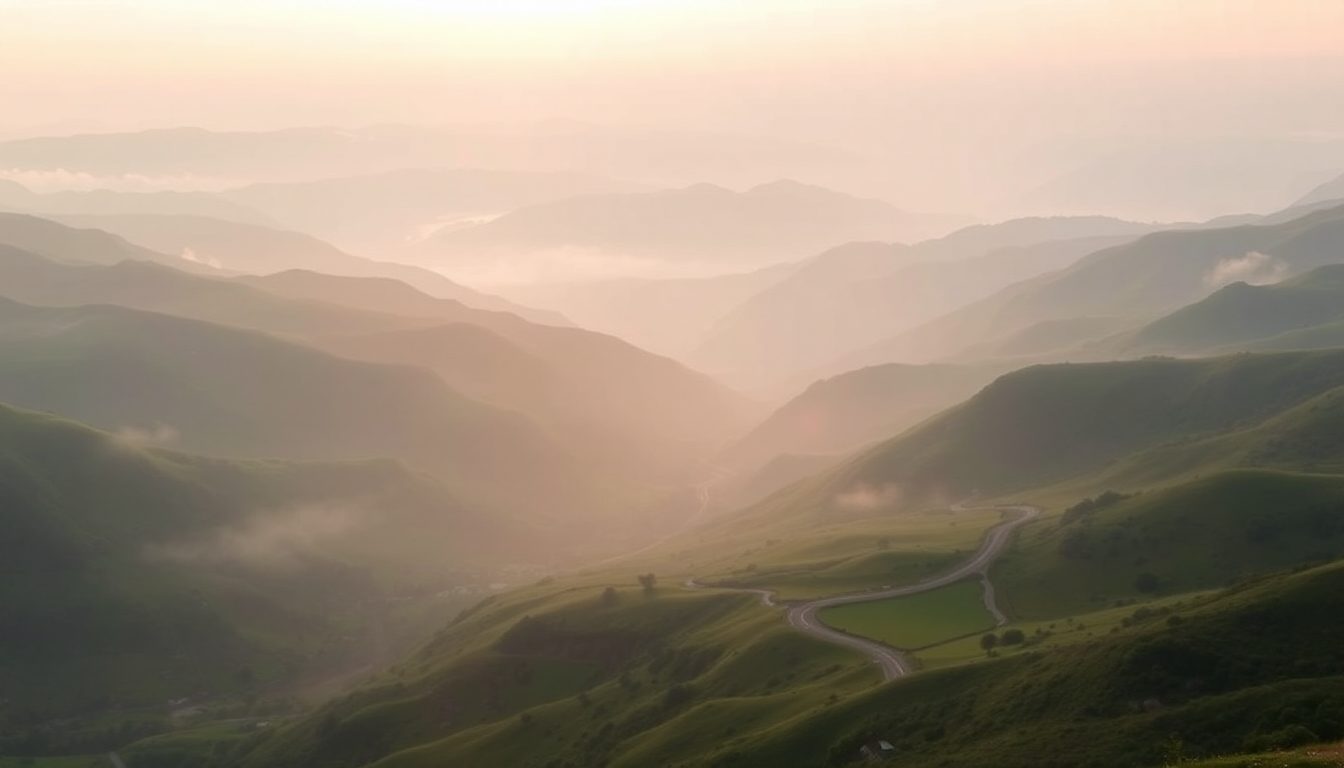
A website needs more images than most people expect: a hero banner, a photo for each section, covers for every blog post, backgrounds, and fresh images for every new offer. Stock photo sites are expensive and everyone uses the same pictures. An AI image generator lets you create exactly what each spot needs, in the right size, in your own style.
This guide covers where AI images work best on a website, and how to create each type.
Where AI images work best (and where real photos win)
AI images are great for: hero banners, mood and lifestyle sections, backgrounds, blog covers, illustrations of ideas ("growth", "teamwork", "a calm morning routine"), seasonal promotions and social posts.
Real photos win for: your face and your team, your actual premises, your real finished work (before-and-after, portfolio), and exact product listings. These are the images that prove you're real, so keep them authentic.
The best websites use both: AI images to make the site look polished, real photos where trust is on the line.
1. Hero banners
The hero is the big image at the top of your home page. It sets the mood in the first second.
- Size: 16:9 wide.
- Composition: leave space for your headline. Add "subject on the right, open space on the left" or "lots of negative space at the top" to your prompt.
- Keep it calm: busy images fight with your headline. One clear subject and a soft background work best.
Example: "A bright modern dental clinic reception with a large window and plants, soft natural light, subject on the right side, open calm space on the left, clean and welcoming."
2. Section photos
Each section — services, about, how it works — usually has one supporting image.
- Size: 4:3 or 1:1, depending on your layout.
- Match the section: a "How it works" section might show hands working; a "Why choose us" section might show a happy customer moment.
- Stay consistent: use the same lighting and colour words in each prompt so the sections feel like one site.
3. Blog covers
Every blog post needs a cover image for the listing page and for social sharing. This is where AI saves the most time, because you need a new image for every single post.
- Size: 16:9 works for blog listings and link previews on social media.
- Illustrate the idea, not the title: a post about saving time could show a calm person with a coffee at a tidy desk, not a clock.
- Make every cover different: vary the scene, person, setting and colours so your blog listing doesn't look like the same picture ten times.
On the Volnyn blog, every cover image is generated with our own image model from its own prompt — so each one is different and matches its article.
4. Backgrounds and textures
Subtle backgrounds behind text sections, contact forms or testimonials add depth without distraction.
Example: "A soft abstract background of light beige paper texture with gentle shadows from leaves, very minimal, low contrast."
Keep contrast low so text on top stays readable.
Create a style guide in one sentence
Consistency is what separates a professional site from a patchwork. Write one style sentence for your brand and add it to every prompt. For example:
- "warm natural light, earthy tones, cosy and relaxed" for a café or wellness brand
- "bright clean daylight, white and blue tones, modern and trustworthy" for a clinic or tech service
- "dramatic lighting, dark rich colours, premium and bold" for a barber, bar or luxury product
Don't put text inside images
Headlines, prices and buttons should be added in the website editor, not baked into the image. Real text is sharp on every screen, can be read by search engines and screen readers, and can be changed in seconds. Ask for "no text" in your prompts and add words on the page.
Image size and speed
Big images slow sites down, and slow sites lose visitors. Volnyn resizes and converts images automatically, serving smaller versions to phones and modern formats like WebP where browsers support them — so you can use high-quality images without hurting speed.
Alt text: describe every image
Give each image a short description, such as "Modern dental reception with plants and large window". It helps visitors using screen readers and helps search engines understand your page.
Build your image library today
With Volnyn, the AI image generator lives in the same dashboard as your website, so new images go straight into your pages. Start free and create a hero, three section photos and your next blog cover in one sitting.