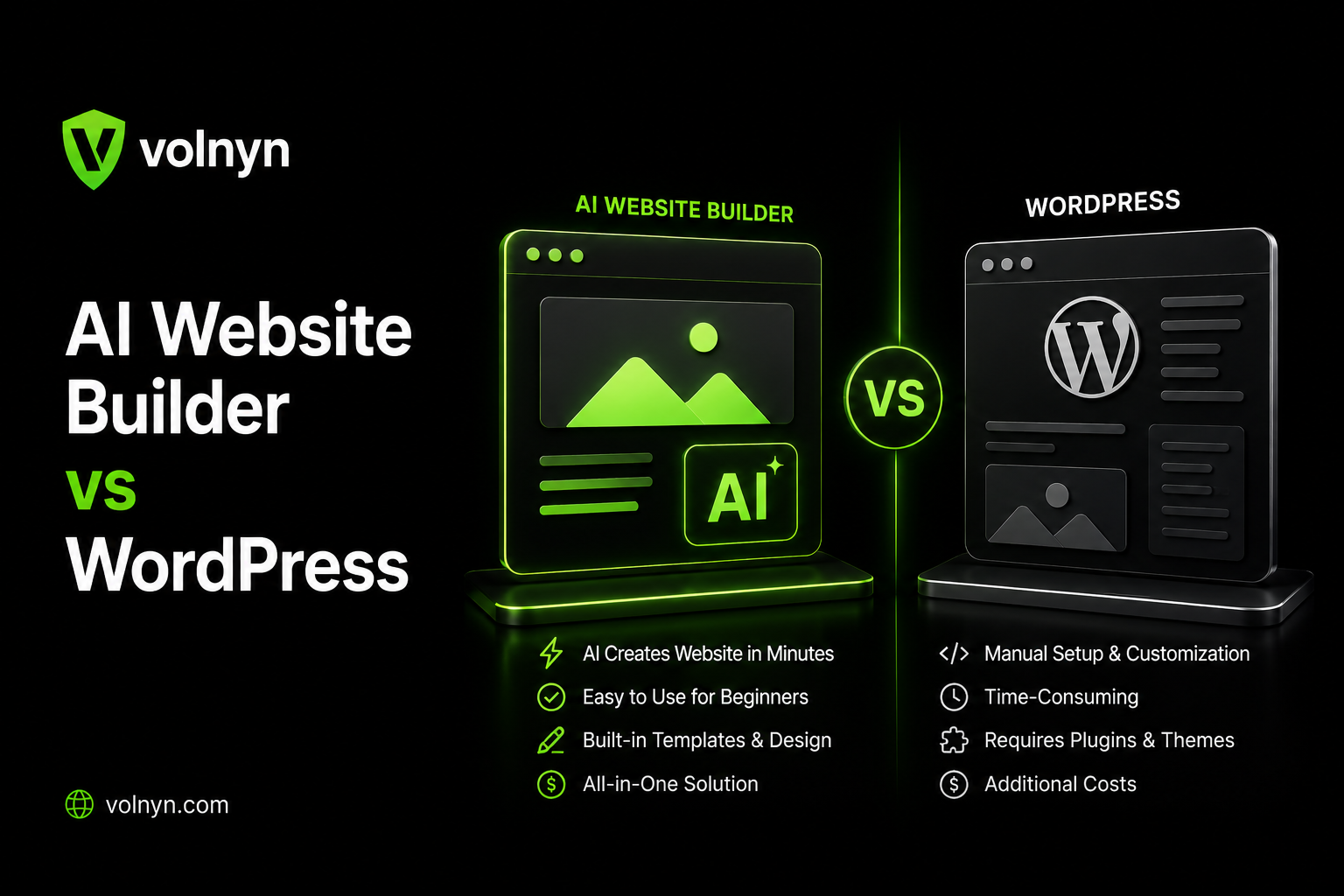
WordPress remains one of the most widely used website platforms on the web. According to W3Techs, as of September 2026, WordPress is used by 40.2% of all websites and accounts for 58.8% of websites whose content management system is known.
That scale exists for good reasons. WordPress offers a large plugin ecosystem, extensive customization options, strong community support, and control over where your website is hosted.
But that does not mean WordPress is the right choice for every business.
Many people searching for a WordPress alternative are not trying to avoid WordPress because they dislike it. They simply want a no-code website builder that lets them create and maintain a professional website without managing hosting, plugins, updates, backups, and technical compatibility themselves.
That is where AI website builders enter the picture.
The important question is not simply “AI website builder vs WordPress: which is better?” The better question is:
Which platform gives you the right balance of flexibility, maintenance, cost, SEO control, and ownership for the website you actually need?
This guide breaks down both approaches so you can make that decision based on your requirements rather than hype.
AI Website Builder vs WordPress: Understand the Two Approaches
Before comparing them, there is an important distinction to make.
When someone says “AI website builder,” they could be talking about two very different things.
1. AI-assisted WordPress
Some tools use AI to generate a website, write content, or speed up the design process, but the finished website is still built on WordPress.
That means you still have a WordPress installation underneath.
You may still need to manage:
WordPress core updates
Themes
Plugins
Plugin compatibility
Hosting
Backups
Security
Performance
Technical SEO settings
The AI can make the initial setup faster, but it does not fundamentally remove the WordPress maintenance model.
2. Fully Hosted AI Website Builders
A fully hosted AI website builder works differently.
The website is generated and hosted within the provider's own platform. Instead of installing WordPress, selecting a theme, configuring plugins, and setting up hosting, you typically describe what you want and let the platform generate the initial website.
For example, a platform such as [Volnyn's AI website builder] can be used to create a website from a description and then refine the generated result.
This approach is closer to a no-code website builder than an AI version of WordPress.
3. Traditional WordPress
The third option is simply using WordPress directly without relying on AI as the primary website-building workflow.
This gives you the greatest control over the underlying website stack, but it also means more responsibility for setup and ongoing management.
So the real comparison is:
Traditional WordPress vs. AI-assisted WordPress vs. fully hosted AI website builders.
For businesses deciding whether to move away from WordPress, the third category is usually the most relevant comparison.
Where WordPress Still Has an Advantage
An honest comparison should start with where WordPress is strong.
Extensive Customization
WordPress gives you a high level of control over the website's underlying structure.
With the right developer, theme, plugins, and custom code, a WordPress website can support complex requirements such as:
This flexibility is one of the main reasons WordPress remains popular.
Large Plugin Ecosystem
WordPress has a mature plugin ecosystem covering a wide range of website requirements.
You can find plugins for:
SEO
Ecommerce
Forms
Analytics
Memberships
Bookings
Security
Caching
Backups
Email marketing
Payments
That does not mean every plugin is equally reliable or necessary. Plugin quality, maintenance, compatibility, and security still need to be considered.
But the breadth of the ecosystem gives WordPress a high functional ceiling.
Hosting and Portability
A self-hosted WordPress website can generally be moved between compatible hosting providers.
You control the WordPress files and database, which gives you more independence from a single website-building platform.
This matters if you expect to change hosting providers, work with different developers, or build a custom technical stack later.
Advanced SEO Control
WordPress can provide detailed SEO control through plugins and custom configurations.
Depending on the setup, you can control:
Meta titles
Meta descriptions
Canonical URLs
XML sitemaps
Redirects
Structured data
URL structures
Robots directives
Internal linking
Image optimization
For businesses with an experienced SEO team or developer, that level of control can be valuable.
However, more control also means more things that need to be configured correctly.
Where an AI Website Builder Has an Advantage
The main strength of a hosted AI website builder is not that it can magically do everything WordPress can do.
Its advantage is reducing the amount of technical work required to get a useful website online.
Faster First Draft
With a traditional WordPress workflow, you may need to:
Choose hosting
Install WordPress
Select a theme
Configure the theme
Install plugins
Create pages
Write or add content
Configure navigation
Optimize images
Configure technical settings
An AI website builder can compress much of the initial process.
You provide information about the business, audience, services, and desired website, and the platform can generate a starting point.
The generated website should still be reviewed and edited. AI-generated content and layouts are starting points, not a substitute for human judgment.
Lower Maintenance Burden
A fully hosted AI website builder can remove much of the routine infrastructure management associated with WordPress.
You generally do not have to manage a separate:
The platform provider handles its underlying infrastructure and platform updates.
That does not mean the website requires zero maintenance. You still need to update your business information, review content, monitor performance, check forms, and improve the website as your business changes.
Easier for Non-Technical Users
For someone who simply needs a professional business website, understanding:
Hosting
DNS
Themes
Plugins
PHP
Caching
Security updates
may not be the best use of their time.
A no-code AI website builder shifts much of that technical complexity away from the business owner.
This can be especially useful for freelancers, consultants, local businesses, startups, and small teams.
If your primary goal is creating a website for a small business, you can also explore a dedicated [AI website builder for small businesses] rather than starting with a more technical setup.
AI Website Builder vs WordPress: Cost and Total Cost of Ownership
Comparing only the initial price can be misleading.
The real cost of a website can include:
Hosting
Domain registration
Premium themes
Plugins
Security tools
Backup services
Developer time
Maintenance
Updates
Troubleshooting
Performance optimization
A WordPress website can be inexpensive if you build and maintain it yourself. It can also become significantly more expensive when you need premium plugins, professional development, custom functionality, and ongoing maintenance.
A hosted AI website builder usually combines hosting and the website-building platform into a recurring subscription, although domain registration and certain features depend on the provider and plan.
| Cost Factor | AI Website Builder | WordPress |
|---|
| Initial setup | Usually faster and simpler | Can require more configuration |
| Hosting | Usually included in the platform | Usually purchased separately |
| SSL | Commonly handled by platform | Depends on hosting setup |
| Plugins | Usually not required for basic features | Often used for additional functionality |
| Maintenance | Mostly handled by platform | Owner, developer, or managed service |
| Custom development | Platform-dependent | Highly flexible |
| Long-term cost | Depends on subscription and features | Depends on hosting, plugins, and maintenance |
For a simple business website, a hosted AI builder can reduce both financial and time-related maintenance costs.
For a complex website that already depends on specialized WordPress functionality, switching platforms may not be cheaper.
The right comparison is therefore total cost of ownership, not simply the price you pay on day one.
WordPress vs AI Website Builder for SEO
SEO is one of the areas where comparisons often become misleading.
There is no universal rule that says a WordPress website will automatically rank better than an AI-built website.
Likewise, an AI website builder does not automatically make a website SEO-friendly.
Search performance depends on many factors, including:
Google's own guidance emphasizes helpful, reliable, people-first content rather than creating pages simply to manipulate search rankings.
WordPress SEO
WordPress can provide extensive technical SEO control.
Depending on your setup, you can customize:
Metadata
Schema
Canonicals
Redirects
Sitemaps
Robots directives
URL structures
Internal links
Image optimization
This makes WordPress useful for businesses with advanced SEO requirements.
The downside is that someone needs to understand and manage those settings.
AI Website Builder SEO
A modern hosted AI website builder can automate many SEO fundamentals, such as:
Responsive design
Basic metadata
Sitemap generation
Image handling
Page structure
Hosting and SSL
But the exact SEO functionality varies from one platform to another.
Before choosing an AI website builder for SEO, check whether it gives you control over the technical elements your website actually needs.
For a broader introduction to the subject, see this guide to [SEO basics that actually matter].
The Important Point
The platform itself is not your SEO strategy.
A WordPress website with perfect technical settings can still perform poorly if its content does not satisfy users.
Likewise, a well-structured AI-built website can perform well when it provides useful content, clear navigation, good technical foundations, and a satisfying user experience.
Maintenance: The Biggest Practical Difference
The biggest difference between WordPress and a fully hosted AI website builder often appears after the website goes live.
With WordPress, someone needs to take responsibility for:
Core updates
Plugin updates
Theme updates
Backups
Security
Compatibility
Performance
Broken functionality
This does not mean WordPress is inherently unsafe.
It means the website owner or manager has more responsibility for maintaining the software stack.
With a fully hosted AI website builder, much of that infrastructure responsibility is shifted to the platform provider.
You still need to maintain the business side of the website:
Update services
Change prices
Add new pages
Publish content
Review forms
Update images
Improve conversion paths
The difference is that you spend less time managing the underlying website infrastructure.
Ownership and Portability: What You Give Up
This is where WordPress has an important advantage.
With self-hosted WordPress, you generally control the files and database and can move the website to another compatible host.
A fully hosted AI website builder works differently.
Your website is dependent on the provider's platform, and the ability to export or migrate the complete site depends on that provider.
Before choosing a hosted AI website builder, check:
Can you connect your own domain?
Can you export your content?
Can you migrate your website?
Can you download your media?
What happens if you cancel?
What happens to your domain?
Can you retain your SEO URLs?
Are redirects available during migration?
For more information about domains and website ownership, see the guide on [why your own domain matters].
The convenience of a hosted platform therefore comes with a trade-off: less infrastructure management, but potentially less control over the underlying website stack.
AI Website Builder vs WordPress for Small Businesses
For a small business, the decision is usually less complicated than it first appears.
A local service business may need:
That type of website does not necessarily require the full flexibility of WordPress.
A hosted AI website builder may be suitable when the priority is getting a professional website online without managing technical infrastructure.
For more guidance, compare the requirements in this [website builder for small business] resource.
On the other hand, a business may have requirements such as:
In those cases, WordPress or another more extensible platform may be worth considering.
What About Ecommerce, Bookings, and Advanced Features?
One common mistake is assuming that every no-code AI builder has the same capabilities.
They do not.
Some platforms support features such as:
Online stores
Payments
Booking forms
Lead capture
Blogs
Custom domains
Analytics
But advanced requirements can be different.
For example, a business with simple appointment requests may need only a booking form.
A large ecommerce operation may need:
Complex inventory
Multiple payment methods
Tax handling
Shipping rules
Subscriptions
Product variations
Customer accounts
Advanced integrations
The more specialized the requirement becomes, the more carefully you should evaluate the platform before migrating.
If you are specifically researching ecommerce websites, see the guide on [how to create an e-commerce website].
AI Website Builder vs WordPress: A Practical Decision Matrix
Instead of asking which platform is universally better, start with what you actually need.
| If your priority is... | Platform characteristic to look for |
|---|
| Fast website creation | AI or no-code builder |
| Minimal technical maintenance | Fully hosted platform |
| Maximum customization | WordPress or another extensible platform |
| Large plugin ecosystem | WordPress |
| Full hosting control | Self-hosted WordPress |
| Simple business website | AI builder or WordPress |
| Advanced SEO customization | Platform with granular SEO controls |
| Highly customized functionality | WordPress/custom development |
| Easy setup for non-technical users | AI website builder |
| Easy infrastructure management | Fully hosted AI builder |
| Long-term platform independence | Self-hosted solution |
This isn't about choosing a winner.
It is about matching the platform to the job.
When Should You Choose WordPress?
WordPress may make sense when you:
Need extensive customization
Want a large plugin ecosystem
Need control over hosting
Have access to a developer
Need specialized integrations
Want maximum control over technical SEO
Expect complex functionality in the future
Need greater control over website portability
If you already have a WordPress website, switching simply because AI website builders are popular may not make sense.
Migration itself has costs and risks.
If your existing WordPress website works well, ranks well, and meets your business requirements, improving it may be more practical than rebuilding it elsewhere.
When Should You Choose an AI Website Builder?
A hosted AI website builder may make sense when you:
Want to launch quickly
Prefer a no-code workflow
Do not want to manage plugins
Do not want to manage hosting infrastructure
Need a straightforward business website
Want AI to help create the initial design and content structure
Prefer one platform for website creation and hosting
Have limited technical resources
You can start with a platform such as [Volnyn] and evaluate whether its website-building workflow, features, SEO controls, and pricing match your requirements.
For users who want to understand the broader AI website-building process, these guides on [how to build a website with AI] and [how AI website builders work] provide additional context.
Common Mistakes When Choosing Between WordPress and an AI Website Builder
Choosing WordPress Simply Because It Is Popular
WordPress's market share is a reason to consider it, not proof that it is the right platform for every project.
Start with your requirements.
Choosing an AI Builder Only Because It Is Fast
A website can be generated quickly and still require substantial editing.
Review:
Content
Images
Navigation
Calls to action
SEO
Branding
Mobile experience
Forms
Business information
AI generation should speed up the process, not eliminate quality control.
Comparing Only Subscription Prices
Compare the full cost:
Platform + domain + plugins + hosting + maintenance + development + your time.
Ignoring Migration
Before committing to a platform, understand what happens if you eventually need to leave.
Assuming Every AI Builder Has the Same SEO Features
Check the actual platform documentation for:
Metadata
Canonicals
Sitemap
Robots controls
Redirects
Schema
URL structure
Image optimization
Analytics
Publishing AI-Generated Content Without Editing It
AI can create a useful starting point, but generic content can make a website feel interchangeable.
Add:
For practical guidance, see [how to improve a website created by AI].
A Better Question to Ask: Who Will Maintain the Website?
If you are still unsure, ask yourself:
Who will maintain this website six months after launch?
If the answer is:
“Our developer or technical team.”
WordPress may fit your workflow because you have someone responsible for updates, security, performance, and customization.
If the answer is:
“Me, and I already have a dozen other things to manage.”
A hosted no-code AI website builder may reduce the amount of technical maintenance you need to handle.
The important point is not that one platform is universally better.
It is that the maintenance model should match the resources you actually have.
Final Verdict: AI Website Builder vs WordPress
WordPress and AI website builders solve overlapping problems in different ways.
WordPress gives you control.
You get a mature ecosystem, extensive customization, hosting flexibility, and a large range of plugins and integrations. In return, you take on more responsibility for configuration, maintenance, security, and technical management.
A hosted AI website builder gives you simplicity.
You can start with an AI-generated website, avoid much of the infrastructure management, and focus more on your content and business rather than maintaining a software stack.
Neither approach is automatically right for every website.
If you need maximum flexibility and have the resources to manage it, WordPress can be a strong fit.
If you need a professional website quickly and want to minimize technical maintenance, a hosted AI website builder may fit your workflow better.
The best starting point is therefore not “Which platform is better?”
It is:
“What does my website need today, who will maintain it, and how much control will I need as the business grows?”
Answer those three questions first, and the platform decision becomes much clearer.
Frequently Asked Questions
Is WordPress free?
The WordPress software is free and open-source, but running a WordPress website normally involves hosting and a domain. Depending on your requirements, you may also pay for premium themes, plugins, development, maintenance, or other services.
Can an AI website builder do everything WordPress can do?
No. WordPress has a large ecosystem and can be extended extensively through plugins and custom development. A hosted AI website builder can be easier to use, but its available functionality depends on the specific platform.
Which is better for SEO: WordPress or an AI website builder?
Neither platform automatically guarantees better rankings. WordPress can provide extensive technical SEO control, while many AI website builders simplify SEO fundamentals. Content quality, search intent, site structure, technical accessibility, internal linking, and overall user experience remain important.
Is an AI website builder the same as AI-assisted WordPress?
No. AI-assisted WordPress still produces a WordPress website. A fully hosted AI website builder operates on its own platform and does not require a WordPress installation underneath.
Is an AI website builder cheaper than WordPress?
It depends on the website. A simple business website may have lower overall costs on a hosted AI builder because hosting and much of the maintenance are handled by the platform. A complex website that requires specialized functionality may make WordPress or custom development more appropriate.
Do I need a developer to use WordPress?
Not necessarily. A basic WordPress website can be built without professional development skills. However, more complex websites may require technical knowledge for customization, security, performance, integrations, troubleshooting, and maintenance.
Can I move my website from an AI builder to WordPress later?
That depends on the AI builder. Some platforms provide export or migration options, while others limit access to the underlying website structure. Check the provider's export, content, domain, and redirect policies before committing.
What is the simplest WordPress alternative?
For a straightforward business website, a hosted no-code AI website builder can be a simpler alternative because it reduces the need to manage hosting, plugins, updates, and technical configuration. The right choice still depends on the features and level of control you need.