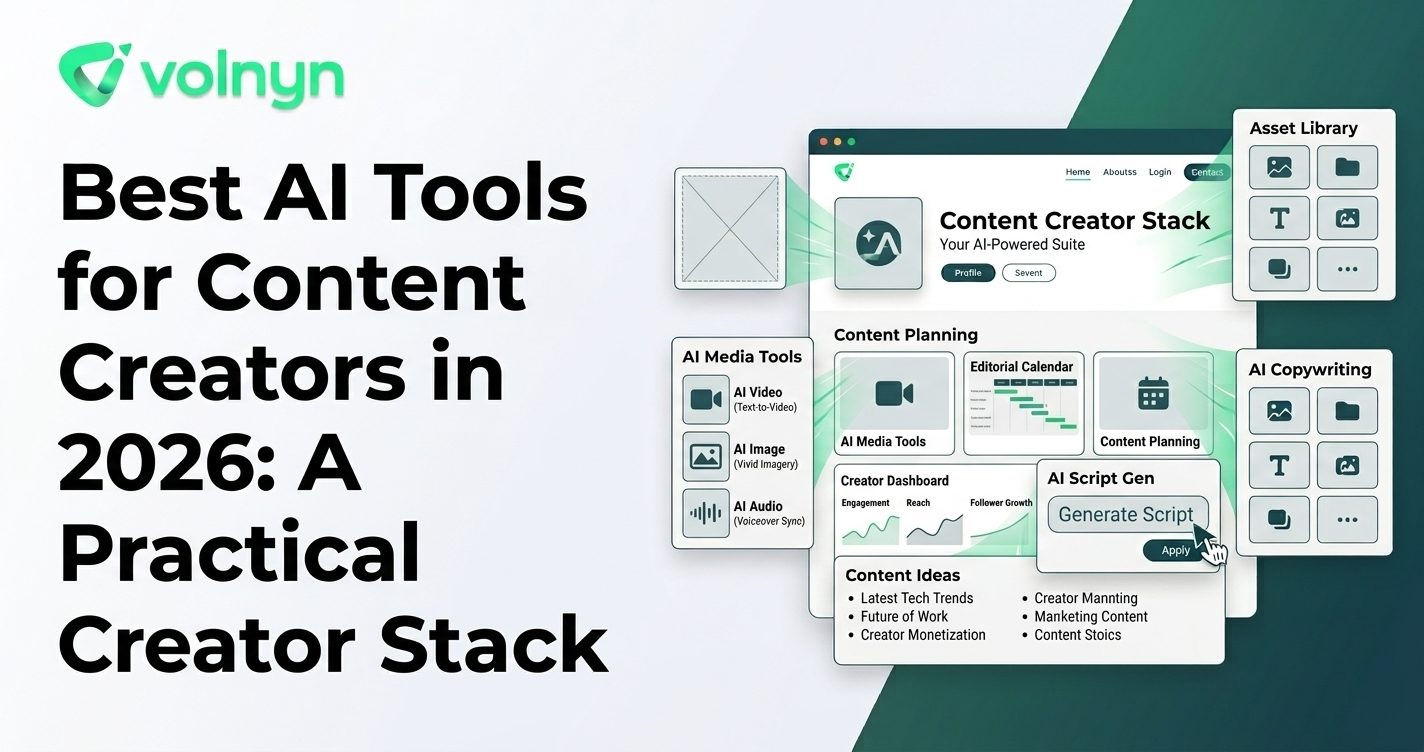
Content creators rarely need just one type of content. A single idea might become a YouTube video, a newsletter, a social post, a podcast episode, a presentation, an image, or a page on a personal website. The challenge is turning that idea into all those formats without spending the entire day switching between tools.
That is where AI can help. The most useful creator tools do not simply generate content; they reduce specific production bottlenecks such as brainstorming, writing, editing, design, video production, audio creation, or repurposing. Current creator-focused AI tools span writing, visual design, video, audio, presentations, and websites. D Descript+1
Instead of looking for one tool that does everything, it is more practical to build a small AI creator stack around the formats you publish most often.
What Should Content Creators Look for in an AI Tool?
Before adding another subscription to your workflow, identify the part of content production that is actually slowing you down.
- Ideation: Can the tool help develop topics, hooks, outlines, or creative directions?
- Production: Does it generate useful first drafts rather than generic filler?
- Editing: Can you refine the output quickly without rebuilding it from scratch?
- Repurposing: Can one piece of source material become several formats?
- Brand consistency: Can you maintain your tone, visual identity, and recurring formats?
- Human control: Can you easily review, fact-check, rewrite, and customize the result?
The last point is important. Current guidance from OpenAI, for example, recommends treating AI output as a draft that should be reviewed rather than as a final authority. O OpenAI
Best AI Tools for Content Creators in 2026
| Tool |
Best For |
Primary Use |
| ChatGPT |
Writing and ideation |
Brainstorming, drafting, rewriting, research support, scripts, and content planning |
| Canva |
Visual content |
Social graphics, presentations, images, videos, and branded creative assets |
| Descript |
Video and audio workflows |
Recording, transcription, editing, clips, podcasts, and AI-assisted video production |
| Adobe Express |
Social and marketing content |
AI-assisted visual creation, editing, publishing, and content scheduling |
| Volnyn |
Multi-format creation |
Websites, presentations, podcasts, images, video, music, and other AI-powered creation workflows |
ChatGPT: Best for Writing, Research, and Content Planning
ChatGPT is useful when the bottleneck is thinking through an idea before production begins. It can help creators brainstorm topics, develop outlines, draft scripts, rewrite existing material, adjust tone, and turn rough notes into clearer content. OpenAI's current writing guidance recommends a workflow of planning, drafting, revising, and packaging rather than treating AI generation as the final step. OOpenAI
For creators, that makes it especially useful as the starting point of a workflow. You can develop a video concept, turn it into a script, extract social hooks, and then send the resulting material into specialized visual or audio tools.
Canva: Best for Turning Ideas Into Visual Content
Canva combines conventional design tools with AI-powered creation. Its Magic Studio includes features designed to help users generate first drafts, create visual content, automate design tasks, and transform uploaded media into new creative assets. C Canva
Canva
For creators who publish across multiple platforms, this is useful because the same visual identity can extend across thumbnails, social posts, presentations, promotional graphics, and other assets.
Descript: Best for Video, Podcasts, and Repurposing
Descript focuses heavily on audio and video production. Its creator tools cover recording, transcription, text-based editing, clips, podcast production, and AI-assisted video workflows. Its current creator guidance groups AI tools into areas such as writing, video, audio cleanup, image creation, and repurposing. DDescript
This makes Descript particularly relevant when your content starts as a recorded conversation, podcast, interview, or video and needs to be transformed into multiple publishable pieces.
Adobe Express: Best for Social Content Production
Adobe Express combines AI-assisted creation with hands-on design and publishing features. Adobe's current product updates include capabilities for generating sound effects and publishing content to YouTube through its content scheduling workflow. A Adobe Help Center
Adobe Express is also relevant for creators who produce short-form video. In a March 2026 survey of 384 U.S. video creators, Adobe reported that 71% had used AI video generation or editing tools, while 56% of those surveyed said AI saved them more than 30 minutes per video. The survey is based on a relatively small U.S. sample, so it should be treated as directional rather than representative of all creators. A Adobe
Adobe
Volnyn: Best for Connecting Multiple Content Formats
Volnyn takes a broader approach than a dedicated writing, video, or design application. Its current platform combines multiple AI creation workflows in one workspace, including websites, presentations, images, video, music, and podcasts. V Volnyn+1
For example, Volnyn's AI Podcast Generator can turn a topic, notes, or an article into a two-host narrated episode. Its AI Presentation Maker can turn a description, notes, outline, or document into an editable slide deck. VVolnyn+1
Creators can also use Volnyn's AI Website Builder to create a web presence from a description, with hosting, mobile responsiveness, and an SEO-friendly structure included in the current product offering. VVolnyn
The practical advantage is not that every creator needs every feature. It is that a creator working across several formats can keep more of the workflow in one environment instead of maintaining a separate application for every output.
Build Your AI Creator Stack Around Your Workflow
A useful creator stack might look very different depending on what you publish.
| Creator Workflow |
Useful AI Categories |
Example Stack |
| YouTube creator |
Writing, video, thumbnails, repurposing |
ChatGPT + Descript + Canva |
| Podcaster |
Research, scripting, audio, clips |
ChatGPT + Volnyn or Descript + Canva |
| Newsletter creator |
Research, writing, visuals, distribution |
ChatGPT + Canva + a publishing platform |
| Personal-brand creator |
Writing, social content, presentations, website |
ChatGPT + Canva + Volnyn |
| Multi-format creator |
Writing, video, audio, images, presentations, web |
Volnyn + specialized tools where needed |
How to Get Better Results From AI Content Tools
The quality of AI-generated content depends heavily on the information you provide. A vague instruction such as "make a video about productivity" leaves too many decisions to the model.
- Define the audience: Say who the content is intended for and what they already know.
- State the objective: Decide whether the content should educate, entertain, explain, promote, or persuade.
- Provide source material: Give the AI your notes, research, transcript, brand information, or original ideas whenever possible.
- Specify the format: A 60-second video, 10-minute podcast, newsletter, carousel, and presentation require different structures.
- Review the output: Check facts, claims, names, copyright-sensitive material, tone, and brand consistency before publishing.
- Repurpose deliberately: Instead of publishing the same content everywhere, adapt the core idea to the expectations of each platform.
Don't Build an AI Stack Just for the Sake of It
More tools do not automatically mean more content. Every additional application introduces another interface, workflow, subscription, and place where files can get lost.
Start with the formats that matter most to your audience. If you mainly publish videos, prioritize video production and repurposing. If you run a newsletter, writing and research may deserve more attention. If your personal brand spans articles, podcasts, presentations, and a website, a broader workspace can reduce the amount of tool switching involved.
The strongest workflow is usually the one where AI handles repetitive production work while the creator remains responsible for the idea, judgment, voice, and final editorial decisions.
Conclusion
The best AI tools for content creators are not necessarily the tools with the largest feature lists. They are the tools that remove a specific bottleneck from your publishing process.
ChatGPT can support ideation and writing, Canva can accelerate visual production, Descript can streamline video and audio workflows, and Adobe Express can support social-first creation and publishing. Volnyn is useful when a creator wants several formats—such as podcasts, presentations, websites, images, and video—available within a broader AI workspace. OOpenAI+3
The best way to choose is to start with one real content project. Identify where you spend the most time, test an AI tool against that bottleneck, and keep the parts of the workflow that genuinely make publishing faster without sacrificing your own voice.