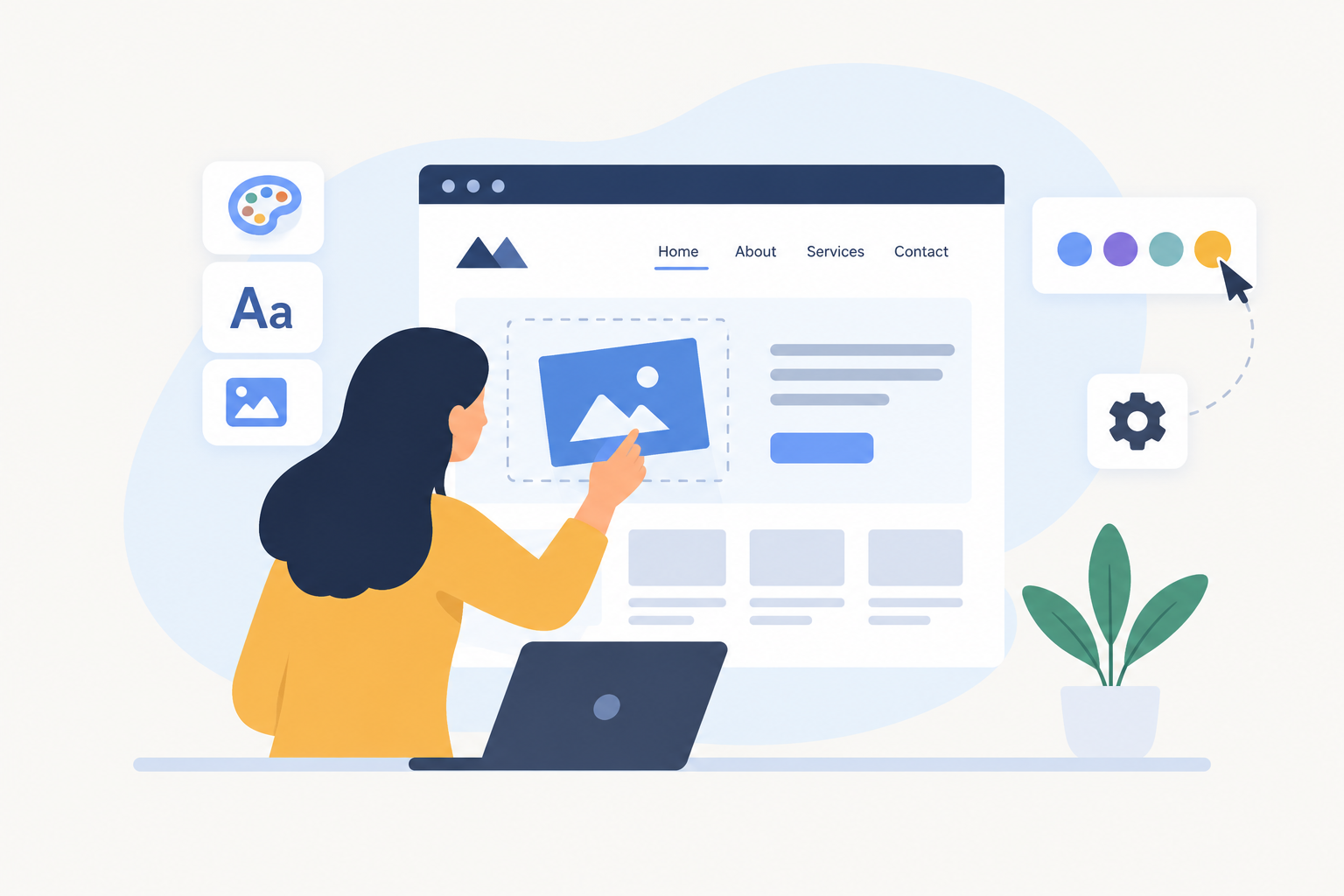
Choosing a customizable website builder is easier when you know how much control you need over your website. Some builders let you change colors, fonts, images, and page layouts with a few clicks. Others give you deeper control over animations, content, code, and website functions.
In this guide, we compare the best customizable website builders for small businesses, freelancers, designers, and online stores. We also explain the features to look for, the limits to consider, and how to choose a builder that fits your goals.
What Is a Customizable Website Builder?
A customizable website builder is a tool that lets you create a website and change its design, content, layout, and features without building everything from scratch.
For example, you can use a template for your business website, replace the sample images, change the colors to match your brand, add service pages, and create a contact form.
The amount of control depends on the platform. Some builders focus on simple visual editing, while others offer advanced design settings, plugins, custom code, or content management tools.
A good customizable website builder should help you create a website that looks like your brand and works for your visitors.
Best Customizable Website Builders
The best option depends on your website type, budget, technical skills, and the level of design freedom you want. Here are six platforms worth considering.
Wix Editor: Using the Editor Tools | Help Center | Wix.com
1. Wix
Best for flexible visual customization
Wix is a good choice for people who want to customize a website without writing code. Its visual editor lets you change layouts, colors, fonts, images, and page elements. You can also add business features such as forms, bookings, and online store tools.
Best for: Small businesses, freelancers, portfolios, and service websites.
Main advantage: You can start with a template or AI-generated design and adjust it to fit your brand.
Limitation: Wix uses its own platform, so moving your complete website to another builder may require rebuilding it.
Explore the official Wix website builder.
Photographer Squarespace Template, Modern Photography Website, Creative Portfolio Site, Minimal Squarespace 7.1 for Studios - Etsy Australia
2. Squarespace
Best for polished designs and portfolios
Squarespace is worth considering if you want a clean, professional website with a strong visual style. Its templates provide a starting point for photographers, artists, consultants, and creative businesses.
You can customize your website's appearance and choose features that support your work, such as blogging, services, and online selling.
Best for: Creative professionals, personal brands, and visual portfolios.
Main advantage: Professionally designed templates make it easier to create a consistent look.
Limitation: If you need highly detailed control over every design element or advanced custom functionality, check whether its editor meets your requirements.
Browse official Squarespace templates.
Webflow Enterprise | Build & Scale Enterprise Websites
3. Webflow
Best for advanced design control
Webflow is designed for users who want greater control over layouts, spacing, animations, and responsive designs. It combines visual design tools with a content management system, making it useful for more complex marketing websites.
Best for: Web designers, agencies, startups, and design-focused businesses.
Main advantage: It offers deeper visual control and supports custom code for extending a site's functionality.
Limitation: Its advanced design tools take more time to learn than a simple drag-and-drop editor.
Learn more on the official Webflow website.
What’s new in Gutenberg 20.8 and 20.9? – Make WordPress Core
4. WordPress
Best for content and extensibility
WordPress is a strong option for people who want to build a blog, business website, or content-heavy website with room to grow. Themes control the overall design, while plugins can add features such as forms, online stores, and other functions.
WordPress comes in different forms. WordPress.com provides a hosted service, while WordPress.org software can be installed on hosting you choose.
Best for: Bloggers, publishers, businesses, and users who want a flexible content system.
Main advantage: Its themes and plugin ecosystem offer many ways to extend a website.
Limitation: With self-hosted WordPress, you may need to manage hosting, updates, security, backups, and plugin compatibility.
Before choosing, decide whether you want the managed experience of WordPress.com or the self-hosted software from WordPress.org.
Hostinger AI Website Builder - Easy With AI
5. Hostinger Website Builder
Best for beginners who want an all-in-one setup
Hostinger Website Builder combines website creation, hosting, templates, and AI-assisted tools. It can be a practical starting point if you want to create a website without managing many separate services.
Best for: Beginners, personal websites, and small businesses.
Main advantage: You can work on the website and hosting through one service.
Limitation: Check the available design controls, integrations, and plan limits before choosing it for a complex website.
Visit the official Hostinger Website Builder.
Volnyn — One platform for all things AI
6. Volnyn
Best for AI-assisted website creation
Volnyn is an option for users who want to generate a website from a written description and then customize the result. Its AI website builder can generate website structure, content, and design, while its visual editor lets you adjust text, images, colors, and sections.
Best for: Freelancers, small businesses, individuals, and users who want an AI-assisted starting point.
Main advantage: You can begin with an AI-generated website instead of designing every page from an empty canvas.
Limitation: Before committing to a project, confirm that the platform supports your specific integrations, advanced design needs, and publishing requirements.
You can also explore the Volnyn free website builder to learn about its starting options.
Customizable Website Builders Compared
The following comparison summarizes the main differences. It is a feature-based guide, not a hands-on performance test or a ranking based on paid plans.
| Website builder | Main strength | Best suited for | Learning curve |
|---|
| Wix | Visual editing and business features | Small businesses and freelancers | Low to medium |
| Squarespace | Polished templates | Portfolios and creative brands | Low to medium |
| Webflow | Advanced visual design | Designers and agencies | Medium to high |
| WordPress | Themes, plugins, and content control | Blogs and growing websites | Varies |
| Hostinger | Combined website building and hosting | Beginners and small businesses | Low |
| Volnyn | AI-generated website starting point | Beginners and AI-assisted workflows | Low to medium |
Your experience may differ depending on the design, integrations, and features you need.
What to Look for in a Customizable Website Builder
Before choosing a platform, focus on the features that will matter after your website goes live.
1. Design and Layout Control
A good builder should let you create a design that fits your brand instead of forcing you to use a fixed layout.
Look for the ability to:
Change fonts, colors, backgrounds, and images.
Add, remove, and rearrange page sections.
Adjust columns, spacing, and content width.
Customize headers, footers, and navigation menus.
Create different layouts for different pages.
If you want a unique design, check whether the builder supports custom layouts or only allows changes within preset sections.
2. Templates That Fit Your Website Type
Templates save time, but the right one should also support your website's purpose.
For example:
A freelancer may need a portfolio, service pages, and a contact form.
A restaurant may need a menu, opening hours, location, and booking options.
A blogger may need categories, author information, and readable article layouts.
An online store may need product pages, a shopping cart, checkout, and inventory tools.
Choose a template that already matches your basic needs. This usually makes customization easier.
3. Mobile-Friendly Design
Your website should work well on phones, tablets, and desktop computers.
Check whether the builder automatically adjusts layouts for smaller screens and lets you preview the mobile version. Pay attention to text size, buttons, images, menus, and forms.
A page that looks good on a large screen may still be hard to use on a phone.
4. SEO Settings
Customization should include more than appearance. You also need control over the information search engines use to understand your pages.
Look for:
Editable page titles and meta descriptions.
Custom URLs and URL redirects.
Image alt text.
Canonical URL settings where needed.
XML sitemap support.
Options for structured data when appropriate.
Fast-loading, mobile-friendly pages.
No website builder can guarantee high Google rankings. Good content, useful pages, technical health, and competition also affect SEO results.
5. Integrations and Extra Features
Think about what your website needs to do.
You may need email signup forms, appointment booking, payment processing, customer accounts, analytics, or a content management system.
Check whether these features are built in, available through integrations, or require custom development. Also confirm whether they are included in your chosen plan.
6. Pricing and Future Growth
A free plan can help you explore a builder, but it may not include everything you need for a business website.
Before paying, check:
Whether a custom domain is included.
Whether hosting is included.
Which features require an upgrade.
Whether transaction or payment fees apply.
What happens to your website if you cancel.
Whether you can export your content or move your website elsewhere.
A low starting price does not always mean the lowest long-term cost.
How to Choose the Best Customizable Website Builder for Your Needs
The best platform depends on the work you want your website to do.
For a small business
Consider Wix, Hostinger, or Volnyn if you want to create a service website without managing a complex technical setup.
For a creative portfolio
Consider Squarespace for a polished presentation or Wix for more hands-on visual editing.
For advanced visual design
Consider Webflow if you need more detailed control over layouts, animations, and responsive design.
For a blog or content-focused website
Consider WordPress if you want a flexible publishing system and a wide choice of themes and plugins.
For an AI-assisted starting point
Consider Volnyn if you want to describe your website idea, generate an initial design, and refine it through the available editing tools.
How to Customize a Website Step by Step
Once you choose a website builder, follow these steps to create a website that fits your goals.
Define your website's purpose. Decide whether you want to attract clients, publish articles, display your work, or sell products.
Choose a suitable builder and template. Check that the platform supports the features you need.
Set your brand style. Choose your colors, fonts, logo, and image style.
Create the main pages. Most business websites need a homepage, about page, service or product pages, and a contact page.
Replace sample content. Add accurate information about your business, products, services, and audience.
Customize the layout. Adjust sections, spacing, images, and navigation to make the website easy to use.
Check mobile usability. Preview important pages on smaller screens and fix any layout issues.
Set up basic SEO. Write descriptive page titles, useful meta descriptions, clear headings, and meaningful image alt text.
Test important features. Check forms, buttons, links, checkout steps, and other functions.
Publish and review. Connect your domain if needed, publish the website, and monitor how it performs.
Do not rush to publish just because the design looks finished. Test the important features first.
Common Mistakes to Avoid
Even a flexible website builder cannot make every design decision for you. Avoid these common mistakes.
Choosing a builder based only on appearance: Check its features, costs, and limitations before committing.
Adding too many design elements: Too many animations, colors, and effects can distract visitors.
Ignoring mobile users: Test your menus, buttons, forms, and text on smaller screens.
Forgetting SEO basics: Use clear page titles, useful content, descriptive URLs, and logical headings.
Using placeholder content: Replace sample text and images before publishing.
Ignoring website speed: Large images and unnecessary scripts can make pages slow.
Overlooking platform lock-in: Check how easy it is to export content or move to another service.
Paying for features you do not need: Start with your actual requirements and upgrade when necessary.
Frequently Asked Questions
1. What is the most customizable website builder?
The most customizable website builder depends on the type of control you need. Webflow is worth considering for advanced visual design, while Wix offers accessible visual editing. WordPress provides extensive options through themes and plugins, although the level of control depends on your setup.
2. What is the best customizable website builder for beginners?
Wix, Hostinger, and Volnyn are options to consider if you want a beginner-friendly starting point. Wix focuses on visual editing, Hostinger combines website building with hosting, and Volnyn offers AI-assisted website generation. Compare their available features before deciding.
3. Can I customize a website without coding?
Yes. Many website builders let you change layouts, fonts, colors, images, and page sections through visual editors. However, advanced functions or unusual designs may require custom code or additional tools.
4. Are free customizable website builders worth using?
Yes, a free website builder can be useful for learning, testing an idea, or creating a simple website. Check whether the free plan limits custom domains, storage, integrations, branding, or publishing features before using it for a business.
5. Which website builder gives the most design freedom?
Webflow is a strong option for detailed visual design, while Wix provides flexible drag-and-drop editing. WordPress offers different forms of customization through themes, plugins, and code. The best choice depends on your technical skills and design requirements.
6. Can I change my website template after publishing?
It depends on the platform. Some builders let you change themes or templates, while others make switching difficult or require you to rebuild parts of the website. Check the platform's template-switching rules before you start.
7. Do customizable website builders include hosting?
Many hosted website builders include hosting in their plans. Self-hosted WordPress is different because you arrange hosting separately. Always check the plan details to understand what is included.
8. Which customizable website builder is best for SEO?
There is no single winner for every website. Look for control over page titles, meta descriptions, URLs, redirects, image alt text, mobile usability, and technical SEO settings. Your content quality and website performance also matter.
9. Can I create an online store with a customizable website builder?
Yes, several builders support online stores. However, you should check for product management, payment options, checkout, shipping, taxes, and inventory tools. Make sure the required store features are available on your selected plan.
10. Should I choose an AI website builder or a traditional builder?
Choose an AI website builder if you want help creating an initial layout and content from a description. Choose a traditional visual builder if you prefer to shape the design manually from the beginning. Some platforms combine both approaches, so you may not need to choose just one.
Conclusion
The best customizable website builder is the one that gives you the right balance of design freedom, ease of use, useful features, and cost. Wix and Squarespace are worth considering for visual websites, Webflow for advanced design, and WordPress for content flexibility. Hostinger and Volnyn are also options for simpler or AI-assisted workflows.
My recommendation is to list your essential features first, then compare two or three builders against that list. Try the editing experience before committing to a paid plan. If you want to start with an AI-generated website, explore the Volnyn AI website builder and see whether its available customization options fit your project.