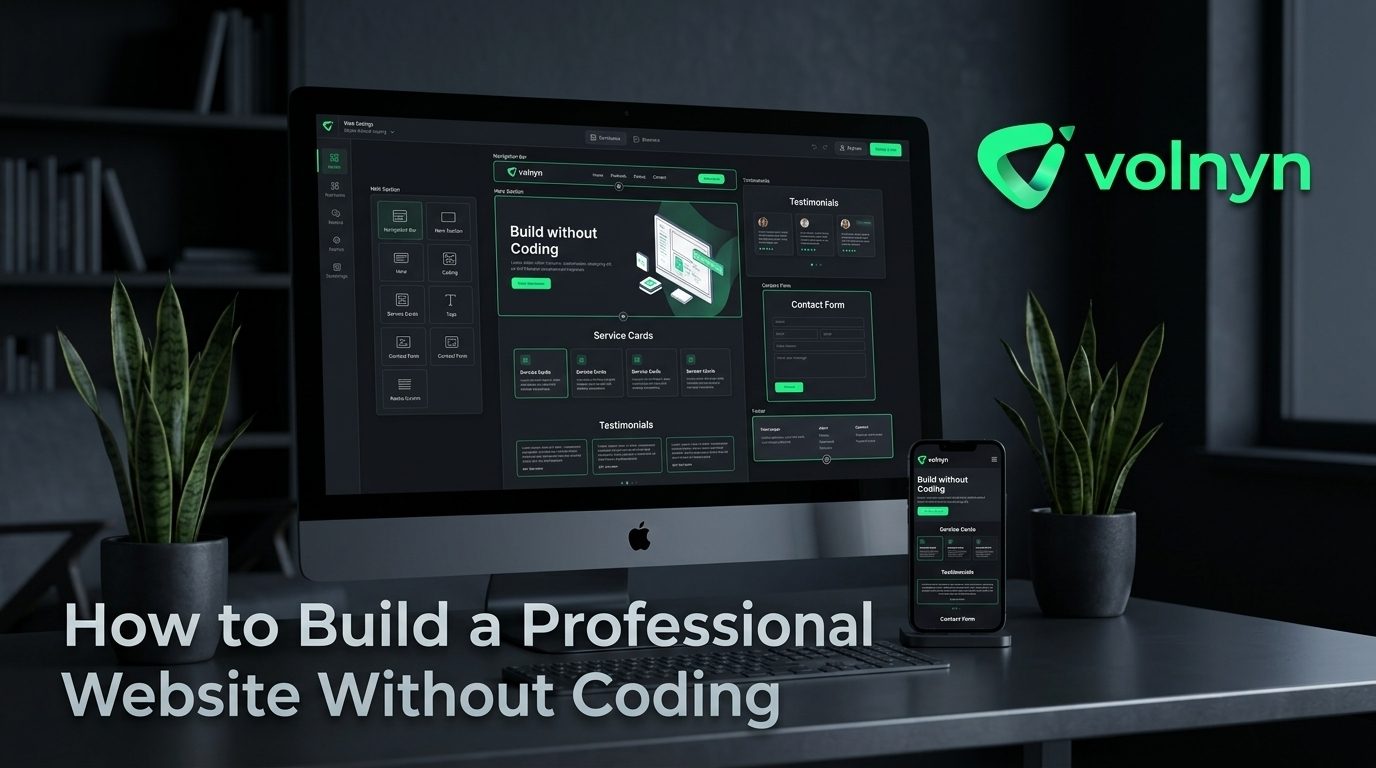
You do not need to know HTML, CSS, or JavaScript to build a website that looks professional. What you do need is a clear plan, useful content, consistent design, and a way to turn those decisions into a working site.
No-code and AI website builders have made the technical side much easier, but they have not removed the need for good judgment. A professional website is not simply a collection of attractive sections. It should tell visitors what you do, who you help, why they should trust you, and what they should do next.
Here is a practical process for building a professional website without learning how to code.
1. Decide What Your Website Needs to Accomplish
Start with the business goal, not the design.
A local service business may want visitors to request a quote. A freelancer may want to generate inquiries and showcase previous work. An online store needs to make products easy to discover and purchase. A personal portfolio may be focused on demonstrating expertise.
Write down one primary action you want visitors to take. Then build the site around that action.
- Choose a clear primary goal.
- Identify your target visitor.
- List the questions that visitor needs answered.
- Choose one main call to action.
- Remove pages or sections that do not support the goal.
This simple exercise prevents a common problem: a website that looks polished but leaves visitors unsure about what to do next.
2. Build a Simple, Logical Page Structure
Most professional websites do not need dozens of pages when they are first launched. Start with the information visitors actually need.
| Page or Section |
Purpose |
| Home |
Explain what you offer and direct visitors toward the next action. |
| About |
Establish credibility and explain who is behind the business. |
| Services or Products |
Show what you offer and why it is useful. |
| Portfolio or Case Studies |
Provide evidence of your work and capabilities. |
| Contact |
Give visitors a straightforward way to get in touch. |
You can add pages later when there is a clear reason to do so. Starting small makes it easier to maintain consistency and gives you more time to improve the pages that matter most.
3. Write Copy That Answers Visitor Questions
Good website copy is specific. Instead of filling the homepage with broad claims such as “we provide innovative solutions,” explain what you actually do and who it is for.
Make the first screen immediately understandable
Your homepage should quickly communicate three things: what you offer, who it is for, and what visitors can do next.
For example, a photography business could say, “Wedding photography for couples who want natural, documentary-style images,” followed by a clear button to view the portfolio or check availability.
Use short paragraphs, descriptive headings, meaningful calls to action, and real examples. If AI helps you create an initial draft, review and personalize it before publishing. Your experience, terminology, customer questions, and examples are what make the copy credible.
4. Choose Design for Clarity, Not Decoration
A professional website does not need complicated visual effects. It needs consistency.
- Use a small, consistent color palette.
- Choose fonts that are easy to read.
- Keep headings visually distinct from body text.
- Use high-quality images that support the subject.
- Leave enough empty space between sections.
- Keep buttons and navigation patterns consistent.
Templates can help with this because they provide an established visual structure. Volnyn currently offers more than 550 templates across categories such as business, services, portfolio, e-commerce, education, health, and other website types. Its AI Website Builder can also generate a site structure, content, and design from a description before you customize it. Explore Volnyn's AI Website Builder if you want to use that approach.
5. Make Mobile Usability a Priority
A website that looks excellent on a desktop but is difficult to use on a phone is not finished.
Check every important page on a smaller screen. Look for text that is difficult to read, buttons that are too close together, images that crop badly, menus that are confusing, and sections that require excessive scrolling.
Google also recommends mobile-friendly websites and uses the mobile version of a site's content for indexing and ranking. G Google for Developers
Volnyn states that websites created through its AI Website Builder use mobile-responsive layouts, which means you can focus on reviewing the result rather than manually building separate desktop and mobile versions. V Volnyn
6. Add Trust Before You Ask for a Sale
Visitors who do not know your business need evidence before they take an important action.
Depending on your website, useful trust signals can include:
- Customer testimonials.
- Relevant qualifications or certifications.
- Examples of previous work.
- Clear contact information.
- Business location or service area.
- Transparent descriptions of products or services.
- Links to appropriate professional profiles.
Do not add testimonials, awards, statistics, or customer logos simply because they look impressive. Every trust signal should be genuine and verifiable.
7. Handle the Basic SEO Before Launch
Search engine optimization does not require turning your website into a technical project. Start with the fundamentals.
Give each important page a descriptive title. Write a concise meta description. Use headings that accurately describe the content. Make page copy useful and specific to the audience you want to reach. Add descriptive alternative text where images need it, and make sure search engines can access the important content on your pages.
Google's SEO Starter Guide recommends creating content with users in mind and making it easier for search engines to crawl, understand, and discover your pages. GGoogle for Developers
Most importantly, do not expect SEO changes to produce instant results. Search visibility can take time, and useful content plus promotion and relevant links can contribute to discovery over the long term. GGoogle for Developers
8. Use a No-Code Builder to Handle the Technical Work
The main advantage of a no-code website builder is that you can spend your time making decisions about the business instead of learning the underlying technology.
For example, Volnyn's current AI Website Builder lets users describe the business they want to build, generate a website, customize text, images, colors, and sections with a visual editor, connect a domain, and publish. The platform also says hosting and mobile responsiveness are included in its website-building experience. VVolnyn
That does not mean you should publish the first version without reviewing it. AI-generated content and layouts are starting points. Check every page for accuracy, remove unnecessary sections, replace generic copy, test links, and make sure the final design actually represents your business.
9. Run a Pre-Launch Checklist
Before sharing your new website, complete one final review.
- Read the homepage as if you were a first-time visitor.
- Check every navigation link and button.
- Test the contact or inquiry process.
- Review the site on a phone and desktop.
- Proofread names, prices, addresses, and contact details.
- Check page titles and meta descriptions.
- Make sure important images load correctly.
- Confirm that your domain and security settings are working.
- Remove placeholder text and unfinished sections.
- Ask someone unfamiliar with the business whether the site is easy to understand.
That final outside perspective can reveal problems you stop noticing after working on the same pages for hours.
Build the Site Without Learning to Code
Building a professional website without coding is less about avoiding technical knowledge and more about putting your effort in the right place. Plan the visitor journey, write specific content, use a consistent visual system, prioritize mobile usability, establish trust, and complete the basic SEO work before launch.
If you want the technical setup to be simpler, Volnyn's AI Website Builder can turn a description of your business into a website starting point that you can visually customize and publish without coding. The important part is what you do after that first draft: make the content accurate, make the design purposeful, and make every page useful to the people you want to reach.
A professional website does not require you to become a developer. It requires you to understand your audience and make deliberate choices about what they see, read, and do.