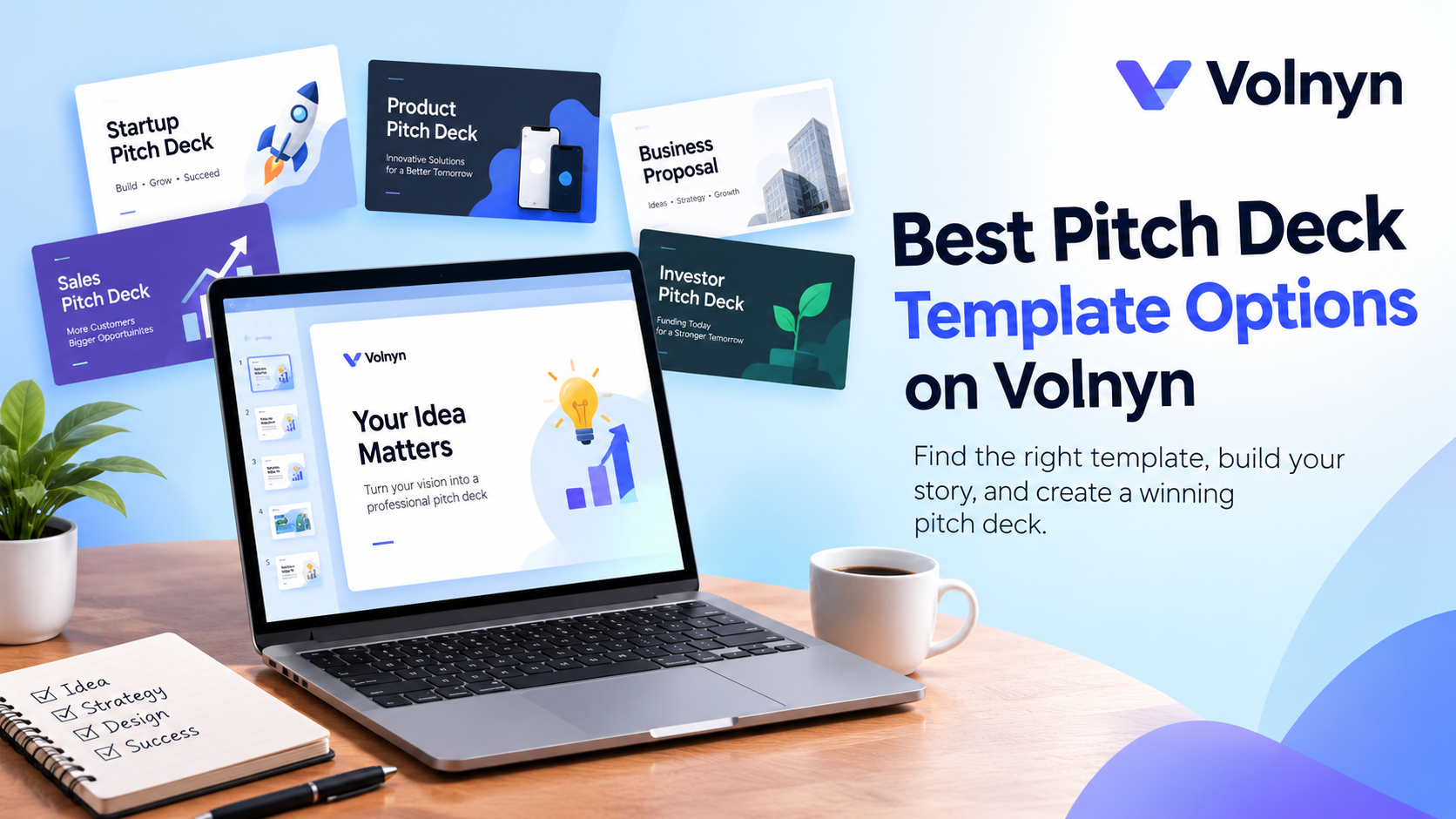
Choosing the right pitch deck template can make it easier to turn your business idea into a clear, professional presentation. But not every template suits every purpose. Some are designed for startup investors, while others work better for product launches, business proposals, or sales presentations.
In this guide, we'll explore useful template options, explain where Volnyn fits into the process, and show you what to include in your pitch deck. You'll also learn how to choose a design that matches your audience and communicate your ideas without overwhelming your slides.
Best Pitch Deck Template Options on Volnyn
If you're exploring Volnyn, start by deciding whether you need a presentation or a website to support your business idea. These are two different needs, and choosing the right one will save you time.
Volnyn provides a presentation creation workspace with slide-generation options. Its website template library is a separate resource for building an online presence.
Here are some Volnyn website templates worth exploring alongside your pitch deck project. These are website starting points, not verified downloadable pitch deck slide files. Review each preview to confirm that its layout suits your business.
1. Genex
Consider this template if its current preview matches the professional image you want to create for your business. A website can support your presentation by giving interested readers somewhere to learn more about your company.
View Genex on Volnyn
2. MJSoft
Review this option when selecting a website design for a business or technology-related project. Check its actual sections and layout before deciding whether it fits your brand.
View MJSoft on Volnyn
3. Kreton
Explore this template if you need a starting point for a company website. Compare its page structure with the information you plan to share with investors or potential customers.
View Kreton on Volnyn
4. Solara
Review this design if its visual style and available sections fit your company. Use the preview to determine whether it can support your brand and business information.
View Solara on Volnyn
5. Portfolio
This is another option to explore if your presentation needs a companion website that showcases your work, projects, or business background. Confirm that the available layout supports the sections you need.
View Portfolio on Volnyn
These recommendations are starting points to investigate, not a verified ranking of Volnyn's website templates. We couldn't independently retrieve the individual template previews during research, so confirm their exact features and suitability before publication.
Need an actual pitch deck rather than a website?
Go to Volnyn and explore the presentation creation workspace. Its homepage displays presentation settings, including slide count, color choices, and PDF/PPTX export options. Check the current workflow and available features before relying on a particular export or editing capability.
If you only need a ready-made presentation file, the following resources are more directly aligned with that goal.
Other Places to Find a Pitch Deck Template
Different template platforms offer different starting points. The right choice depends on whether you need an editable presentation, a visual design, or a framework for your business story.
1. Canva
Best for people who want a range of visual styles and editable presentation designs. Canva's template library includes startup pitch presentations in several styles.
Explore Canva pitch deck templates
Before choosing a platform, check whether the template is free, whether editing requires an account or paid plan, and which file formats you can export. These details can change, so confirm them on the provider's own website.
Which Pitch Deck Template Should You Choose?
The best pitch deck template is the one that helps your audience understand your message quickly. Use your presentation's purpose as the main selection criterion.
Your goal | Template type to look for | What matters most |
|---|
Raise startup funding | Investor pitch deck | Market, business model, traction and financials |
Present a new product | Product pitch deck | Problem, solution, benefits and differentiation |
Explain a business idea | Business pitch deck | Clear concept, audience and execution plan |
Introduce a new company | Startup pitch deck | Vision, team, opportunity and growth strategy |
Present a sales proposal | Sales pitch deck | Customer problem, solution, value and next steps |
Enter a pitch competition | Competition pitch deck | Clear story, evidence and a memorable closing |
Choose a free pitch deck template when...
A free template is a sensible starting point if you're working with a limited budget or creating your first presentation. You can focus on the message before investing time or money in custom design.
Check the license before using it commercially. Also, confirm that you can edit the slides and export the format you need.
Choose an investor pitch deck template when...
You need to explain why your company is worth considering as an investment. Look for a structure that gives you space to discuss the problem, solution, market opportunity, business model, competition, team, traction and financial plans.
Choose an AI-assisted presentation workflow when...
You have your business information ready but need help organizing it into slides. An AI tool can provide a starting structure, but you should review the facts, numbers, wording and visual choices before sharing the presentation.
What Should a Pitch Deck Include?
A strong pitch deck follows a logical story. The exact number of slides depends on the audience, presentation format and purpose, but an investor-focused deck can start with these sections.
01 Company purpose
Explain what your company does in one clear sentence. Your audience should understand the basic idea without reading a long paragraph.
02 Problem and solution
Describe the problem your target customers face and how your product or service addresses it. Use a specific example where possible.
03 Why now and market opportunity
Explain why the problem matters now and identify the customers you can realistically serve. Support market-size claims with credible evidence.
04 Product or service
Show what you offer and how it works. Product screenshots, a simple diagram, or a clear demonstration can make the explanation easier to follow.
05 Business model and competition
Explain how the company earns money and what makes its approach different from available alternatives.
06 Traction and team
Share relevant progress, such as paying customers, product milestones or validated results. Introduce the people responsible for execution and their relevant experience.
07 Financials, funding request and vision
Explain the assumptions behind your projections, how much funding you are seeking if applicable, and what the funds will support. End with a clear next step.
This is a practical starting structure, not a mandatory slide-by-slide formula. For a more specific investor framework, review Canva's guide to building a startup pitch deck and adapt the sections to your situation.
How to Create a Pitch Deck With AI
AI can help you move from a rough business idea to an organized presentation. The quality of the result still depends on the information you provide and the review you perform.
Step 1: Define the audience and goal
Decide who will see the presentation. An investor needs to understand the opportunity and business model, while a potential customer may care more about the problem, benefits and pricing.
Step 2: Prepare the essential information
Gather your company description, target market, problem, solution, business model, competition, team details and verified figures. Do not ask AI to fill gaps with made-up financials or market statistics.
Step 3: Write a clear prompt
Tell the AI tool what you are creating, who the audience is, what information to include and what style you prefer.
For example:
Create a 10-slide investor pitch deck for a small B2B software startup. Use simple English, a clean professional design and a consistent color palette. Cover the company purpose, problem, solution, market opportunity, product, business model, competition, traction, team and funding request. Use only the company information I provide. Mark missing information as a placeholder instead of inventing facts.
Step 4: Generate and review the slides
Use the generated presentation as a first draft. Check that the slide order makes sense, the main message is clear and each chart or claim is supported by your source material.
If you're using Volnyn, explore its presentation creation workspace and confirm the available generation and export options before starting your final version. You can also explore its documentation for information about the platform.
Step 5: Refine the design
Keep the same fonts, colors and spacing throughout the presentation. Replace generic visuals with relevant product screenshots, diagrams or other evidence where appropriate.
Step 6: Export and check the final file
If the platform supports the format you need, export your presentation and inspect every slide. Check text alignment, chart labels, image quality and whether the exported file displays correctly on another device.
Tips for Making Your Pitch Deck More Effective
A template provides the structure, but your content makes the presentation useful. Apply these practical guidelines before sharing your deck.
Keep each slide focused. Give every slide one main message rather than trying to explain everything at once.
Use readable text. Choose font sizes that work on a laptop screen and in a meeting room.
Support claims with evidence. Use real customer feedback, verified business results and credible market research.
Make charts easy to understand. Label the figures and explain what the data means.
Maintain a consistent visual identity. Use a small set of colors, fonts and design elements.
Adapt the deck to your audience. An investor presentation and a customer sales presentation need different information.
Check the export. Review the final PowerPoint or PDF rather than assuming it will look exactly like the editor.
Common Pitch Deck Mistakes to Avoid
Even a professional-looking template can produce a weak presentation if the information is unclear.
Mistake | How to fix it |
|---|
Too much text | Shorten paragraphs and highlight the main point. |
Unsupported market claims | Use reliable sources and explain your assumptions. |
Unclear business model | Show how the company earns revenue. |
Generic product explanation | Demonstrate the actual problem and solution. |
Inconsistent design | Apply the same typography, colors and spacing. |
Invented AI-generated facts | Verify every number, claim and reference. |
No clear next step | End with a relevant request or action. |
Before you share your deck, ask someone unfamiliar with your business to review it. If they cannot explain what your company does and why it matters after viewing the presentation, simplify the story.
Conslusion
So guys, in this article, we've covered pitch deck templates in detail. The right template helps you organize your business story, explain your opportunity and present your information clearly. Start with a design that fits your audience, verify your facts and keep every slide focused. If you want to use AI to build your presentation, explore Volnyn's presentation workspace and check the available options before creating your final deck.
Frequently Asked Questions
1. What is a pitch deck template?
A pitch deck template is a pre-designed presentation that helps you organize information about a business, product, or investment opportunity. It provides slide layouts and a visual structure that you can customize with your own content.
2. Where can I find a free pitch deck template?
You can explore Canva, Slidesgo, and Microsoft PowerPoint. Check each provider's current access rules, editing options, export formats and licensing terms before choosing a template.
3. What is the best pitch deck template for startups?
The best startup pitch deck template gives you room to explain your problem, solution, market, business model, team and financial plans. Choose a structure that fits your company's stage and the questions your intended audience needs answered.
4. How many slides should an investor pitch deck have?
There is no universal slide count for every investor presentation. Start with the essential information, then adjust the number of slides to your presentation time, audience and level of detail. A short live pitch and a detailed deck sent by email may need different formats.
5. Can AI create a pitch deck from a business idea?
Yes, AI presentation tools can help turn a business description into a draft presentation. The result depends on the tool and the information you provide. Review all claims, financial figures and market assumptions before using the deck.
6. What is the difference between a pitch deck and a business plan?
A pitch deck is a presentation that communicates the most important points about a business or opportunity. A business plan is usually a more detailed document covering operations, market research, financial planning and execution.
7. What should I include in a startup pitch deck?
A startup pitch deck commonly includes the company purpose, problem, solution, market opportunity, product, business model, competition, traction, team and financial information. If you're seeking funding, explain the funding request and how you plan to use it.
8. Can I use a pitch deck template for a sales presentation?
Yes, if the template's layout suits your sales goal. Focus on the customer's problem, your solution, relevant benefits, supporting evidence and the next step. You can remove investor-specific sections that do not help your sales conversation.
9. What file format should I use for my pitch deck?
PowerPoint and PDF are common choices, but the right format depends on how you will share the presentation. PowerPoint is useful when further editing is needed, while PDF can help preserve the layout when sharing a finished deck. Always check the exported file before sending it.
10. Can I use a website template as a pitch deck?
Not directly. A website template is designed to organize web pages, while a pitch deck template is designed to organize presentation slides. You can use a website template to build a companion site for your business, and use a presentation tool to create the actual pitch deck