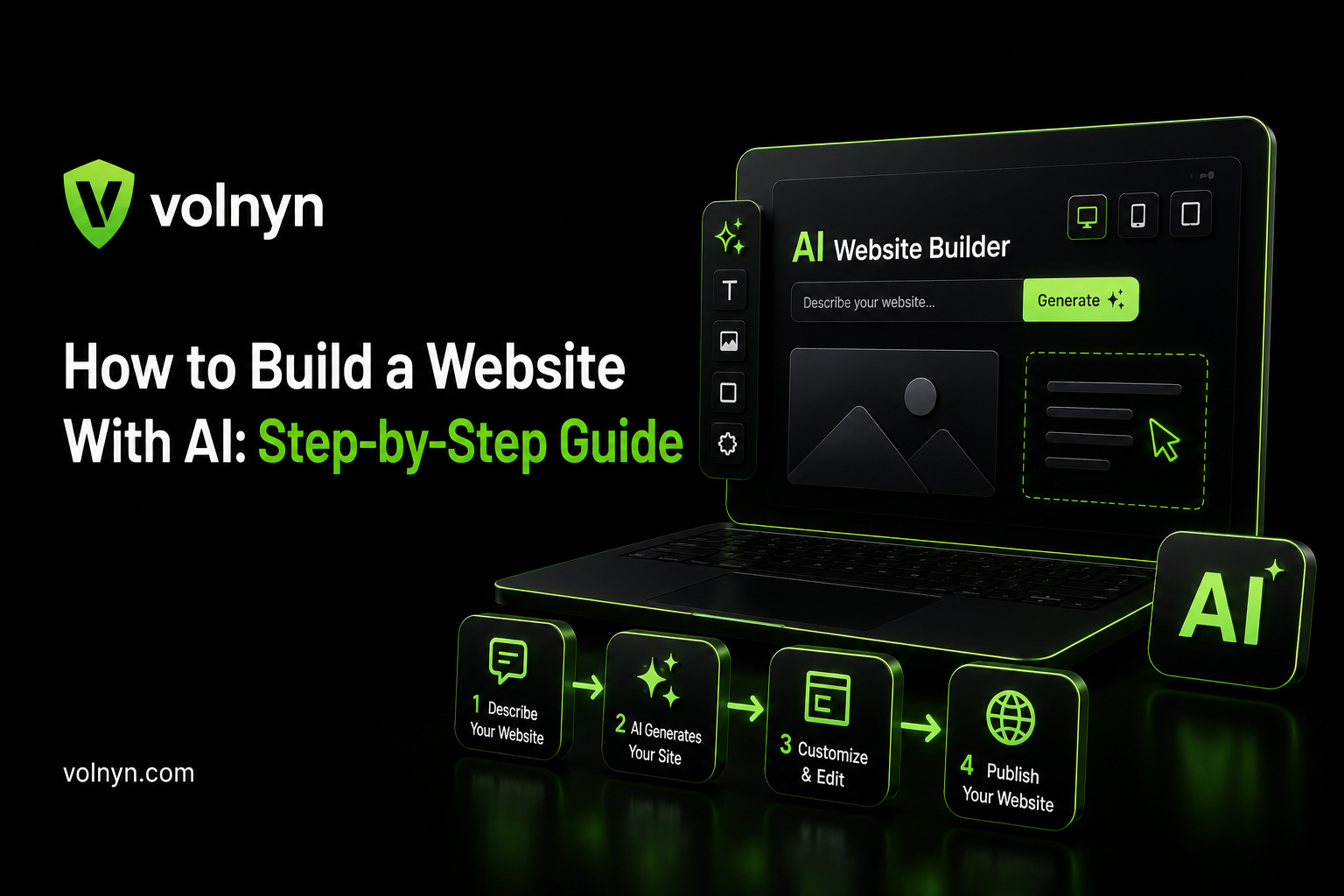
You don't need to know how to code, hire a developer, or spend weeks picking a template to get a website live. Modern AI website builders can take a written description of your business and turn it into a working, editable site in a matter of minutes. The part that actually determines whether the result looks professional or generic isn't the tool — it's how you use it.
Here's the process broken into steps that actually matter, including where most people go wrong.
What You Need Before You Start
You don't need much, but having these ready before you open an AI website builder will save you time:
A clear idea of what the site needs to do. Sell products, book appointments, showcase a portfolio, collect leads — decide this before you start prompting.
Basic business details. Your business name, what you offer, your target audience, and any brand colors or tone you already have in mind.
Real content where possible. Actual photos, a real address or contact info, and any existing copy you want reused. AI can generate placeholders, but real information produces a more accurate first draft.
A domain name in mind (optional at this stage). You can connect it later, but knowing what you want helps you check availability early.
Step 1: Decide What the Site Actually Needs to Do
Before opening any tool, define the job of the website in one sentence. "A booking site for a hair salon" needs different pages and functionality than "a portfolio for a freelance photographer" or "an online store for handmade candles." This decision shapes everything that follows — the AI builder's output is only as good as the direction you give it.
Step 2: Choose an AI Website Builder
Most AI website builders work the same basic way: you describe your business, the AI generates layout, copy, and images, and you refine it afterward with a visual editor. Where they differ is what's bundled in — hosting, e-commerce, SEO tools, and what happens once you outgrow the free plan.
If you're deciding between tools rather than following a specific one, our comparison of the best AI website builders breaks down the differences by price and feature set.
If you're specifically looking for a free option, you can also explore free AI website builder options and compare what each platform actually includes before choosing one.
Step 3: Write a Specific, Detailed Prompt
This is the step most guides underweight, and it's the one that actually determines quality. A vague prompt like "make a modern homepage" produces a generic result. A specific prompt produces something closer to what you actually pictured.
Compare these two:
Weak: "Website for a coffee shop."
Strong: "A warm, minimal website for a small-batch coffee roastery in Austin, Texas. Include a homepage, an 'our beans' page, an online store for bags of coffee, and a contact page. Tone: friendly, not corporate. Earthy color palette."
The second version gives the AI enough to generate a first draft that's actually close to usable, rather than something you'll need to rebuild from scratch.
On a tool like Volnyn's AI website builder, this same principle applies at setup — describing your business in a single detailed sentence produces the layout, structure, and content draft in one pass, pulled from templates matched to your business type.
Step 4: Let the AI Generate a First Draft
Once you submit your description, the AI generates a complete draft — typically a homepage plus any additional pages implied by your prompt, with layout, written copy, and images already in place. This usually takes anywhere from under a minute to a few minutes, depending on the platform and how many pages are involved.
Treat this draft as a strong starting point, not a finished product. Review every page before moving forward — the structure is usually solid, but individual sections almost always need adjusting.
Step 5: Customize With the Visual Editor
Most AI website builders pair the AI generation step with a drag-and-drop editor. Use this to:
Click into any text block, heading, or button and edit it directly
Swap out AI-generated images for your own photos where it matters (product shots, team photos, your actual storefront)
Adjust spacing, colors, and section order to match your brand
Add or remove sections the AI didn't include or over-included
If you're using Volnyn, you can also browse templates by business type to find a starting point that better matches your industry and site requirements.
This is also where you catch layout issues the AI generation step missed — an image that doesn't fit the mood, a section that feels out of order, or spacing that looks off on certain screen sizes.
Step 6: Refine Through Follow-Up Prompts
Most tools let you keep using AI chat after the first draft rather than making every change manually. Small, specific follow-up prompts work better than trying to fix everything at once:
"Add a testimonials section with three customer quotes."
"Make the header sticky so it stays visible while scrolling."
"Change the call-to-action button to say 'Book a Free Consultation.'"
Build incrementally. Asking for one focused change at a time gives you more control over the result than one large, vague follow-up prompt.
Step 7: Fact-Check and Edit Every Line of AI-Written Copy
This step gets skipped more often than it should. AI-generated copy can confidently state services, statistics, or claims your business doesn't actually offer. Read every page slowly before publishing, and specifically check:
Business details (hours, address, services) match reality
No invented statistics, awards, or claims appear anywhere
The tone matches how you'd actually talk to a customer
Contact information and links are correct
Publishing AI-written copy without reading it fully is one of the most common ways businesses end up with inaccurate information live on their site.
Step 8: Configure Basic SEO
Most AI website builders handle the technical basics automatically — mobile responsiveness, meta tags, sitemaps, and schema markup. Still, confirm these manually before launch:
Each page has a unique title and meta description
Your business name, location, and category are accurate wherever they appear
Image alt text is filled in, especially for product or service images
URLs are readable, not auto-generated strings of characters
Step 9: Test Functionality and Mobile View
Before calling the site done:
Submit a test entry through every form to confirm it actually reaches you
Check the mobile view specifically — AI-generated layouts can look correct on desktop and break on smaller screens, since a large share of visitors will land on mobile first
Click every navigation link and button to catch anything that leads nowhere
Run the site through a speed-check tool like Google PageSpeed Insights and fix anything flagged as slow-loading
Step 10: Connect Your Domain and Publish
Once everything checks out, connect your custom domain (this typically requires a paid plan on most builders, including free-tier tools like Wix, SITE123, and Volnyn) and publish.
Before upgrading, check the current plans and pricing so you know which features, domain options, and usage limits apply to your chosen plan.
Don't treat this as the finish line — plan to revisit the site periodically to update content, refresh anything outdated, and confirm forms and links still work as the site ages.
Common Mistakes to Avoid
Being too vague in your first prompt. Specific business details, tone, and page requirements produce dramatically better first drafts than generic descriptions.
Publishing without reading every line. AI-generated copy needs a full read-through for accuracy, not just a skim.
Only checking the desktop view. Mobile traffic makes up the majority of visits for most small business sites — always preview mobile before publishing.
Trying to fix everything in one prompt. Incremental, specific follow-up requests get better results than one large revision request.
Skipping the domain and SEO basics. A site that looks finished but has generic URLs, missing meta descriptions, or broken forms will underperform regardless of how good the design looks.
FAQ
Do I need any coding knowledge to build a website with AI? No. AI website builders are designed around natural-language prompts and visual, drag-and-drop editing — no HTML, CSS, or JavaScript required for a standard business site.
How long does it actually take to build a site with AI? The initial AI-generated draft typically takes anywhere from under a minute to a few minutes. Customizing, fact-checking, and testing afterward usually takes a few hours total, depending on how many pages and how much personalization you want.
Will an AI-built website rank the same as a manually coded one? Yes, as far as search engines are concerned — rankings depend on content quality, site structure, and technical SEO basics, not on how the site was originally built. An AI-generated site with thin, unedited content will still underperform a well-edited one.
Can I switch platforms later if I start with one AI website builder? Usually not without rebuilding — most AI website builders don't let you export a fully editable version of your site to another platform. Choosing a platform you're comfortable staying with for a while is worth the extra research upfront.
Is a free AI website builder good enough to launch a real business site? It depends on the limit. Free plans typically cap storage, pages, or AI usage and don't include a custom domain, so they're workable for testing but most businesses upgrade before a full public launch.
What's the biggest reason AI-built websites fail to convert visitors? Unedited, generic AI copy is the most common issue — a site that reads like a template rather than your actual business tends to underperform, even with a polished design.