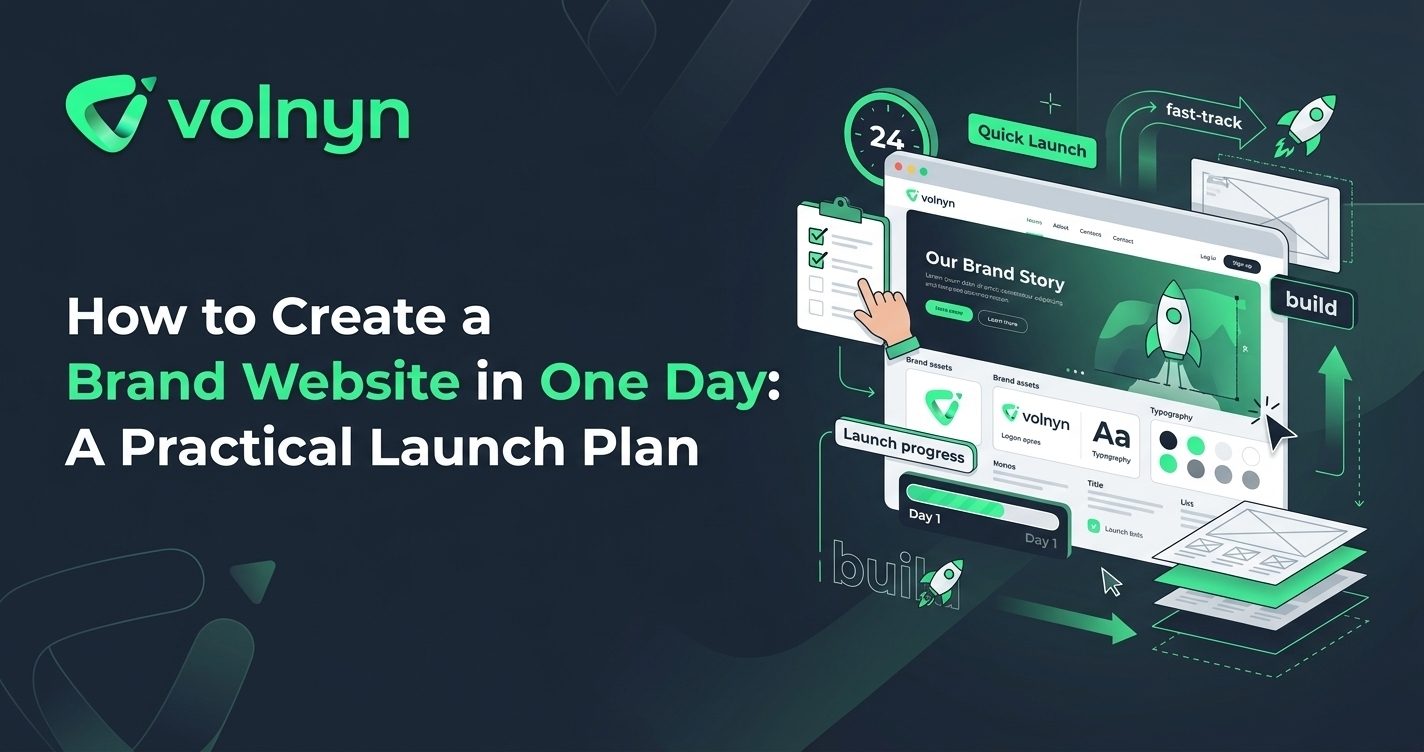
Creating a brand website does not have to become a weeks-long project. If you have your business name, basic brand direction, core offer, and a few real assets ready, you can turn the process into a focused one-day launch project. The key is to make the important decisions early and avoid spending the day endlessly tweaking design details.
This guide shows how to plan, build, customize, test, and launch a brand website in one day, with AI handling much of the initial production work.
Start With a Clear Website Brief
Before opening a website builder, spend 30–45 minutes defining what the site needs to accomplish. A brand website should quickly answer three questions: What does the business offer? Who is it for? What should visitors do next?
Write down the essentials:
- Your brand or business name
- The products or services you provide
- Your target customer
- Your primary call to action
- Your preferred tone and visual style
- Your location or service area, if relevant
- Your contact details and social profiles
Also gather your real logo, photographs, service descriptions, testimonials, pricing information, and any other content that should appear on the site. Real business information is more useful than relying entirely on generated placeholders.
Choose the Pages You Actually Need
A one-day launch works best when the website has a focused structure. You do not need to build every page you might want six months from now.
For many brands, a simple structure is enough:
- Home: Explain the offer and direct visitors toward the main action.
- About: Introduce the business, people, story, or approach.
- Services or Products: Explain what customers can buy or request.
- Contact: Make it easy to enquire, call, email, or visit.
Add other pages only when they serve a clear purpose. A restaurant may need a menu, a consultancy may need case studies, and an online store needs product and checkout functionality. The goal is not the smallest possible website; it is the smallest useful website.
Build the First Version With AI
Once the brief and structure are clear, use an AI website builder to create the first version instead of starting with a blank canvas. Volnyn's AI Website Builder lets you describe what you want to build, then generates a website structure, content, and design that you can customize. Volnyn currently offers 550+ templates across more than 30 categories, with visual editing and responsive layouts.
Give the builder specific information rather than a vague instruction such as “make me a professional website.” A stronger brief might describe the industry, audience, location, services, desired tone, primary action, and visual direction.
For example: “Create a clean website for a boutique accounting firm serving small businesses. Use a trustworthy, approachable tone, explain three core services, include an enquiry-focused homepage, an About page, service sections, testimonials, and a Contact page.”
The first version is a starting point. AI can accelerate structure and production, but you should review the result rather than publishing it unchanged.
Spend the Middle of the Day on Brand Customization
Once the first draft exists, focus on the elements that make the website feel like your brand.
Fix the Visual Identity
Apply your real logo, brand colors, typography, photography, and preferred visual style. Keep the palette consistent across buttons, headings, backgrounds, and other prominent elements. Avoid adding colors simply because they look attractive in isolation.
Rewrite Generic Copy
Read every important heading and paragraph. Replace vague claims with specific information about the business. Instead of “We provide high-quality solutions,” explain exactly what you provide, who it helps, and why someone should contact you.
Strengthen the Homepage
The homepage should communicate the core offer quickly. A useful structure is a clear headline, short explanation, primary call to action, key services or products, evidence such as testimonials or results, and a final invitation to take action.
Make SEO and Mobile Checks Part of the Build
Do not leave basic SEO until after launch. Google recommends clear, descriptive titles and useful link text, while mobile-friendly pages are important because Google uses the mobile version of a site for indexing. You can review Google's SEO Starter Guide for additional fundamentals.
Before publishing, check that each important page has:
- A descriptive page title
- A clear primary heading
- Useful, specific content
- Logical internal links
- Readable URLs where applicable
- Accurate contact and business information
Then preview the entire website on a phone-sized screen. Check navigation, buttons, text size, images, spacing, forms, and the most important conversion path. Volnyn states that websites created through its AI Website Builder are responsive across phones, tablets, and desktops, but your content and layout still deserve a final review.
Use a Simple One-Day Launch Schedule
| Time |
Task |
Goal |
| 9:00–10:00 |
Brief and content |
Define the audience, offer, pages, brand assets, and CTA |
| 10:00–12:00 |
AI website generation |
Create the initial structure, design, and copy |
| 12:00–14:00 |
Brand customization |
Apply real branding, content, images, and business details |
| 14:00–16:00 |
Review and SEO |
Improve copy, navigation, page titles, links, and mobile layouts |
| 16:00–17:00 |
Testing and launch |
Check important interactions, connect the domain, and publish |
The schedule is deliberately time-boxed. If you spend two hours choosing between tiny spacing changes, you are using launch time on decisions visitors are unlikely to notice.
Do a Final Pre-Launch Check
Before sending anyone to the new site, complete one final pass as if you were a first-time visitor.
- Can you understand what the brand does within a few seconds?
- Is the main call to action obvious?
- Do all navigation links work?
- Are contact details accurate?
- Are forms and important buttons functioning?
- Does the site look good on a phone?
- Have placeholder images and text been removed?
- Does the domain and published version work correctly?
Do not try to solve every future website problem before launch. A useful, accurate website that is online today gives you something real to improve.
How Volnyn Fits Into a One-Day Website Workflow
Volnyn is designed to reduce the blank-page and setup work involved in creating a website. Its AI Website Builder can generate the initial structure, content, and design from a description, while the visual editor lets you adjust text, images, colors, and sections. You can then connect a custom domain and publish when the site is ready.
If speed is the priority, the practical approach is to use AI for the first draft and human judgment for the final version. Start with a clear brief, generate the structure, replace generic content, apply the real brand identity, test the experience, and publish.
Conclusion
Creating a brand website in one day is realistic when you treat the project as a focused launch rather than an open-ended design exercise. Prepare the essential information first, keep the page structure purposeful, use AI to accelerate the initial build, and reserve enough time for brand customization and testing.
The website does not need to be the final version of your brand. It needs to be clear, credible, useful, and ready for real visitors. Once it is live, you can improve it using actual customer questions, behaviour, and business needs.