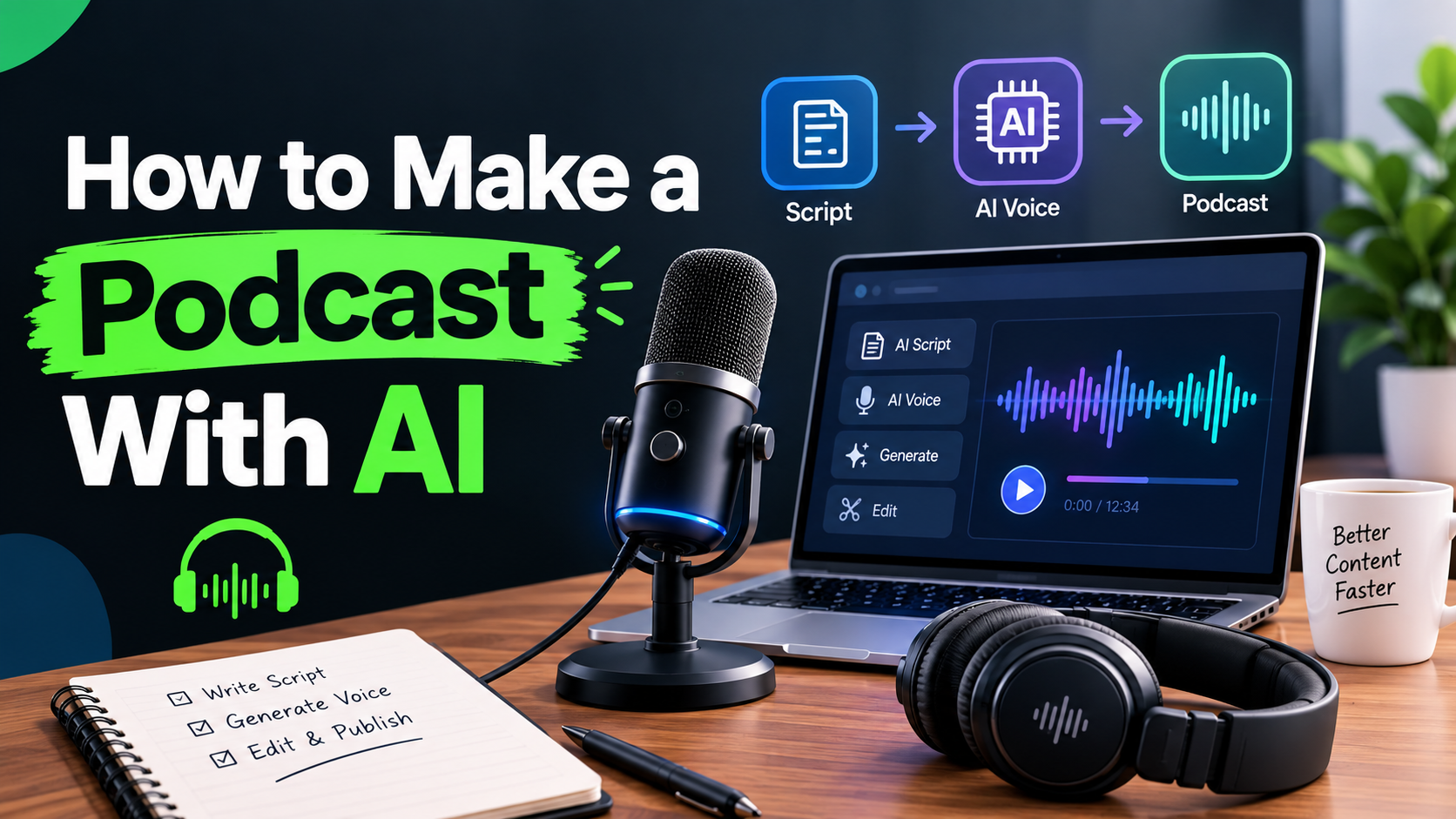
Most guides on how to make an AI podcast assume you already have something to give the AI: notes, a PDF, an article, a transcript, or a finished script.
That works if you already have source material.
But what if you have nothing except an idea?
You might know the topic you want to discuss, but you don't have a script, research document, or recording ready. That's where the workflow changes. Instead of looking for an AI tool that only converts documents into audio, you need an AI podcast generator that can turn a topic into a complete episode.
This guide explains both approaches: how to make an AI podcast from an idea, notes, or existing content, how the main types of AI podcast tools differ, and how to create an episode with Volnyn from a simple topic.
Two Ways to Make an AI Podcast
Before choosing an AI podcast maker, figure out what you're starting with.
1. You already have source material
You might have:
In this case, you need an AI podcast generator that can transform existing material into a conversational audio episode.
This is a popular use case because AI can restructure written material into something easier to listen to. Several competing tools focus heavily on turning notes, PDFs, slides, or other documents into two-host audio.
2. You only have an idea
This is the workflow many guides overlook.
You might start with something as simple as:
"Why do to-do lists fail for people with ADHD, and what actually works instead?"
You don't have to write the entire episode first. A topic-to-podcast tool can use that idea as the starting point, develop the conversation, and produce the narration.
That's the approach this guide focuses on.
If you want to try the workflow directly, see the Volnyn AI Podcast Generator.
Step 1: Decide What You're Giving the AI
The quality of an AI-generated podcast starts with the input.
Starting from an idea
Keep the topic specific.
Instead of:
Productivity
Try:
Why do traditional to-do lists fail for busy professionals, and what are three better ways to prioritize daily tasks?
The second prompt gives the AI a subject, audience context, and direction.
Starting from notes or an article
If you already have source material, clean it up enough for the AI to understand the important points.
You can use:
Meeting notes
Research notes
Blog articles
Study material
Product information
Internal documents
Existing scripts
The more useful context you provide, the easier it is for the AI to build a focused conversation.
Starting from a script
If you need complete control over every word, write the two-speaker script yourself and use an AI voice or podcast production tool to narrate it.
This gives you more editorial control, but it also removes much of the convenience of automatic podcast generation.
Step 2: Choose the Right Type of AI Podcast Tool
"AI podcast generator" can mean several different things.
Choosing the wrong category can create unnecessary work.
Topic-to-episode AI podcast generators
These tools take a topic, notes, or other input and turn it into a conversational podcast.
This is the category that fits the idea-first workflow.
Volnyn, for example, lets you enter a topic or paste source material and generates a two-host conversation before narrating the episode.
Notes and document-to-podcast tools
Some AI podcast platforms are primarily designed around existing source material.
They are useful when your goal is to turn:
Competitors such as Quizgecko, Studley, and other notes-focused tools emphasize this document-to-audio workflow.
If your main goal is turning notes into an AI podcast, this category may be the better fit.
Prompt-driven Podcast Studios
Some platforms give you more control over the production process, including hosts, voices, pacing, scripts, and other production settings.
These are useful when you want to build a more controlled or branded podcast rather than simply turning an idea into a finished episode.
Video podcast and AI-avatar Tools
Video-avatar platforms solve a different problem.
Instead of producing an audio-only podcast, they create a visual presenter who speaks your script.
This makes sense if you want:
Don't choose a video-avatar platform simply because it appears in a list of "AI podcast tools." Decide whether you actually need video first.
Step 3: Make an AI Podcast With Volnyn
If you want to start with an idea instead of a finished document, Volnyn is designed around a simpler workflow.
1. Start with a focused topic
You don't need to write a complete script.
Give the AI a topic with enough context to understand the direction.
For example:
"How small businesses can use AI to save time on customer support without losing the human touch."
This is much more useful than simply entering:
"AI customer support."
2. Enter your topic
Open the Volnyn AI Podcast Generator and enter your topic.
You can also paste notes or an article if you already have source material.
3. Let AI build the conversation
Volnyn turns your input into a two-host conversation rather than simply reading the original text word for word.
That distinction matters.
A useful AI podcast should feel like an explanation or discussion, not a document being read aloud.
4. Let the AI narrate the episode
The narration is generated as part of the workflow, so you don't need to separately record the hosts or hire voice actors for the episode.
5. Listen before publishing
Always listen to the complete episode.
Pay particular attention to:
AI-generated audio can sound polished while still containing an incorrect detail.
6. Regenerate when the angle isn't right
If the episode feels too broad, repetitive, or poorly focused, don't assume the entire workflow has failed.
Improve the topic or direction and generate another version.
A more specific input usually produces a more useful result.
7. Download and use the episode
Once you've reviewed the final episode, download it and use it wherever your distribution strategy requires.
Volnyn states that generated episodes can be used commercially on both free and paid plans, without attribution or per-use fees.
What If You Want an AI Podcast From Notes?
This is one of the strongest use cases in the current AI podcast market.
Ubersuggest's current US data shows "AI podcast from notes" at around 480 monthly searches with an SEO difficulty of 22, making it a useful semantic topic around the broader AI podcast intent.
The workflow is straightforward:
Gather your notes.
Remove irrelevant material if necessary.
Paste the useful content into your AI podcast tool.
Give the AI the intended audience or angle.
Generate the conversation.
Listen for missing or incorrect information.
Regenerate or revise where necessary.
Export the finished episode.
This can work especially well for educational material, research summaries, internal briefings, and long-form articles.
Several competing tools are explicitly targeting this notes-to-podcast workflow, which confirms that users are searching for more than generic AI voice generation.
What If Your Source Is a PDF?
PDF support is an important distinction between AI podcast tools.
Some platforms are specifically designed to accept PDFs, documents, slides, or other uploaded sources. Others expect pasted text or a topic instead.
Volnyn currently works from typed topics and pasted text rather than direct PDF upload.
So if your workflow starts with a PDF, extract the relevant text first and paste the useful material into Volnyn.
If direct PDF uploading is your main requirement, choose a tool that explicitly supports it instead of assuming every AI podcast generator does.
What If You Want a Video Podcast?
An audio podcast and a video-avatar podcast are not the same product.
With an audio AI podcast generator, the output is primarily an audio episode.
With an AI-avatar platform, the output includes a visual presenter that speaks your script.
Use an avatar tool when the visual presenter is central to your content strategy. If you simply want an engaging audio discussion from a topic or notes, an audio-focused AI podcast generator is usually the more direct workflow.
Step 4: Polish Your AI-Generated Podcast
Generation is only the first part of the process.
Before publishing, review the episode for quality.
Check the voice and pacing
Listen for:
Unnatural pauses
Mispronunciations
Repeated phrases
Abrupt transitions
Excessive filler
Unbalanced speaking time
If the platform provides voice, accent, or pacing controls, adjust them before generating the final version.
Check factual accuracy
This is particularly important when the podcast discusses:
Statistics
Scientific information
Financial information
Product specifications
Historical events
Medical topics
Names and dates
Don't assume that natural-sounding narration means every statement is accurate.
Consider additional editing
If you're working with an already-recorded podcast rather than generating one from scratch, dedicated audio editing tools can help clean filler words, silence, background noise, and other recording issues.
That is a different workflow from AI podcast generation, so choose the tool according to the problem you're actually trying to solve.
Step 5: Export and Publish
Once the episode is ready:
Download the finished audio.
Review the title and episode description.
Add intro or outro music if needed.
Create a cover image if your podcast platform requires one.
Upload the episode to your podcast hosting platform.
Add captions or video assets if you're repurposing the episode for social media.
You can also turn one AI-generated podcast into several pieces of content: a full episode, short clips, written summaries, social posts, or an article.
AI Podcast Pre-Publish Checklist
Before publishing, make sure you've:
Listened to the complete episode
Checked names, dates, statistics, and important claims
Confirmed that the episode matches its title
Checked the description for accuracy
Reviewed commercial usage rights
Checked pronunciation and pacing
Added required intro, outro, or branding
Uploaded the final file to your podcast host
Prepared social clips or captions if needed
Common Mistakes When Making an AI Podcast
Starting with an overly broad topic
"Artificial intelligence" is too broad for most podcast generators.
Give the AI a specific question, audience, or angle instead.
Assuming every AI podcast generator works the same way
Some tools are built around PDFs and notes. Others start from a topic. Some focus on editing. Others focus on AI avatars and video.
Compare the workflow, not just the feature list.
Treating AI-generated audio as automatically factual
A convincing voice doesn't guarantee accurate information.
Always review factual claims before publishing.
Choosing a video tool for an audio problem
If you only need a narrated conversation, an AI-avatar video workflow can add unnecessary steps.
Publishing without listening to the entire episode
This is one of the easiest mistakes to avoid.
Listen to the complete episode before you put it in front of an audience.
Conclusion: Start With What You Actually Have
Making an AI podcast doesn't always begin with a PDF, article, or finished script.
Sometimes it starts with one good idea.
If you already have source material, choose an AI podcast generator that handles your documents, notes, or text effectively. If you only have a topic, choose a tool that can develop that topic into a conversation without requiring you to write the entire episode first.
For the idea-first workflow, Volnyn's AI Podcast Generator lets you enter a topic or paste existing material, generates a two-host conversation, and narrates the result.
The key isn't simply finding an AI tool that can make audio. It's choosing the workflow that matches what you actually have — an idea, notes, a document, or a script — and then reviewing the result before you publish it.
FAQ
1. Do I need source material to make a podcast with AI, or can I start from just an idea?
You can start from just an idea if you use a topic-to-episode AI podcast generator. Volnyn can start with a topic, while other tools are more focused on uploaded documents, notes, or PDFs.
2. What is an AI podcast generator?
An AI podcast generator uses artificial intelligence to create some or all of a podcast episode, such as the conversation, script, voices, narration, or audio production. Different tools support different starting inputs and workflows.
2. What is the difference between an AI podcast generator and an AI podcast maker?
The terms are often used interchangeably. An AI podcast generator usually emphasizes automatically creating an episode from an input, while an AI podcast maker can refer more broadly to a tool that helps create, edit, voice, and publish podcast content.
4. Can I make an AI podcast from notes?
Yes. Many AI podcast tools can turn notes, outlines, articles, or other written material into a conversational episode. "AI podcast from notes" is also a distinct search use case, with multiple tools specifically built around it.
5. Can I make an AI podcast from a PDF?
Yes, but PDF support depends on the platform. Some AI podcast generators accept PDF uploads directly, while others require you to extract the text first. Volnyn currently works with typed topics and pasted text rather than direct PDF uploads.
6. Can I make an AI podcast without a microphone?
Yes. AI podcast generators can create the narration using synthetic AI voices, so you don't necessarily need to record your own voice or use a physical microphone.
7. Can Volnyn make a podcast from just an idea?
Yes. Volnyn's AI podcast workflow can start with a topic and generate a two-host conversation from it, making it suitable for an idea-first podcast workflow.
8. Can I monetize a podcast made with Volnyn?
Yes. Volnyn states that episodes generated on both free and paid plans come with commercial usage rights, with no attribution or per-use fees.
9. Can I create a video podcast with Volnyn?
Volnyn's podcast generator is designed for audio episodes rather than AI-avatar video podcasts. If your primary requirement is a visual AI presenter, you need a platform built specifically for video-avatar generation.