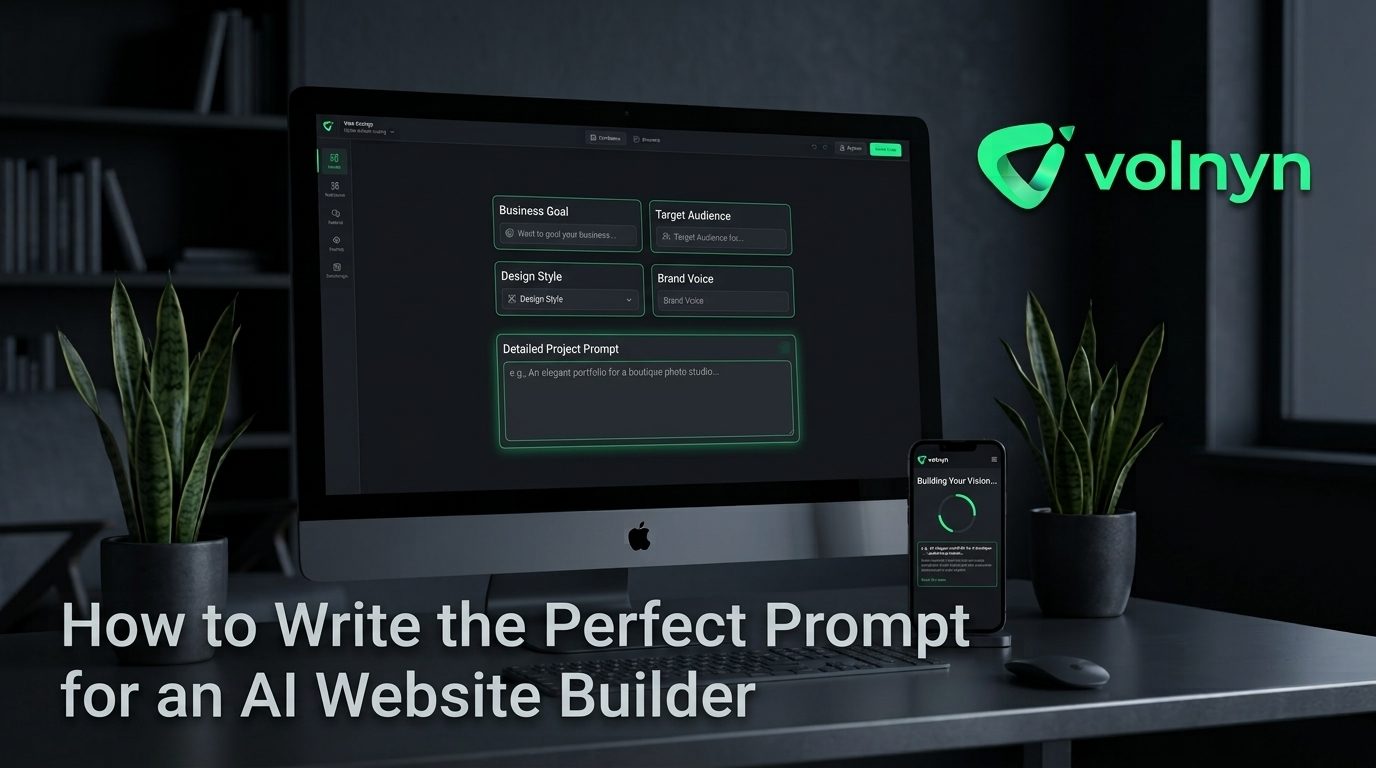
An AI website builder can turn one sentence into a complete site — pages, copy, images and navigation. But the sentence matters. Give it "a website for my business" and you get a website for a business. Give it the right details and the first draft can be close to something you would actually publish.
This guide walks through what to put in your prompt, shows real examples, and covers the mistakes that make AI-built sites look generic.
Why the prompt matters so much
The AI has to make hundreds of small decisions when it builds your site: which pages to create, what the headline says, which photos to use, what the main button does, how formal the writing sounds. Every detail you give it is one less decision it has to guess. Guesses are where generic copy comes from.
You don't need to write an essay. A good prompt is usually three to six sentences. What matters is that those sentences carry the right information.
The six things every good prompt includes
1. What you do, in plain words
"Family-run bakery" is better than "food business". "Emergency plumber" is better than "home services". The more specific the trade, the more specific the pages, wording and images.
2. Where you work
Your town, city or service area. This shapes the copy ("serving north Manchester since 2012"), helps local search, and stops the AI from writing as if you were a national chain.
3. Who your customers are
Busy parents, small offices, wedding couples, first-time home buyers. The audience changes the tone: a children's party planner should sound nothing like a tax accountant.
4. What you want visitors to do
Call you, book online, order a cake, request a quote, visit the shop. Say it, and the AI will build the main buttons and contact section around that one action.
5. What makes you different
Same-day service, 20 years' experience, all-organic ingredients, free first consultation. This is the line that ends up in your headline, so give it one.
6. The feel you want
Calm and premium, bright and friendly, clean and modern, warm and rustic. Two or three words are enough to steer colours, fonts and photo style.
Real prompt examples
Weak: "Make a website for my salon."
Strong: "A small hair salon in Leeds city centre run by two stylists. We specialise in colour and balayage for women 25–45. I want people to book appointments online. We are known for long, relaxed appointments and free consultations. Style: calm, modern, soft neutral colours."
Weak: "Construction company website."
Strong: "A roofing contractor covering Bristol and Bath, 15 years in business, fully insured. Customers are homeowners with leaks or old roofs. The main goal is quote requests and phone calls. We offer free roof inspections and a 10-year guarantee. Style: solid, trustworthy, dark blue and white."
Weak: "Online shop for candles."
Strong: "Handmade soy candles poured in small batches in Portland. Customers are gift buyers and people who care about natural products. I want visitors to shop the collection and join the newsletter. Every candle is vegan and comes in a reusable glass jar. Style: warm, earthy, minimal."
Notice that none of the strong prompts are long. They just answer the six questions.
Mistakes that make AI sites look generic
- Leaving out location. You get copy that could belong to anyone, anywhere.
- Listing every service you have ever done. Name your main three to five. The rest can be added later.
- Asking for "professional". Every business wants to look professional. It tells the AI nothing. Describe the feeling instead.
- Copying a competitor's slogan. The AI will build around it, and you'll look like the competitor.
- Using industry jargon customers don't use. Write the prompt the way your customers talk.
After the first draft: edit, don't restart
Treat the first draft as a strong starting point, not a final answer. In Volnyn, you can change any text, photo or section directly on the page in the visual editor. It is almost always faster to fix three things in a good draft than to generate a new one from scratch.
A practical order for editing:
- Fix the headline and main button first — they do most of the work.
- Replace a few AI images with real photos of you, your team or your work.
- Check phone number, address, hours and prices are correct.
- Read the about page aloud. If it doesn't sound like you, change the words that feel off.
- Look at the site on your phone, because that is where most visitors will see it.
When to regenerate instead
If the whole direction is wrong — the wrong style, the wrong audience, the wrong main action — regenerate with a better prompt rather than fixing page by page. Add the detail you left out the first time and try again. With free credits on every new account, a second attempt costs you nothing.
Try it
Write your six answers down, put them into one short paragraph, and give it to the Volnyn AI website builder. Hosting, SSL and your own domain are included, and the free plan has no time limit.