
Welcome to Volnyn
Sign in or create an account to continue
Continue with Google
or
Sign in with email
New here? Create an account
By continuing, you agree to our Terms of Service
Turn a single sentence into a finished PowerPoint. Volnyn's AI PowerPoint generator writes your content, designs every slide, and structures the whole deck in seconds — then hands you a ready-to-present .pptx file you can open anywhere.
Generate My PowerPoint →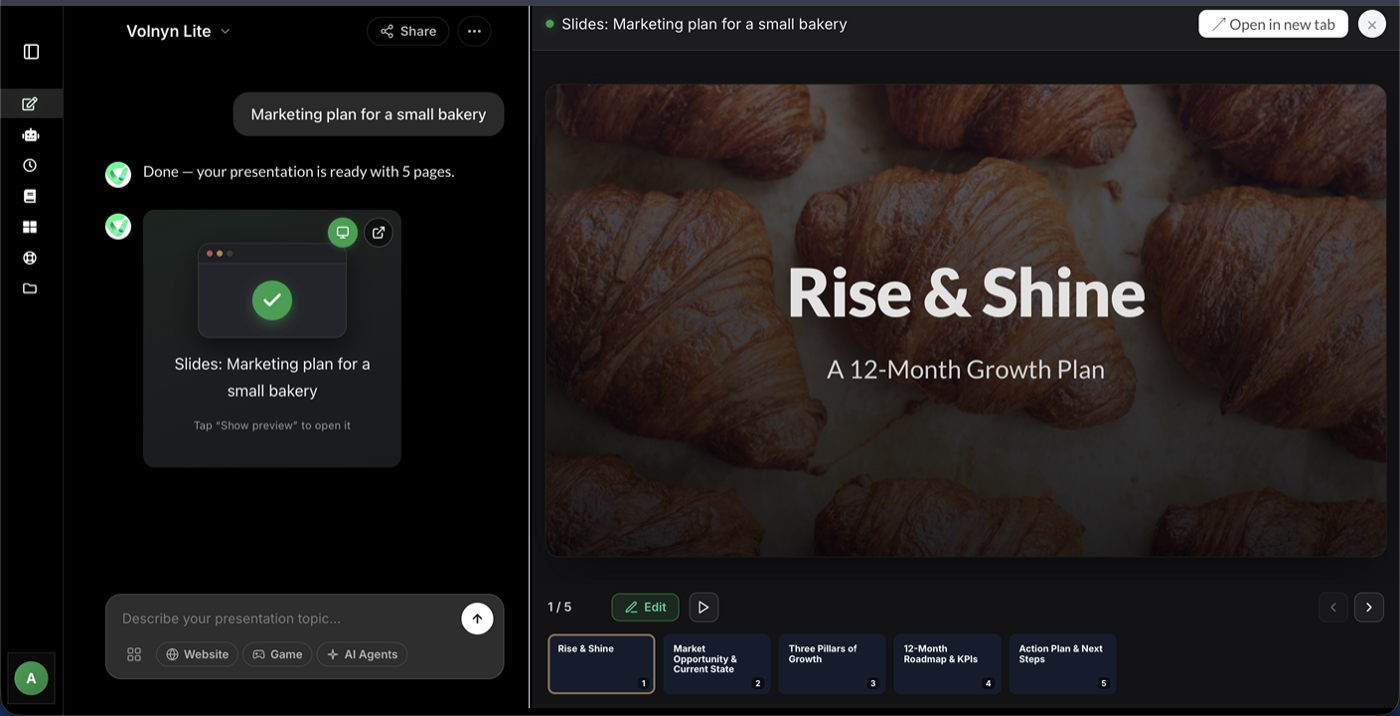
Whether you need to generate a PowerPoint with AI for tomorrow's meeting or create a PowerPoint from text you have already written, Volnyn removes the slow, manual part of the job. It works as a true AI PPTX generator: the output is a real, editable PowerPoint file — not a screenshot or a locked template — so the deck you generate is the deck you actually present. There is nothing to install and nothing to learn; if you can describe your idea in a sentence, you can produce a polished presentation.
Making a PowerPoint with Volnyn is three simple steps — no templates to wrestle with and no blank slides to stare at.
Because the generator writes and structures the content for you, it adapts to almost any kind of deck a professional, student, or team needs — from a quick internal update to a high-stakes external presentation:
If you would rather start from your own writing, Volnyn can convert existing text into a presentation and hand back the same editable, exportable deck.
Building a PowerPoint by hand means doing four jobs at once — writer, editor, designer, and formatter. Here is how generating one with AI compares:
The result is simple: the parts of building a PowerPoint that used to eat an afternoon — writing, laying out, and formatting — happen up front, automatically, leaving you to focus on the message.
The generator is one part of a wider presentation toolkit — the same account also includes the AI presentation maker for building a deck end to end and the AI PowerPoint maker for creating designed decks from a prompt. One login covers every PowerPoint workflow, so you can pick whichever starting point fits the task in front of you.
Generate My PowerPoint →Yes — you can sign up and generate PowerPoint presentations on Volnyn's free plan with no credit card required. There is no trial timer and no watermark on your slides; paid plans simply add more generations and advanced features when you need them.
Yes. Every deck the AI PowerPoint generator creates can be exported as a standard .pptx file that opens in Microsoft PowerPoint, Google Slides, and Keynote — no conversion or extra tools required.
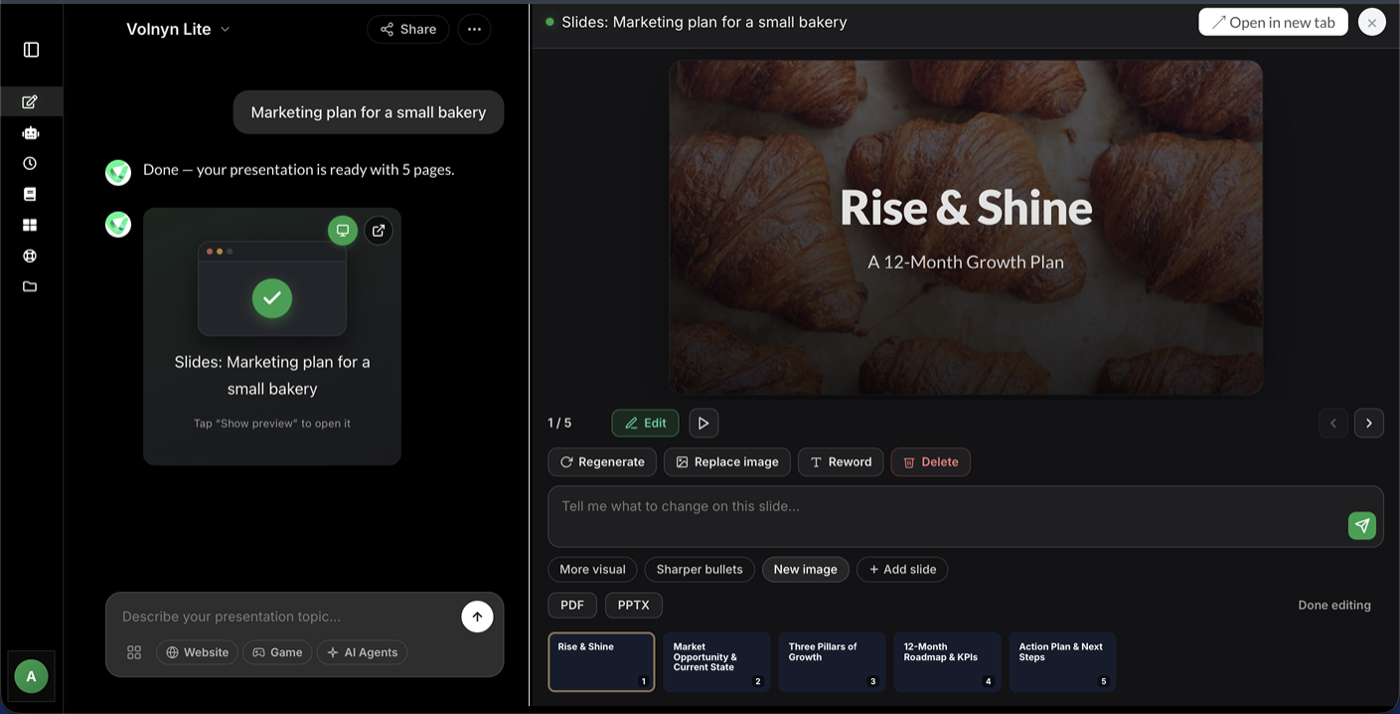
Fully. Every generated slide opens in the built-in editor, where you can change text, swap layouts, adjust colors, add images, and reorder slides before you export or present.
Yes. Paste your notes, an outline, or a full document and the generator structures your content into a complete PowerPoint deck while keeping your key points intact.
Usually under a minute. A standard 10-slide PowerPoint is ready in about 30 to 60 seconds, and you can start editing or export to .pptx right away.