
Welcome to Volnyn
Sign in or create an account to continue
Continue with Google
or
Sign in with email
New here? Create an account
By continuing, you agree to our Terms of Service
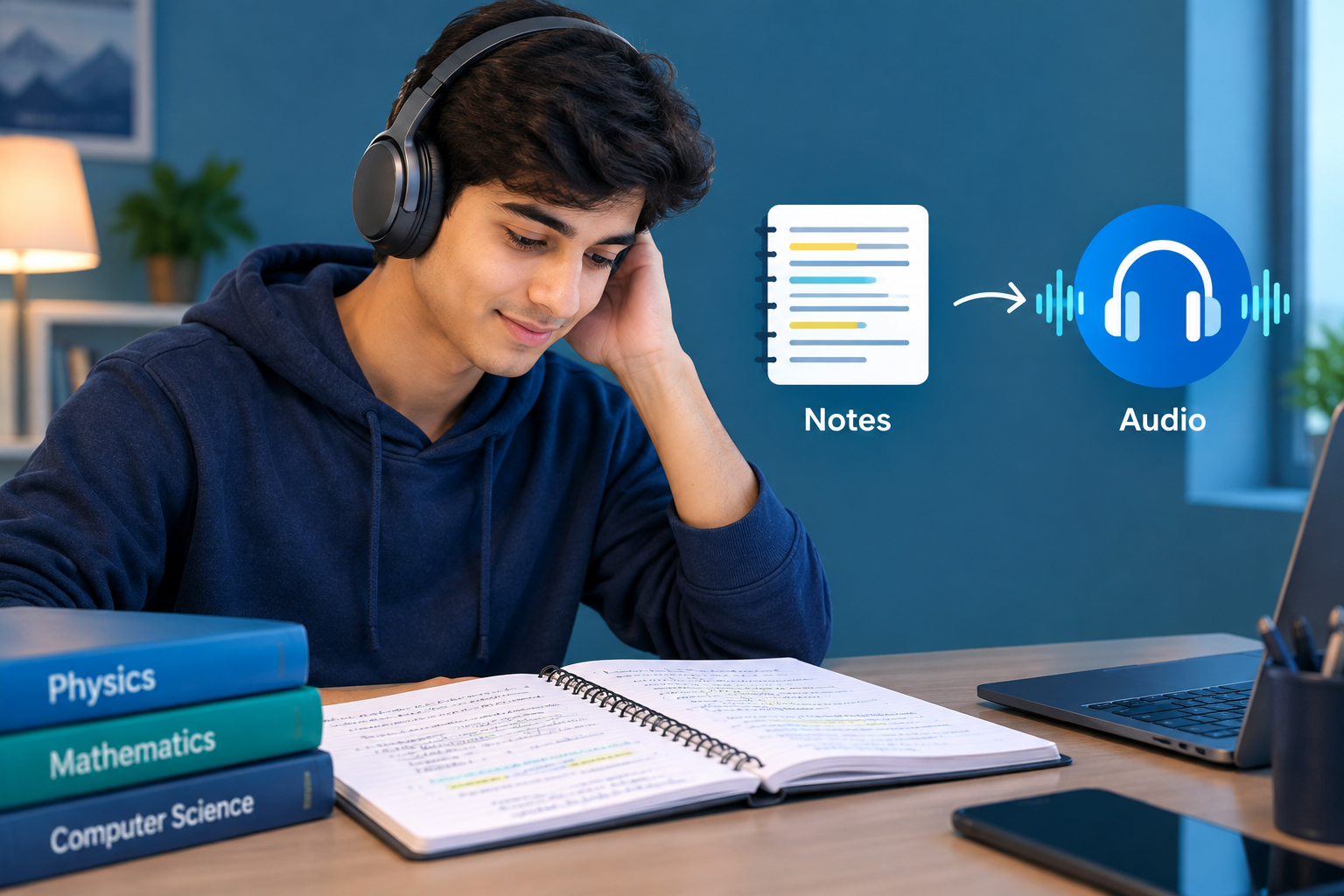
If you've ever stared at the same page of lecture notes for the third time without any of it sinking in, you already know rereading is passive. Your eyes move, your brain doesn't. An AI podcast generator gives you a different way to turn your notes, a PDF, or a chapter of text into a spoken, two-host conversation you can listen to on a walk, a commute, or while doing chores. Same material, a format that's easier to actually absorb.
Reading notes and hearing them discussed aren't the same experience. When two AI hosts talk through your material, restating a point in plainer language, asking the kind of question a confused classmate would ask, connecting one idea to another, you're getting a second pass at the content in a different form. That's not a gimmick; it's the same idea behind reading a summary and discussing it out loud with a study partner, except the "study partner" is generated on demand from your own notes. It also solves a scheduling problem. The minutes on a commute or a walk that you'd otherwise spend on nothing are minutes you can spend reviewing.
It's worth being precise about what this buys you, though it's a review format. It's excellent for a second or third pass on material you've already read once. It's not a substitute for engaging with dense or unfamiliar material for the first time.
Not all source material converts equally well:
Clean, organized notes (headings, bullet points, key terms) produce the tightest episodes the AI has clear structure to work from.
Raw, messy notes (fragments, abbreviations, half-sentences) still work, but you'll get a better episode if you skim and tidy obvious typos first an AI host reading "mitocondria" as written can turn into an odd moment in the audio.
A PDF or textbook chapter works well when it's mostly text; heavily visual pages (charts, diagrams) will lose some information in the conversion since the hosts can only discuss what's written, not what's drawn.
A single topic prompt (no notes at all just "explain photosynthesis") also works, and is actually the fastest way to get a broad overview episode before you dive into your actual notes.
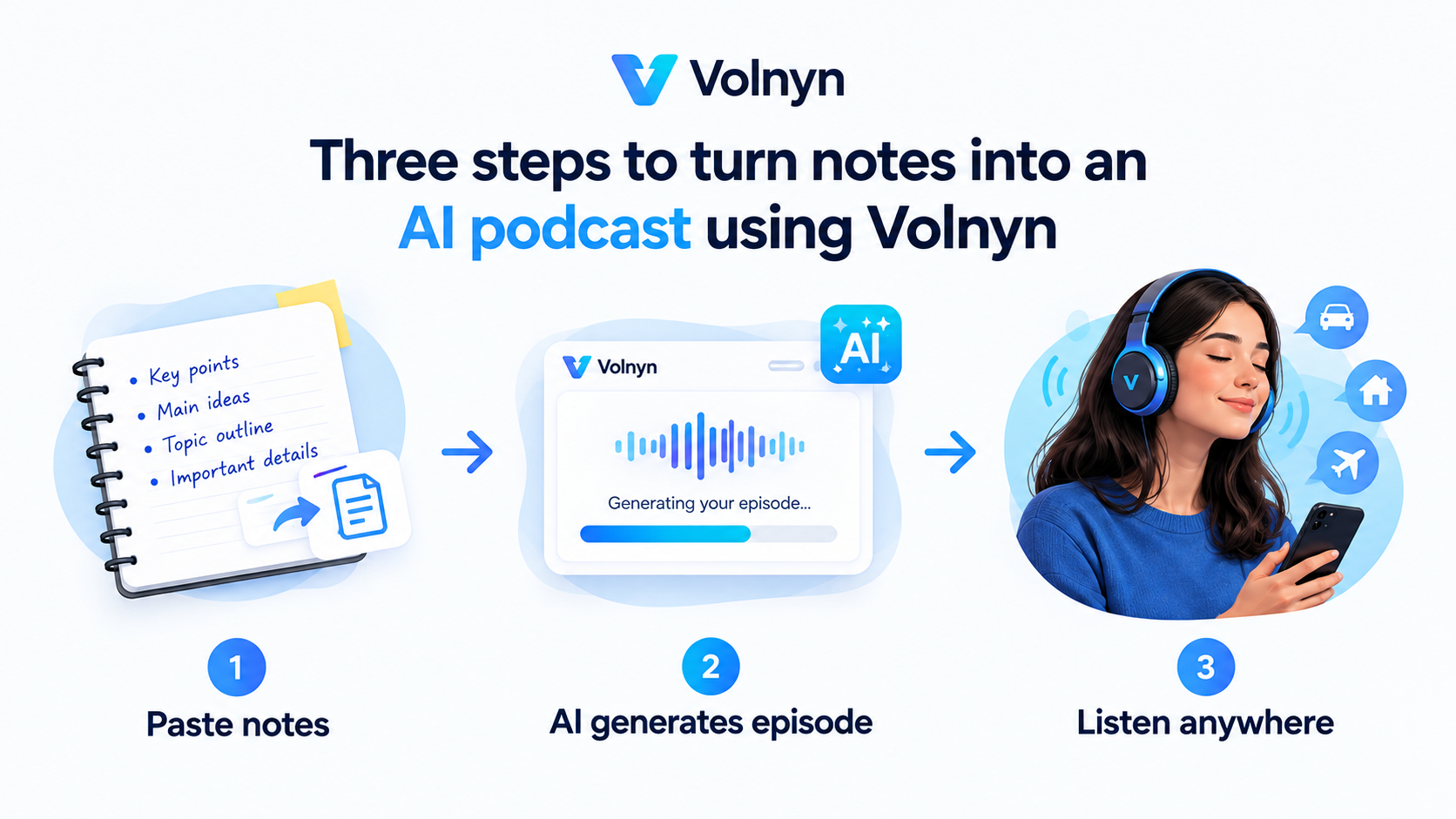
Gather your source. Copy your notes, paste in a PDF's text, or just type the topic you want covered.
Paste it into an AI podcast generator. Volnyn's AI Podcast Generator takes a topic or pasted notes and writes a two-host conversation about it, then narrates the episode no script-writing or recording required.
Set the angle, if you can. Tools that let you specify an audience ("explain this like I'm new to the topic" vs. "assume I already know the basics") produce a tighter, more useful episode than a generic one.
Listen and regenerate if needed. If the framing misses what you actually wanted covered, regenerating with a clearer topic or more specific notes usually fixes it.
Download and reuse it. Keep the episode for repeat listening before the exam, or share it with a study group.
Functionally, no most generators (Volnyn included) accept a topic, pasted notes, or pasted article/PDF text through the same input box. What matters more than the format is the density: a 20-page PDF chapter will get compressed into a shorter episode that hits the main points, while a page of your own notes on one narrow topic will get a more thorough discussion. If you want deep coverage of a big document, it can help to feed it in smaller sections rather than the whole thing at once.
Worth saying plainly an AI-narrated podcast is a review tool, not a first-read replacement. It can occasionally get a technical term or an unfamiliar name slightly off if your notes were unclear on it. Treat it the way you'd treat a study partner's summary useful for reinforcing what you've read, not a substitute for reading the original material at least once.
Volnyn's AI Podcast Generator :- free to start, no credit card required; paste a topic, notes, or an article, and it writes and narrates a two-host episode you own and can reuse.
Google NotebookLM (Audio Overview) :- free for Google Account users, built into Google's note-taking tool; a solid option if you're already keeping your source material in a NotebookLM notebook.
Wondercraft :- more production control (voice choice, editing, exporting to Spotify/Apple), aimed as much at podcasters as at students, with paid tiers for the deeper editing tools.
Which one fits depends on what you need: a quick single episode from a topic or notes points toward Volnyn or NotebookLM; ongoing production and distribution points toward Wondercraft.
Can I really turn my notes into a podcast for free? Yes, Volnyn's AI Podcast Generator and Google's NotebookLM both offer this without a paid plan.
Does listening to notes actually help you study, or is it just a novelty? It works best as a review pass on material you've already read once restating it out loud, in a different voice and format, reinforces it rather than replacing the first read.
What if my notes are messy or full of abbreviations? It'll still generate an episode, but cleaning up obvious typos and expanding abbreviations first produces a clearer, more accurate result.
Can I use the podcast for a study group, not just myself? Yes an episode generated from shared notes can be downloaded and shared the same as any audio file.