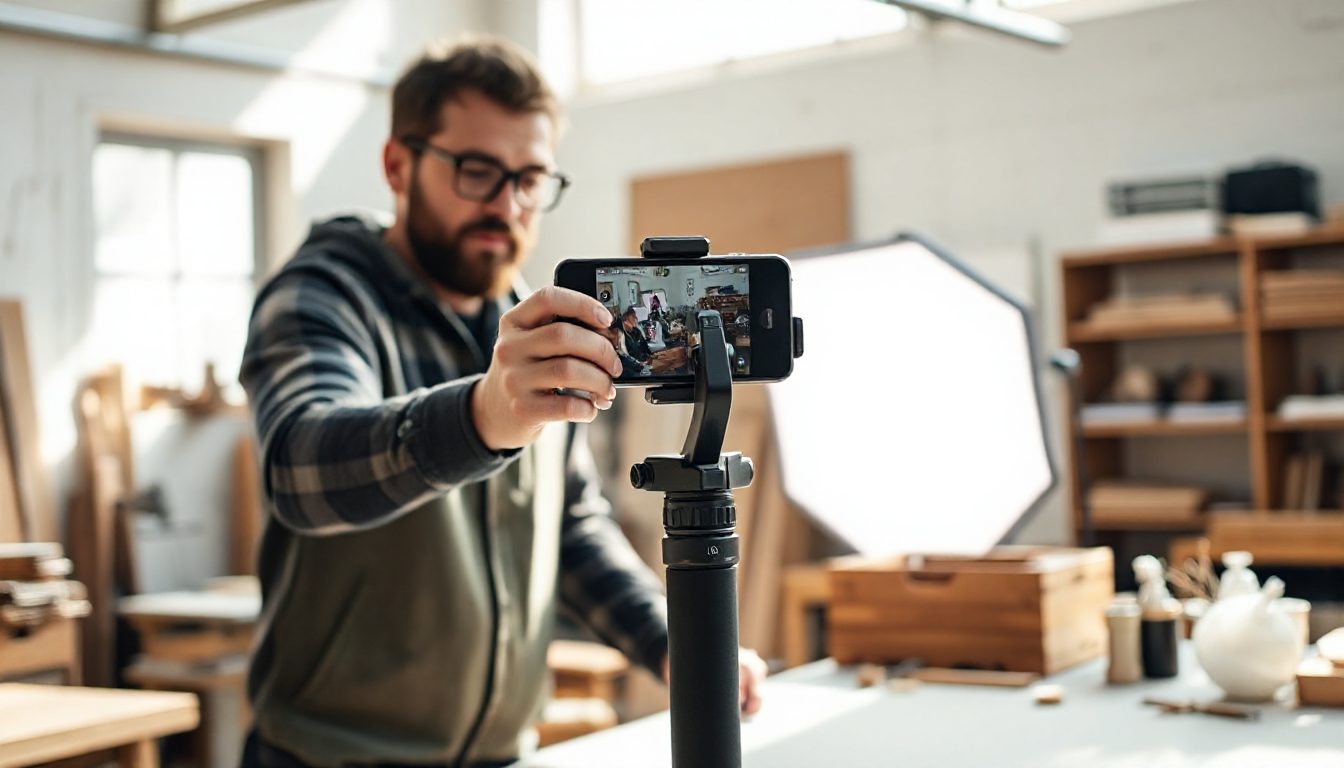
Short video is now the format that gets the most reach on almost every social platform. The problem for small businesses has always been time, equipment and editing skills. AI video tools remove most of that: you describe the clip, and you get a draft in minutes.
Here are fifteen ideas that work, grouped by goal.
Show what you sell
- The product spin. A 10-second showcase of your best seller from every angle, on a clean or seasonal background.
- Before and after. A messy room and a clean one, an old garden and a new one, a plain cake and a decorated one.
- How it's made. A fast-moving clip of the making process — customers love seeing the work behind a product.
- Unboxing. What arriving at the customer's door actually looks like.
- Three ways to use it. One product, three situations, five seconds each.
Explain and teach
- The 30-second tip. One useful piece of advice from your trade.
- Myth versus fact. Correct a common misunderstanding in your industry.
- Answer a customer question. Take this week's most common question and answer it on video.
- The explainer. How your service works in three steps, with simple visuals and a voiceover.
Build trust
- Meet the team. A few seconds with each person and what they do.
- A customer story. A testimonial turned into a short clip with text on screen.
- A day in the life. Opening up, the busy hour, closing time.
Drive sales
- The offer announcement. A sale or new product with dates and a clear call to action.
- The countdown. "Three days left" — urgency works best when it's real.
- The promo ad. A 15–30 second cinematic video for paid ads or your homepage.
Length and format by platform
| Platform | Best length | Format |
|---|
| TikTok / Reels / Shorts | 7–45 seconds | Vertical 9:16 |
| Instagram / Facebook feed | 15–60 seconds | Square or 4:5 |
| YouTube | 3–10 minutes | Horizontal 16:9 |
| Website hero | 10–20 seconds, looping | Horizontal, no sound needed |
Tips that make AI video work
- Hook in the first two seconds. Start with motion or a surprising line, not your logo.
- Describe the shot clearly. Subject, setting, lighting, camera movement and mood — "close-up of a chocolate cake being sliced, warm kitchen light, slow motion".
- Add captions. Most people watch with the sound off.
- Mix AI with real footage. Use AI for backgrounds, transitions and scenes you can't film, and real clips for your actual products and people.
- End with one action. "Order by Friday", "Book a free call", "Link in bio".
Be honest with AI video
Don't use AI to show a product doing something it can't, or to invent customers. Use it to present real things well. Trust is the whole point of marketing; misleading video spends it fast.
Frequently asked questions
How often should a small business post video?
Two to three short videos a week is a realistic and effective target.
Do I need a voiceover?
Not always. For explainers it helps; for product showcases, music and captions are often enough. AI voiceover tools can read a script in a natural voice if you don't want to record your own.
Volnyn's AI Video generator turns a description or a photo into a short video, and AI Audio adds a voiceover from your script. Start free at volnyn.com.