
Welcome to Volnyn
Sign in or create an account to continue
Continue with Google
or
Sign in with email
New here? Create an account
By continuing, you agree to our Terms of Service
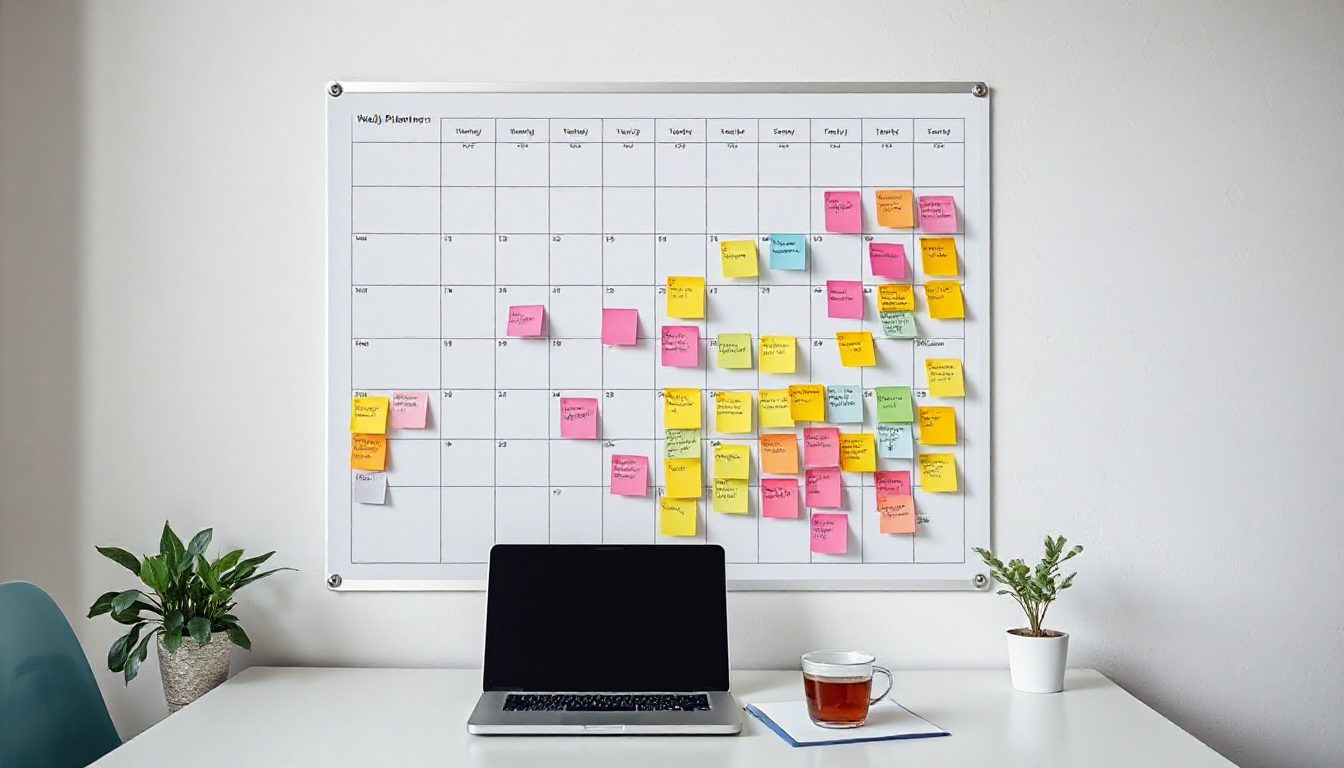
Posting "when you have time" usually means posting in bursts and then disappearing for weeks. Audiences and algorithms both reward consistency. A content calendar fixes that, and with AI doing the first drafts, planning a whole month can fit into one afternoon.
Pillars are the recurring themes you post about. They keep content varied without starting from scratch every time. For a bakery, for example:
| Channel | Realistic rhythm for a small team |
|---|---|
| Instagram / Facebook | 3–4 posts a week, stories most days |
| TikTok / Reels / Shorts | 2–3 short videos a week |
| Blog | 2 articles a month |
| 1–2 newsletters a month | |
| Google Business Profile | 1 update a week |
Less, done consistently, beats more done for two weeks.
Add holidays, local events, product launches, sales and seasonal moments to the month first. These anchor the plan, and the rest of the content fills in around them.
A prompt like this produces a solid first draft in seconds:
"I run a family bakery in Lahore. My pillars are behind the scenes, products, tips, customers and local. Plan 16 Instagram posts for December, including the holidays and our new winter cakes. For each give the date, pillar, a hook line, a caption of under 60 words and a photo idea."
Then ask follow-ups: "Turn posts 3, 7 and 12 into short video scripts", "Write a newsletter that uses the best three ideas", "Suggest two blog articles that answer questions customers ask in December".
AI gives you speed; you give it truth. Go through each draft and:
Group similar work together: shoot all product photos in one session, record all short videos in another, write all captions in a third. Batching is what makes the one-afternoon plan possible. Where you don't have a photo, AI image tools can create a background or a lifestyle shot from a description.
Only if you post them unedited. Use AI for structure and ideas, then add your details.
One month is ideal for most small businesses — far enough to be calm, close enough to stay relevant.
Volnyn puts AI writing, image generation and video generation in one workspace, so the whole month of content can be planned and made in one place. Start free at volnyn.com.