
Welcome to Volnyn
Sign in or create an account to continue
Continue with Google
or
Sign in with email
New here? Create an account
By continuing, you agree to our Terms of Service
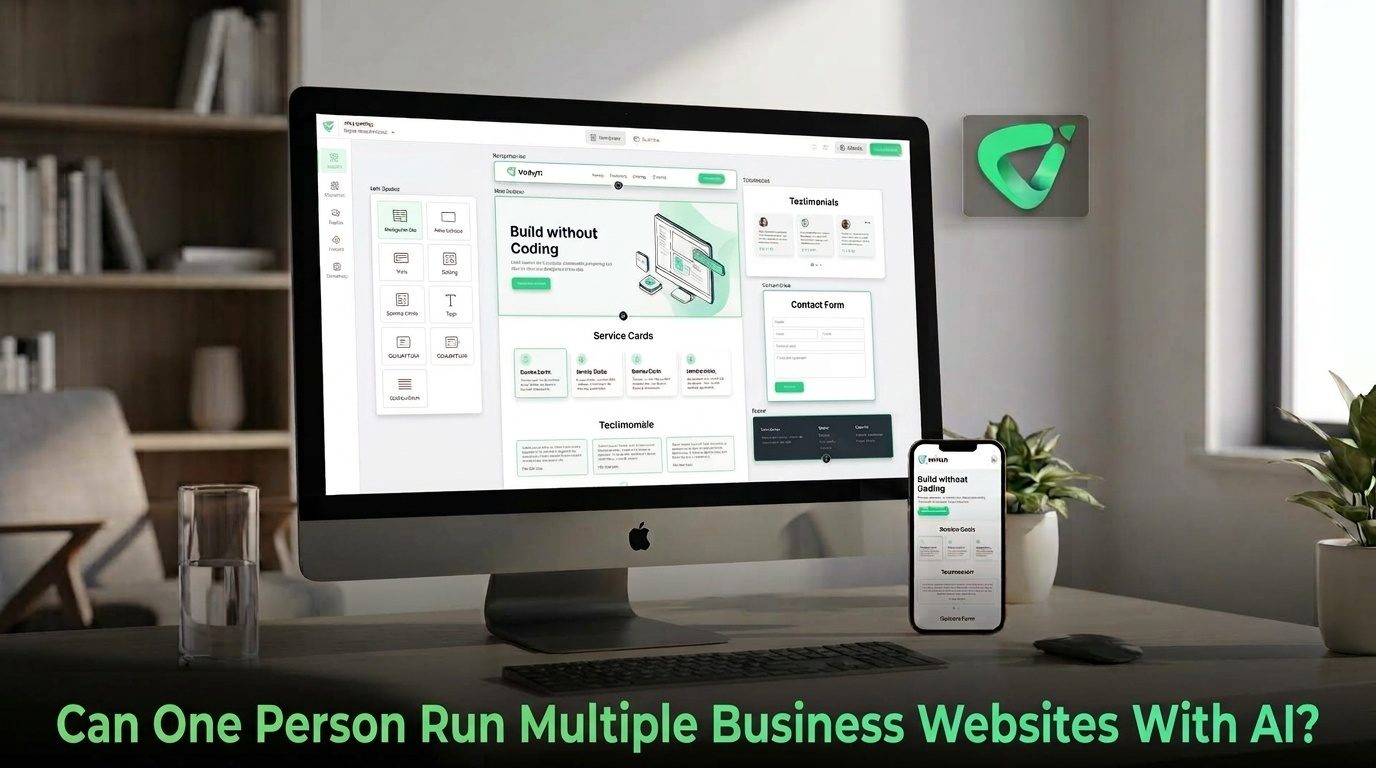
AI changes that equation. One person can now handle a much larger website portfolio than was practical when every update required design or development work. The important question is not whether AI can create several websites. It is whether you can build a repeatable system for managing them without letting quality slip.
The short answer is yes—especially when the websites have clear purposes and use repeatable structures.
AI can reduce the amount of manual work involved in creating pages, drafting content, organizing information, and making routine changes. Volnyn, for example, supports multi-site accounts and current-site switching, allowing multiple sites to exist under one account while keeping each site's themes, plugins, and settings separate. {"fallbackMarkdown":"([Volnyn](https://volnyn.com/updates?utm_source=chatgpt.com))","reference":{"matched_text":"","prefix":null,"start_idx":9044,"end_idx":9063,"safe_urls":["https://volnyn.com/updates","https://volnyn.com/updates?utm_source=chatgpt.com"],"refs":[],"alt":"([Volnyn](https://volnyn.com/updates?utm_source=chatgpt.com))","prompt_text":null,"type":"grouped_webpages","error":null,"items":[{"title":"Volnyn Updates — Product changelog & what's new","url":"https://volnyn.com/updates?utm_source=chatgpt.com","attribution":"Volnyn","pub_date":1785196800,"snippet":"","attribution_segments":null,"supporting_websites":[],"refs":[{"turn_index":3,"ref_type":"search","ref_index":0}],"hue":null,"attributions":null}],"status":"done","style":null,"fallback_items":null},"showLoginRequiredCard":false}
Its AI Website Builder can also generate website structure, content, and design from a natural-language description, while allowing the owner to customize the result visually before publishing. Volnyn's AI Website Builder supports business websites, stores, portfolios, landing pages, and blogs.
That makes the technology useful for someone operating several small businesses, niche websites, client projects, or separate brands.
The biggest advantage is not that AI replaces the person running the websites. It is that it reduces the repetitive work surrounding each site.
Volnyn's broader workspace also brings websites, documents, and presentations together under one account, which can reduce the number of disconnected tools a solo operator has to manage. {"fallbackMarkdown":"([Volnyn](https://volnyn.com/all-in-one-workspace))","reference":{"matched_text":"","prefix":null,"start_idx":10629,"end_idx":10646,"safe_urls":["https://volnyn.com/all-in-one-workspace"],"refs":[],"alt":"([Volnyn](https://volnyn.com/all-in-one-workspace))","prompt_text":null,"type":"grouped_webpages","error":null,"items":[{"title":"All-in-One Workspace – Websites, Docs & Slides | Volnyn","url":"https://volnyn.com/all-in-one-workspace","attribution":"Volnyn","pub_date":null,"snippet":null,"thumbnail_url":"https://images.openai.com/static-rsc-1/CVZITLxiITDfPhbupcL9UkV6MtPRmc02PBrOZKzy_4pUBVNT9nl__oSgY-j9oDWQbh8fawANg3UaMfrf6SmfQ0LUtlD5-9DAySRS8XeASPlv8I-7r954rWYzgskcwuN3","attribution_segments":null,"supporting_websites":[],"refs":[{"turn_index":1,"ref_type":"view","ref_index":2}],"hue":null,"attributions":null}],"status":"done","style":null,"fallback_items":null},"showLoginRequiredCard":false}
Creating five websites is not necessarily the difficult part. Keeping five websites useful is.
Every site has its own customers, offers, pages, analytics, domains, content priorities, and business goals. If you treat all of them as one generic website project, important details will eventually be missed.
A better approach is to give every site a simple operating brief:
This turns multiple websites into a manageable portfolio rather than a collection of unrelated tasks.
AI becomes most valuable when the same type of work has to happen repeatedly. If you operate several service websites, for example, you can use a similar workflow for reviewing service pages, updating FAQs, checking calls to action, and preparing new content.
But repetition should not mean copying the same material everywhere.
Each website needs its own accurate business information, audience, positioning, examples, and customer questions. Google's current guidance emphasizes helpful, reliable, people-first content and warns against producing content primarily for search engines. Google's guidance on creating helpful content is a useful standard for deciding what deserves to be published. {"fallbackMarkdown":"([Google for Developers](https://developers.google.com/search/docs/fundamentals/creating-helpful-content?authuser=31&utm_source=chatgpt.com))","reference":{"matched_text":"","prefix":null,"start_idx":12414,"end_idx":12433,"safe_urls":["https://developers.google.com/search/docs/fundamentals/creating-helpful-content?authuser=31","https://developers.google.com/search/docs/fundamentals/creating-helpful-content?authuser=31&utm_source=chatgpt.com"],"refs":[],"alt":"([Google for Developers](https://developers.google.com/search/docs/fundamentals/creating-helpful-content?authuser=31&utm_source=chatgpt.com))","prompt_text":null,"type":"grouped_webpages","error":null,"items":[{"title":"Creating Helpful, Reliable, People-First Content | Google Search Central | Documentation | Google for Developers","url":"https://developers.google.com/search/docs/fundamentals/creating-helpful-content?authuser=31&utm_source=chatgpt.com","attribution":"Google for Developers","pub_date":null,"snippet":"","attribution_segments":null,"supporting_websites":[],"refs":[{"turn_index":1,"ref_type":"search","ref_index":1}],"hue":null,"attributions":null}],"status":"done","style":null,"fallback_items":null},"showLoginRequiredCard":false}
In practice, let AI handle the first draft or repetitive transformation. Keep human responsibility for facts, strategy, brand decisions, customer promises, and final approval.
Do not start with “build me a website.” Give the AI the business name, audience, services, location, differentiators, tone, and primary goal. A detailed brief reduces the amount of correction required later.
Standardize the operational basics without making the websites identical. For example, every service business might have a homepage, services, about page, FAQs, contact page, and relevant conversion path. The actual content and positioning should remain specific to each business.
Instead of constantly jumping between websites, group your work. Review all contact information together, then review SEO elements, then content updates, then visual changes. This reduces context switching.
Before publishing an AI-assisted change, check facts, prices, links, claims, images, mobile presentation, and the intended customer action. AI can accelerate the work, but it does not know whether a business detail is true unless you provide reliable information.
A portfolio should have a maintenance rhythm. Some sites may need weekly attention; others may only require a monthly review. The important thing is to make maintenance deliberate rather than waiting for something to break.
There is no useful universal number. The limiting factor is usually complexity rather than the number of domains.
| Website portfolio | Typical challenge | AI's role |
|---|---|---|
| 2–3 simple sites | Keeping content and offers current | Strong support for creation and routine updates |
| 4–10 focused sites | Scheduling reviews and maintaining consistency | Useful for repeatable content and operational workflows |
| Large portfolio | Quality control, analytics, strategy, and prioritization | Helpful, but requires stronger systems and human oversight |
A simple brochure site with a few pages is very different from an e-commerce store with hundreds of products or a web application with complex customer workflows. The more complicated each property becomes, the more attention it requires.
Volnyn is particularly relevant to this model because its current platform supports multiple sites under one account, with site-specific themes, plugins, and settings and a dashboard for switching between sites. {"fallbackMarkdown":"([Volnyn](https://volnyn.com/updates?utm_source=chatgpt.com))","reference":{"matched_text":"","prefix":null,"start_idx":15432,"end_idx":15451,"safe_urls":["https://volnyn.com/updates","https://volnyn.com/updates?utm_source=chatgpt.com"],"refs":[],"alt":"([Volnyn](https://volnyn.com/updates?utm_source=chatgpt.com))","prompt_text":null,"type":"grouped_webpages","error":null,"items":[{"title":"Volnyn Updates — Product changelog & what's new","url":"https://volnyn.com/updates?utm_source=chatgpt.com","attribution":"Volnyn","pub_date":1785196800,"snippet":"","attribution_segments":null,"supporting_websites":[],"refs":[{"turn_index":3,"ref_type":"search","ref_index":0}],"hue":null,"attributions":null}],"status":"done","style":null,"fallback_items":null},"showLoginRequiredCard":false}
Its AI Website Builder can provide the starting point for individual sites, while the visual editing workflow lets you refine the result rather than treating the generated version as final. Volnyn also supports custom domains and responsive websites, which are useful when each business needs its own public identity. {"fallbackMarkdown":"([Volnyn](https://volnyn.com/ai-website-builder?utm_source=chatgpt.com))","reference":{"matched_text":"","prefix":null,"start_idx":15778,"end_idx":15797,"safe_urls":["https://volnyn.com/ai-website-builder","https://volnyn.com/ai-website-builder?utm_source=chatgpt.com"],"refs":[],"alt":"([Volnyn](https://volnyn.com/ai-website-builder?utm_source=chatgpt.com))","prompt_text":null,"type":"grouped_webpages","error":null,"items":[{"title":"AI Website Builder — Create a Website in Minutes | Volnyn","url":"https://volnyn.com/ai-website-builder?utm_source=chatgpt.com","attribution":"Volnyn","pub_date":null,"snippet":"","attribution_segments":null,"supporting_websites":[],"refs":[{"turn_index":2,"ref_type":"search","ref_index":6}],"hue":null,"attributions":null}],"status":"done","style":null,"fallback_items":null},"showLoginRequiredCard":false}
If you are managing several businesses or website projects yourself, you can explore the AI Website Builder and use a separate brief and maintenance checklist for each site.
One person does not need to personally perform every website task anymore. AI can help with the repetitive parts of building, editing, researching, and preparing content. But the person running the portfolio still needs to decide what each business should say, who it should serve, and what success looks like.
The strongest setup is therefore not “AI runs everything.” It is one person directing AI across a well-organized portfolio of websites.
With clear business briefs, repeatable workflows, scheduled reviews, and human quality control, multiple websites can become manageable without turning website maintenance into a full-time administrative job.