
Welcome to Volnyn
Sign in or create an account to continue
Continue with Google
or
Sign in with email
New here? Create an account
By continuing, you agree to our Terms of Service
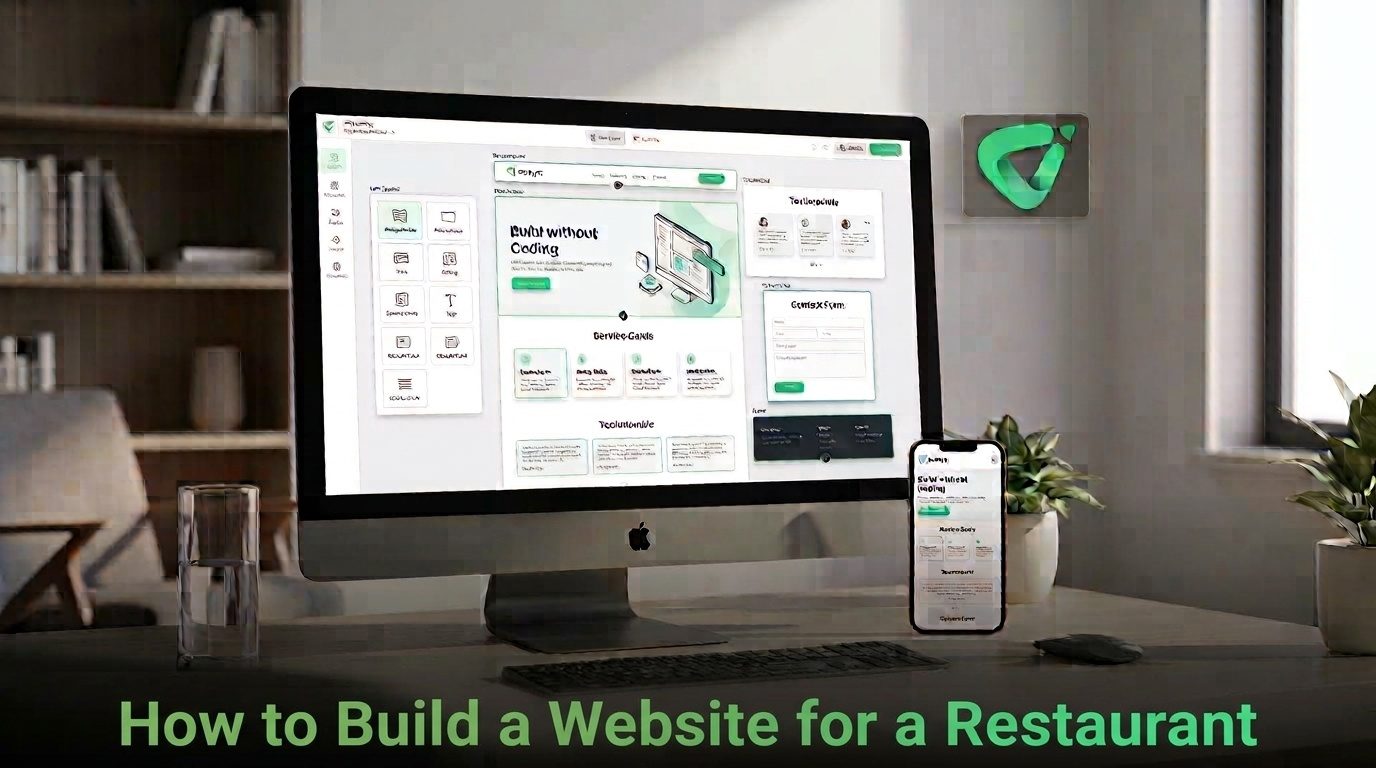
The good news is that you do not need to start with a complicated development project. With the right structure and a modern website builder, you can create a useful restaurant website without writing code. The key is knowing what the site needs before you start designing it.
Before choosing colors, images, or templates, decide what you want customers to do on the website.
A neighborhood restaurant might primarily want people to view the menu and find the location. A fine-dining restaurant may need reservations to be highly visible. A takeaway business may want customers to place orders. A restaurant that hosts private events may need to generate catering or event inquiries.
Choose one primary action and make it obvious throughout the site. Secondary actions, such as viewing the menu, checking opening hours, or contacting the restaurant, can support that main goal.
A restaurant does not necessarily need a large website. It needs the right information in an easy-to-use structure.
Keep navigation simple. A visitor who is hungry should not have to search through several pages to find the menu or determine whether the restaurant is open.
The menu is one of the most important pieces of information on a restaurant website. Use clear categories such as starters, mains, desserts, drinks, or other sections that match how customers actually browse the menu.
Include accurate dish names, useful descriptions, and prices when appropriate. If dishes change frequently, make updating the menu part of your regular website maintenance routine.
It is also worth keeping the website menu consistent with your Google Business Profile. Google allows restaurants to add menu items, descriptions, prices, photos, and a menu URL to their Business Profile, giving customers another way to discover what the restaurant offers through Search and Maps. Google's restaurant menu guidance provides the current details. GGoogle Help+1
Restaurant customers often look for practical information while they are away from a desktop computer. Your website should therefore work comfortably on smaller screens.
Test the mobile version yourself. Check whether the menu is readable, buttons are easy to tap, photos load properly, and important information appears without excessive scrolling.
Pay particular attention to the primary action. If you want customers to make reservations, the reservation option should be easy to identify. If ordering is the goal, the ordering path should be just as clear.
Volnyn's AI Website Builder includes mobile-responsive templates and allows users to start by describing the type of business they want to build. Its restaurant templates can provide a starting structure that can then be customized rather than requiring you to design every section from an empty page. Explore Volnyn's AI Website Builder to see how the workflow works. VVolnyn
Food photography can make a restaurant website memorable, but images should support the information rather than bury it.
Use a strong image to establish the restaurant's atmosphere on the homepage. Show signature dishes where they help customers understand the menu. Interior and exterior photos can also help visitors recognize the restaurant when they arrive.
Avoid filling every section with decorative images. A smaller number of relevant, high-quality photographs is usually more useful than a page packed with unrelated visuals.
A restaurant website should make its location and identity unmistakable. Use the restaurant's real name, address, phone number, opening hours, cuisine type, and service information consistently.
This information also supports your broader local search presence. Google says local results are influenced by factors including relevance, distance, and prominence, and recommends keeping business information complete and accurate. Google's local ranking guidance explains how businesses can improve the information available to customers. GGoogle Help+1
Connect the website with your Google Business Profile where relevant. Google also supports links for menus, reservations, and food ordering, allowing customers to take action directly from Search or Maps. Google's guidance on Business Profile links covers these options. GGoogle Help
Restaurant website copy does not need to be long. It needs to answer the questions customers actually have.
Use specific language instead of generic claims. “Handmade pasta prepared daily” tells a visitor more than “delicious food made with passion.” Concrete details also give search engines and customers a clearer understanding of the business.
You can launch with a focused website and improve it over time. Start by gathering the restaurant name, logo, brand colors, menu, photographs, address, opening hours, contact details, reservation or ordering information, and a short description of the restaurant.
Then create the core pages, review every important detail, test the mobile experience, and check every link before publishing.
If you want to use AI to accelerate the initial build, Volnyn's AI Website Builder lets you describe the restaurant and generate a starting website structure, content, and design. Volnyn also provides templates, customization tools, hosting, and domain options as part of its website-building offering. VVolnyn+1
Before publishing, run through this short checklist:
The best restaurant websites are not necessarily the most complicated. They are the ones that make the customer's next decision easy: see the menu, check the details, find the restaurant, make a reservation, or place an order.
Start with those customer needs, build a simple structure around them, and make the experience especially clear on mobile devices. If you want to reduce the technical work involved in getting started, Volnyn can turn a restaurant description into an editable website foundation, giving you more time to focus on the food, brand, and customer experience.