
Welcome to Volnyn
Sign in or create an account to continue
Continue with Google
or
Sign in with email
New here? Create an account
By continuing, you agree to our Terms of Service
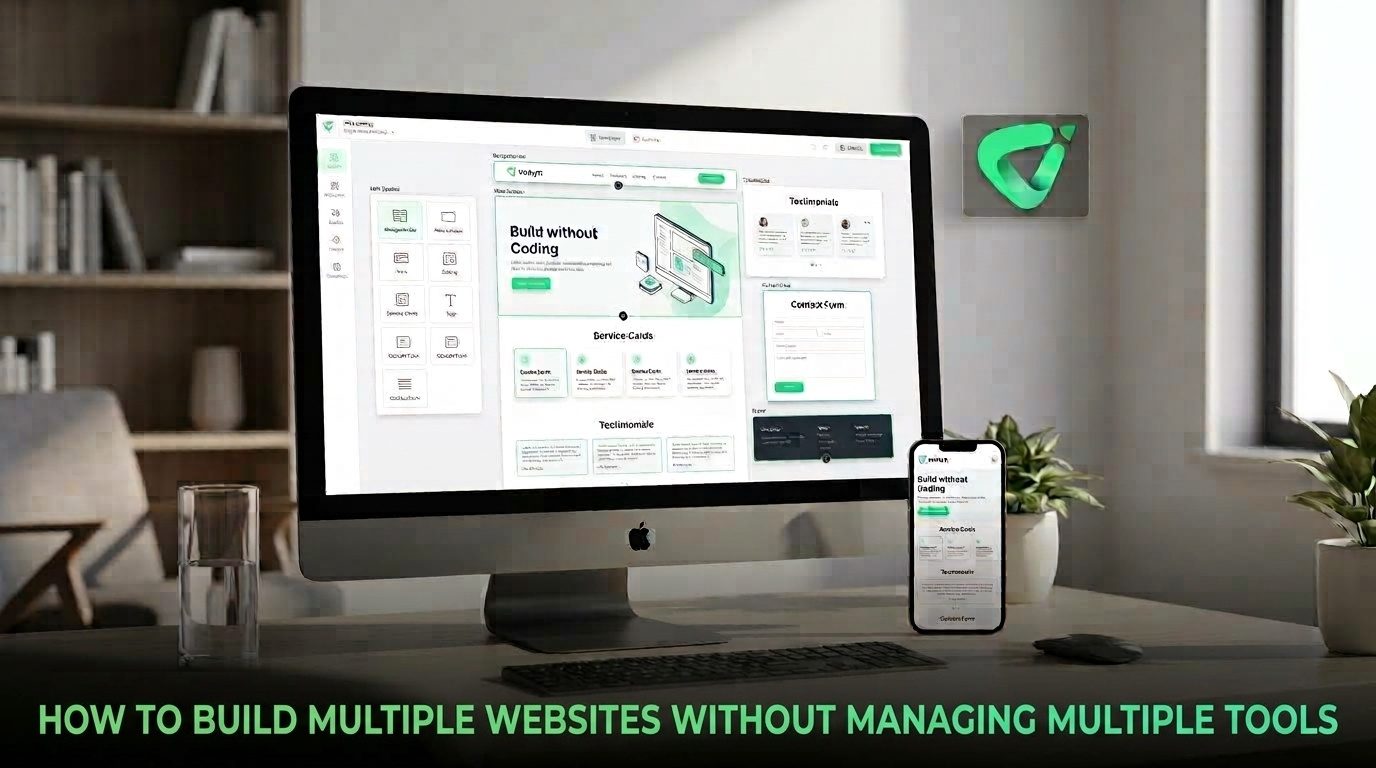
The solution is not necessarily to eliminate every tool. It is to centralize the parts of website management that are repetitive while keeping each site independent where it needs to be. This guide explains how to build a multi-website workflow that is easier to operate as your portfolio grows.
Every additional website introduces another set of recurring responsibilities. You may need to update pages, review forms, check domains, publish content, monitor performance, maintain branding, and keep project information current.
Even analytics platforms reflect this complexity. Google Analytics organizes websites and apps through accounts, properties, and data streams, allowing organizations to structure multiple digital properties under a broader account hierarchy. GGoogle Help
The problem is usually not the number of websites by itself. It is the number of disconnected workflows surrounding them.
Once these tasks multiply, a centralized operating system becomes more valuable than simply adding another specialist tool.
Before consolidating your tools, decide what should remain different from site to site.
A restaurant website, a real estate site, and a consulting firm's website may need completely different content, navigation, imagery, and conversion goals. Trying to make every website identical can create a poor user experience.
Instead, standardize the process behind the websites.
This gives you consistency without forcing every website to look or behave the same way.
If you expect to build several websites, platform architecture should be part of the decision from the beginning. Look for a system that reduces repeated account switching and lets you move between projects without rebuilding your workflow each time.
Volnyn now supports multi-site accounts and current-site switching, allowing multiple sites to exist under one account while retaining their own themes, plugins, and settings. Its May 2026 platform update also notes support for different URL configurations, including subdomains, paths, custom domains, and site slugs. VVolnyn
That distinction matters. Centralization does not have to mean combining every website into one indistinguishable project. The goal is to centralize management while keeping individual websites independent.
For teams and solo operators, this can be a more practical approach than maintaining a separate platform and login for every new project.
Creating multiple websites becomes much easier when the initial production work is repeatable. Instead of starting every project from a blank editor, define the business, audience, purpose, pages, and visual direction, then use those inputs to generate a strong starting point.
Volnyn's AI Website Builder can generate a website from a description, including its structure, content, and design. The platform also provides hundreds of templates and a visual editor for customization. VVolnyn
This is particularly useful when websites follow recognizable patterns. An agency might repeatedly create sites for local businesses. A freelancer might maintain several portfolio and service websites. A company might need separate sites for different brands or campaigns.
The important principle is to treat AI generation as a starting workflow, not a substitute for review. Each site still needs accurate business information, appropriate content, correct links, and a clear conversion path.
Multi-site management becomes harder when the same business information is stored in several unrelated places. A phone number, service description, company bio, pricing detail, or brand statement may eventually appear on a website, presentation, document, and marketing asset.
Centralizing the source information reduces unnecessary copy-and-paste work.
Volnyn's all-in-one workspace brings website creation, site documents, and AI presentations into the same account. Its current product description emphasizes keeping business information and branding together so that updates can be reused across related work. VVolnyn
For multiple websites, this creates a useful operating principle: store reusable information once, then adapt it for each site's audience.
You do not need a complicated management framework. A small system can prevent most of the chaos.
Analytics platforms can support this structure without requiring a completely separate organization for every website. Google explains that an Analytics account can contain multiple properties, while permissions can be managed at different levels. GGoogle Help+1
| Management Area | Centralize | Keep Site-Specific |
|---|---|---|
| Accounts | Primary login and project access | Individual site permissions when needed |
| Brand assets | Approved logos, colors, and core guidelines | Campaign-specific creative |
| Content | Reusable business information and templates | Audience-specific copy |
| Analytics | Reporting process and naming conventions | Each site's goals and performance data |
| Maintenance | Checklists and review schedules | Site-specific fixes and requirements |
This balance is important because excessive centralization can create its own problems. A shared workflow should make websites easier to manage, not make them less useful to their individual audiences.
A centralized approach is especially useful when you are an agency managing client sites, a freelancer running several projects, a company operating multiple brands, or an entrepreneur testing several business ideas.
It can also help when your websites are connected to the same broader workflow. If you are repeatedly moving between a website builder, document editor, presentation tool, and other creation tools, consolidating some of those activities can reduce context switching.
Volnyn is designed around this broader model: its current platform combines AI website creation with other creation tools in one account, while its multi-site capability provides a way to manage separate website projects without treating every project as an entirely separate workspace. VVolnyn+1
Building multiple websites does not automatically require a large technology stack. In fact, adding more tools can make the operation harder to control.
The easiest way to manage multiple websites is not to pretend they are one website. It is to make the workflow around them feel like one system.
Centralize accounts, reusable information, templates, documentation, and recurring processes. Keep each site's content, audience, branding, analytics, and business goals independent where necessary. Then use a platform that supports multiple projects without forcing you to rebuild your management process every time.
If you are starting a portfolio of sites, Volnyn's AI Website Builder can help with the creation side, while its multi-site capabilities and all-in-one workspace are designed to reduce the need to jump between disconnected tools. The result is a simpler setup that can grow with the number of websites you operate.