
Welcome to Volnyn
Sign in or create an account to continue
Continue with Google
or
Sign in with email
New here? Create an account
By continuing, you agree to our Terms of Service
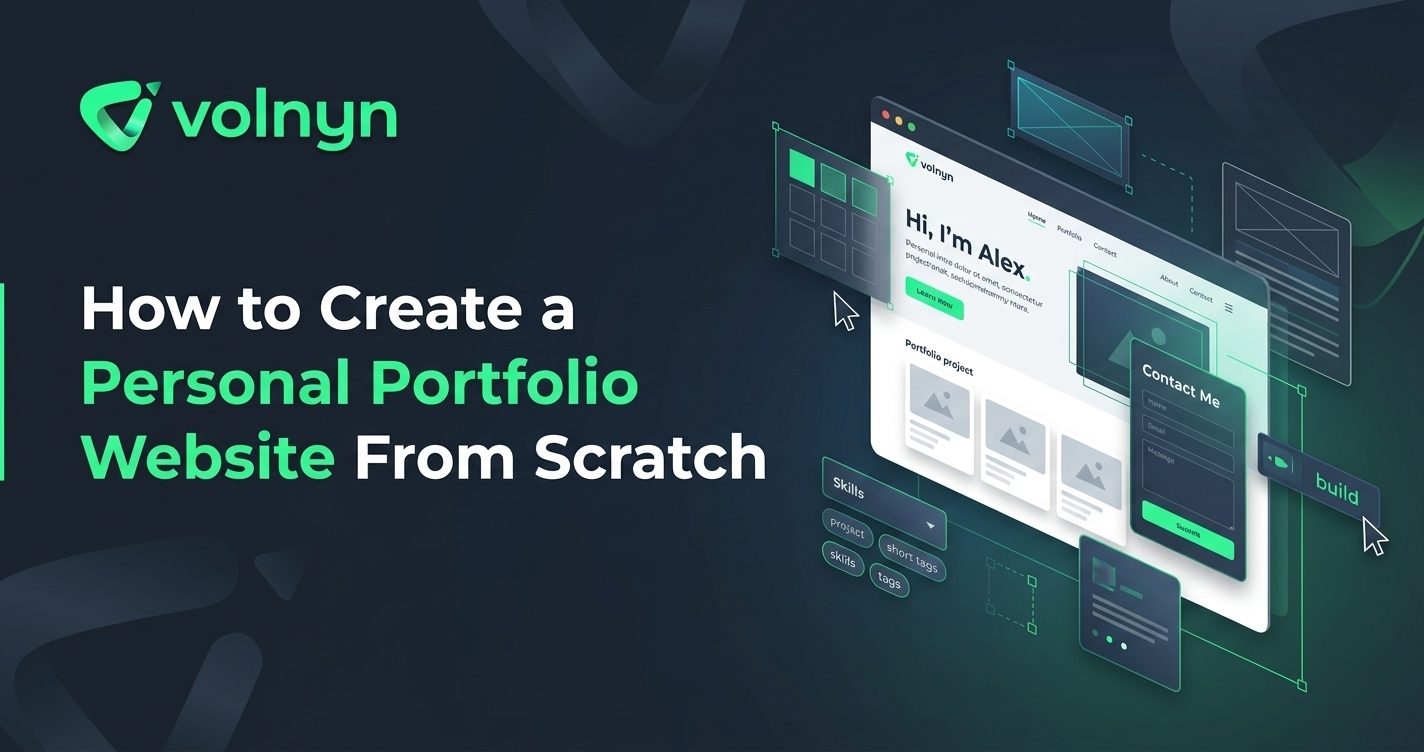
A personal portfolio website gives your work a permanent home online. Instead of relying only on a resume, social profile, or third-party platform, you can create one place where employers, clients, collaborators, or potential customers can understand who you are and see what you can do.
The good news is that you do not need to start with complicated code or a large collection of projects. A strong portfolio begins with a clear purpose, focused content, and a simple structure. This guide walks through how to create a personal portfolio website from scratch, from planning the pages to publishing the finished site.
Start with the outcome you want from the website. A portfolio for a graphic designer may need to attract freelance clients, while a developer might use one to demonstrate technical projects to prospective employers. A photographer, writer, marketer, or student may have different priorities.
Write one sentence describing the site's main purpose. For example: "I want my portfolio to help potential clients understand my services and contact me." This simple statement can guide your content, navigation, project selection, and calls to action.
You do not need dozens of pages. Most personal portfolios can start with a small set of focused sections:
You can add a resume, testimonials, blog, case studies, or dedicated project pages later if they support your goals. The important thing is to avoid adding pages simply because a portfolio template includes them.
A portfolio is not a storage folder for everything you have ever created. Select projects that demonstrate the kind of work you want to be hired or considered for next.
For each project, explain three things: the problem, your contribution, and the outcome. A short case study is often more informative than a gallery of images with no explanation. If you worked as part of a team, clearly state which parts you handled.
If you are just starting out and have limited professional work, create a few thoughtful personal projects. A fictional brand identity, redesign concept, small web application, photography series, writing sample, or other relevant project can demonstrate your process and ability.
Your homepage should quickly answer the questions a new visitor has: Who are you? What do you do? Why should they look at your work?
A useful opening might combine your name, professional role, and a specific value proposition. Instead of a vague statement such as "Welcome to my portfolio," try something more informative, such as "I'm a UX designer creating simple digital experiences for growing businesses."
Follow the introduction with a small selection of your strongest work and a clear next step, such as viewing your projects, downloading your resume, or contacting you.
Your portfolio should make the work easy to evaluate. Use consistent typography, a restrained color palette, clear spacing, and predictable navigation. Let the projects provide much of the visual interest rather than covering every section with decorative effects.
Pay particular attention to mobile layouts. Visitors may open your portfolio from a phone, so project images, navigation, buttons, and text should remain easy to use on smaller screens. Accessibility matters too: readable text and sufficient contrast make the site easier for more people to use. The W3C Web Content Accessibility Guidelines provide useful guidance for accessible web content.
If you know how to code, building a portfolio manually can give you detailed control over the design and functionality. But coding is not a requirement for creating a professional portfolio.
An AI website builder can turn a written description into a starting website, allowing you to focus on the content and presentation rather than building every component from an empty canvas. Volnyn's AI Website Builder can generate portfolio websites from a description, with portfolio templates, customizable layouts, a visual editor, mobile-responsive designs, and the ability to connect a custom domain.
For example, you could describe the site as a personal portfolio for a freelance product designer, specify the types of projects you want to showcase, and then refine the generated structure with your real biography, project images, links, and contact details.
Visitors should not have to guess what they are looking at. Give each featured project a meaningful title and a short description. Where appropriate, include the tools or skills involved, your role, the challenge you addressed, and the result.
Use high-quality images, but do not sacrifice performance for oversized files. Google recommends using relevant, high-quality images and placing them near related content; its image SEO guidance also covers ways to help search engines understand your images.
SEO for a personal portfolio does not require filling every paragraph with keywords. Start with descriptive page titles, useful headings, readable URLs, relevant project descriptions, and meaningful link text.
For example, a page titled "Sarah Khan — UX Designer Portfolio" tells visitors and search engines considerably more than a generic title such as "Home." Google recommends descriptive, concise titles and warns against keyword stuffing. Its title link guidance explains how page titles and prominent headings can influence how pages appear in search results.
If you want your portfolio to attract searches for a particular service or specialty, mention that specialty naturally where it genuinely describes your work.
Before publishing, review the portfolio as if you were a first-time visitor. Check that:
Also ask someone unfamiliar with your work to visit the site and explain what they think you do. If their answer is unclear, simplify the homepage rather than adding more information.
A portfolio should evolve as your work improves. Remove outdated projects, add stronger examples, update your experience, and review your contact information periodically.
You do not need to redesign the entire website every few months. A clear structure makes small improvements easier, whether you are adding a new case study, changing your services, or updating your professional introduction.
Creating a personal portfolio website from scratch is mainly an exercise in deciding what you want people to understand about your work. Define the site's purpose, choose a focused collection of projects, organize the essential information, design for clarity, and test the experience before publishing.
If you want to avoid starting from a blank canvas, Volnyn's AI Website Builder can provide a portfolio-focused starting point that you can customize with your own content, images, colors, and project details. That lets you spend less time assembling the basic website structure and more time making the portfolio genuinely yours.