
Welcome to Volnyn
Sign in or create an account to continue
Continue with Google
or
Sign in with email
New here? Create an account
By continuing, you agree to our Terms of Service
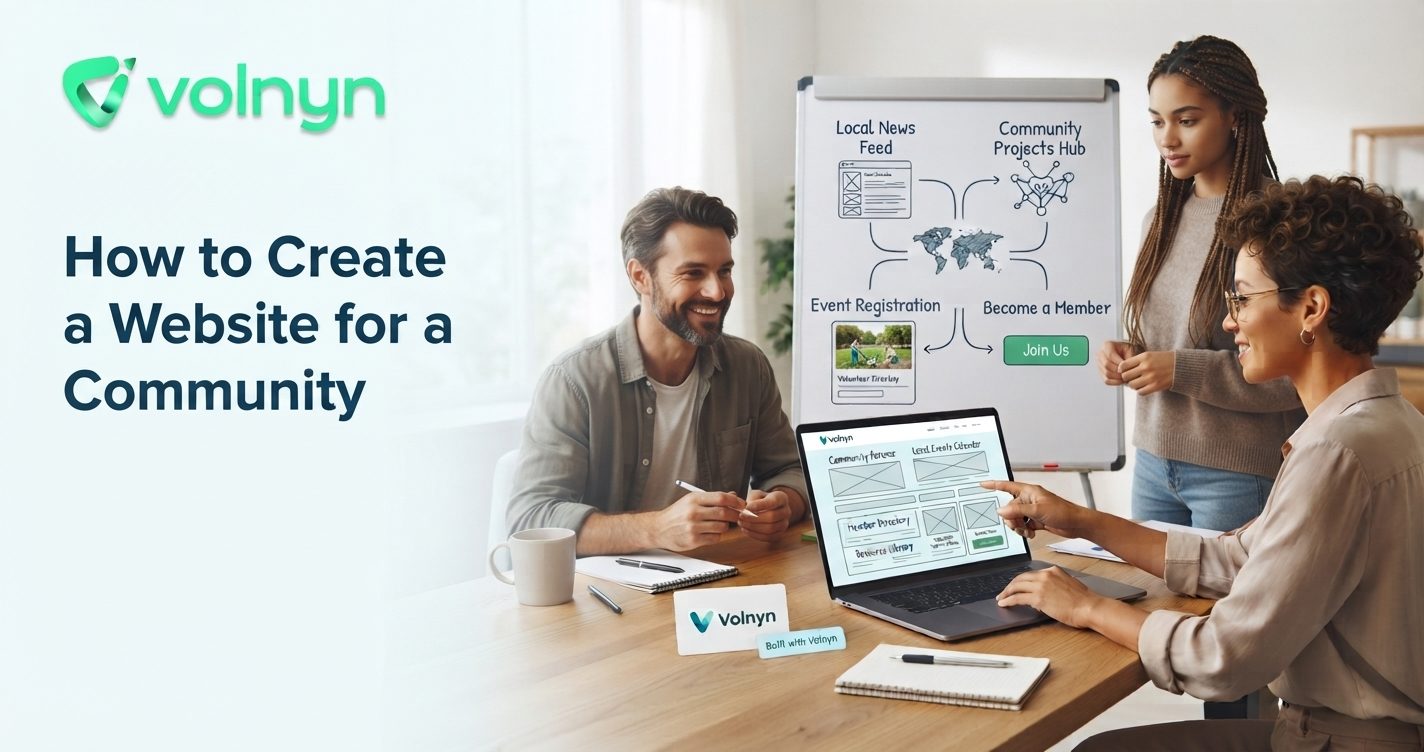
Creating a website for a community is less about building a complicated platform and more about giving people a clear place to find information, participate, and stay connected. Whether the community is a neighborhood group, professional network, hobby club, nonprofit, association, or online interest group, the website should make participation easier.
This guide explains how to create a community website, what pages and features to prioritize, and how to design it so visitors can quickly understand what the community offers and what they can do next.
Start with the community itself, not the website builder. Write down who the site is for, what connects those people, and what you want the website to help them accomplish.
For example, a neighborhood community may need local announcements, an events calendar, useful resources, and contact information. A professional community may need member profiles, opportunities, educational resources, and events. A hobby community may focus more heavily on discussions, guides, meetups, and member-created content.
A useful starting statement is:
“This community helps [specific group] connect around [shared interest or goal] and makes it easier to [specific outcome].”
That statement can guide your navigation, homepage content, calls to action, and future features.
A community website does not need dozens of pages at launch. It needs a structure that answers the questions visitors are most likely to have.
Keep the navigation predictable. People should not have to search through several layers of menus to find an event, contact method, or important announcement.
A common mistake is treating a community website like a digital brochure. A community needs reasons for people to return.
Think about the recurring activities that keep your particular group active. That might mean publishing upcoming events, highlighting member stories, sharing opportunities, collecting questions, publishing new resources, or directing visitors toward an existing discussion space.
You do not need every possible community feature immediately. Start with the actions your members already want to take.
For example, if a local volunteer group primarily needs to recruit volunteers and announce events, a clear events page and simple sign-up process may be more useful than building a complex member portal.
The homepage should answer three questions quickly: What is this community? Who is it for? What should I do next?
A practical homepage structure could be:
Avoid filling the first screen with organizational history or long paragraphs. Visitors should be able to understand the community before they need to read its full story.
Community websites should be usable by as many members as possible. Accessibility is not an optional design detail; it affects whether people can actually navigate and understand the information you publish.
Use descriptive headings, meaningful link text, alternative text for informative images, sufficient color contrast, and keyboard-accessible controls. The W3C Web Accessibility Initiative provides practical guidance on making websites perceivable, operable, understandable, and accessible.
Semantic headings also help people scan content and help assistive technologies understand the structure of a page. W3C recommends using heading levels logically rather than choosing headings only because they look visually appealing.
Your technical requirements should follow your community's actual needs.
| Community need | Useful website approach |
|---|---|
| Announcements and resources | Simple content-focused website |
| Events and registrations | Website with event and form capabilities |
| Member information | Website with appropriate directory or account functionality |
| Discussions and collaboration | Website connected to or incorporating community discussion tools |
| Donations or payments | Website with an appropriate payment or donation flow |
If your needs are primarily informational, you may not need a complex community platform. If you need accounts, private content, payments, or extensive member-to-member interaction, confirm that your chosen platform supports those requirements before building.
For communities that want to get a site online without coding, Volnyn's AI website builder can generate a website from a plain-language description, after which you can customize the structure and content visually. Volnyn currently offers community-relevant starting categories and capabilities including events, nonprofits, charities, business directories, blogs, and other website types. {"fallbackMarkdown":"([Volnyn](https://volnyn.com/ai-website-builder?utm_source=chatgpt.com))","reference":{"matched_text":"","prefix":null,"start_idx":10688,"end_idx":10720,"safe_urls":["https://volnyn.com/","https://volnyn.com/?utm_source=chatgpt.com","https://volnyn.com/ai-website-builder","https://volnyn.com/ai-website-builder?utm_source=chatgpt.com"],"refs":[],"alt":"([Volnyn](https://volnyn.com/ai-website-builder?utm_source=chatgpt.com))","prompt_text":null,"type":"grouped_webpages","items":[{"title":"AI Website Builder — Create a Website in Minutes | Volnyn","url":"https://volnyn.com/ai-website-builder?utm_source=chatgpt.com","attribution":"Volnyn","pub_date":null,"snippet":"","attribution_segments":null,"supporting_websites":[{"title":"Volnyn — AI Website Builder & All-in-One AI Workspace","url":"https://volnyn.com/?utm_source=chatgpt.com","pub_date":null,"snippet":"","attribution":"Volnyn"}],"refs":[{"turn_index":0,"ref_type":"search","ref_index":1},{"turn_index":0,"ref_type":"search","ref_index":4}],"hue":null,"attributions":null}],"status":"done","style":null,"error":null,"fallback_items":null},"showLoginRequiredCard":false}
A brand-new community website can feel empty if the first visitor sees a blank events page, unfinished resources section, or placeholder copy.
Prepare enough material to make the site useful from day one. That could include a welcome message, community guidelines, several useful resources, upcoming events, frequently asked questions, and an explanation of how people can participate.
Use real names, dates, photographs, links, and information wherever possible. AI-generated drafts can help accelerate the writing process, but important community information should be reviewed by a real person before publication.
Community websites often involve information about real people. Decide early what information should be public and what should remain restricted.
Do not publish member contact details simply because they were collected during registration. If you create member profiles or directories, explain what information is displayed and give members appropriate control over their information.
If visitors can submit comments, listings, links, images, or other user-generated content, establish clear community rules and a process for handling inappropriate material. Google also recommends taking care with links submitted by users because user-generated content can introduce links you do not control. Google's SEO Starter Guide discusses this and other practical search considerations.
Community members may discover the site through search, social media, email, printed materials, event invitations, or word of mouth. Use the community's actual name and purpose consistently across the website.
Write descriptive page titles and headings instead of vague labels. Google recommends clear, concise, unique titles and warns against keyword stuffing. Relevant internal links can also help visitors and search engines discover related content. {"fallbackMarkdown":"([Google for Developers](https://developers.google.com/search/docs/fundamentals/seo-starter-guide?rd=1&visit_id=639248340942624794-830484566&utm_source=chatgpt.com))","reference":{"matched_text":"","prefix":null,"start_idx":12877,"end_idx":12909,"safe_urls":["https://developers.google.com/search/docs/appearance/title-link","https://developers.google.com/search/docs/appearance/title-link?utm_source=chatgpt.com","https://developers.google.com/search/docs/fundamentals/seo-starter-guide?rd=1&visit_id=639248340942624794-830484566","https://developers.google.com/search/docs/fundamentals/seo-starter-guide?rd=1&visit_id=639248340942624794-830484566&utm_source=chatgpt.com"],"refs":[],"alt":"([Google for Developers](https://developers.google.com/search/docs/fundamentals/seo-starter-guide?rd=1&visit_id=639248340942624794-830484566&utm_source=chatgpt.com))","prompt_text":null,"type":"grouped_webpages","items":[{"title":"SEO Starter Guide: The Basics | Google Search Central | Documentation | Google for Developers","url":"https://developers.google.com/search/docs/fundamentals/seo-starter-guide?rd=1&visit_id=639248340942624794-830484566&utm_source=chatgpt.com","attribution":"Google for Developers","pub_date":null,"snippet":"","attribution_segments":null,"supporting_websites":[{"title":"Influencing Title Links in Google Search | Google Search Central | Documentation | Google for Developers","url":"https://developers.google.com/search/docs/appearance/title-link?utm_source=chatgpt.com","pub_date":null,"snippet":"","attribution":"Google for Developers"}],"refs":[{"turn_index":1,"ref_type":"search","ref_index":0},{"turn_index":1,"ref_type":"search","ref_index":1}],"hue":null,"attributions":null}],"status":"done","style":null,"error":null,"fallback_items":null},"showLoginRequiredCard":false}
For example, instead of a page titled “Information,” use something more specific such as “Local Volunteer Opportunities” or “Community Events.” The clearer the wording, the easier it is for both visitors and search engines to understand the page.
You do not need to solve every community need before launch. Publish the essential pages, test the important forms and links, check the mobile experience, and ask several members to navigate the site without assistance.
Watch where people get confused. Which information do they repeatedly ask for? Which pages are difficult to find? Which events attract attention? Use those observations to decide what to improve next.
If your community grows, you can gradually add new sections and functionality. Volnyn's broader workspace also brings websites, site documents, and presentations together in one place, which can be useful when the same team needs to maintain website information and supporting materials. {"fallbackMarkdown":"([Volnyn](https://volnyn.com/all-in-one-workspace?utm_source=chatgpt.com))","reference":{"matched_text":"","prefix":null,"start_idx":13951,"end_idx":13970,"safe_urls":["https://volnyn.com/all-in-one-workspace","https://volnyn.com/all-in-one-workspace?utm_source=chatgpt.com"],"refs":[],"alt":"([Volnyn](https://volnyn.com/all-in-one-workspace?utm_source=chatgpt.com))","prompt_text":null,"type":"grouped_webpages","items":[{"title":"All-in-One Workspace – Websites, Docs & Slides | Volnyn","url":"https://volnyn.com/all-in-one-workspace?utm_source=chatgpt.com","attribution":"Volnyn","pub_date":null,"snippet":"","attribution_segments":null,"supporting_websites":[],"refs":[{"turn_index":0,"ref_type":"search","ref_index":0}],"hue":null,"attributions":null}],"status":"done","style":null,"error":null,"fallback_items":null},"showLoginRequiredCard":false}
The best community website is not necessarily the one with the most features. It is the one that makes the community easier to understand, easier to join, and easier to participate in.
Start with a clear purpose, build a simple information structure, prioritize the activities members actually care about, and publish useful content before launch. Then improve the website based on real questions and behavior from the people it serves.
If you want to turn your community idea into a working website without starting from a blank canvas, Volnyn's AI website builder can provide a starting structure from a plain-language description, with visual editing available afterward. That makes it practical to test your community's website concept and refine it as the group grows.