
Welcome to Volnyn
Sign in or create an account to continue
Continue with Google
or
Sign in with email
New here? Create an account
By continuing, you agree to our Terms of Service
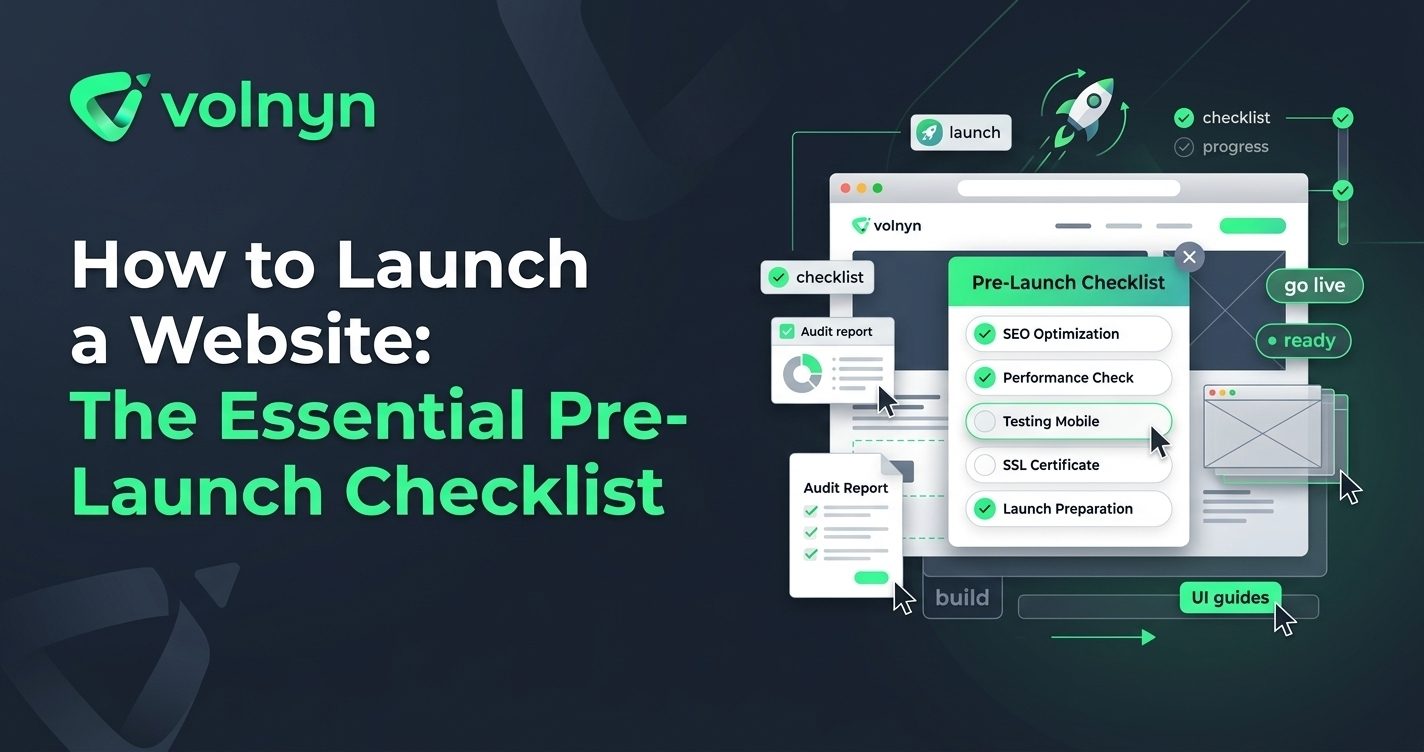
Launching a website is more than clicking “Publish.” A site can look finished and still have broken links, missing information, poor mobile layouts, unfinished SEO settings, or forms that do not work. A short pre-launch review can catch these problems before visitors do.
This checklist walks through the essential steps for launching a website, from confirming your content and domain to testing mobile usability and checking how search engines can discover your pages.
Before launch, make sure the website has one clear primary goal. That might be generating enquiries, selling products, booking appointments, showcasing a portfolio, publishing content, or helping customers understand a service.
Review the homepage and ask three simple questions:
Every important page should support that purpose. Remove sections that add clutter without helping visitors understand the offer or take the next step.
A website does not need dozens of pages to launch, but the pages it does have should feel complete. For many businesses, that means a homepage, about page, service or product pages, contact page, and any other pages required for the specific business model.
Before publishing, check every page for:
Replace placeholder copy, stock details, temporary images, and unfinished sections. A smaller website with complete information is usually more useful than a larger site that still feels like a draft.
Your domain is the address visitors use to reach the website, so confirm that the intended domain is connected correctly before launch. Test the domain from a fresh browser session and make sure the site loads using HTTPS.
Also check that the preferred version of the website resolves consistently. You do not want visitors or search engines encountering unexpected variations of the same site because of configuration issues.
If you are using a website builder, review its domain and publishing settings before going live. Volnyn's AI Website Builder, for example, supports connecting a custom domain and publishing a responsive website after customization.
Do not treat mobile testing as an optional final detail. Open the site on a real phone and check the experience from a visitor's perspective.
Look specifically for:
Also test the most important user journey on mobile. If your goal is to receive an enquiry, complete the enquiry process yourself. If you sell products, walk through the purchasing flow. Testing the actual task is more useful than simply checking whether the page “looks responsive.”
A broken button can undermine an otherwise polished website. Click every important navigation link and call to action, including links in the header, footer, contact sections, and prominent content blocks.
Then test forms from start to finish. Submit a test enquiry and confirm that the expected confirmation appears and that the submission reaches the correct destination.
Pay particular attention to:
Do not assume a feature works because it worked during development. Test the live version of the website.
SEO does not need to delay a launch, but the fundamentals should be in place. Each important page should have a descriptive, unique title and useful page content that clearly explains what the page is about. Google recommends clear, concise titles and explains that search snippets can be generated from page content as well as meta descriptions.
Review your page headings, URLs, internal links, image descriptions where appropriate, and other basic on-page elements. Use descriptive SEO practices recommended by Google Search Central rather than trying to optimize every sentence around a keyword.
After launch, consider using Google Search Console to monitor how Google crawls and indexes the site. Google notes that submitting a sitemap through Search Console can help with discovery and provides reports for monitoring search performance.
Visitors should be able to understand and use the website without unnecessary friction. Test the site on different devices and connection speeds where possible. Compress oversized images, remove unnecessary elements, and make sure important content is available without excessive waiting.
Accessibility deserves the same attention. Check color contrast, heading structure, keyboard navigation, readable text, form labels, and meaningful alternative text for important images. Google's developer guidance recommends that websites be secure, fast, accessible, and functional across devices.
On launch day, avoid making dozens of changes at once. Use a short checklist so the final review is repeatable.
| Check | What to Verify |
|---|---|
| Domain | The correct domain opens the live website over HTTPS. |
| Content | No placeholder text, unfinished sections, or incorrect business details remain. |
| Mobile | Pages, navigation, forms, and buttons work on a phone. |
| Links | Important internal and external links lead to the intended destinations. |
| Forms | Submissions work and reach the correct destination. |
| SEO | Important pages have clear titles, useful content, and sensible URLs. |
| Performance | Large images and unnecessary elements have been reviewed. |
A website launch is the beginning of the optimization process, not the end of it. Once the site is live, watch how visitors use it and look for practical opportunities to improve navigation, content, calls to action, and search visibility.
This is one reason it can be useful to start with a manageable first version rather than waiting until every possible feature is finished. A focused website can go live, generate real feedback, and evolve as you learn more about your audience.
If you want to shorten the technical work involved in getting a site online, Volnyn's AI Website Builder can generate a website structure, content, and design from a description, with templates, customization, hosting, and domain options available through the platform. You can then review the content, adjust the design, test the site, and publish it when it is ready.
Knowing how to launch a website is less about completing a complicated technical ritual and more about checking the details that affect real visitors. Define the site's purpose, finish the essential content, verify the domain, test mobile usability, check every important interaction, review basic SEO, and confirm that the live site works as expected.
A careful pre-launch checklist gives you a better starting point. Once the website is live, use real visitor behavior and search data to decide what deserves improvement next.