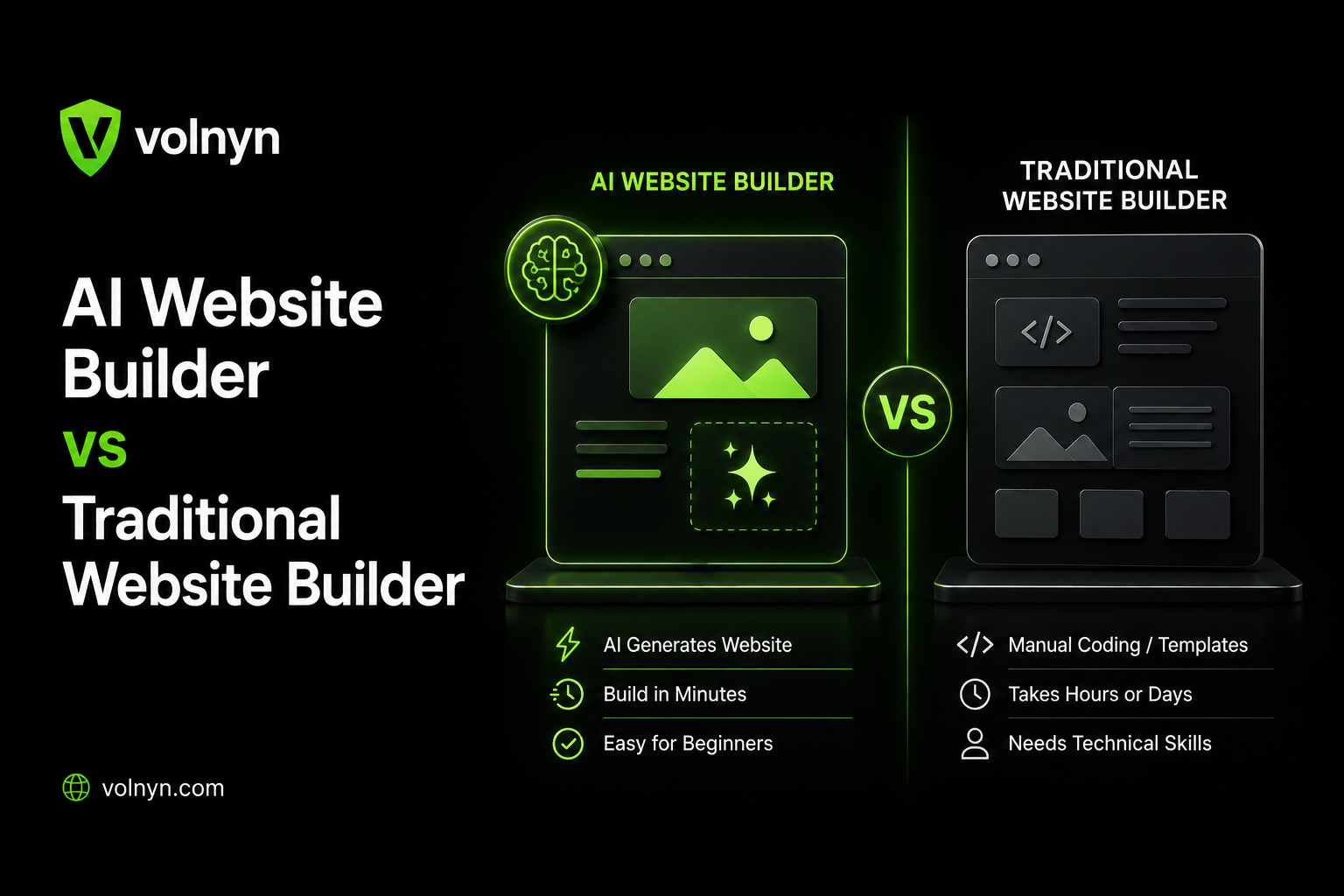
The short answer: AI website builders can get a business website from an idea to a working first version with less manual setup, while traditional website builders and development workflows can give you more control over how the site is built and customized.
Neither approach is automatically better for every website.
If you need a simple business website, portfolio, service site, or landing page and want to reduce the amount of manual setup, an AI website builder can be a practical starting point. If you need highly specific functionality, unusual integrations, or complete control over the underlying implementation, a traditional CMS, visual builder, or custom development workflow may make more sense.
The important question is not simply “AI or traditional?”
It is:
How much of the initial website creation do you want automated, and how much control will you need after the site is generated?
In this guide, we'll compare AI website builders and traditional website-building approaches across speed, cost, design control, SEO, maintenance, ownership, scalability, integrations, and long-term flexibility.
What's the Difference Between an AI Website Builder and a Traditional Website Builder?
The biggest difference is how the website gets started.
A traditional visual website builder generally gives you templates, sections, blocks, and design controls. You choose the structure, add pages, write or paste the content, select images, and adjust the design yourself.
An AI website builder can automate much of that initial work. You describe the business, audience, goals, services, or desired website in natural language, and the platform may generate some combination of the site structure, page layouts, copy, imagery, and other starting elements.
For example, instead of starting with a blank editor, you might provide a brief such as:
“Create a professional website for a local accounting firm that offers tax preparation, bookkeeping, and business consulting.”
The AI can then use that information to create a starting website that you can review and edit.
This does not mean every AI website builder works in exactly the same way. Some focus heavily on generating complete websites, while others use AI to assist with individual sections, content, layouts, or code.
That is why comparing the underlying workflow is more useful than simply putting every platform into an “AI” or “traditional” category.
For a closer look at how AI website creation works, see our guide on how AI website builders work.
AI Website Builder vs Traditional Website Builder: How the Workflows Differ
There are actually several different approaches to building a website today.
1. AI-first website builders
These platforms use AI to automate part of the initial website creation process.
You provide information about what you want, and the platform generates a starting point that you can refine.
Best suited to:
You can explore Volnyn's AI website builder to see this type of workflow in practice.
2. Traditional visual website builders
These generally rely more heavily on templates, sections, blocks, and manual editing.
You still benefit from visual tools, but more of the initial design and content decisions are made by you.
This approach can work well when you want to control the structure and appearance of the site without necessarily writing the code yourself.
3. CMS-based websites
A content management system such as WordPress can provide much more flexibility through themes, plugins, custom code, and integrations.
However, that flexibility can also introduce additional decisions around hosting, updates, plugins, security, backups, and maintenance.
4. Custom development
Custom development gives you the greatest control over the underlying implementation, but it generally requires more technical expertise, development time, and ongoing resources.
So the real comparison is not simply:
AI vs traditional.
It is closer to:
More automation → more manual control → more custom development.
Modern platforms increasingly sit somewhere between these extremes.
Speed: How Quickly Can You Build a Website?
Speed is one of the biggest practical differences between an AI website builder and a traditional workflow.
With an AI website builder, the initial structure can be generated from a description rather than assembled section by section. That can reduce the amount of repetitive setup required before you have something usable to review.
A traditional visual builder usually requires more manual decisions:
However, there is an important distinction:
Generating a website is not the same as finishing a website.
An AI-generated site may give you a strong starting point, but you still need to check:
Business information
Claims and facts
Brand messaging
Images
Calls to action
Navigation
Mobile layouts
SEO settings
Forms
Links
Accessibility
Overall user experience
So the fairest comparison is:
AI website builders can reduce the time needed to create the initial version, but the time required to produce a polished, accurate, business-ready website still depends on how much editing and customization the project needs.
If speed is your main concern, you may also want to read our guide on how long it takes to build a website with AI.
Learning Curve: Which Approach Is Easier for Beginners?
Traditional visual builders are generally easier than coding from scratch, but they still require you to make many design decisions.
You may need to understand:
Sections and layouts
Typography
Spacing
Navigation
Responsive design
Images
Forms
Page structure
Basic SEO settings
AI website builders reduce some of that initial decision-making.
Instead of asking:
“Which layout should I choose?”
you can start with:
“Create a clean website for a small photography business with a portfolio, about page, services section, testimonials, and contact form.”
The platform can then provide a starting structure.
That makes AI website builders particularly useful for people who know what they want their website to accomplish but don't know exactly how to design every section.
If you have no coding background, our guide on building a professional website without knowing how to code covers the broader workflow.
Cost: Is an AI Website Builder Actually Cheaper?
The answer depends on what you are comparing.
A website's total cost can include much more than the platform subscription.
Consider:
Hosting
Domain registration
Premium templates
Plugins
AI usage
Developer time
Design work
Maintenance
Security
Ecommerce features
Third-party integrations
Some AI website builders bundle several of these features into one platform. That can reduce the number of separate services you need to manage.
Traditional visual builders can also be affordable, particularly when you build the website yourself. Costs can increase when you add premium features, third-party services, plugins, or professional development.
For custom websites, development costs can be substantially higher because you are paying for specialized design and engineering work.
A better way to compare website costs
Instead of asking:
“Which platform has the cheapest monthly plan?”
ask:
“What will this website cost me to build, operate, maintain, and change over the next few years?”
That is a much more useful measure of total cost.
For example, a platform that costs slightly more each month may still be less expensive overall if it reduces the need for separate hosting, plugins, maintenance, and developer work.
If you're specifically comparing free and paid approaches, see free vs paid website builders.
Design Control and Customization
This is where traditional approaches can have a meaningful advantage.
A traditional visual builder may give you detailed controls over:
Spacing
Typography
Sections
Layouts
Colors
Components
Animations
Navigation
Responsive behavior
Custom development can provide even greater control because the site can be built specifically around the project's requirements.
AI website builders approach the problem differently.
Instead of giving you a completely blank canvas, they generate a starting structure based on your input. You then refine that structure.
This can be an advantage for beginners because you don't have to make every design decision from scratch.
But it also creates a trade-off:
The more unusual your requirements become, the more important granular customization becomes.
For a standard service business, a generated starting point may be more than enough.
For a highly specialized web application, a custom development workflow may be more appropriate.
AI Website Builder vs Traditional Website Builder for SEO
One of the most common misconceptions is that websites created with AI automatically perform worse in Google.
The technology used to create a website is not, by itself, a guarantee of search performance.
A website needs strong fundamentals, including:
Helpful and relevant content
Clear site structure
Crawlable pages
Descriptive titles and metadata
Internal linking
Mobile usability
Good page performance
Appropriate structured data where relevant
Clear navigation
Accurate information
A good user experience
An AI-generated website can have strong SEO fundamentals if those elements are implemented correctly.
A traditionally built website can also perform poorly if its content is thin, its structure is confusing, or important technical SEO elements are missing.
Where AI can help with SEO
Many modern website builders can automate or simplify some SEO-related tasks, such as:
However, automatic SEO features are not a substitute for SEO strategy.
You still need to decide:
What each page should target
Which search intent it satisfies
How pages should link to one another
What information users need
Which content deserves to exist
Whether generated copy is accurate and useful
For example, an AI tool might generate a page about a plumbing business, but it cannot automatically know every important fact about the business unless that information is provided or verified.
For businesses building their website around lead generation, our guide to creating a lead-generation website provides a useful practical example.
Website Performance: AI Does Not Automatically Mean Faster
Another misconception is:
“AI-built websites are automatically faster.”
That's not necessarily true.
Performance depends on how the finished website is implemented.
Factors can include:
Image sizes
Image formats
JavaScript
Third-party scripts
Fonts
Hosting infrastructure
Page complexity
Videos and animations
Code quality
Caching
Content delivery
An AI-generated website can still become slow if it contains unnecessarily large images, excessive scripts, or heavy third-party integrations.
Likewise, a traditionally built website can be extremely fast when it is properly optimized.
So performance should be evaluated based on the finished website, not simply the technology used to create it.
Maintenance and Security
Maintenance is another area where the underlying platform matters more than the “AI” label.
With a fully hosted website builder, the provider generally handles much of the infrastructure, platform updates, and server-side maintenance.
That can make the system easier for a non-technical website owner.
Self-hosted platforms can require more hands-on management.
For example, a self-hosted CMS may involve:
Plugin updates
Theme updates
Core updates
Compatibility checks
Security monitoring
Backups
Performance optimization
This does not mean self-hosted platforms are bad. Their additional maintenance requirements can come with greater flexibility and control.
The important question is:
How much technical responsibility do you want to manage yourself?
Ownership and Migration: What Happens If You Want to Leave?
This is one of the most important questions people often forget to ask before choosing a website builder.
Before committing to a platform, check:
Can you export your content?
Can you move your domain?
Can you export images?
Can you access your website data?
Can you migrate blog posts?
Can you export product information?
Can you move the design elsewhere?
Can you retain your URLs?
Migration is particularly important because a website's content and design are not necessarily portable in the same way.
A platform may allow you to export text and media while still making it difficult to transfer the complete editable website to another system.
That is why you should understand the platform's export and migration options before investing heavily in a website.
If owning your domain is important to your business, see why your own domain matters.
Scalability: What Happens When Your Business Grows?
A website that works perfectly for five pages may not be the right solution for a website with hundreds of pages, complex workflows, or multiple integrations.
Before choosing a platform, think about where the website may be two or three years from now.
You may eventually need:
More pages
A blog
Ecommerce
Customer accounts
Booking functionality
Marketing automation
Analytics
CRM integrations
Multiple team members
Advanced forms
Custom applications
Multiple languages
An AI website builder can be a practical starting point for many standard websites.
But if your requirements are likely to become highly specialized, check the platform's integration, customization, export, and development options before committing.
Integrations and Advanced Functionality
A simple business website might only need:
Contact forms
Analytics
Social links
Email
A booking system
A growing company may eventually need:
CRM integration
Payment processing
Inventory management
Marketing automation
Customer accounts
Advanced APIs
Custom databases
Internal business tools
This is where platform capabilities matter more than whether a builder uses AI.
Some AI-first platforms offer integrations and advanced tools, while traditional platforms may provide large ecosystems of plugins and extensions.
If you need a very specific workflow, check the actual integration and API capabilities of the platform rather than assuming they are available because the platform is marketed as an AI website builder.
AI Website Builder vs Traditional Website Builder: Quick Comparison
| Factor | AI Website Builder | Traditional Visual Builder / CMS | Custom Development |
|---|
| Initial setup | Highly automated | More manual | Fully manual/custom |
| Learning curve | Usually lower | Moderate | High |
| Initial design | AI-generated starting point | Template or blank canvas | Designed specifically |
| Design control | Varies by platform | Usually high | Very high |
| SEO | Depends on platform and implementation | Depends on platform and implementation | Fully controllable |
| Maintenance | Often lower on hosted platforms | Varies | Usually requires technical resources |
| Custom functionality | Platform-dependent | Often expandable | Highest flexibility |
| Integrations | Depends on available tools | Often broad | Can be built specifically |
| Migration | Platform-dependent | Platform-dependent | More control over implementation |
| Best suited for | Fast launches and standard sites | Flexible DIY websites | Complex, specialized projects |
The important point is that there is no universal winner across every category.
Each approach optimizes for something different.
The Hybrid Reality: AI and Traditional Website Building Are Converging
The old idea that AI website builders are completely automated while traditional website builders are completely manual is becoming less accurate.
Modern platforms increasingly combine both approaches.
For example, Wix has moved further toward an AI-assisted workflow while continuing to provide manual editing capabilities. That illustrates a broader industry trend: AI is increasingly being added to existing visual website-building workflows rather than replacing manual editing entirely.
Volnyn follows a similar hybrid concept. Its AI website builder can generate a starting website from a description, while the resulting site can then be refined rather than treated as a finished product that requires no human input.
This is an important distinction.
The real question is increasingly:
How much of the initial website creation should AI handle before you take over with manual editing?
For many users, the answer is neither “everything” nor “nothing.”
Who Should Use an AI Website Builder?
An AI website builder can make sense if you:
Need a website quickly
Don't have strong design skills
Don't want to start from a blank canvas
Need a standard business website
Want to create a portfolio
Run a small service business
Want to test a business idea
Prefer a hosted solution
Want AI assistance with initial content and layout
For small businesses, you can also explore Volnyn's website builder for small businesses.
If you're building a service-based business website, the dedicated website builder for services is another relevant option.
Who Should Use a Traditional Builder or Custom Development?
A traditional visual builder, CMS, or custom development workflow may make more sense if you:
Need detailed design control
Already understand website design
Need specialized functionality
Depend on specific plugins or integrations
Need advanced ecommerce features
Need a complex content structure
Require custom application behavior
Need extensive control over the underlying implementation
Have developers or technical resources available
The key isn't that traditional development is “better.”
It is that greater control can become more valuable as the complexity of the project increases.
How to Choose Between an AI and Traditional Website Builder
Instead of choosing based on marketing claims, answer these questions.
1. How complex is the website?
If you need a few standard pages, AI can reduce setup work.
If you need a complex web application, investigate customization and development capabilities first.
2. How much design control do you need?
If you want to start with an automatically generated structure, AI may be useful.
If you want to control every layout decision from the beginning, a traditional visual builder or custom workflow may suit you better.
3. How much technical maintenance can you handle?
If you don't want to manage hosting, updates, or infrastructure, a fully hosted platform can reduce the technical workload.
4. What integrations will you need?
Make a list before choosing the platform.
Don't assume that a feature exists simply because the platform uses AI.
5. How important is portability?
If you expect to move platforms later, investigate domain ownership, content export, data portability, and migration options before building hundreds of pages.
6. What will the website need in two years?
Don't only build for today's requirements.
Consider whether you'll eventually need:
Ecommerce
Bookings
More pages
Team access
CRM integrations
Advanced analytics
Custom functionality
7. How much time do you actually want to spend building?
This may be the most practical question.
If you want to focus on your business rather than manually assembling every website section, AI can reduce the initial workload.
Common Misconceptions About AI Website Builders
“AI-built websites always look generic.”
Not necessarily.
The quality of the starting point depends on the platform, the information you provide, the design system being used, and how much you refine the result.
A vague prompt can produce a generic result.
A detailed business brief gives the AI much more useful information to work with.
For more guidance, see how to write the perfect prompt for an AI website builder.
“Traditional website builders always rank better in Google.”
There is no simple rule that says a website will rank better merely because it was created with a traditional builder.
Search performance depends on the quality and relevance of the finished website, its technical implementation, content, structure, and other SEO factors.
“AI builders can't handle business websites.”
Some AI website platforms are designed specifically for business websites, but the available features vary.
Before choosing one, check whether it supports the pages, forms, ecommerce features, integrations, SEO controls, and other functionality your business actually needs.
“AI means I don't need to edit anything.”
This is one of the most important misconceptions to avoid.
AI can generate a useful starting point, but you should still review:
Facts
Brand voice
Business information
Claims
Images
Navigation
Calls to action
SEO
Mobile layouts
The goal should be to use AI to reduce repetitive work, not to remove human review entirely.
“I have to stay with one approach forever.”
Not necessarily.
A business can start with a relatively simple website and later move to a more advanced setup as its requirements grow.
However, migration can involve technical and content limitations, so portability should be considered before investing heavily in any platform.
FAQ
Is an AI website builder cheaper than a traditional website builder?
It can be, particularly when the platform bundles hosting, design tools, AI features, and other services into one plan.
But there is no universal cost advantage. Compare the complete cost of hosting, domains, plugins, AI usage, maintenance, development, and other services.
Will an AI-built website rank worse than a manually built website?
Not simply because it was built with AI.
The finished site's content, structure, technical implementation, usability, and other SEO factors matter more than the label attached to the website-building method.
Can I switch from an AI website builder to a traditional platform later?
Sometimes, but migration options vary.
You may be able to move your domain, content, or media without being able to transfer the entire editable website exactly as it appears.
Check the platform's export and migration options before you commit.
Do traditional website builders use AI now?
Yes. The distinction between AI and traditional website builders is becoming less clear because many established platforms now provide AI-assisted design, content generation, or website creation alongside manual editing.
Which option is better for someone with zero technical or design experience?
An AI website builder generally provides a lower starting barrier because it can generate a structured starting point from a description.
However, beginners should still check whether the platform provides the SEO, customization, integrations, analytics, and support they need.
Do I need a developer if I use an AI website builder?
Not necessarily.
For a standard business website, many users can create and edit the site themselves.
Developer involvement becomes more useful when the project requires custom functionality, advanced integrations, complex databases, or capabilities that the platform doesn't provide.
Final Takeaway
The choice between an AI website builder vs traditional website builder is not really a choice between “easy” and “professional.”
It's a choice between different levels of automation, control, and technical responsibility.
An AI website builder can be useful when your priority is getting a solid starting website without manually designing every section from scratch.
A traditional visual builder can make sense when you want more direct control over the design and editing process.
A CMS or custom development workflow becomes more relevant when the project needs greater flexibility, specialized functionality, or deeper technical control.
For most people, the best starting point is to define the website's actual requirements first:
What pages do you need? What functionality do you need? How much customization will you require? Who will maintain the website? Can you migrate later? And how much time do you want to spend building it?
Once those questions are clear, choosing between an AI website builder and a traditional website-building approach becomes much easier.